 Starting your winter arc? 🥶 Get

React text animations
19 text animationsLive previewFull source in your repo
Headline effects for React, from a CSS shimmer on a single element to split text that staggers in letter by letter. Copy any one into your project, and the words stay real text that search engines and screen readers can read.
Works with
- React
- Next.js
- TypeScript
- Tailwind CSS
CSS text animations with no animation library
Effects run by CSS keyframes and background-clip text: a shimmer sweep, an RGB glitch, a drifting gradient fill, flowing line art, a 3D letter wave and hover underlines.
 Text ShimmerA CSS shimmer sweep for headlines, one single element and entirely GPU-friendly.
 Text GlitchA chromatic clip-path glitch for headlines, CSS-only and entirely GPU-friendly.
 Text SpectrumAn animated multi-stop color wash that drifts endlessly through headlines.
 Line Fill TextBold type filled with flowing curved linework that bends round the cursor.
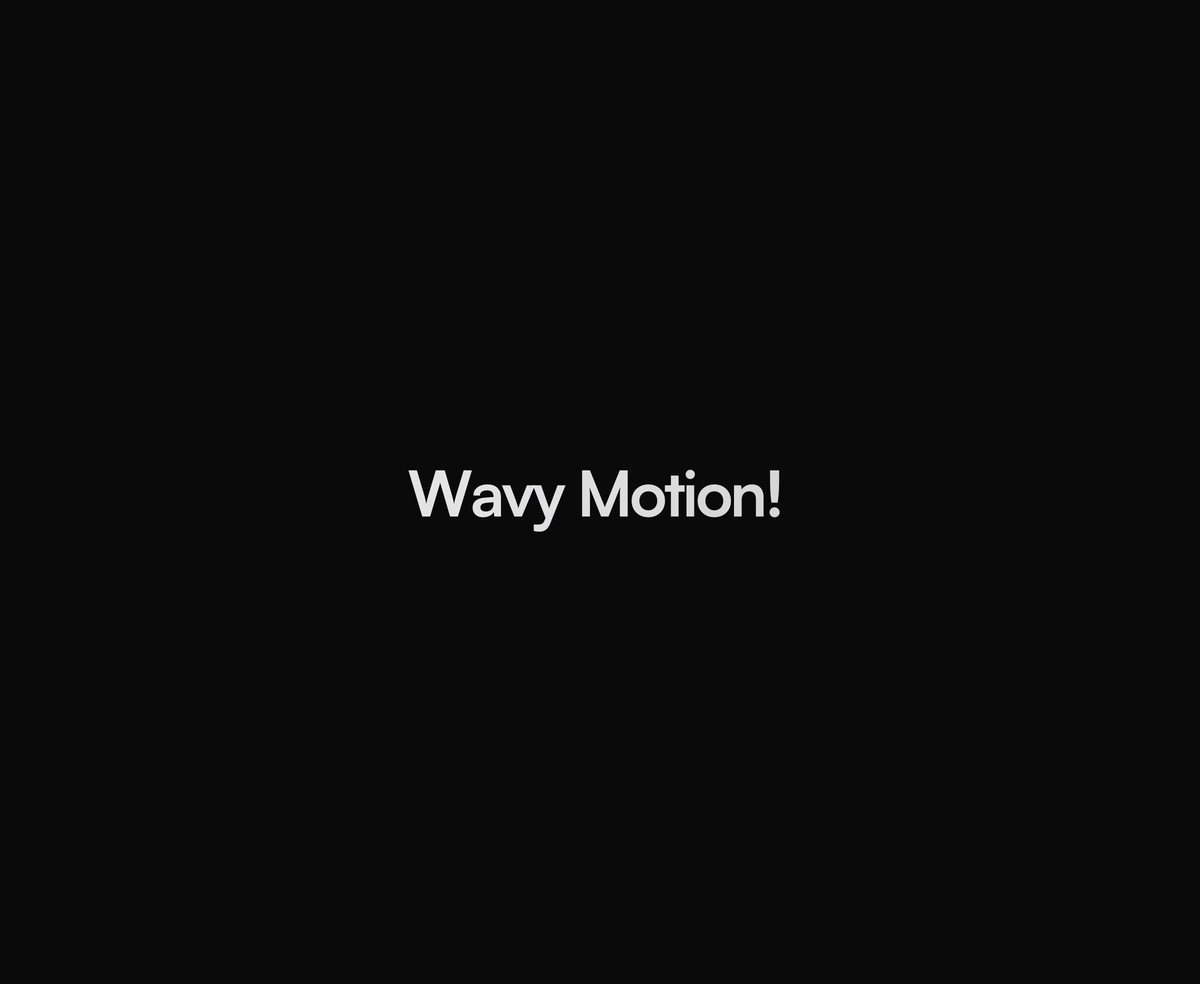
 Text RippleA 3D character ripple with a traveling color crest, CSS-only and GPU-light.
 Underline AnimationCSS hover underlines for links: slide, center, fill, wavy, and gradient.
Split text and scroll reveal animations in Framer Motion
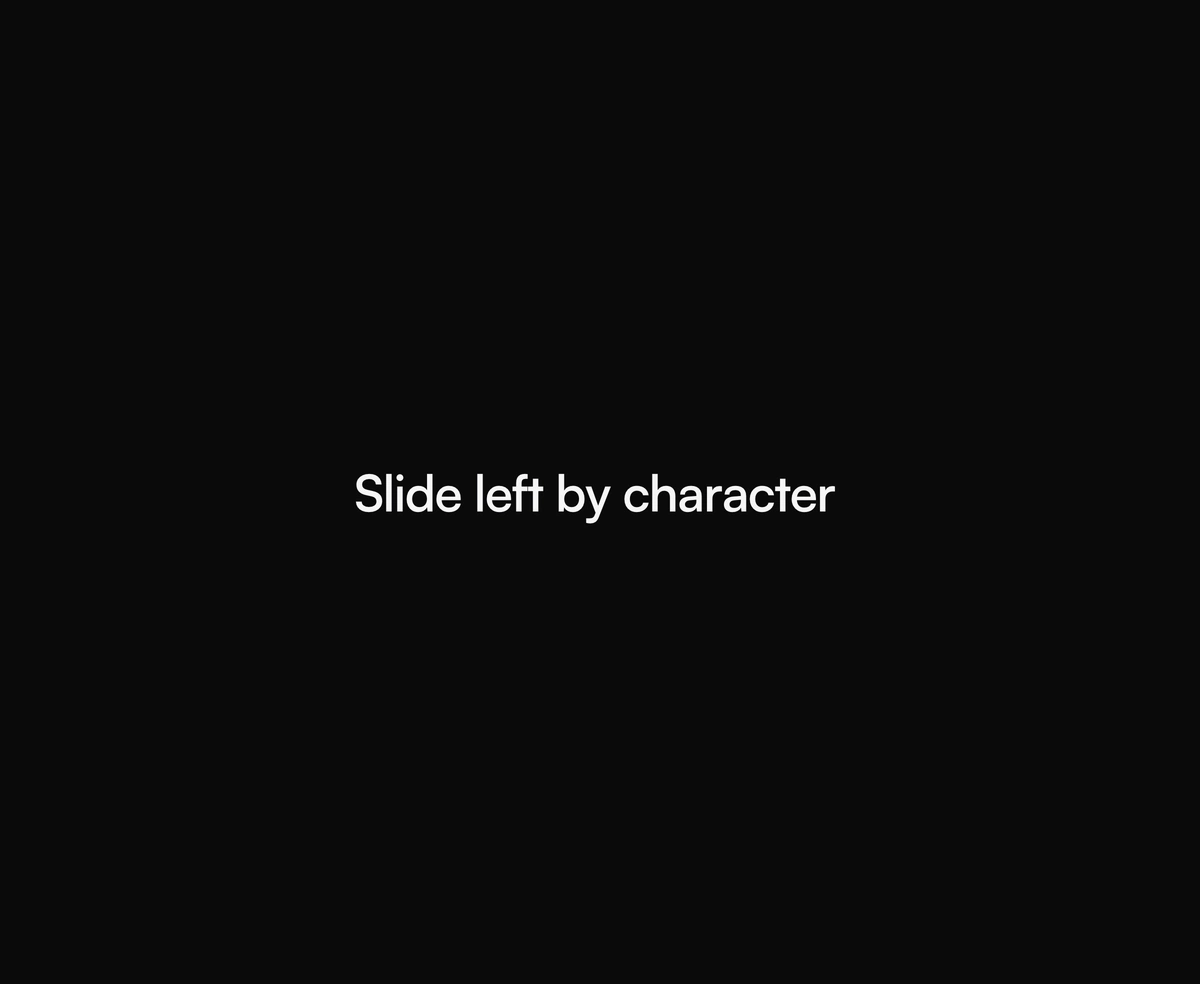
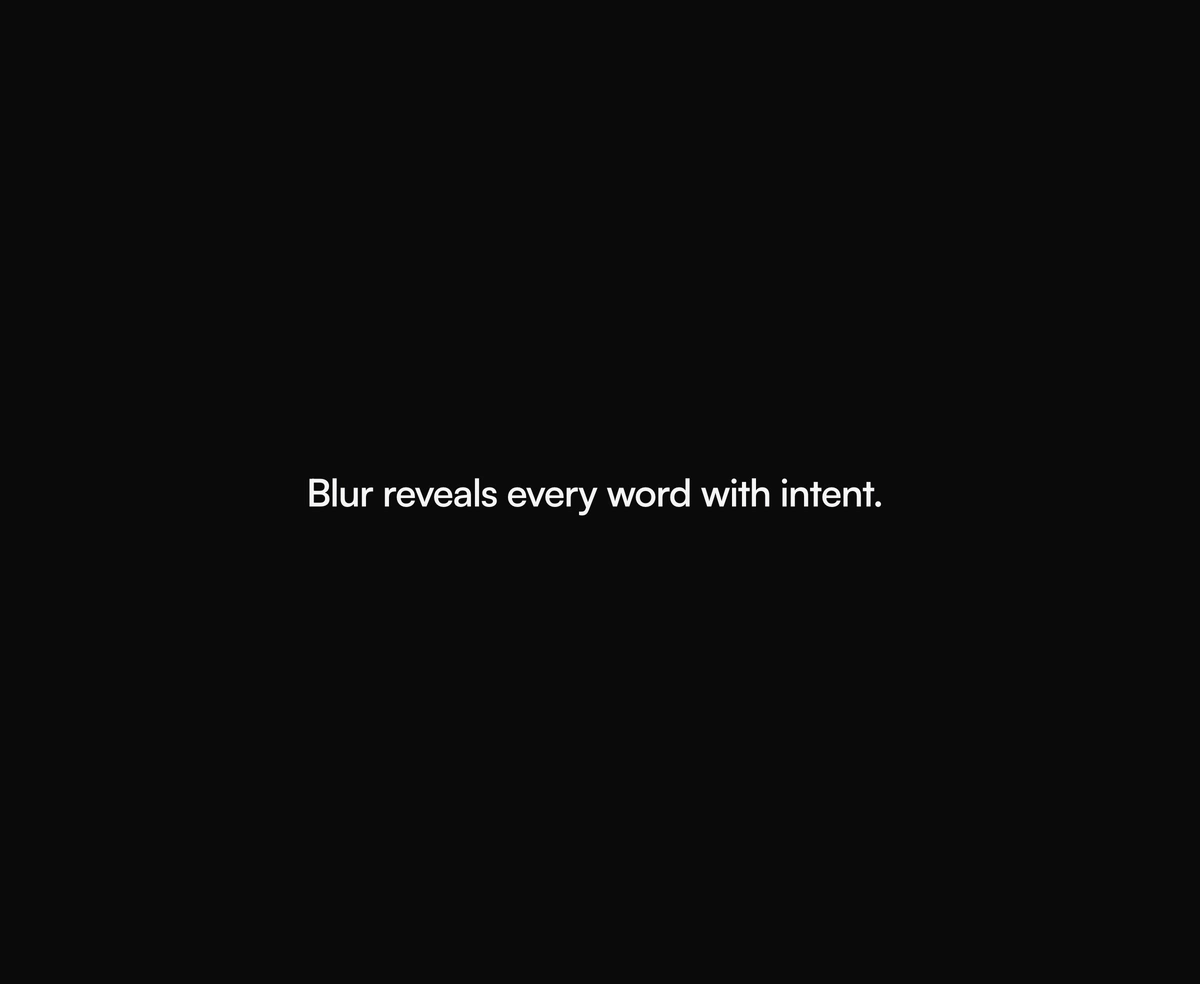
Split a headline by character, word or line and stagger the pieces in, on mount or as it scrolls into view. Screen readers still hear the whole sentence once.
Rotating text and word swap animations
Swap the key word of a headline on a timer, with a letter by letter blur, a spring flip or a gooey morph. Keep the phrase you want indexed in the static words around it.
Highlighter, scribble, 3D flip, curved path and particle text effects
Marks drawn over real text, letters that turn like cube faces, phrases riding an SVG path and a headline resolved from particles. New text animations appear here as they ship.
 Chrome TextLiquid chrome text effect: inflated metal letters with sliding glints and sparkles.
 Text PathSVG text riding a curved wave, arc, or circle path on a seamless, light loop.
 Particle TextLoading-ring canvas particles that slowly resolve into solid letterforms.
 Text Chroma RevealA chromatic ribbon sweep that paints each of your headlines cleanly into view.
 Text FlipA 3D character flip on hover, staggered and springy across every single letter.
 Text HighlightA hand-placed highlighter band that sweeps in behind your text and tracks wrapping.
 Text ScribbleHand-drawn scribble, squiggly underline, strike, circle, and box marks for text.
How to animate text in React without hurting SEO or accessibility
A text animation moves the letters, the words or the fill of a piece of text rather than the box around it. In React there are three ways to build one. CSS can animate a single element, its gradient fill or its pseudo elements. JavaScript can split the string into one span per letter or word and stagger them. And canvas or WebGL can draw the text as pixels. Each way has a different cost in markup, accessibility and page weight, so the technique matters as much as the look.
Most headline effects need nothing beyond CSS. Gradient text is a background clipped to the glyphs with background-clip set to text and the text colour made transparent. Animate that background's position with keyframes and you get Text Shimmer's band of light or Text Spectrum's drifting colour wash, on one element with no spans at all. Because the fill comes from the background, ordinary text colour classes do nothing to it, which is why both take their colours as props. Text Glitch works the same way through two pseudo element layers with offset clip paths, so the headline stays one element.
Letter by letter motion needs the text split first, because browsers do not expose individual letters to animate. GSAP's SplitText plugin is the best known tool for that job. In React the components here split the string while rendering instead, then stagger the pieces with Framer Motion. Text Char Slide divides its duration by the character count, so a short headline and a long one finish in the same time, and Text Cycle and Text Flip split by grapheme rather than by character, so emoji and accented letters stay whole.
Splitting has an accessibility cost that is easy to miss. A screen reader that meets one span per letter can read the word out letter by letter. The fix is to hide the animated pieces from assistive technology and expose the full string once, which is what the split text components here do. Every one of them also checks prefers-reduced-motion and shows the finished text instead of the movement.
Search engines read the server HTML, so check what an animation leaves in it. Effects built on a single element, such as Text Shimmer, Text Spectrum and Text Glitch, keep the headline as ordinary text, and an as prop on most components renders it as a real h1 or h2. Word rotators are the exception: Text Cycle and Text Word Flip only render the current word, so put the phrase you want to rank for in the static text around them. Text Morphing keeps all of its phrases in the server HTML, and Particle Text and Chrome Text keep the real string underneath the drawing.
Performance follows from the same choice. A gradient sweep on one element is cheap at any length. One span per character is fine for a headline and wasteful for a paragraph, which is why Text Ripple is meant for short headlines only. Animations that loop forever should stop when nobody can see them, and Text Shimmer, Text Glitch, Text Spectrum, Text Path and Text Ripple all pause off screen.