Text Cycle
Cycles through your headline words with a soft per-character blur stagger.
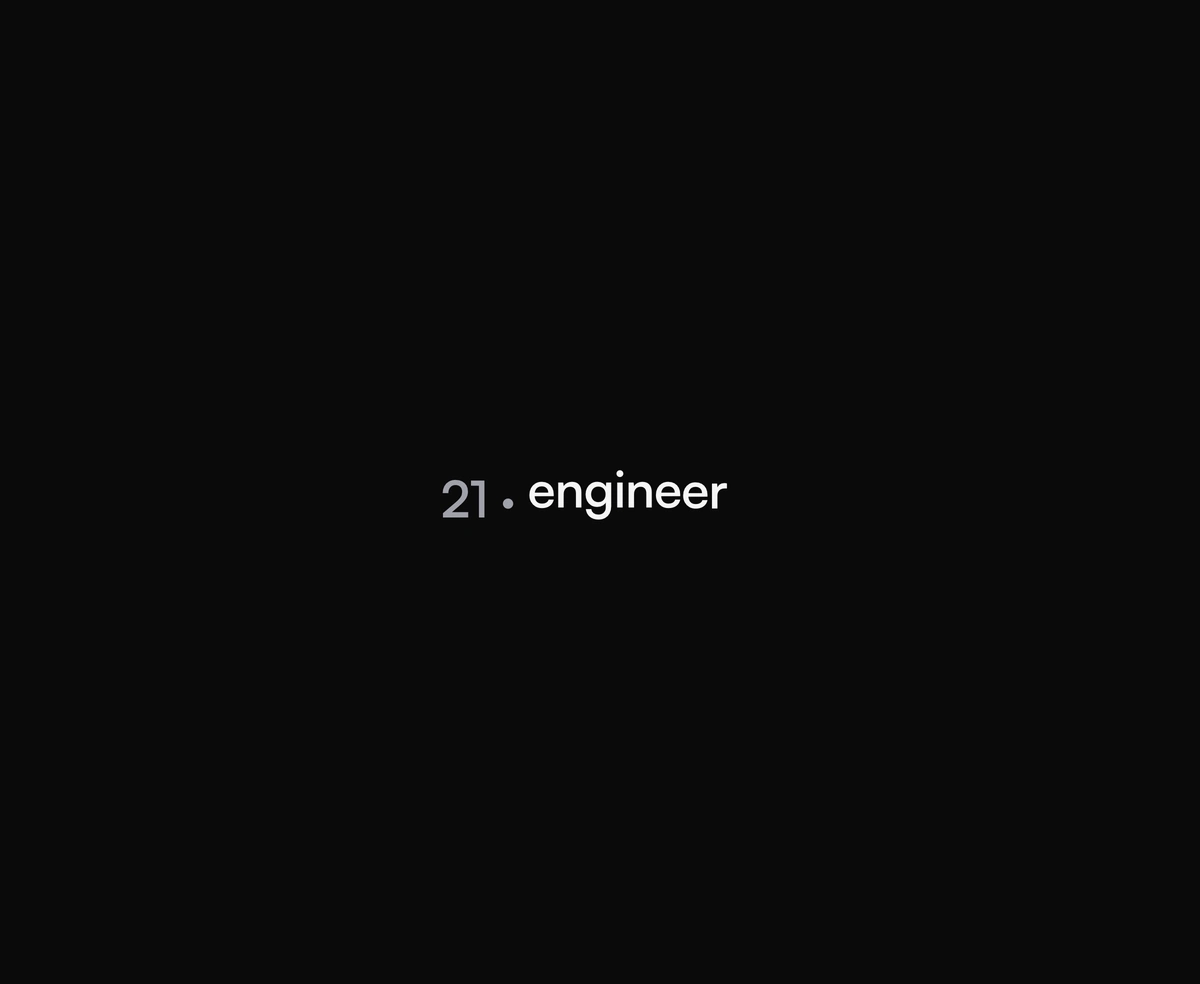
Overview
Text Cycle is a React and Tailwind CSS rotating text animation that swaps headline words on an interval, in Next.js or any React app, animated with Framer Motion. Each word enters and leaves letter by letter with a soft blur, and emoji stay intact because text is split by grapheme. The current word is announced politely to screen readers, it can pause, and reduced motion holds the active word still, with as setting the tag. Only the current word is in the markup at any moment, so keep the phrase you want indexed in the static text around it.
Installation
Run the following command
pnpm dlx wensity@latest add text-cycle
Usage
Import TextCycle from @/components/wensity/text-cycle and render it anywhere in your React or Next.js app. The source lands in your own repo, so every prop, class and animation below is yours to edit.
import { TextCycle } from "@/components/wensity/text-cycle";export default function Example() {return (<p className="font-display text-4xl font-semibold"><span className="text-muted-foreground">21 · </span><TextCycle words={["engineer", "developer", "designer"]} /></p>);}
Props
| Prop | Type | Default | Description |
|---|---|---|---|
words | string[] | ["engineer","developer","designer"] | Words to cycle through in order. |
interval | number | 2500 | Hold time per word before advancing, in milliseconds. |
charClassName | string | - | Class applied to each character span. |
paused | boolean | false | Pause the cycle on the current word. |
as | "p" | "span" | "div" | "h1" | "h2" | "h3" | "h4" | "h5" | "h6" | "span" | Element to render. Pass a heading tag when the cycling word is the whole headline. |
Featured in React hero section components.