Fluted Glass
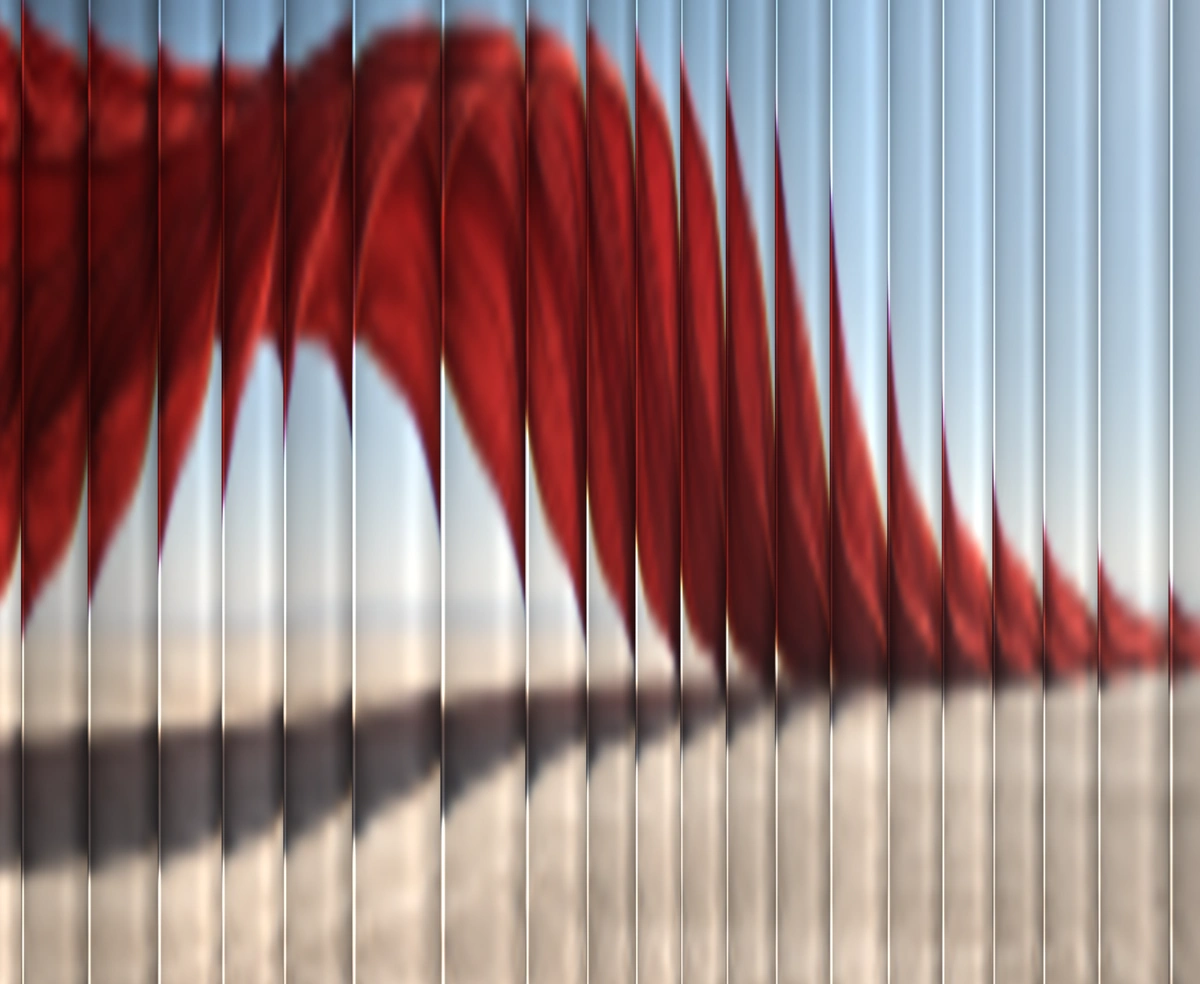
ProAny photo seen through fluted glass, sliced into soft ribs that follow the pointer.
Overview
Fluted Glass is a React and Tailwind CSS WebGL effect that shows any photo through a pane of reeded glass, in Next.js or any React app, with no dependencies. Every rib is a small cylindrical lens that squeezes a wider slice of the image, darkens at its edges, and catches a glint where it meets the next, with widths that wander like poured glass. The picture sways slowly and slides with the pointer. It caps pixel density, pauses off screen, in hidden tabs, and once settled, and reduced motion shows one frame. The image host must allow cross origin requests.
Installation
Run the following command
pnpm dlx wensity@latest add fluted-glass
Usage
Import FlutedGlass from @/components/wensity/fluted-glass and render it anywhere in your React or Next.js app. The source lands in your own repo, so every prop, class and animation below is yours to edit.
import { FlutedGlass } from "@/components/wensity/fluted-glass";export default function Hero() {return (<FlutedGlassclassName="h-[560px] w-full"src="https://assets.wensity.com/photos/experimental-surreal/red-fabric-desert.webp"ribs={20}diffusion={0.7}><div className="grid h-full place-items-center text-4xl font-semibold text-white">Seen through glass</div></FlutedGlass>);}
Props
| Prop | Type | Default | Description |
|---|---|---|---|
src | string | "https://assets.wensity.com/photos/experimental-surreal/red-fabric-desert.webp" | Photograph behind the glass. Bold colour shapes read best. The host must allow cross-origin image requests. |
alt | string | "" | Accessible description of the picture. Leave it empty when the backdrop is decorative. |
ribs | number | 20 | Number of ribs across the width. |
diffusion | number | 0.7 | How much the glass softens the picture, 0 keeps it sharp. |
refraction | number | 0.55 | How hard each rib bends the picture, 0 to 1. |
variation | number | 0.55 | How much the rib widths wander. 0 keeps them even. |
aberration | number | 0.35 | Colour split at the rib edges, 0 to 1. |
shade | number | 0.7 | Darkening toward each rib edge, 0 to 1. |
glint | number | 0.65 | The thin light line where two ribs meet, 0 to 1. |
parallax | number | 0.6 | How far the picture slides with the pointer, 0 to 1. |
speed | number | 1 | Idle sway speed. 0 holds the picture still until the pointer moves. |
focus | [number, number] | [0.5, 0.5] | Focal point of the picture, 0 to 1 on each axis, kept in frame when the stage crops it. |
dpr | number | - | Render scale. Defaults to the device ratio, capped at 2. |
paused | boolean | false | Freeze on the current frame. |
children | ReactNode | - | Content layered above the glass. |
Featured in React 3D components.