Animated 3D Folder
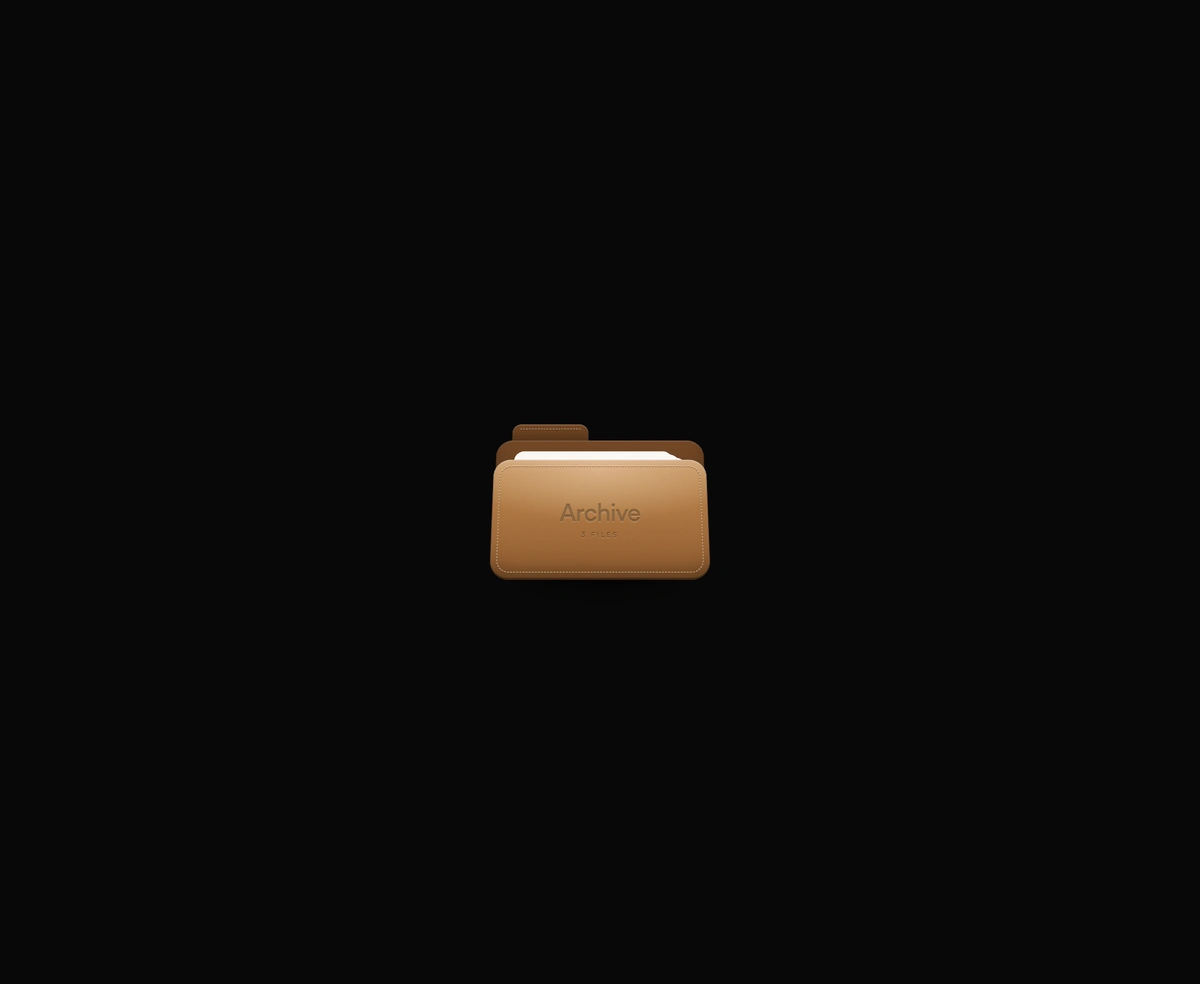
ProA real CSS 3D folder that tilts toward your cursor, drops its cover open, and lifts its files into a stepped index.
Overview
Animated 3D Folder is a React and Tailwind CSS folder animation built in true CSS 3D, in Next.js or any React app, with a stitched cover and debossed label. It leans toward the mouse, the cover swings down on a bottom hinge with light aware shading, and three files rise into a stepped index. It is a real button with an expanded state, opening with Enter or Space and closing with Escape, and reduced motion opens it instantly. Tone, size, and label are props, and open can be controlled. Tilt follows a mouse only, so touch shows it straight on.
Installation
Run the following command
pnpm dlx wensity@latest add lifted-archive-folder
Usage
Import LiftedArchiveFolder from @/components/wensity/lifted-archive-folder and render it anywhere in your React or Next.js app. The source lands in your own repo, so every prop, class and animation below is yours to edit.
import { LiftedArchiveFolder } from "@/components/wensity/lifted-archive-folder";export default function Example() {return <LiftedArchiveFolder tone="kraft" size="md" label="Q3 Reports" />;}
Props
| Prop | Type | Default | Description |
|---|---|---|---|
tone | "kraft" | "graphite" | "cobalt" | "kraft" | Folder stock color palette. |
size | "sm" | "md" | "lg" | "md" | Visual scale relative to the 320×260 artboard. |
label | string | "Archive" | Name debossed into the stitched cover. |
tilt | boolean | true | Tilts the folder toward the mouse pointer. |
defaultOpen | boolean | false | Starts the folder open (uncontrolled). |
open | boolean | - | Controlled open state. |
onOpenChange | (open: boolean) => void | - | Fires when open state changes. |
Featured in React 3D components.