Siri Orb
ProA glassy WebGL sphere with a prism ribbon sweeping a full spectrum through it.
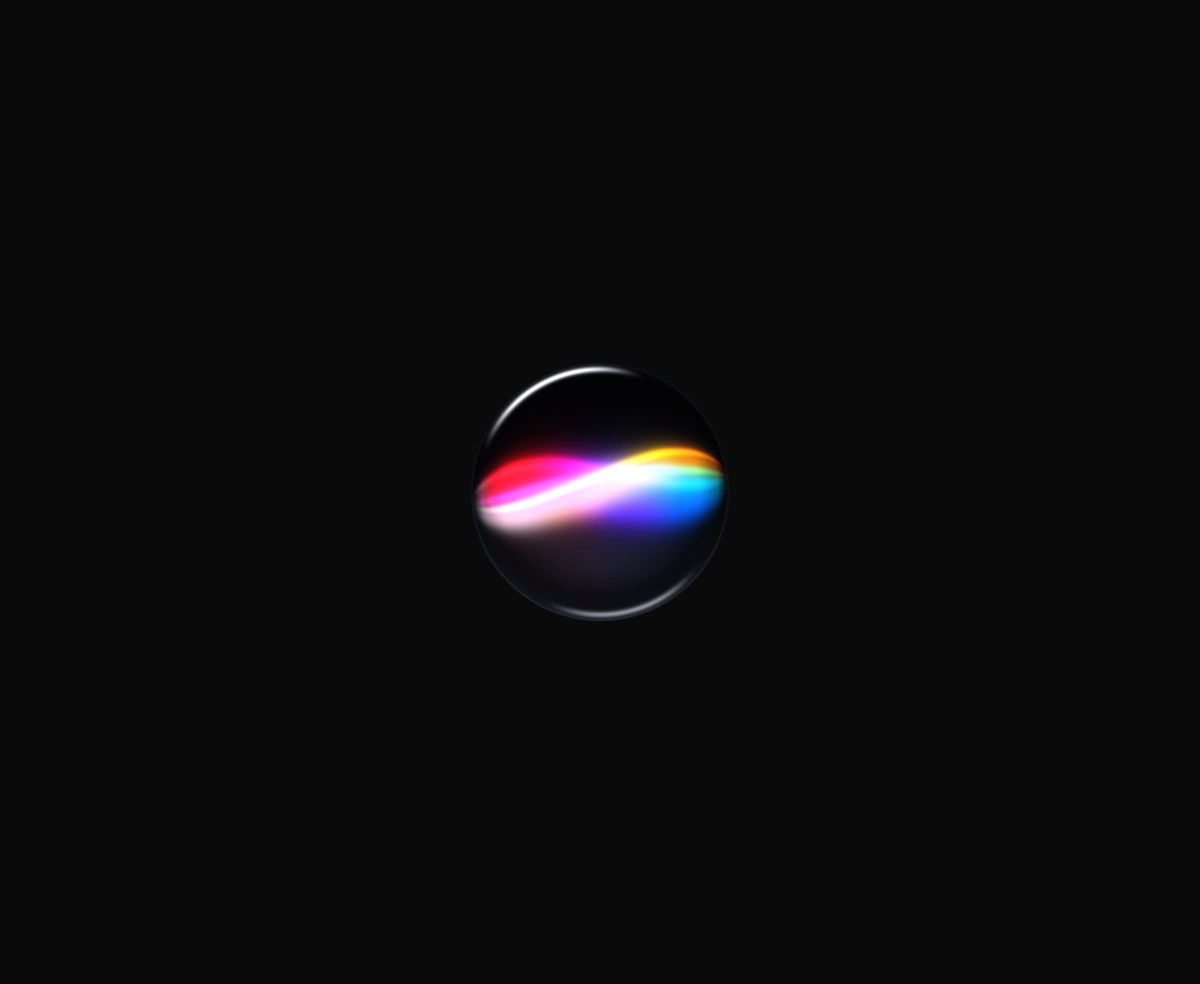
Overview
Siri Orb is a React and Tailwind CSS glass sphere for voice and AI assistants, in Next.js or any React app, rendered in WebGL with no libraries. Three strands of light fold through the middle, each carrying a spectrum along its length, and they cross into white where they meet. Speed, intensity, hue, and strand length are props. Dark mode shows smoked glass lit from inside, light mode shows clear glass, and reduced motion holds a still frame. Auto theme watches the dark class on the html element, so pass theme when your app uses a media query instead.
Installation
Run the following command
pnpm dlx wensity@latest add siri-orb
Usage
Import SiriOrb from @/components/wensity/siri-orb and render it anywhere in your React or Next.js app. The source lands in your own repo, so every prop, class and animation below is yours to edit.
import { SiriOrb } from "@/components/wensity/siri-orb";export default function Example() {return (<div className="grid min-h-[420px] place-items-center bg-[#fafafa] dark:bg-[#050506]"><SiriOrb size={260} speed={1} intensity={1} /></div>);}
Props
| Prop | Type | Default | Description |
|---|---|---|---|
size | number | 260 | Orb diameter in CSS pixels. |
speed | number | 1 | Ribbon drift rate multiplier. Lower is calmer, higher is livelier. |
intensity | number | 1 | Ribbon brightness multiplier. Raise it to blow the crossover out to white. |
hue | number | 0 | Rotates the prism spectrum in degrees. 0 keeps the Siri red-to-blue split. |
length | number | 0.9 | How far the strands reach across the glass, as a fraction of the visible hemisphere. 1 runs tip to tip; above 1 the ends carry on around the back. |
theme | "auto" | "light" | "dark" | "auto" | Which glass to render. Auto follows the dark class on <html> — smoked glass in dark mode, clear glass in light. |
Featured in React 3D components and React AI chat UI components.