
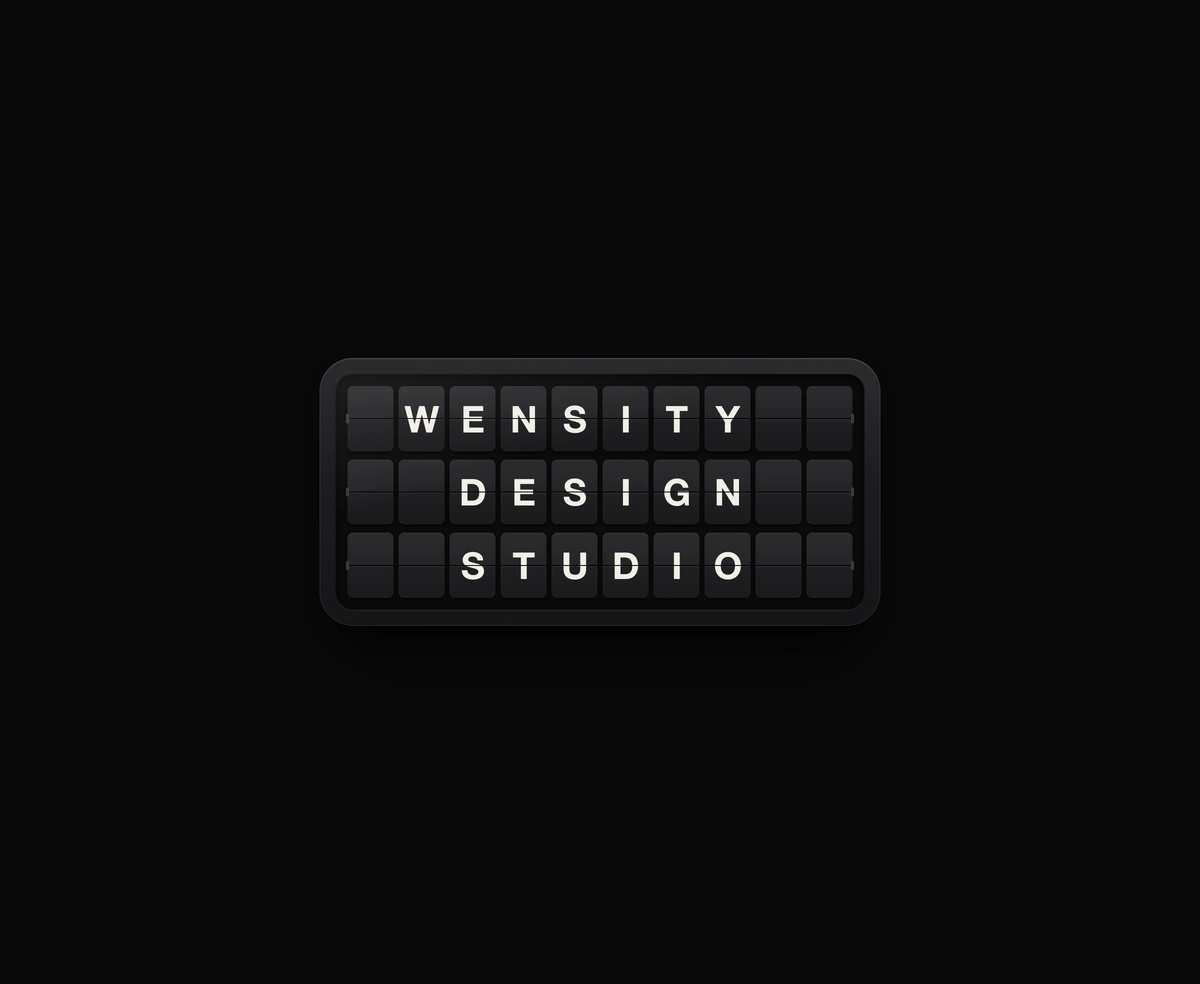
Split-Flap Display
A ceramic and graphite split-flap device that ripples each flap into your message.
A photo rebuilt as halftone dots on springs that scatter from the pointer.
Particle Image is a React and Tailwind CSS interactive halftone effect that rebuilds a photo from thousands of dots, in Next.js or any React app, with no dependencies. The image is sampled on a grid, each dot takes its pixel's color and brightness, and springs tie it to its home cell. Dots fly in on load, the pointer pushes them aside, a click sends a shockwave, and physics runs on typed arrays drawn in one WebGL call. The loop parks when still, and reduced motion keeps dots at home. The photo must be same origin or CORS enabled.
Run the following command
pnpm dlx wensity@latest add particle-image
npx wensity@latest add particle-image
yarn dlx wensity@latest add particle-image
bunx wensity@latest add particle-image
Import ParticleImage from @/components/wensity/particle-image and render it anywhere in your React or Next.js app. The source lands in your own repo, so every prop, class and animation below is yours to edit.
import { ParticleImage } from "@/components/wensity/particle-image";export default function Example() {return (<ParticleImageclassName="h-[560px] w-full"imageUrl="/images/portrait.jpg"alt="Portrait rebuilt from halftone dots"gap={6}sizing="luminance"colorMode="image"repelRadius={120}stiffness={0.06}friction={0.86}backgroundColor="#0a0a0b"><div className="grid h-full place-items-center text-center text-white"><h2 className="font-heading text-5xl font-bold">Held together by springs.</h2></div></ParticleImage>);}
| Prop | Type | Default | Description |
|---|---|---|---|
imageUrl | string | - | Photo the dots are sampled from. Must be same-origin or CORS-enabled. |
alt | string | - | Accessible name. Omit for a purely decorative backdrop. |
gap | number | 6 | Grid pitch in CSS pixels. Smaller is sharper and costs more dots. |
dotScale | number | 1 | Dot diameter as a share of the grid pitch at full brightness. |
sizing | "luminance" | "uniform" | "luminance" | Size each dot by its brightness, or keep them all equal. |
colorMode | "image" | "mono" | "image" | Keep each pixel's colour, or paint every dot monoColor. |
monoColor | string | "#ffffff" | Hex dot colour when colorMode is "mono". |
threshold | number | 0.05 | Cells darker than this 0 to 1 luminance get no dot. |
autoLevel | boolean | true | Stretch the photo's brightness so dark photos still fill out with full-size dots. |
repelRadius | number | 120 | Pointer push radius in CSS pixels. |
repelStrength | number | 1 | Pointer push force. 0 turns the push off. |
stiffness | number | 0.06 | Spring pull back to the home cell per frame. |
friction | number | 0.86 | Velocity kept each frame. Higher glides further before settling. |
burst | boolean | true | A click sends a shockwave through the grid. |
heat | number | 0.6 | How much a displaced dot brightens and swells, 0 to 1. |
intro | "assemble" | "none" | "assemble" | Fly the dots in from a scatter on load. |
fit | "cover" | "contain" | "cover" | How the photo maps into the frame, as object-fit would. |
backgroundColor | string | "transparent" | Hex fill behind the dots, or "transparent" to show the page through. |
dpr | number | - | Render scale. Defaults to the device ratio, capped at 2. |
paused | boolean | false | Freeze the dots where they are. |
children | React.ReactNode | - | Content layered above the dots. |
A ceramic and graphite split-flap device that ripples each flap into your message.
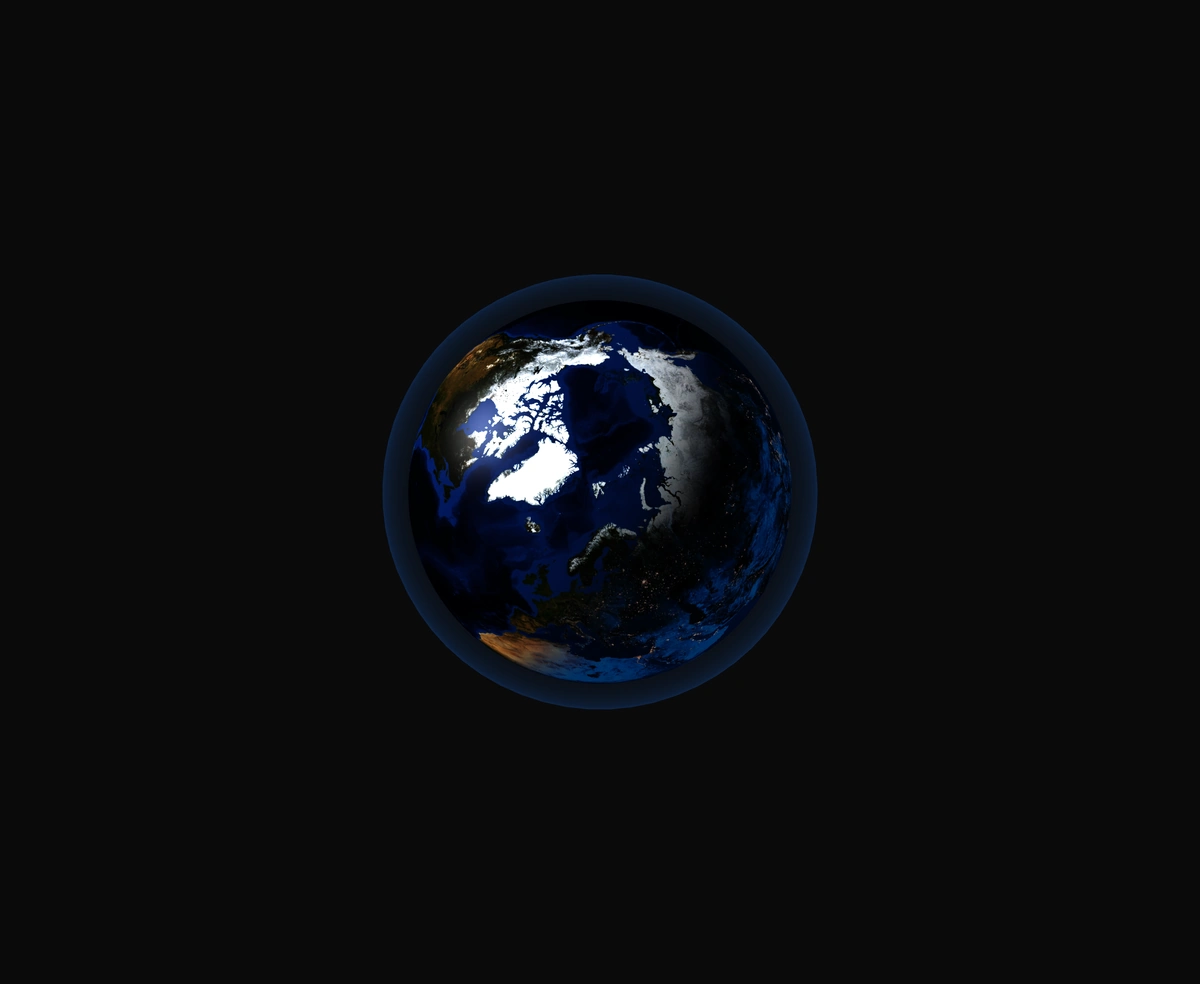
A 3D Earth lit day and night from the real sun position, wrapped in a soft atmosphere, with smooth drag-to-orbit controls.
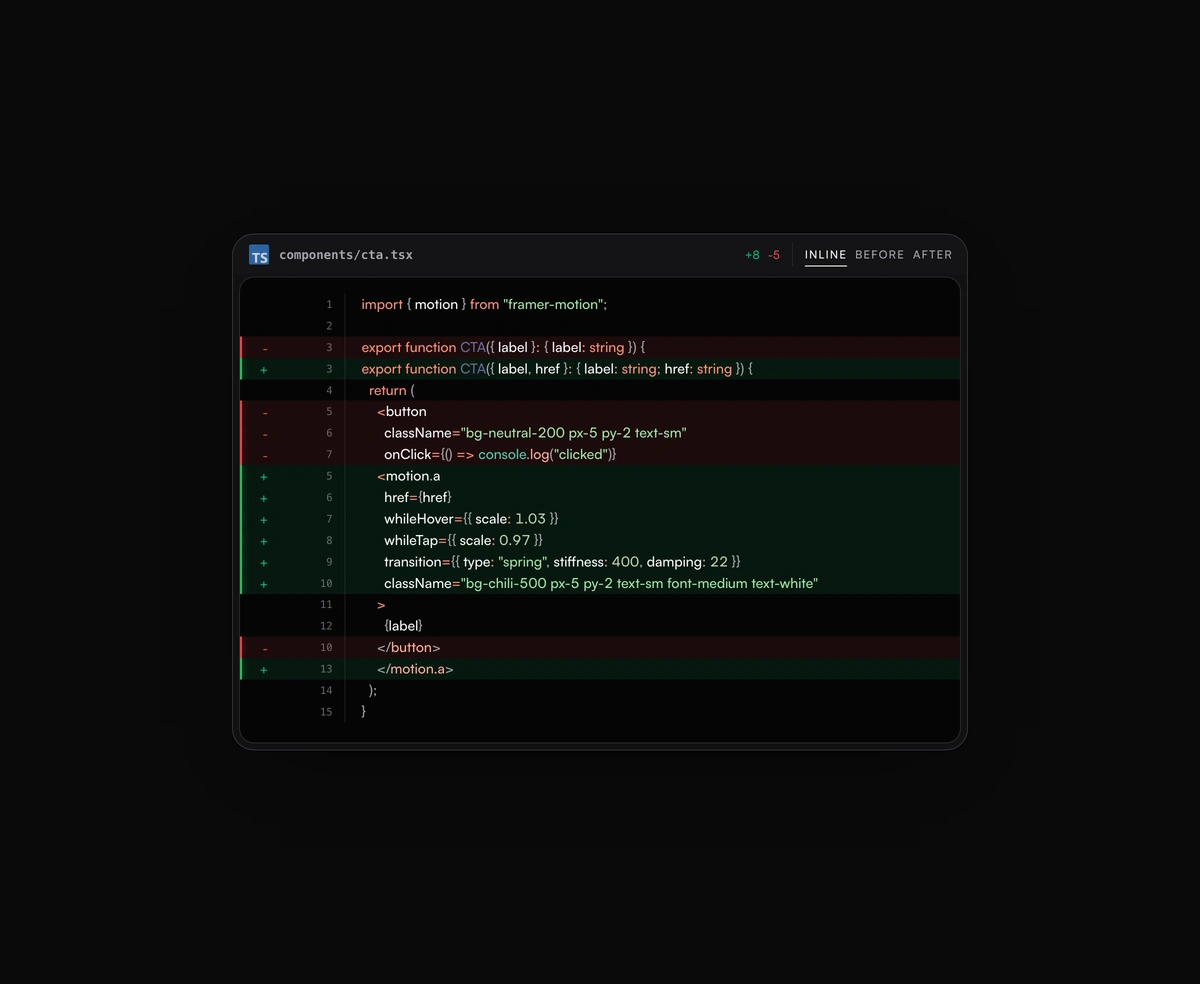
Inline or toggled code diffs rendered inside the same polished code block frame, flipping between before and after.
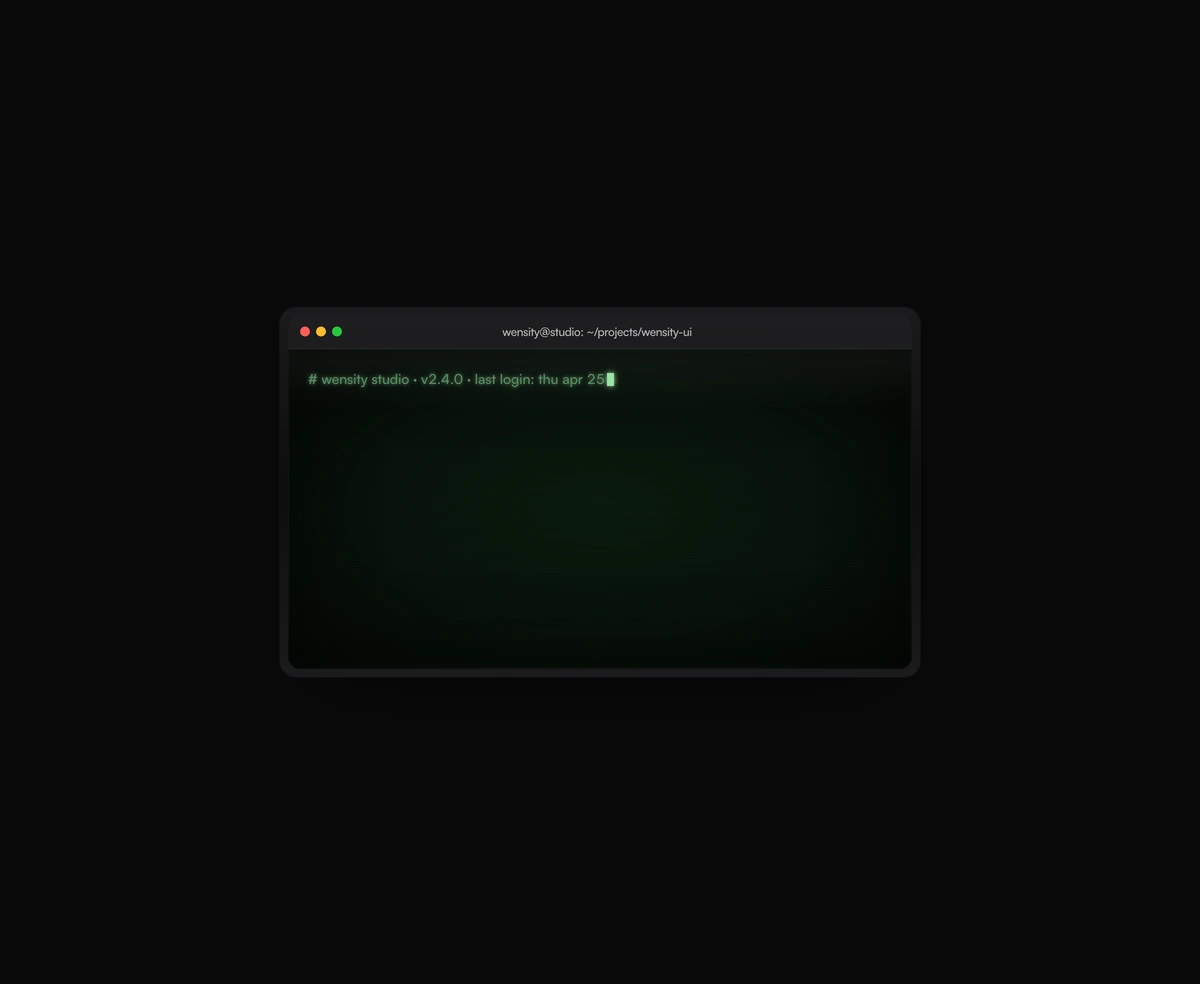
A terminal UI with self-typing commands, CRT phosphor glow and scanlines, streaming output that never re-renders a line.