 Starting your winter arc? 🥶 Get

Bento Grid Blocks for React
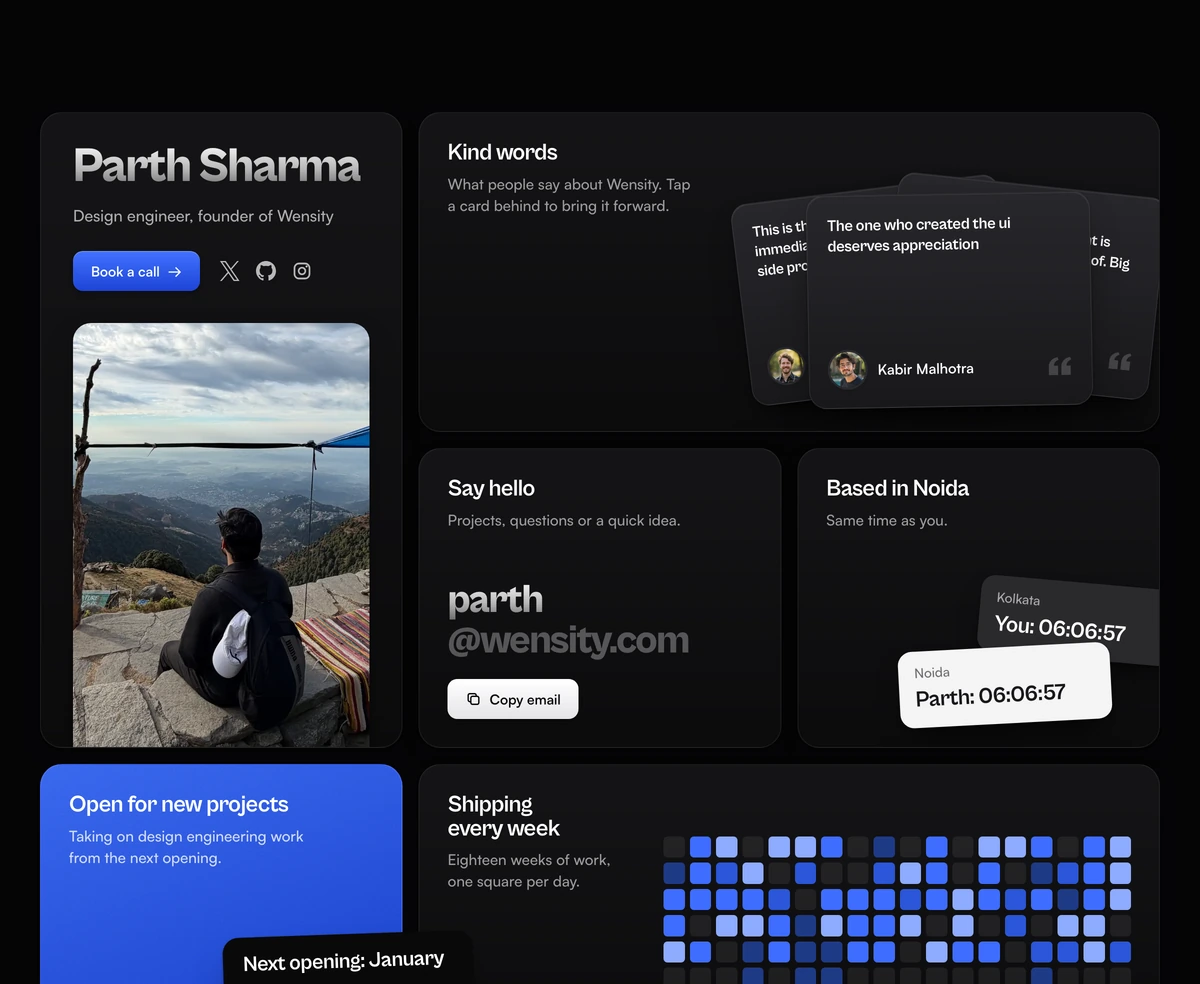
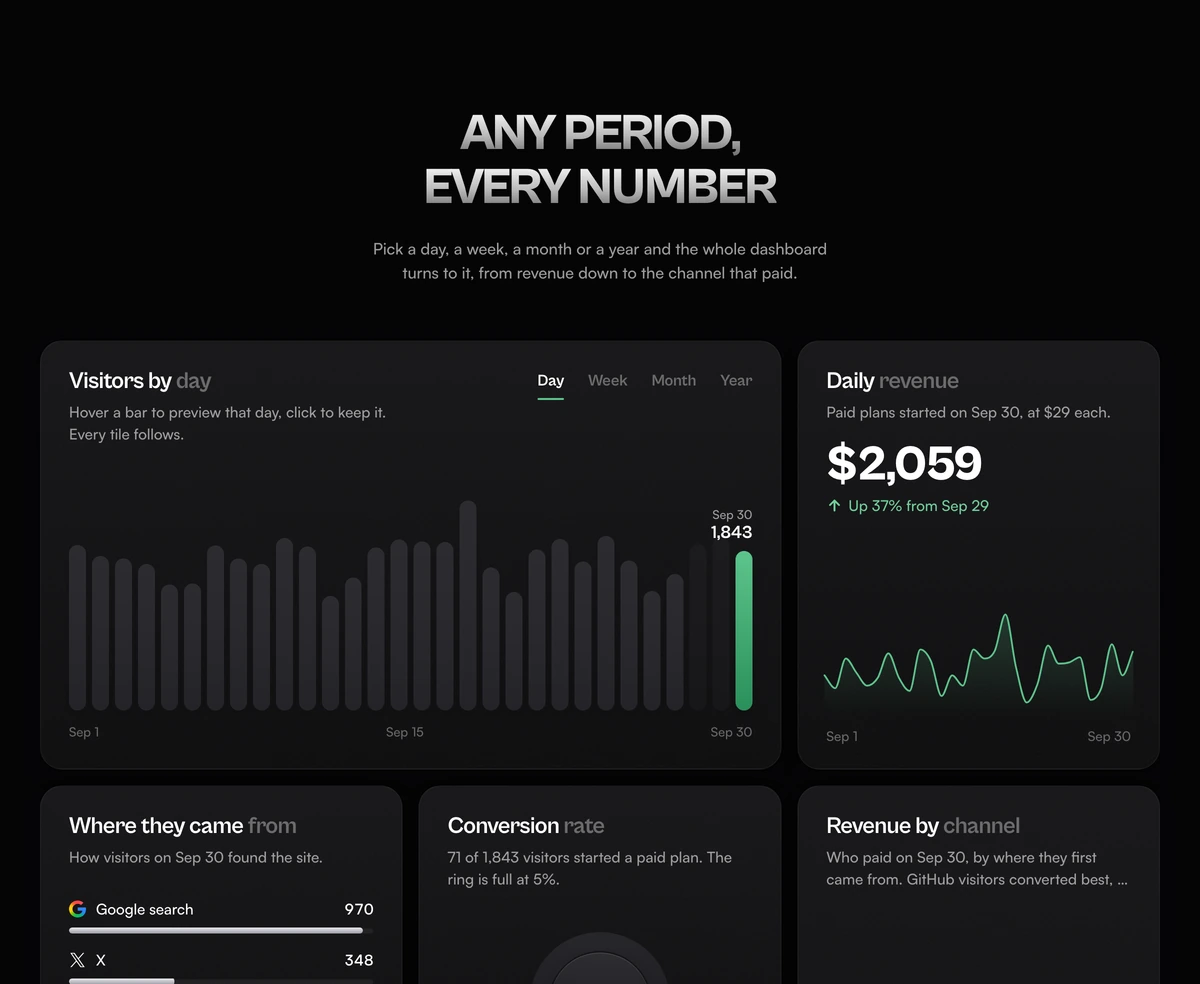
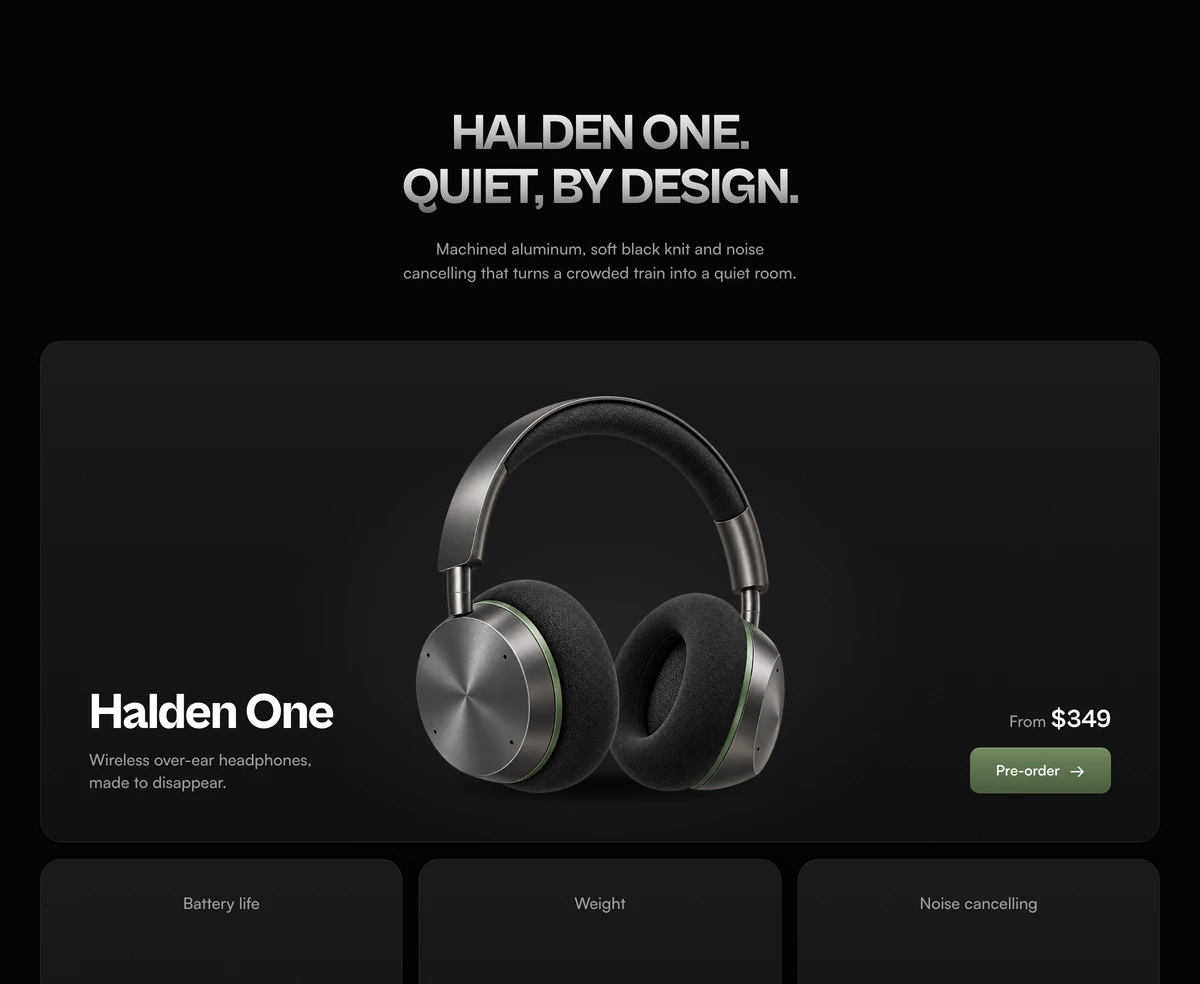
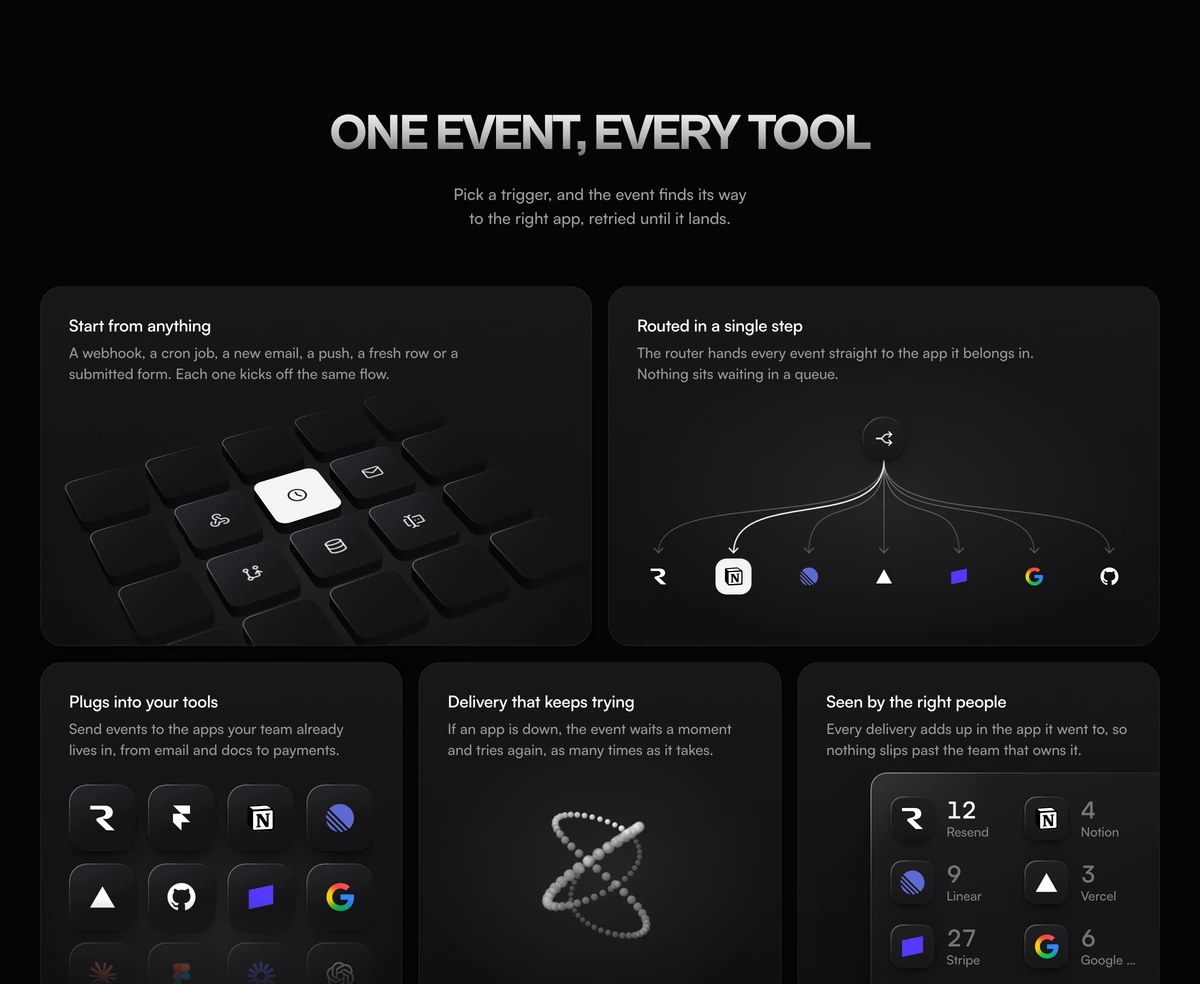
Bento grid sections for React: a portfolio profile, an analytics dashboard, a product launch, SaaS features and a shop.
Every bento grid here is included with Wensity Pro.
What is a bento grid?
A bento grid is a page layout that splits a section into rectangular tiles of different sizes inside one grid, named after the compartments of a Japanese bento box. Size carries meaning: the tile that matters most is the largest, and the small tiles hold supporting facts. That is what separates it from a masonry grid, where the browser packs items of any height, and from a plain card grid, where every item weighs the same.
On the web a bento grid layout is built with CSS Grid. Tiles claim more than one column or row with span rules, the design is set explicitly at each breakpoint, and on a phone the tiles fall into one column in an order chosen for reading. The style spread from Apple's keynote summary slides to product pages, portfolios and SaaS feature sections, and searches for it grew by about two thirds over the past year.
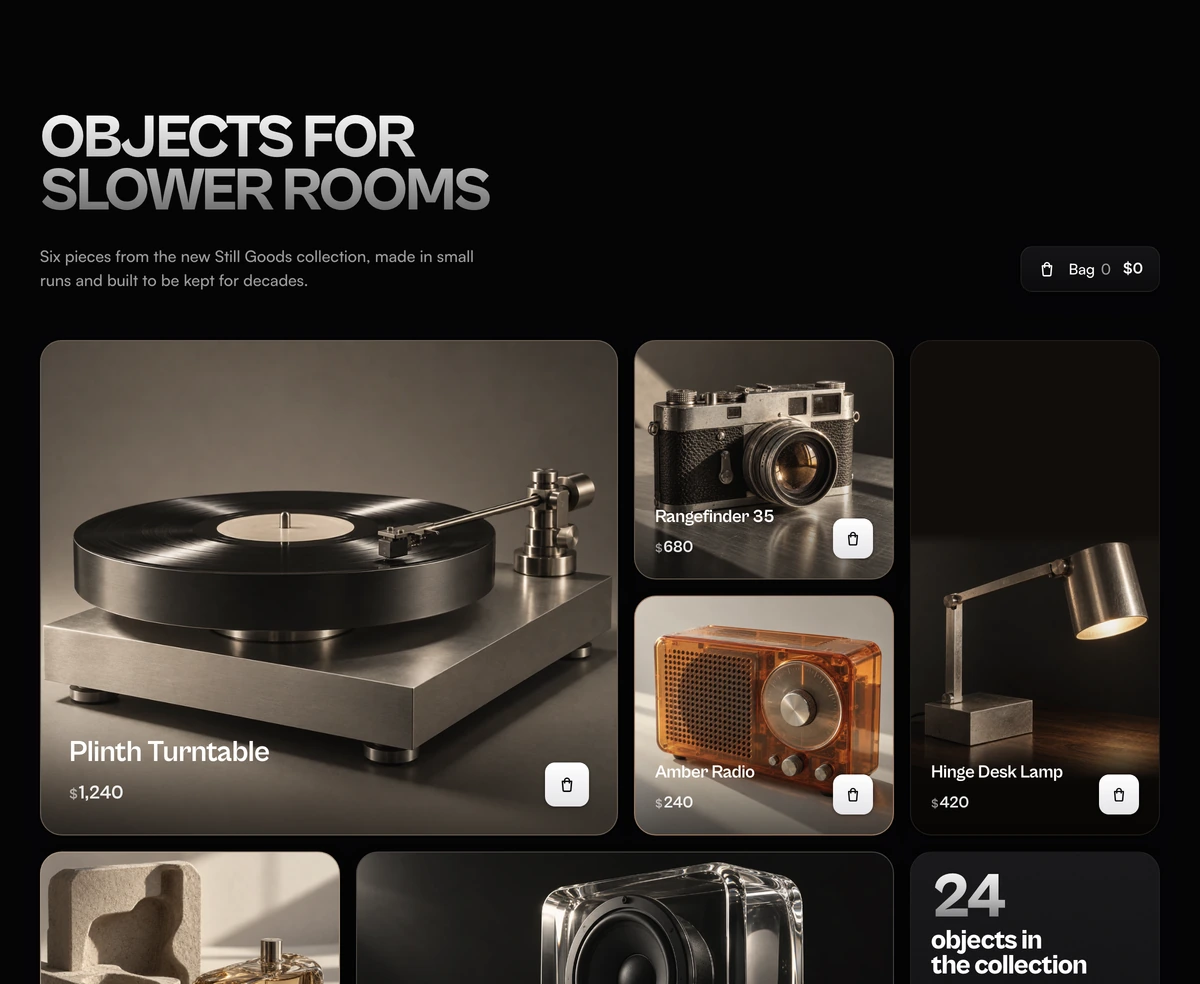
The five blocks here each use the grid for a different job, and most of their tiles do something rather than hold a still. The portfolio profile ticks a clock against the visitor's time, the analytics dashboard links six tiles to one chart, the launch specs count up their numbers, the linked product tiles pass one event from tile to tile, and the product collection adds to a bag from the grid. The table below says which to pick.
For customer proof in the same layout, with one metric in the largest card and testimonials around it, see Social Proof Section With Metric Bento Grid.
Which bento grid should I use?
Introduce a person
- Bento Grid With Portfolio Profile
- One person selling their own time. Photo, booking link, quotes, a copy email button, both clocks and a work heatmap.
Show a product working
Two answers to the same brief. Pick by what the product does.
- Bento Grid With Analytics Dashboard
- The product measures things. Choosing a period in the visitors chart moves revenue, conversion, sources, channels and pages with it.
- Bento Grid With Launch Specs
- A physical product goes on sale. Price and pre-order up top, three numbers that count up, then the case and the finishes.
- Bento Grid With Linked Product Tiles
- The product moves events between other tools. Press a key and watch one event route, land in an app and raise its count.
Sell from the grid
- Bento Grid With Product Collection
- A small store with photos worth showing large. Every tile adds to the bag, and a pinned bar confirms it further down.