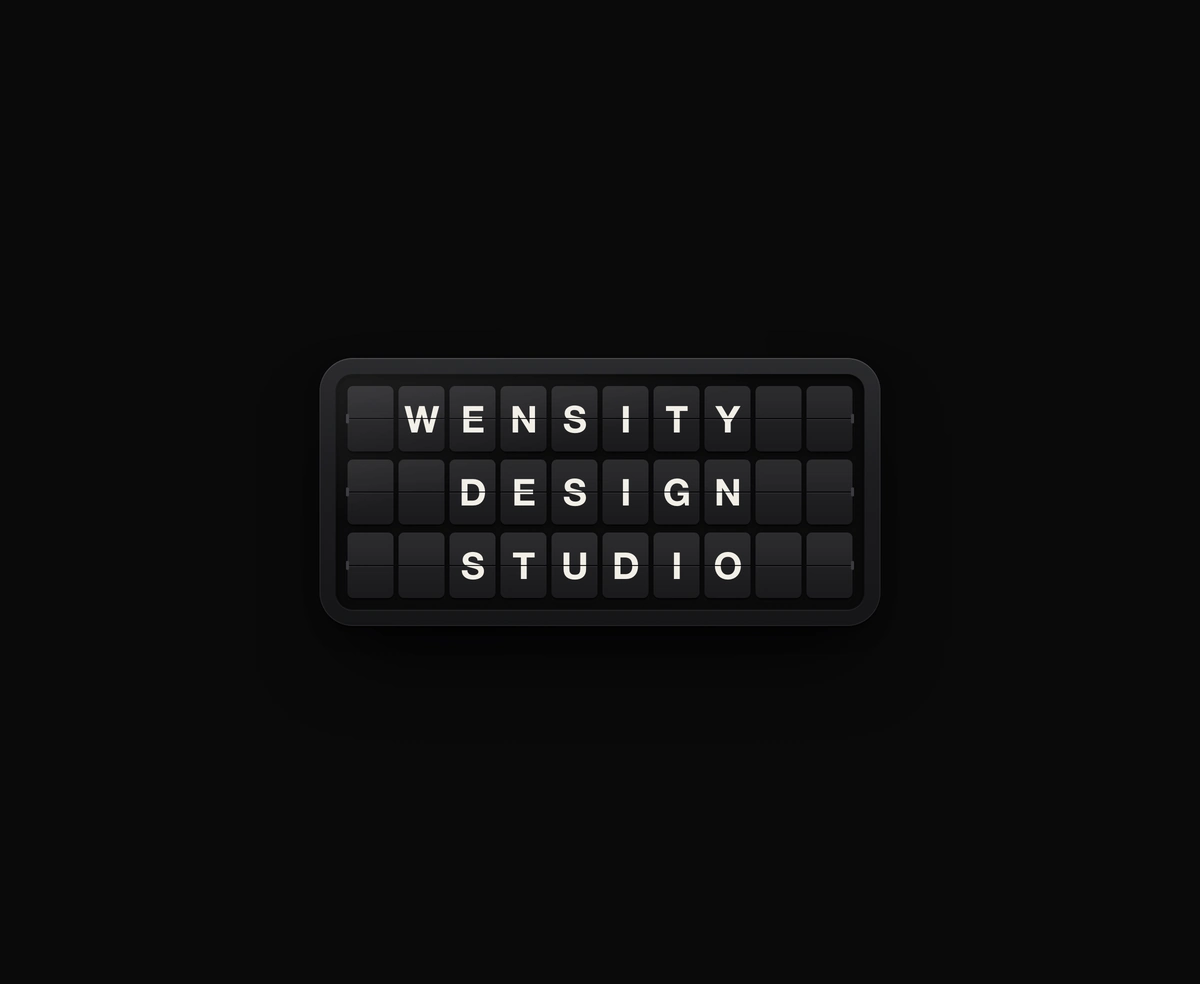
Split-Flap Display
A ceramic and graphite split-flap device that ripples each flap into your message.
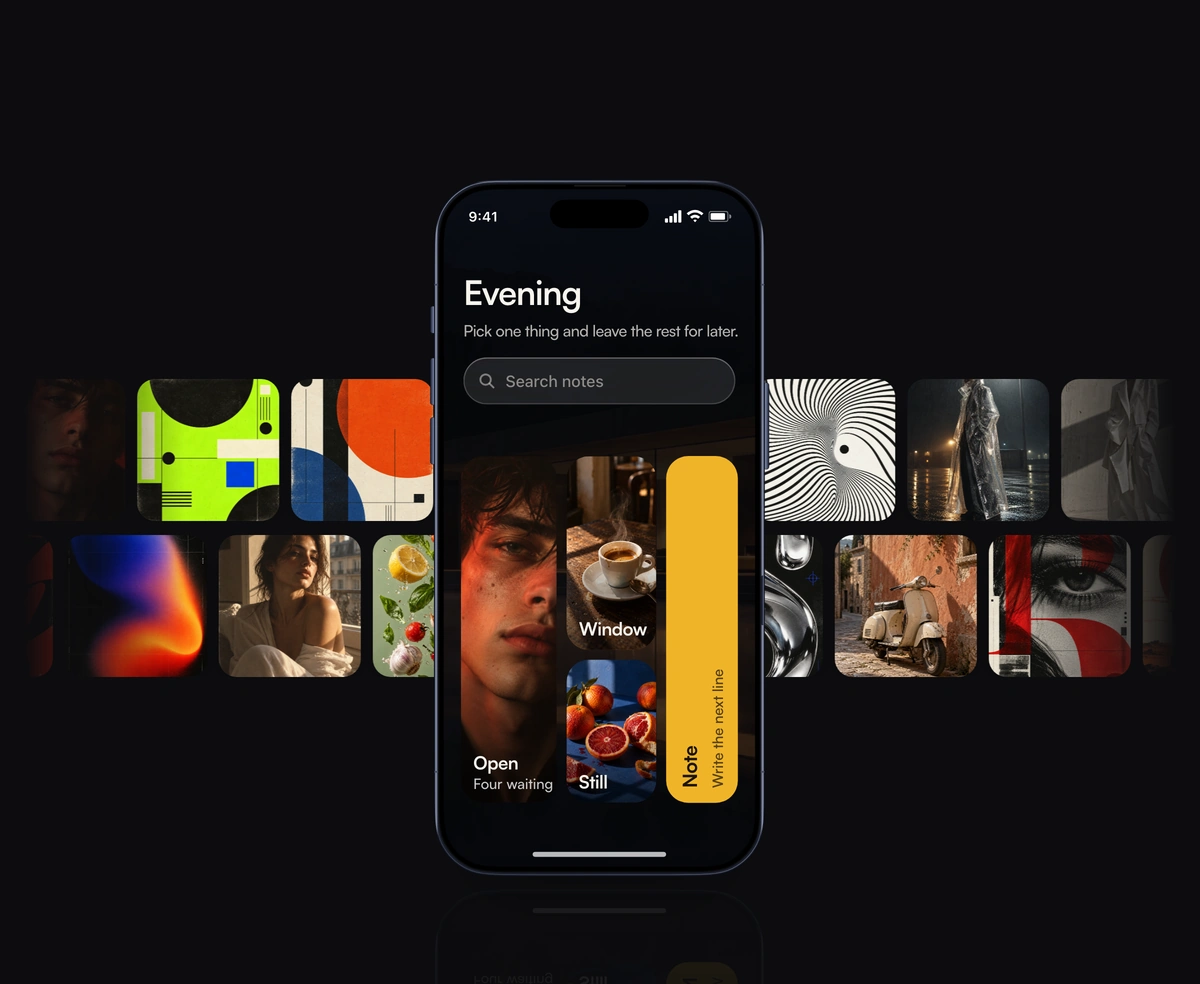
An iPhone frame stands over two rows of photos drifting in opposite directions, its wallpaper from the same library.
iPhone Mockup Hero is a React and Tailwind CSS hero section with an iPhone mockup centered over two rows of photos drifting in opposite directions, in Next.js or any React app, with no dependencies. The rows are a transform only CSS loop, measured so they stay seamless at any width and move at a constant pixel speed whatever the tile count, fading at both edges. Frame finish, wallpaper, and speed are props. It pauses off screen, holds still for reduced motion, and hides duplicate tiles from screen readers. The tiles split in half between the two rows.
Run the following command
pnpm dlx wensity@latest add iphone-mockup-hero
npx wensity@latest add iphone-mockup-hero
yarn dlx wensity@latest add iphone-mockup-hero
bunx wensity@latest add iphone-mockup-hero
Import IphoneMockupHero from @/components/wensity/iphone-mockup-hero and render it anywhere in your React or Next.js app. The source lands in your own repo, so every prop, class and animation below is yours to edit.
import { IphoneMockupHero } from "@/components/wensity/iphone-mockup-hero";export default function Example() {return <IphoneMockupHero />;}
| Prop | Type | Default | Description |
|---|---|---|---|
tiles | PhonePosterTile[] | 18 covers | Square covers behind the phone, split into two rows. Each needs an image and alt text. |
wallpaper | string | Night pavilion | Image behind the screen UI. |
frame | IphoneMockupHeroFrame | deep-blue | Metal finish matching iPhone Siri: cosmic-orange, silver, deep-blue, or burgundy. |
speed | number | 24 | Drift speed of the photo rows in pixels per second. The top row runs left and the bottom row runs right. Set 0 to hold them still. |
A ceramic and graphite split-flap device that ripples each flap into your message.
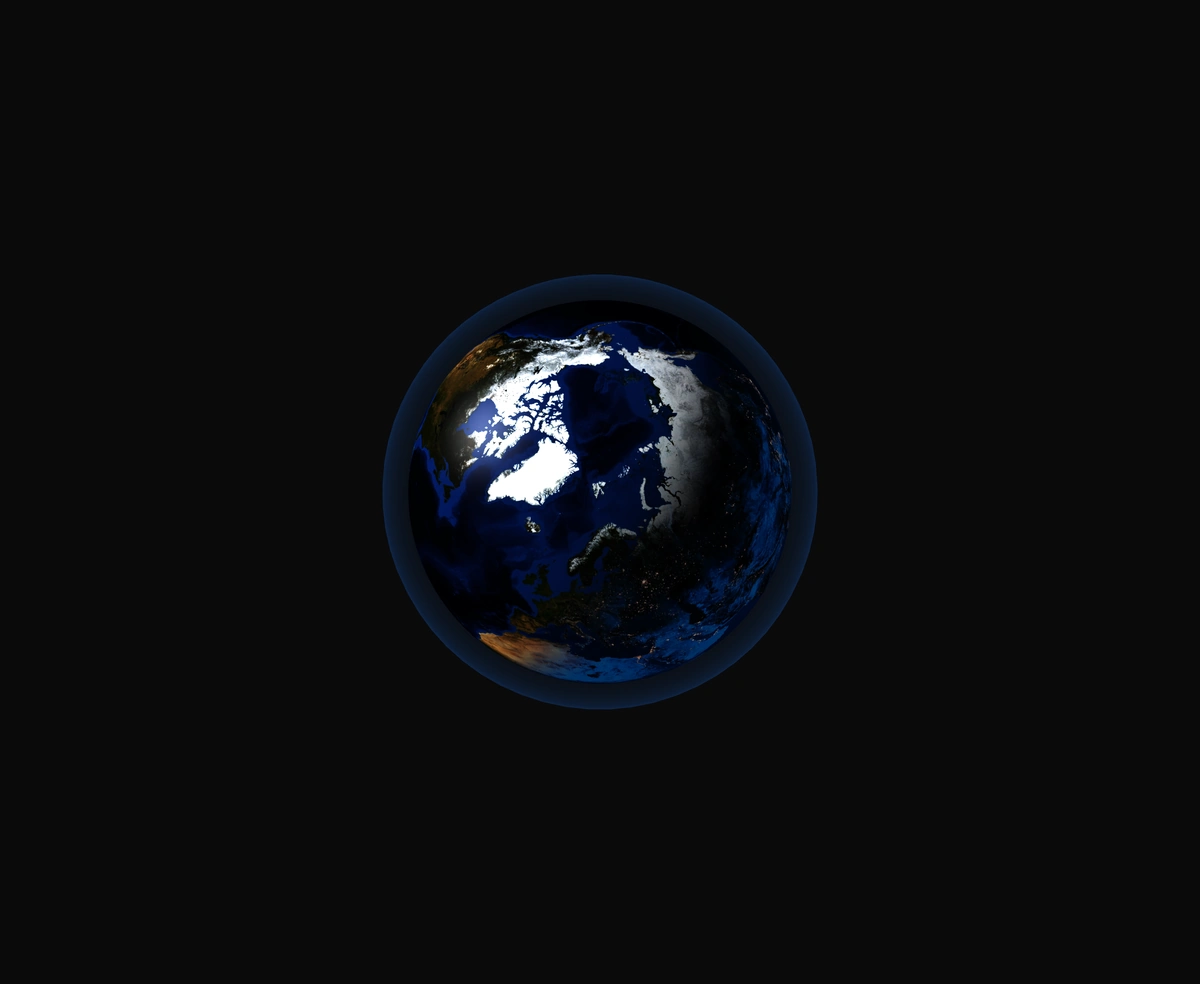
A 3D Earth lit day and night from the real sun position, wrapped in a soft atmosphere, with smooth drag-to-orbit controls.
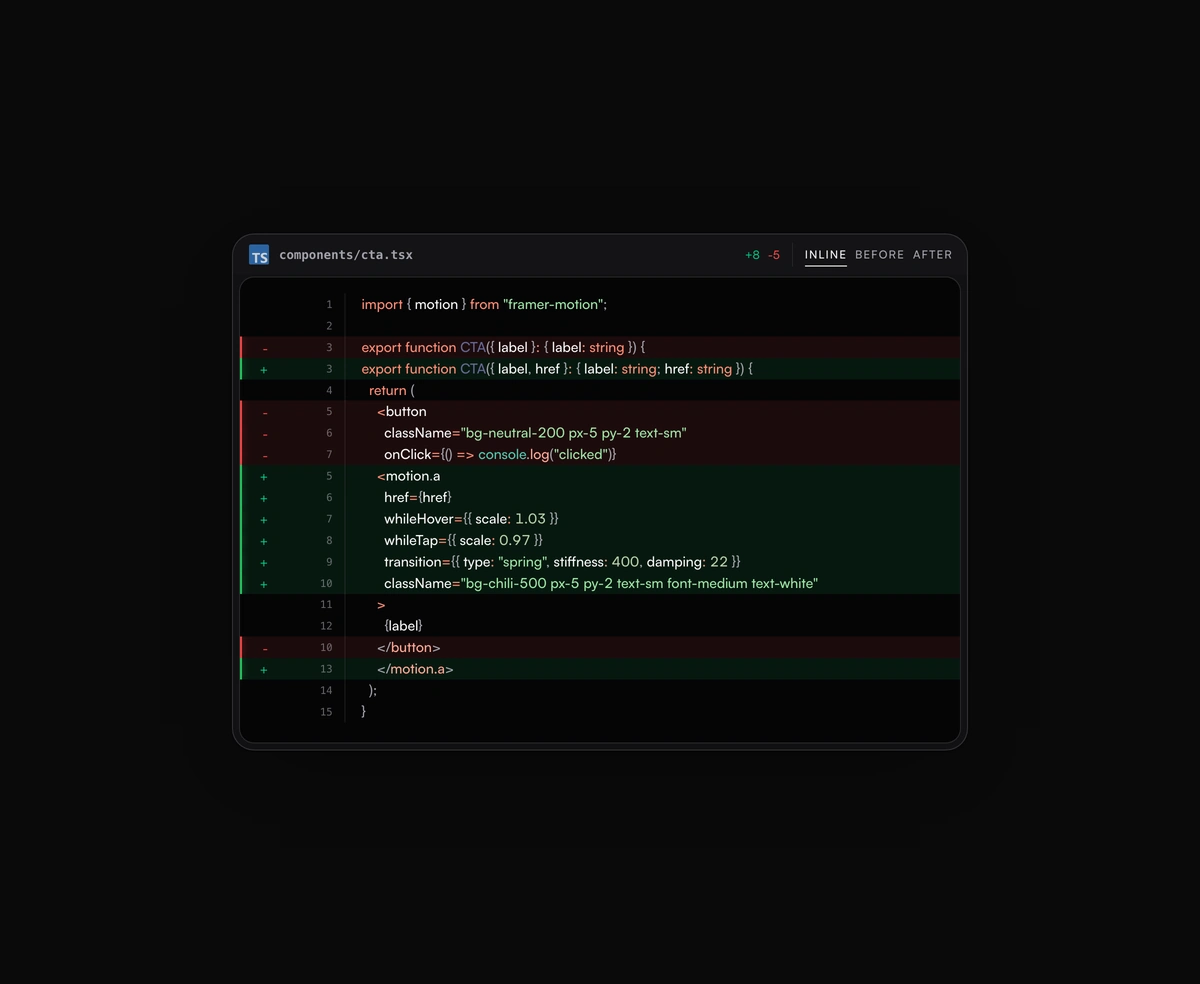
Inline or toggled code diffs rendered inside the same polished code block frame, flipping between before and after.
A terminal UI with self-typing commands, CRT phosphor glow and scanlines, streaming output that never re-renders a line.