 Black Friday is here 🔥 Get
Dynamic Island Toast
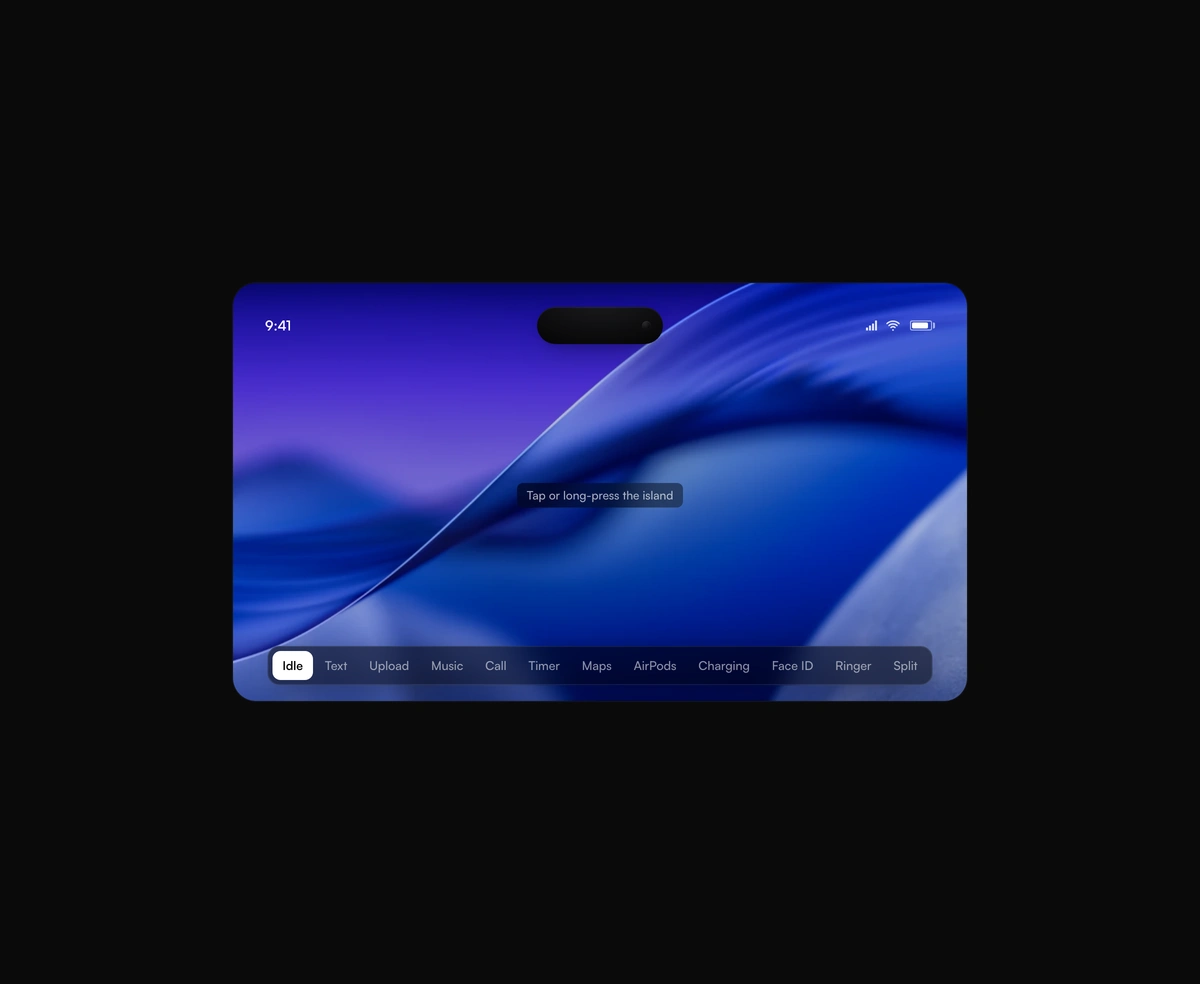
A pixel-faithful Apple Dynamic Island that morphs, splits, and breathes while it hosts live activities inside your app.
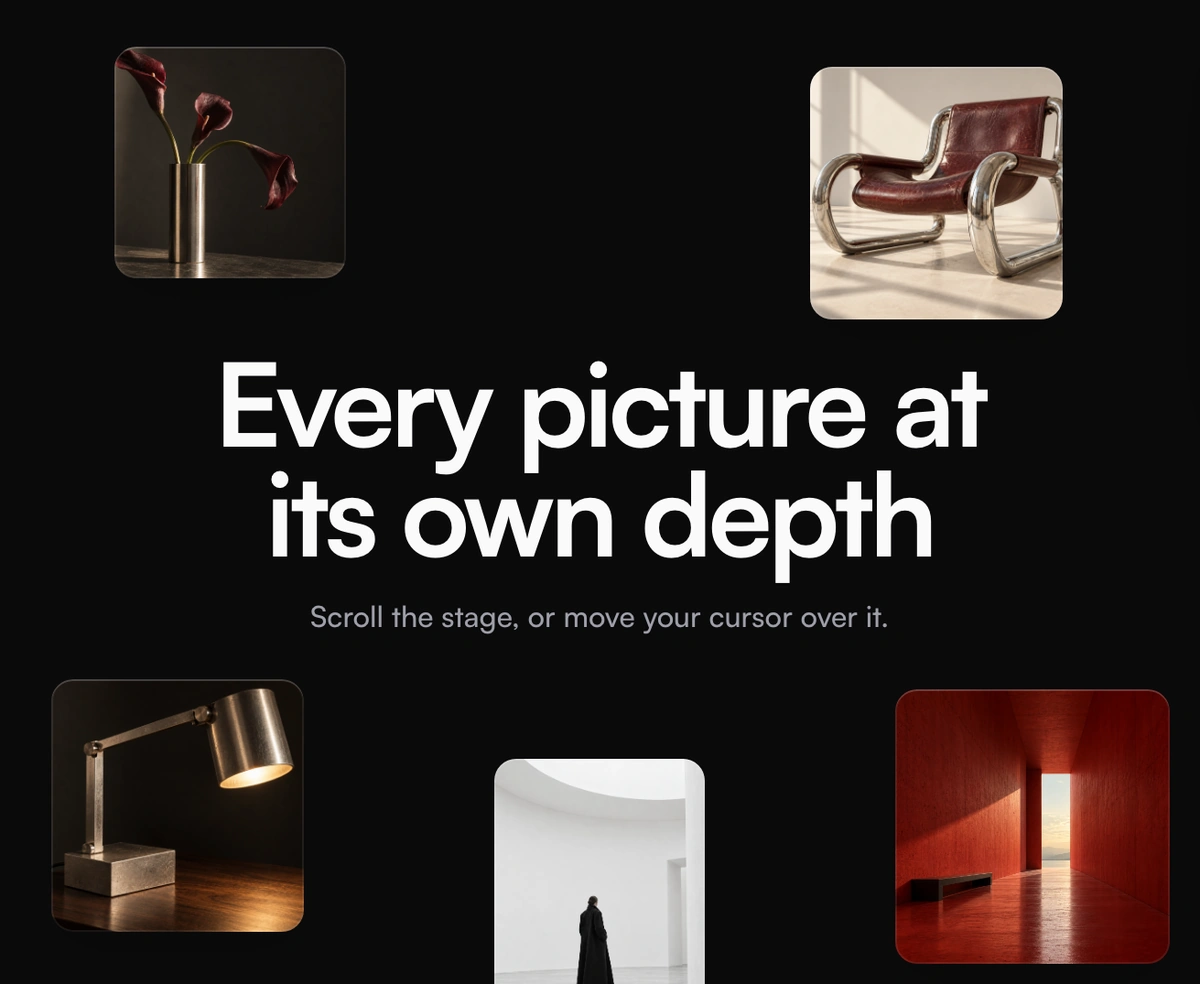
Parallax scroll for React: give each layer a depth, then move it on scroll or cursor.
Parallax Scroll is a React and Tailwind CSS parallax effect that moves layers at different speeds as the page scrolls, in Next.js or any React app. Give each ParallaxLayer a depth: 0 travels with the page, 1 drifts behind, and negative values rush past. Motion runs on CSS scroll-driven animations, so scrolling costs no JavaScript per frame, with a Framer Motion fallback elsewhere. Set mode to cursor or both for mouse parallax, eased with no overshoot. Touch is ignored, and reduced motion freezes every layer. Layers clip at the scene edge, so set clip to false for a column gallery.
Run the following command
pnpm dlx wensity@latest add parallax-scroll
npx wensity@latest add parallax-scroll
yarn dlx wensity@latest add parallax-scroll
bunx wensity@latest add parallax-scroll
Import ParallaxScroll from @/components/wensity/parallax-scroll and render it anywhere in your React or Next.js app. The source lands in your own repo, so every prop, class and animation below is yours to edit.
"use client";import { ParallaxLayer, ParallaxScroll } from "@/components/wensity/parallax-scroll";const photos = [{ src: "/far.webp", depth: 0.8, className: "left-[26%] top-[6%] w-[11%]" },{ src: "/mid.webp", depth: 0.3, className: "left-[4%] top-[8%] w-[15%]" },{ src: "/near.webp", depth: -0.5, className: "left-[-2%] top-[56%] w-[18%]" },];export default function Hero() {return (<ParallaxScroll mode="both" className="h-svh w-full">{photos.map((photo) => (<ParallaxLayer key={photo.src} depth={photo.depth} className={`absolute ${photo.className}`}><img src={photo.src} alt="" className="aspect-[4/5] w-full rounded-xl object-cover" /></ParallaxLayer>))}<ParallaxLayer depth={0.15} className="absolute inset-0 grid place-items-center"><h1 className="text-6xl font-bold">Every picture at its own depth</h1></ParallaxLayer></ParallaxScroll>);}
| Prop | Type | Default | Description |
|---|---|---|---|
mode | "scroll" | "cursor" | "both" | "scroll" | What moves the layers: page scroll, the pointer, or both. |
distance | number | 120 | Scroll travel in pixels for a layer at depth 1, from entering the viewport to leaving it. |
cursorDistance | number | 28 | Pointer travel in pixels for a layer at depth 1, from the centre to an edge. |
cursorTarget | "scene" | "window" | "scene" | Track the pointer over the scene only, or anywhere in the window. |
cursorEase | number | 0.7 | Seconds the layers take to catch up with the pointer. Never overshoots. |
clip | boolean | true | Cuts layers off at the scene edges. Turn it off when layers should drift past the edges, as in a column gallery. |
ParallaxLayer depth | number | 0 | Distance from the focal plane. 0 moves with the page, 1 is far back, negative values sit in front. |
ParallaxLayer cover | boolean | false | Fills the scene and scales up from the centre just enough that moving never shows an edge. |
ParallaxLayer zoom | number | 0 | Extra scale the layer grows by as the scene scrolls out, 0.1 is 10%. |
A pixel-faithful Apple Dynamic Island that morphs, splits, and breathes while it hosts live activities inside your app.
A seamless, GPU-only logo strip that never stutters or snaps at the loop point.
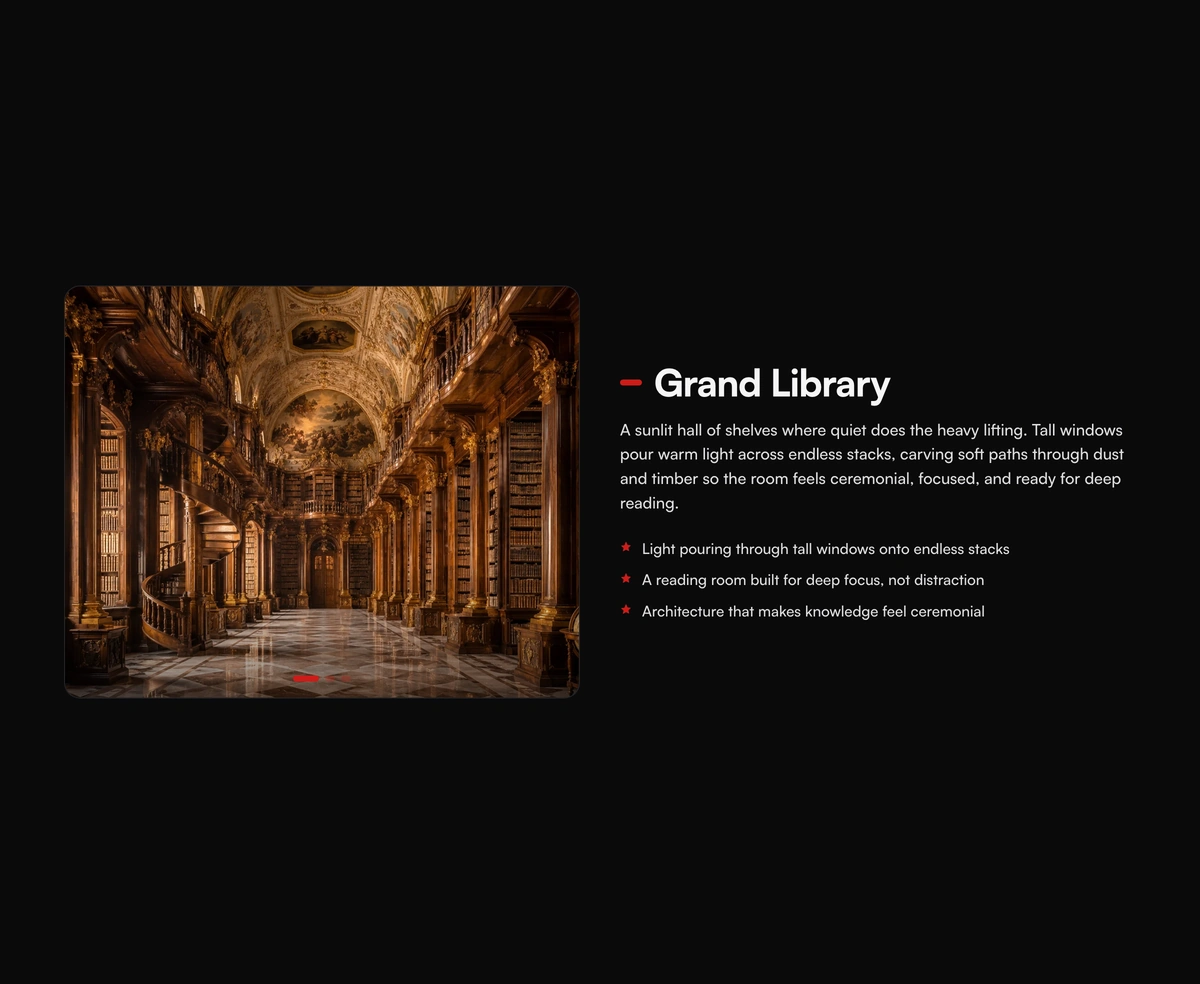
A pinned cinematic section that morphs in lock-step with scroll, staying perfectly in sync whichever way you travel.
Lava lamp background for React heroes: soft gradient shapes that drift and melt.