Black Friday is here 🔥 Get

Abandoned cart
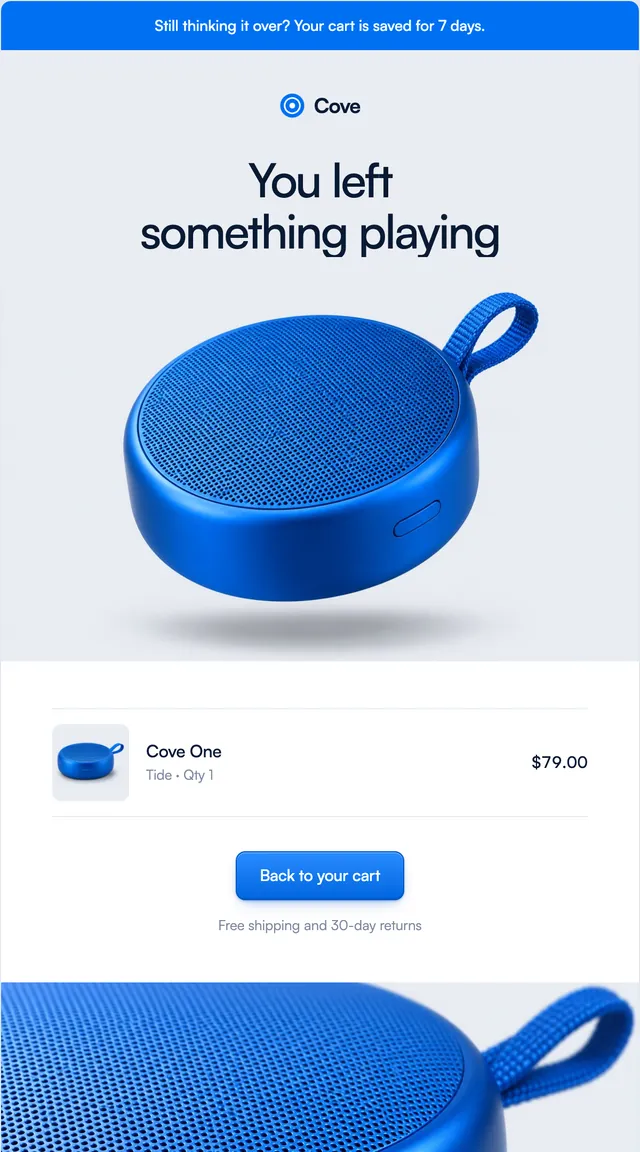
2 stylesA saved cart with the product, free shipping and pairings.
Delivered emails in two store styles: a finished tracker, what to do first, and how to return it.
The delivered email is a chance to help, not sell. Parcel's version gives care notes for what arrived and a plain line about free returns. Harbor's version, for a product that needs setting up, gives three steps to get it working. Both show the tracker complete and say what to do if the parcel is not at the door. Delivery time, stages and notes are props.
These 2 templates are part of the 65 React Email templates that come with Wensity Pro. Each one is a single file built from React Email components, with a kit for your brand, and installs with the Wensity CLI or the MCP server.
Run the following command
pnpm dlx wensity@latest emails add harbor/delivered
npx wensity@latest emails add harbor/delivered
yarn dlx wensity@latest emails add harbor/delivered
bunx wensity@latest emails add harbor/delivered
The email lands in emails/harbor/ next to the style's kit.tsx, where you set your brand, colours and links once. It needs Wensity Pro and npx wensity@latest login.
Render the email to HTML with render() from React Email, then send it with Resend, Nodemailer, AWS SES or any provider. The data that changes per send is a typed prop.
import { render } from "react-email";import Email from "@/emails/harbor/delivered";const html = await render(<Email {...props} />);