Black Friday is here 🔥 Get

Event invitation
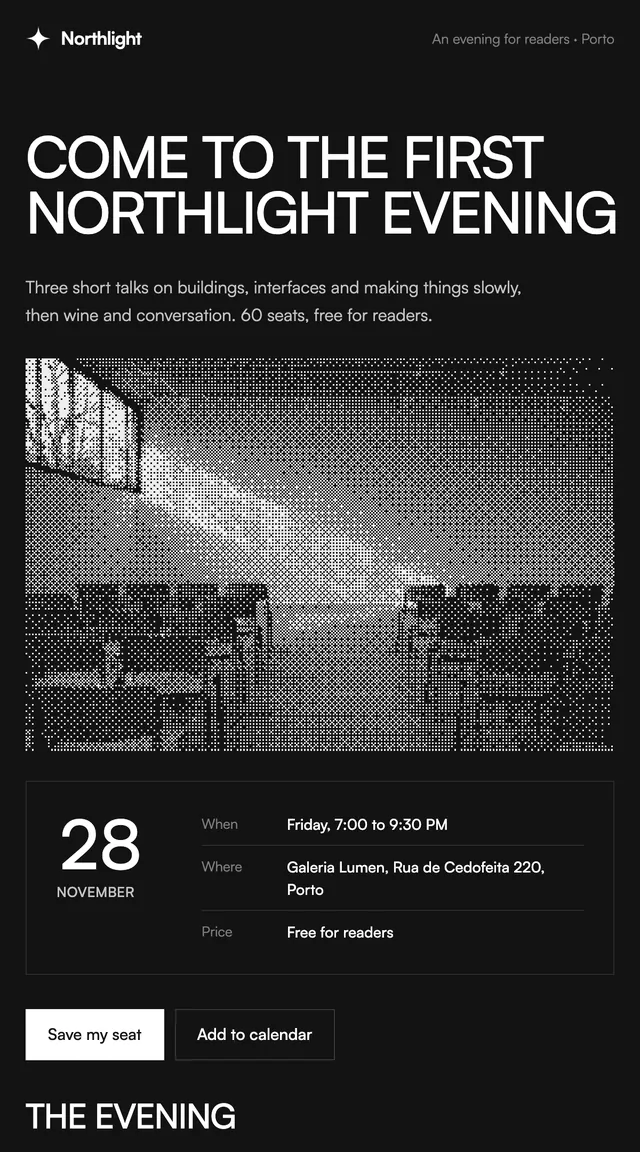
IssueA reader event invite with the date as the hero.
Newsletter emails for writers and creators: a weekly issue and a monthly recap.
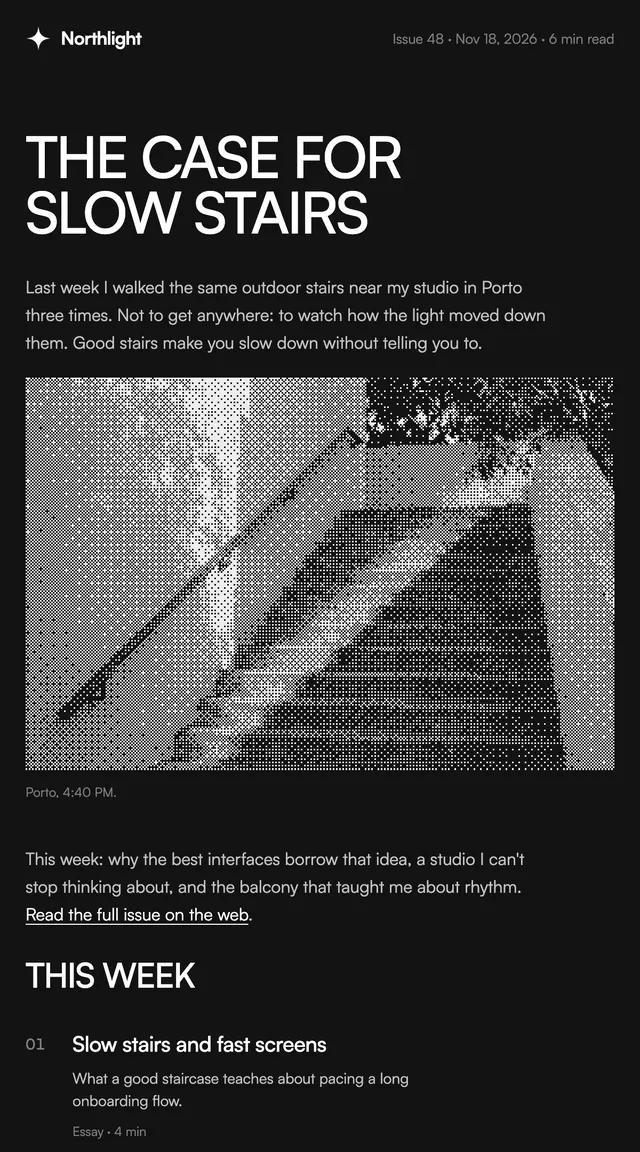
A newsletter is read for its writing, so these keep the frame quiet: one near-black sheet, a reading measure for the body, black and white dithered photos and a writer's sign-off. The weekly issue opens with an essay, then numbered stories with optional thumbnails and a boxed quote. The monthly recap leads with one number for the month and lists every issue in it. Every story, quote and figure is a prop, so each issue is data, not a new template.
This template is part of the 65 React Email templates that come with Wensity Pro. Each one is a single file built from React Email components, with a kit for your brand, and installs with the Wensity CLI or the MCP server.
Run the following command
pnpm dlx wensity@latest emails add issue/newsletter
npx wensity@latest emails add issue/newsletter
yarn dlx wensity@latest emails add issue/newsletter
bunx wensity@latest emails add issue/newsletter
The email lands in emails/issue/ next to the style's kit.tsx, where you set your brand, colours and links once. It needs Wensity Pro and npx wensity@latest login.
Render the email to HTML with render() from React Email, then send it with Resend, Nodemailer, AWS SES or any provider. The data that changes per send is a typed prop.
import { render } from "react-email";import Email from "@/emails/issue/newsletter";const html = await render(<Email {...props} />);

Parth
Founder, Wensity
Still have a question?
Ask about plans, licensing, or templates and you will hear back from me directly.
Email hey@wensity.com