Login Page Templates for React
Login, sign up and magic link page templates for React and Tailwind CSS with Google and GitHub sign in, validated forms, and light and dark themes.
Every login page here is included with Wensity Pro.
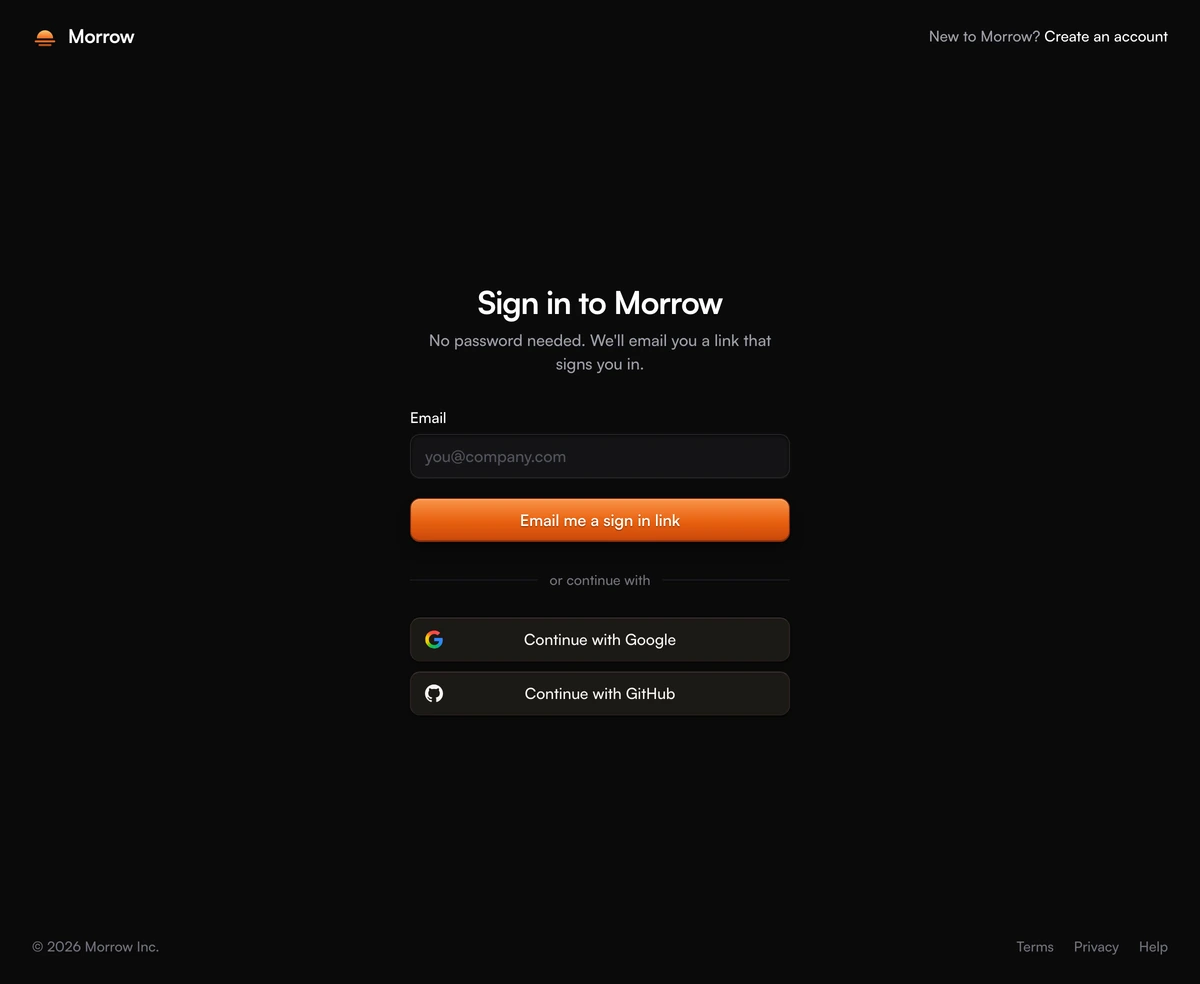
What makes a good login page template?
A login page template is a ready made sign in screen: the layout, the form and its states, which you connect to your own authentication. The layout is the easy half. The work is in the states a screen mock never shows: what happens while the request is running, what a wrong password looks like, where focus goes after an error and what a screen reader hears.
Every login page here ships those states built in. Fields validate on submit and then clear their errors as you type, buttons show a spinner while a request runs and then a tick or a confirmation screen, failures appear in plain words above the button, and the inputs carry the autocomplete values that let password managers fill them. You pass one function for the email form, whether it checks a password or sends a magic link, and one for social sign in, and the template handles the rest.
They are written in React with Tailwind CSS and follow your light and dark theme through the dark class, so the sign in screen matches the product it opens. Each one is a whole page rather than a form dropped into a modal, meant for the route your Sign in or Create account button points at.
Which login page should I use?
A sign in page with a picture
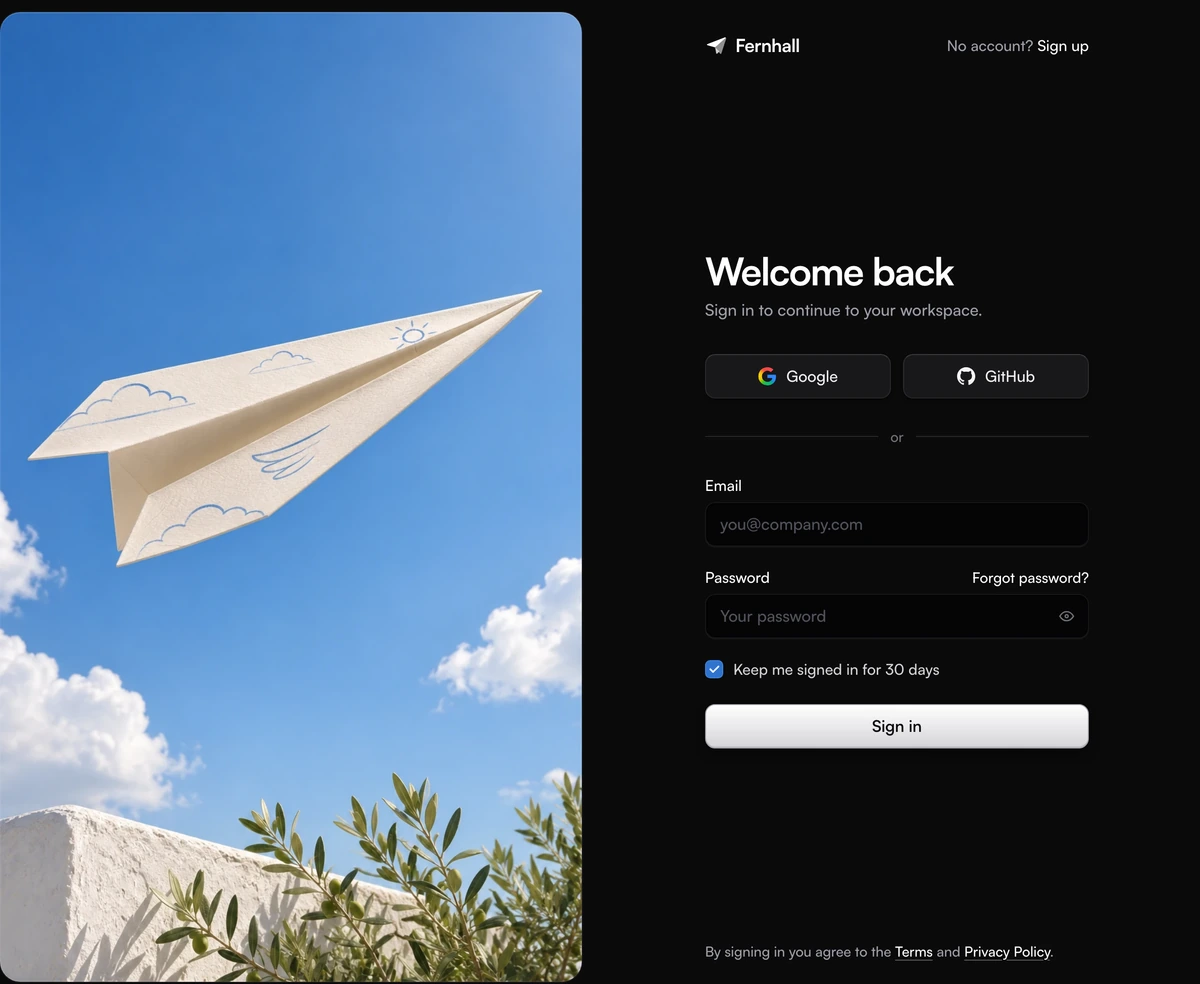
- Login Page With Split Screen Image
- Your Sign in route is its own page. Google and GitHub first, then email and password, with one photograph carrying the brand beside the form.
A sign in page without a picture
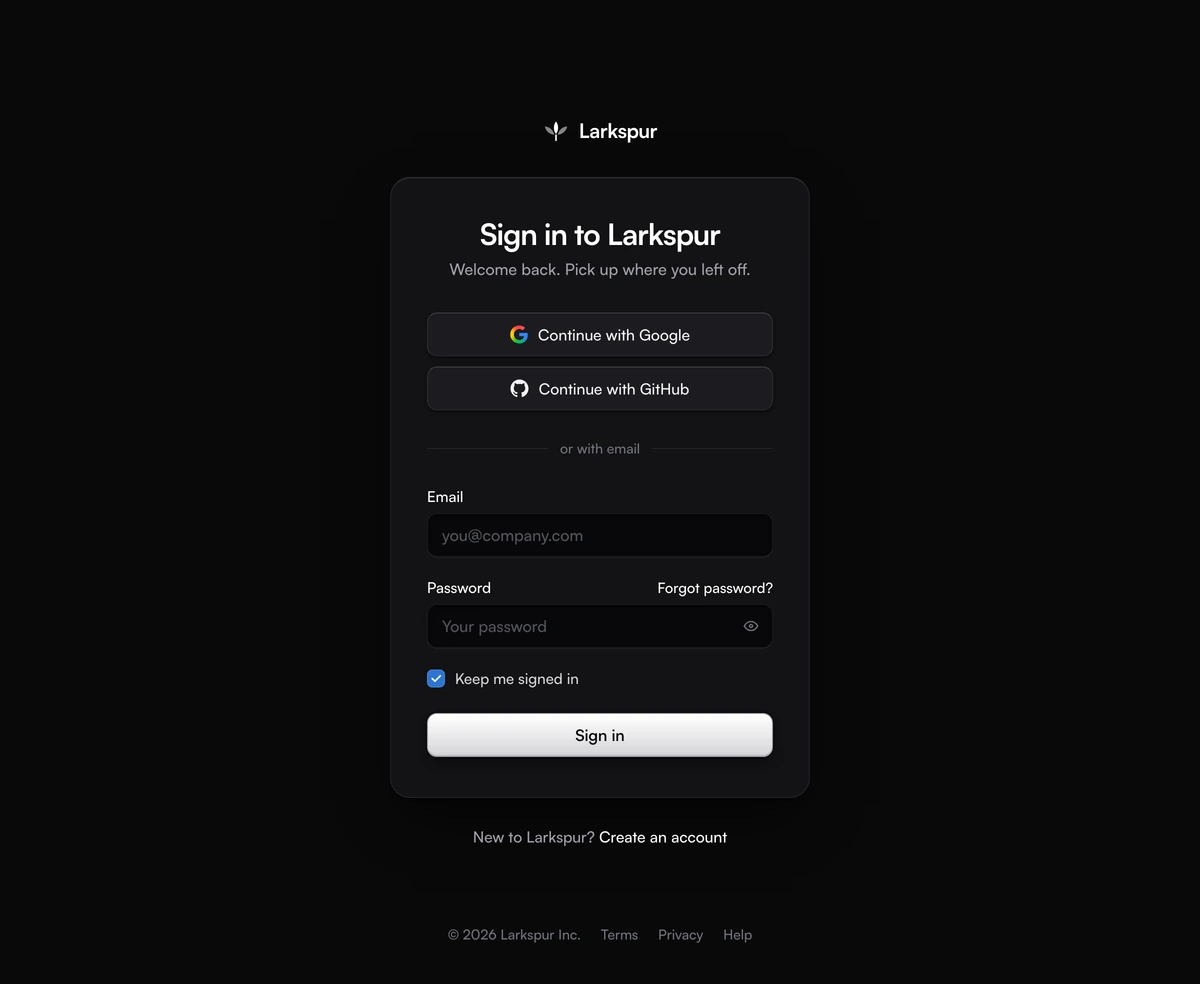
- Login Page With Centered Card
- One card in the middle of a plain page. The same login form on phones and desktops, with legal and help links in the footer and nothing to art direct.
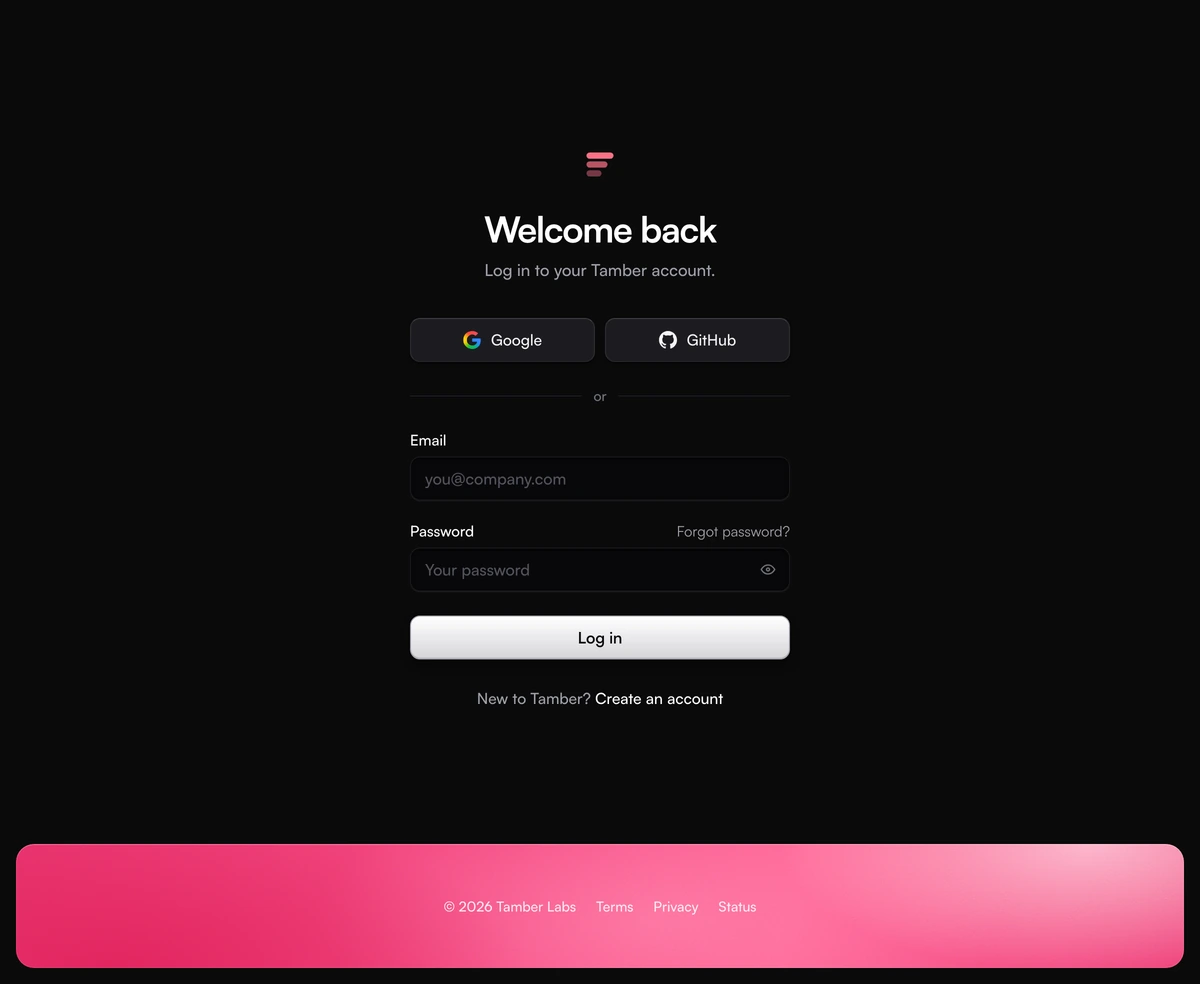
- Login Page With Minimal Form
- No card at all: a short centered column on a plain page, Google and GitHub on one row, and a rounded rose strip at the bottom for the footer.
A page for creating accounts
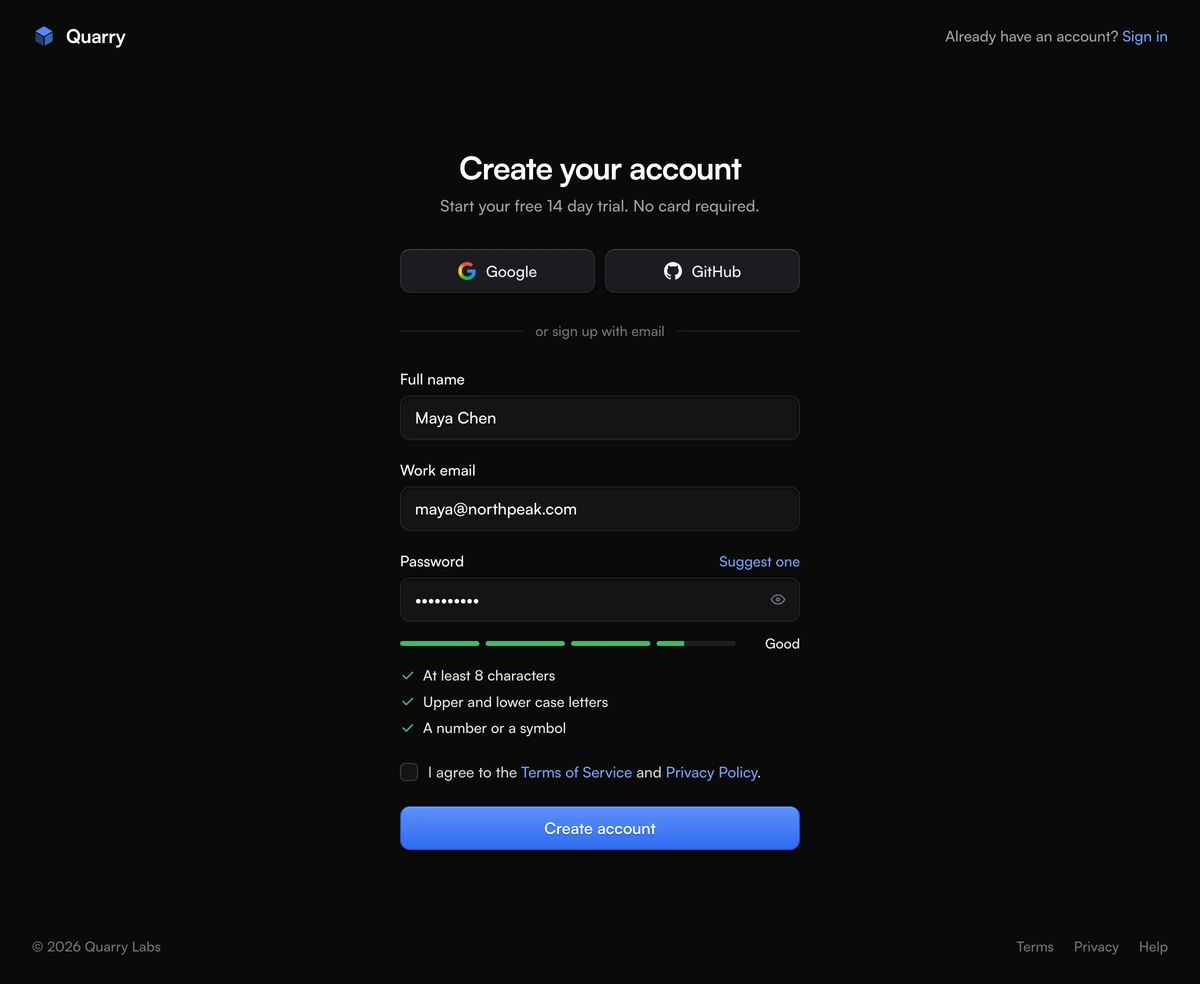
- Login Page With Password Strength Meter
- Your Create account route. Name, email and a password scored live by a strength meter and checklist, then a check your inbox screen.
A sign in page without a password
- Login Page With Magic Link
- Passwordless sign in. One email field sends a magic link, then a check your inbox screen opens the right webmail and holds resend for thirty seconds.