Free design tools

4 free generatorsCSS, SVG and image exportNo account needed

Free CSS generators and design tools from Wensity: gradients, mesh gradients, noise textures, halftone images and shadcn/ui themes. Each one runs in your browser and copies clean code or an image.

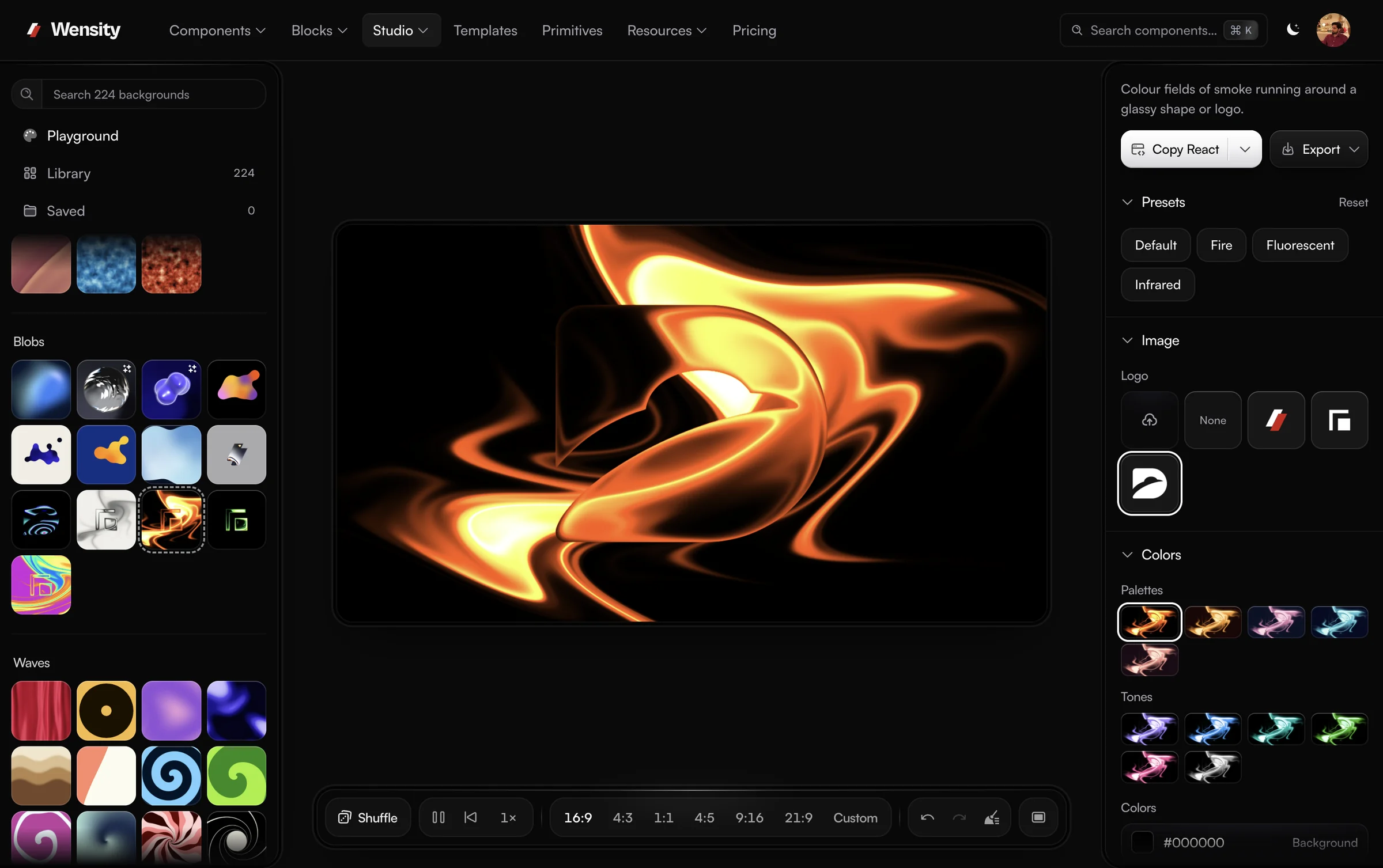
Background Studio with Gem Smoke Fire on the canvas, the Library of looks on the left and colour palettes on the right

Background Studio

The full background editor, one click from every tool here. Start from an animated gradient, shader or texture background, recolour it, layer grain or halftone over it, and export an image, a video or a React component.

224 backgrounds · PNG, MP4 and React export

Free gradient, mesh, noise and halftone generators

Focused generators that each do one job well. Their CSS, SVG and image exports are free, and each one opens in Background Studio when you need more.

  • A blue linear gradient made in the CSS Gradient Generator

    CSS Gradient Generator

    Layer linear, radial and conic gradients, then copy the CSS.

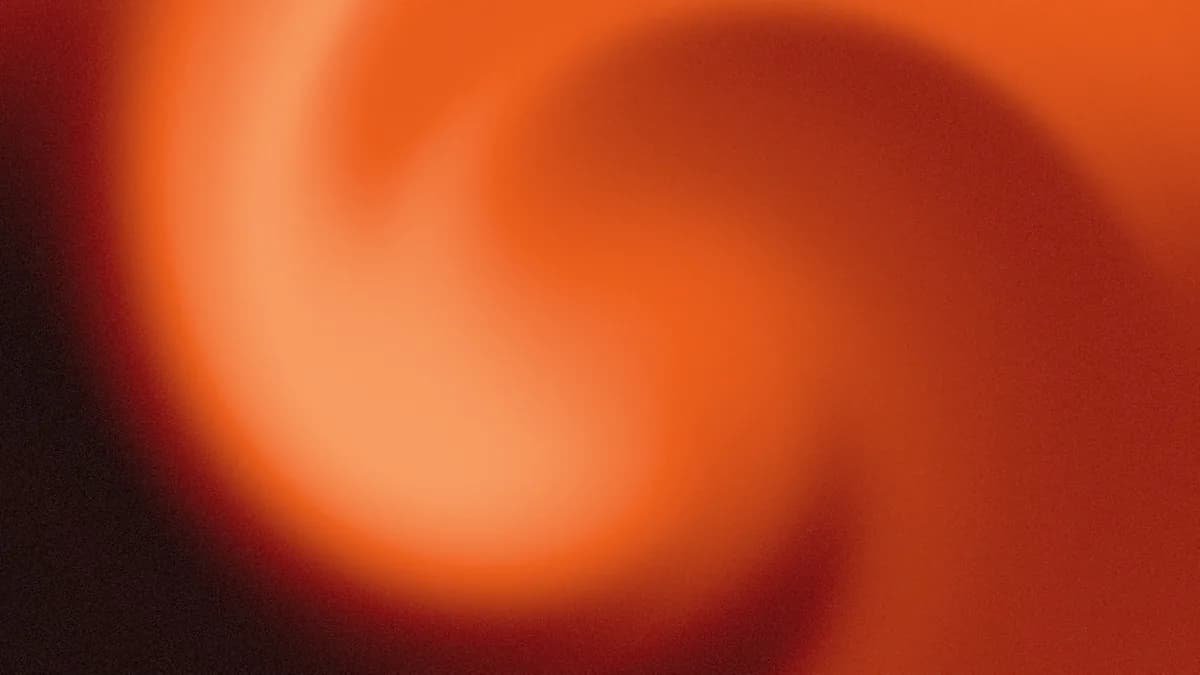
  • An orange swirl mesh gradient made in the Mesh Gradient Generator

    Mesh Gradient Generator

    Drag colour points into a soft mesh, animate it, export it.

  • A creased paper texture made in the Noise Texture Generator

    Noise Texture Generator

    Grain, fractal and cell noise as textures or a CSS grain overlay.

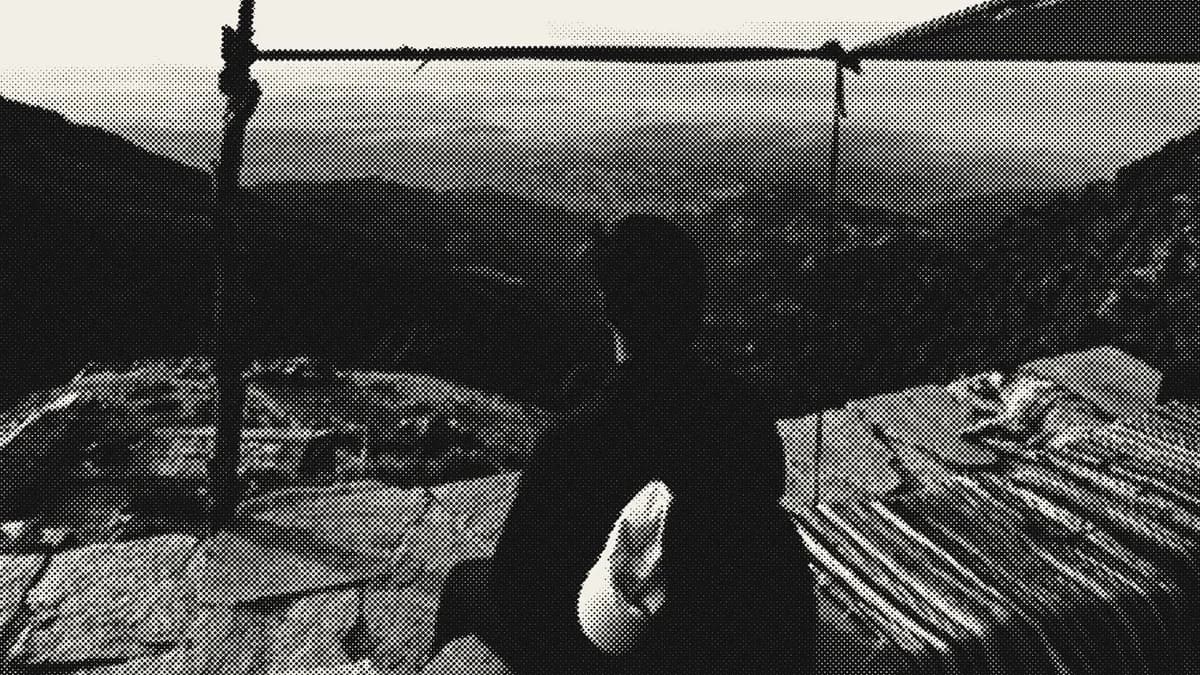
  • A photo of a hiker turned to black and white halftone in the Halftone Generator

    Halftone Generator

    Turn any image into halftone dots, screens or CMYK print.

A free shadcn/ui theme generator

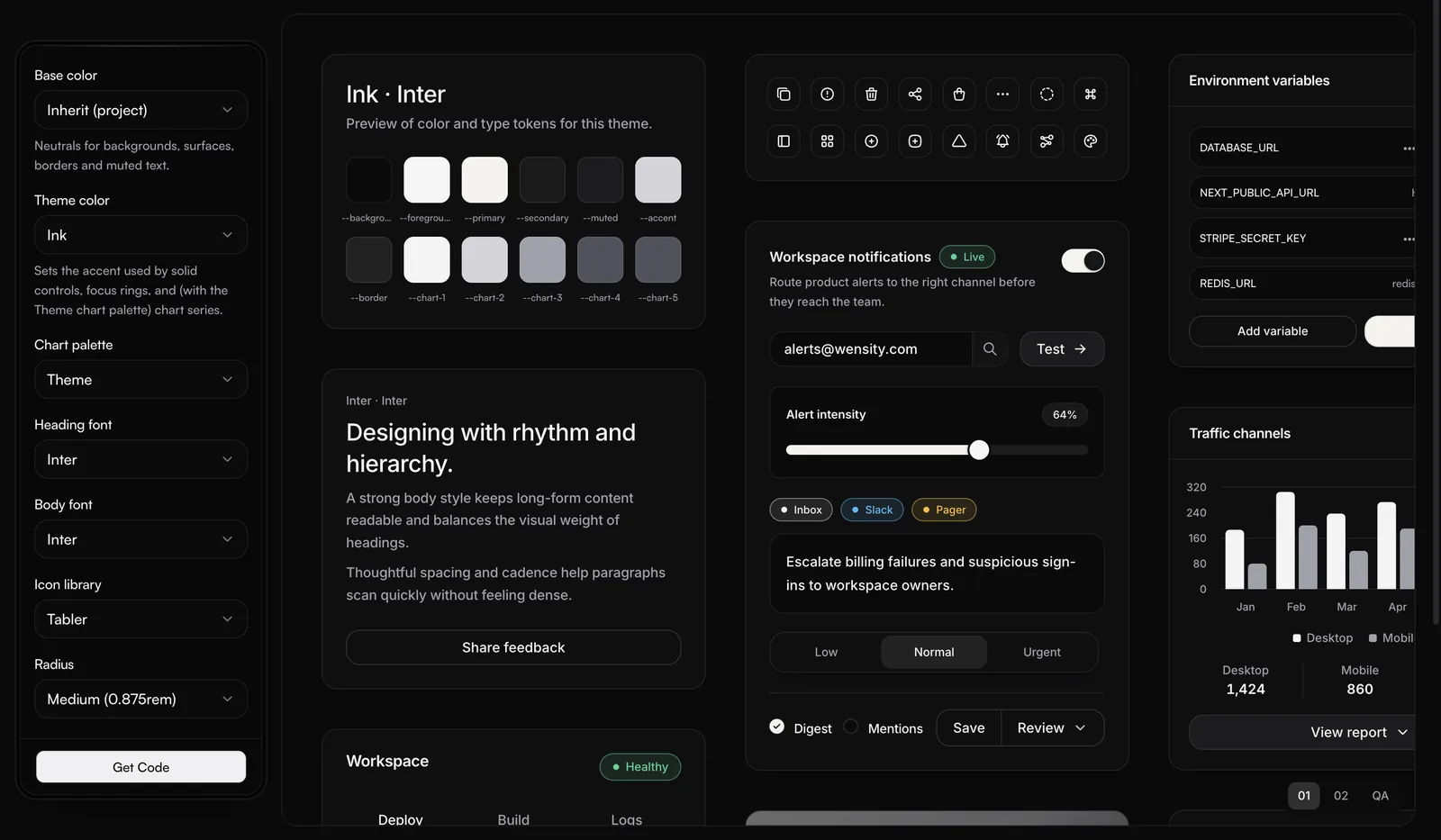
Set the colours, type and corner radius of a shadcn/ui theme and watch real components repaint as you go.

Create Preset with theme, font, icon and radius controls on the left and components repainted in the Ink theme

Create Preset

A theme generator for shadcn/ui. Pick a colour, a font and a radius, see them on animated React components, then install the preset with one CLI command or export the theme.

Install with the CLI or export the theme

Free CSS tools that work the same way

The tools are built to the same rules, so moving between them never changes how they work.

Free to export

Everything CSS or SVG can make is free, and so are images at the canvas size. No watermark.

Open in full studio

Any design moves into Background Studio in one click, for layers, motion and video.

Desktop or phone

A three-panel workspace on a laptop, and a compact layout with the canvas pinned on a phone.

Designs save in your browser as you work, and a share link carries any design to someone else. New to gradients? Start with the CSS Gradient Generator.

Free tools questions, answered

What people ask before they open a tool: what is free, what needs an account, and how the tools relate to Background Studio.

Wensity has 4 free generators, the CSS Gradient Generator, Mesh Gradient Generator, Noise Texture Generator and Halftone Generator, plus Create Preset, a shadcn/ui theme generator, and Background Studio, an editor for animated gradient and shader backgrounds. They all run in the browser.

Yes, they are free and no account is needed. Everything CSS or SVG can make is free in full, and so are images at the canvas size. Only MP4 video, and 2x images and React code for shader designs such as Flowing and Waves meshes and Background Studio looks, come with Wensity Pro, $169 a year or $199 once.

Each tool does one job, such as a CSS gradient or a halftone image, and copies clean code or an image for it. Background Studio is the full editor, with a library of animated looks, layers and video export. Every tool has an Open in full studio button that carries your design across.

Yes. Below laptop width each tool switches to a compact layout, with the canvas pinned at the top and a switch between presets and settings underneath.

No. Photos you add to the Halftone Generator or the Noise Texture Generator are processed in your browser and never sent to Wensity, and share links swap them for a sample photo.

No. Every tool runs in a web browser on a laptop, desktop or phone, and exports render on your own device, so there is no app, plugin or download to set up first.

Yes. Each tool keeps the design you were working on in your browser, so it is still there when you come back, and the CSS Gradient Generator can also save named designs. Share link copies the whole design into a URL that opens it for anyone.

For a light background that ships as code, use the CSS Gradient Generator, or the Mesh Gradient Generator in Points mode for several colours blending at once. Add grain with the Noise Texture Generator. For a background that moves, use Background Studio and export a video or a React component.

Parth

Founder, Wensity

Still have a question?

Ask about plans, licensing, or templates and you will hear back from me directly.

Email hey@wensity.com

Keep building with Wensity