CSS Gradient Generator
Layer linear, radial and conic gradients, then copy the CSS.
The Wensity Halftone Generator turns any image into halftone dots, lines or a CMYK print, right in your browser. Upload a photo or pick one of 12 samples, choose from 14 looks, and export a PNG or a vector SVG.
A halftone shows light and shade as dots that grow in the dark areas and shrink in the light ones, the way newspapers, comics and posters print a photo. Here each dot is sized to match the tone under it, and Auto levels stretches a flat photo to a full range of dots first.
Your image is processed in the browser and never uploaded.
Drop in your own photo, or start from one of 12 samples picked to screen well.
Start from a look, then set the detail, dot size, angle and ink colours.
Download PNG, JPG, WebP or SVG, or copy the SVG into Figma.
Three looks on the generator's own sample photos, each at the photo's own shape. Open one to try it on your image.
14 looks, each a different screen rather than one recoloured.
Comic Dots and Pop Art give the bold, coloured dots of comic books and screen prints. Newsprint and Fine Print split the image into CMYK plates, each with its own ink and screen angle, as a printing press does.
Risograph prints one bright ink on warm paper, like a risograph zine. Line Screen and Engraving trade dots for lines that thicken in the shadows, and Blueprint, Sepia Print, Mosaic and Cross Stitch change the shape and the paper.
Dot, Square, Diamond, Ellipse, Line and Cross, on a square or hex grid.
One ink, Colour and CMYK: one ink, the photo's own colours, or four plates.
Auto levels, brightness, contrast, smoothing and invert, before the screen is drawn.
Every export is free, with no watermark and no account.
PNG, JPG or WebP at the image's size, and PNG at double size when it fits.
One path per ink, for print, cutting machines or editing in Figma and Illustrator.
Switch on Transparent paper to keep only the dots, for a halftone texture you can lay over another design. To put a halftone screen over an animated gradient instead of a photo, use the halftone layer in Background Studio.
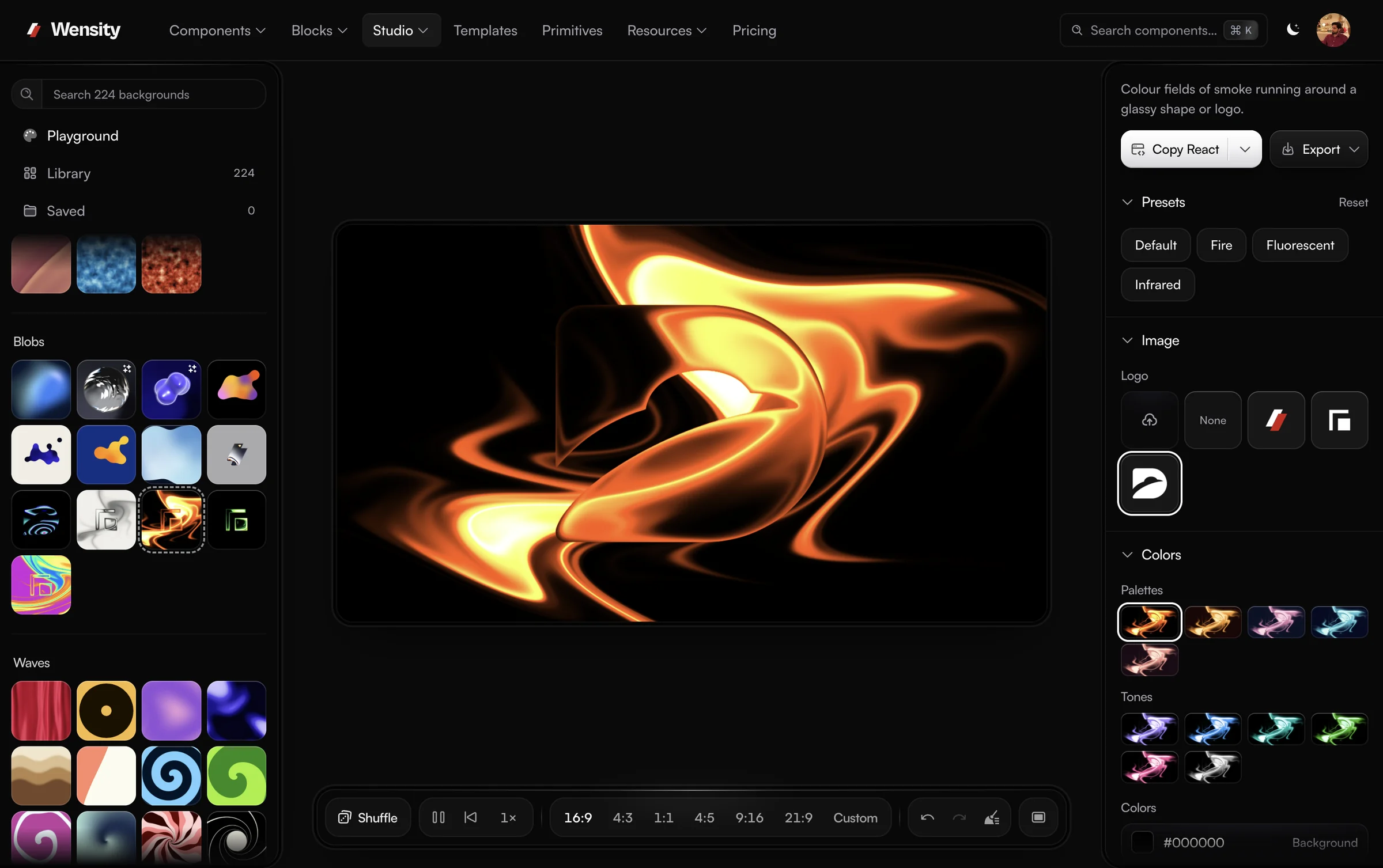
Background Studio puts halftone, dither and ASCII looks over a photo or over a moving shader, and exports the result as a video or a React component.
Background Studio is Wensity's full background editor, and Open in full studio carries your design into it: 224 gradient, shader and texture backgrounds in 19 sections, layers, and export to PNG, MP4 video or a React component.
What people ask about halftones and this generator: how to convert a photo, CMYK and vector export, and where the image goes.
Parth
Founder, Wensity
Still have a question?
Ask about plans, licensing, or templates and you will hear back from me directly.
Email hey@wensity.comFor a texture that does not start from a photo, try grain, noise and paper, or a smooth gradient. See all free tools.