CSS Gradient Generator
Layer linear, radial and conic gradients, then copy the CSS.
The Wensity Noise Texture Generator makes grain, noise and paper textures in your browser and exports them as seamless tiles, images or CSS. Use it for a texture file, a grainy gradient background, or grain over a photo, starting from one of 18 presets.
Grain and clouds are drawn by the browser's own SVG noise filter, so the preview, the CSS, the SVG and the PNG are the same noise, and a tile repeats with no seam.
Pick what the grain is for, and the controls and exports follow.
A seamless tile of film grain, static, sand, ink clouds or paper.
Grain over a linear, radial or solid background: a grainy gradient.
Grain over your own photo, with a before and after slider.
One from each use, exported from the generator. Each opens above with its settings.
The grain is a separate layer, so the colours under it never change.
A grainy gradient is a smooth colour blend with fine noise over it. The grain breaks up the banding a plain gradient can show on large screens, and gives a flat background a printed feel.
Copy CSS and you get the gradient as the background and the grain as an ::after layer: a small SVG noise tile inlined in the stylesheet, with a blend mode and an opacity. There is no image to host. Hard light is the default blend, because overlay and soft light leave grain invisible on dark colours. For a noise gradient with more control over the colours, build the gradient in the CSS Gradient Generator and add grain there.
Four kinds of texture: fine grain, soft grain, clouds and paper.
Fine grain reads like film grain or a print, soft grain like a matte finish, and clouds are larger, smoother noise. Each takes a size, contrast and brightness, colours of your own or raw grey and coloured noise, and a tile size for the exported pattern.
Paper is a paper texture drawn by the Background Studio engine, with sliders for roughness, fibres, folds, wrinkles, crumples and drops. It exports as an image or a React component rather than as a tile.
Every export is free, with no watermark and no account.
A PNG tile, a transparent PNG tile to lay over anything, or an SVG tile that stays tiny.
PNG, JPG, WebP or SVG at the canvas size, and PNG at double size when it fits.
CSS with the grain layer, or a React component you paste into your app.
Uploaded photos stay in your browser. A share link carries the settings but never the upload, so the person you send it to sees the same grain on a sample photo.
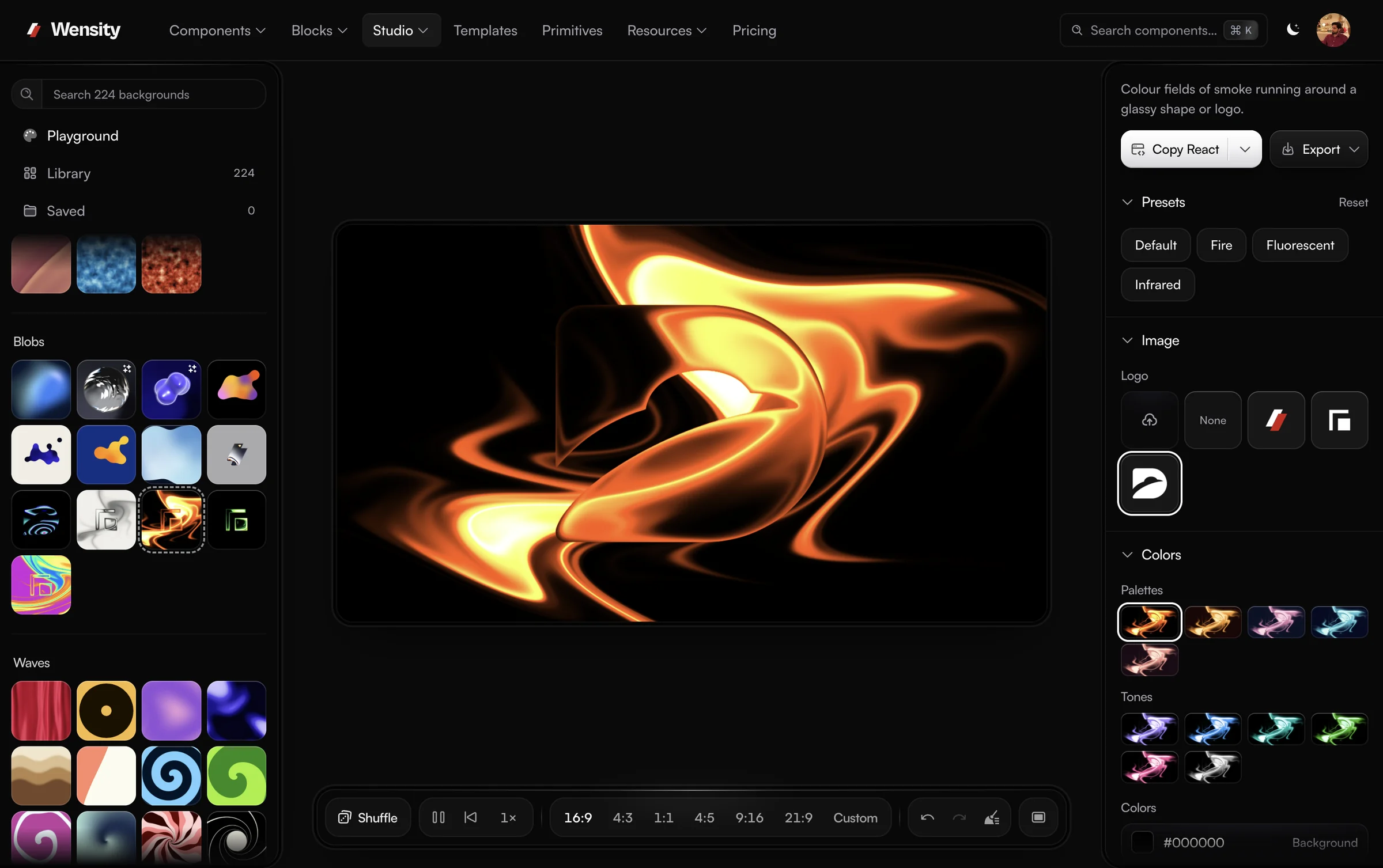
Grain is also a layer in Background Studio, where it can sit over any gradient, mesh or shader, next to halftone and glass.
Background Studio is Wensity's full background editor, and Open in full studio carries your design into it: 224 gradient, shader and texture backgrounds in 19 sections, layers, and export to PNG, MP4 video or a React component.
What people ask about grain and noise textures: making a grainy gradient in CSS, adding grain to a photo, and seamless tiles.
Parth
Founder, Wensity
Still have a question?
Ask about plans, licensing, or templates and you will hear back from me directly.
Email hey@wensity.comGrain looks best over colour, so start from a gradient or a mesh and bring it back here. See all free tools.