Mesh Gradient Generator
Drag colour points into a soft mesh, animate it, export it.
The Wensity CSS Gradient Generator is a free tool that builds linear, radial and conic gradients in your browser and writes the CSS for you. Start from one of 43 presets or from a single colour, shape the gradient on a live canvas, and copy code that pastes straight into a stylesheet, a Tailwind class or a React component.
What you see on the canvas is drawn by the same CSS you copy, so the preview never drifts from the result.
Three steps, and no account at any point.
Pick a preset, or type one colour and choose shades, tints, analogous or complementary stops.
Switch between linear, radial and conic, then drag the handles to set the angle or centre.
Copy CSS, Tailwind classes or SVG, or download the gradient as an image.
Three of the 43 presets, across 8 sets from classics, pastels and sweeps to light. Each one opens in the generator above, ready to change.
One switch changes the type and keeps your colours, so you can compare all three on the same palette.
A linear gradient blends colours along a line at an angle, written as linear-gradient(). It is the usual choice for a page background or a button. Drag the two handles to set the angle, and add an easing curve when the blend feels too sudden in the middle.
A radial gradient spreads colours out from a centre point as a circle or an ellipse, written as radial-gradient(). Move the centre to place a glow, and set how far it reaches, from the closest side to the farthest corner.
A conic gradient sweeps colours around a centre point, written as conic-gradient(). It makes colour wheels, pie charts and metallic sheens. Switch on Rotate and linear and conic layers turn in pure CSS, through an animated custom property that stops for visitors who prefer reduced motion.
Stack up to 8 layers with up to 16 colour stops each, and blend them with CSS blend modes for mesh-like fields. To build one from colour points instead, use the Mesh Gradient Generator.
Use on switches the same gradient between a background, a heading and a button, and the copied code changes with it.
A plain background declaration, with an optional grain layer and a solid colour fallback.
Your own words in the gradient, written with background-clip: text and a transparent colour.
A styled button with white text, padding and rounded corners around the gradient.
Colours are mixed in OKLab by default, which keeps the middle of a blend bright instead of grey. OKLCH, a longer hue path and plain sRGB are one click away, and Fallback adds an sRGB version to the copied CSS for older browsers. A text contrast panel reports how white and black type read on the gradient against the WCAG levels.
Every format is free, with no watermark and no account.
CSS, Tailwind classes, a Tailwind v4 utility, CSS variables, SCSS, a React style object and JSON tokens.
PNG, JPG, WebP or SVG at the canvas size, and PNG at double size when it fits the size limit.
One-click PNG sizes: 4K wallpaper, Laptop wallpaper, Phone wallpaper, Story, Instagram post, Open Graph and X header.
Paste any CSS gradient onto the page to open it for editing, and save designs you want to keep with Command S. Share link copies the whole design into a URL, and Open in full studio carries it into Background Studio.
When a flat gradient is not enough, open it in Background Studio and add grain, halftone or glass over it, or start from a shader that moves.
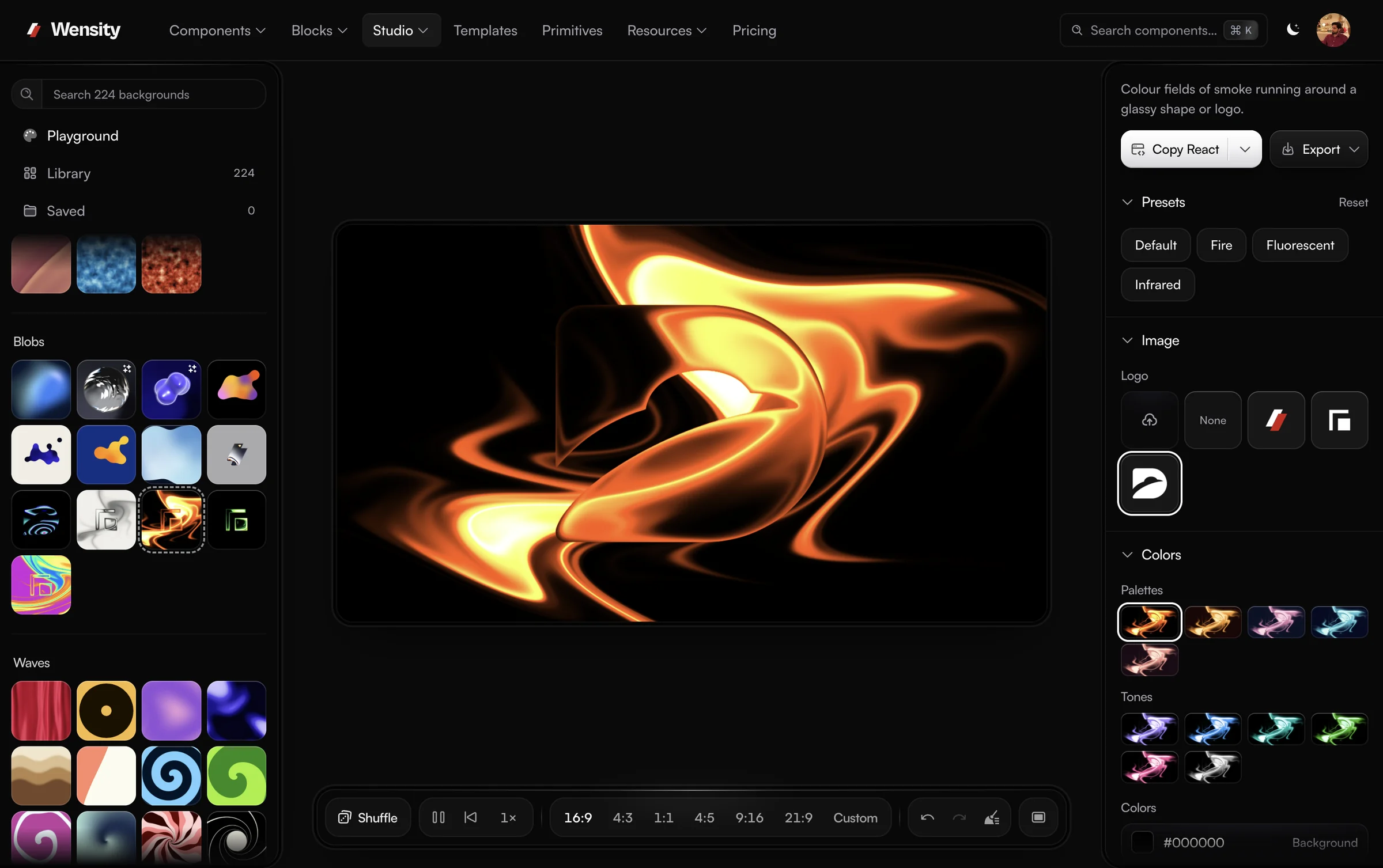
Background Studio is Wensity's full background editor, and Open in full studio carries your design into it: 224 gradient, shader and texture backgrounds in 19 sections, layers, and export to PNG, MP4 video or a React component.
What people ask about CSS gradients and this generator: the gradient types, text gradients, Tailwind output and what is free.
Parth
Founder, Wensity
Still have a question?
Ask about plans, licensing, or templates and you will hear back from me directly.
Email hey@wensity.comPair a gradient with grain from the Noise Texture Generator, or build a softer field from colour points. See all free tools.