Feature Sections
Modern feature sections with security grids, gradient cards, prompt stages, workspace composers, and media trays.
Every feature section here is included with Wensity Pro.
How to choose a feature section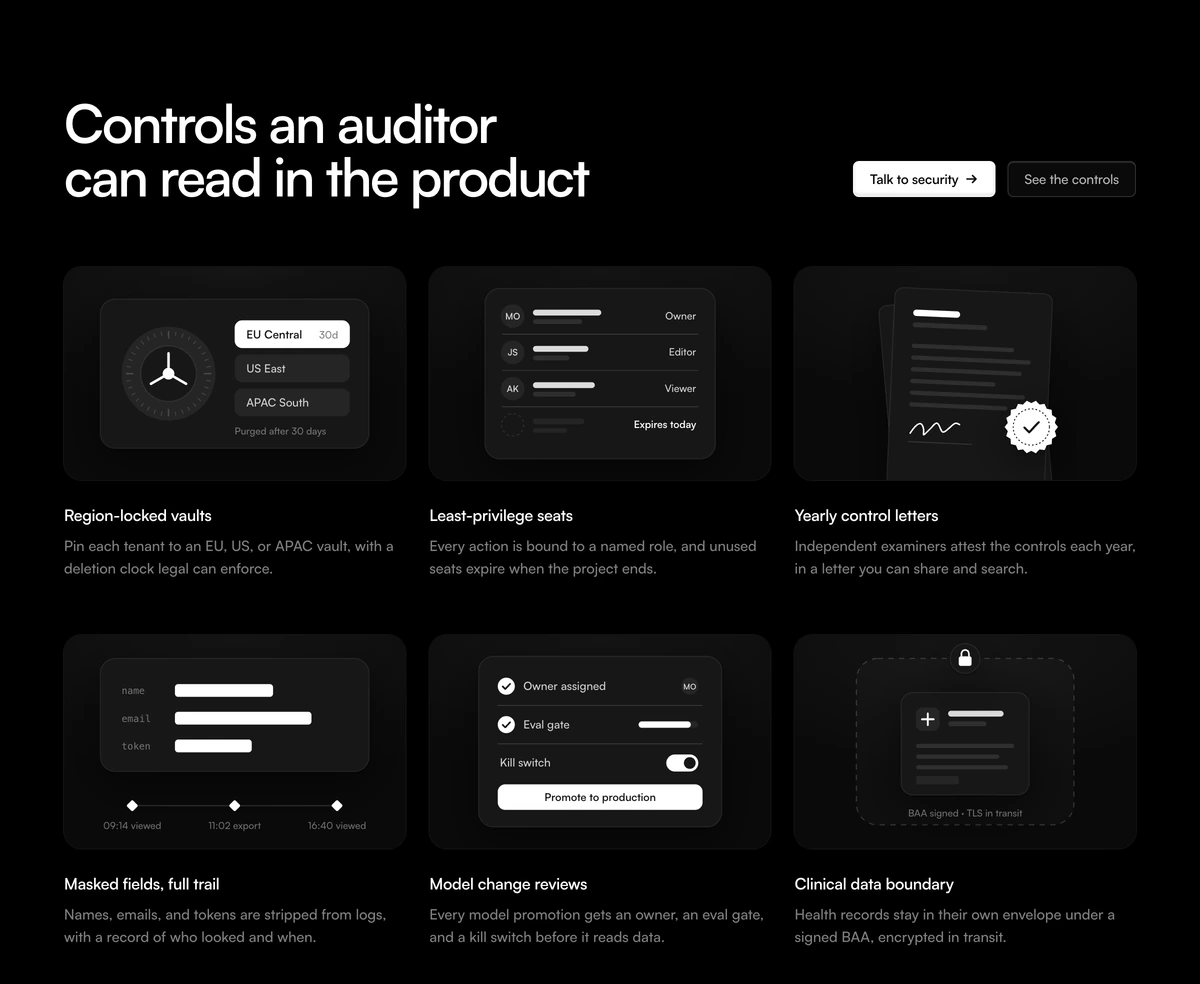
Which feature section should I use?
Name the proof
- Feature Section With Security Grid
- The buyer will not sign until residency, access, and certificates are named in public. Six equal cells, no screenshot standing in for a claim.
Show the product
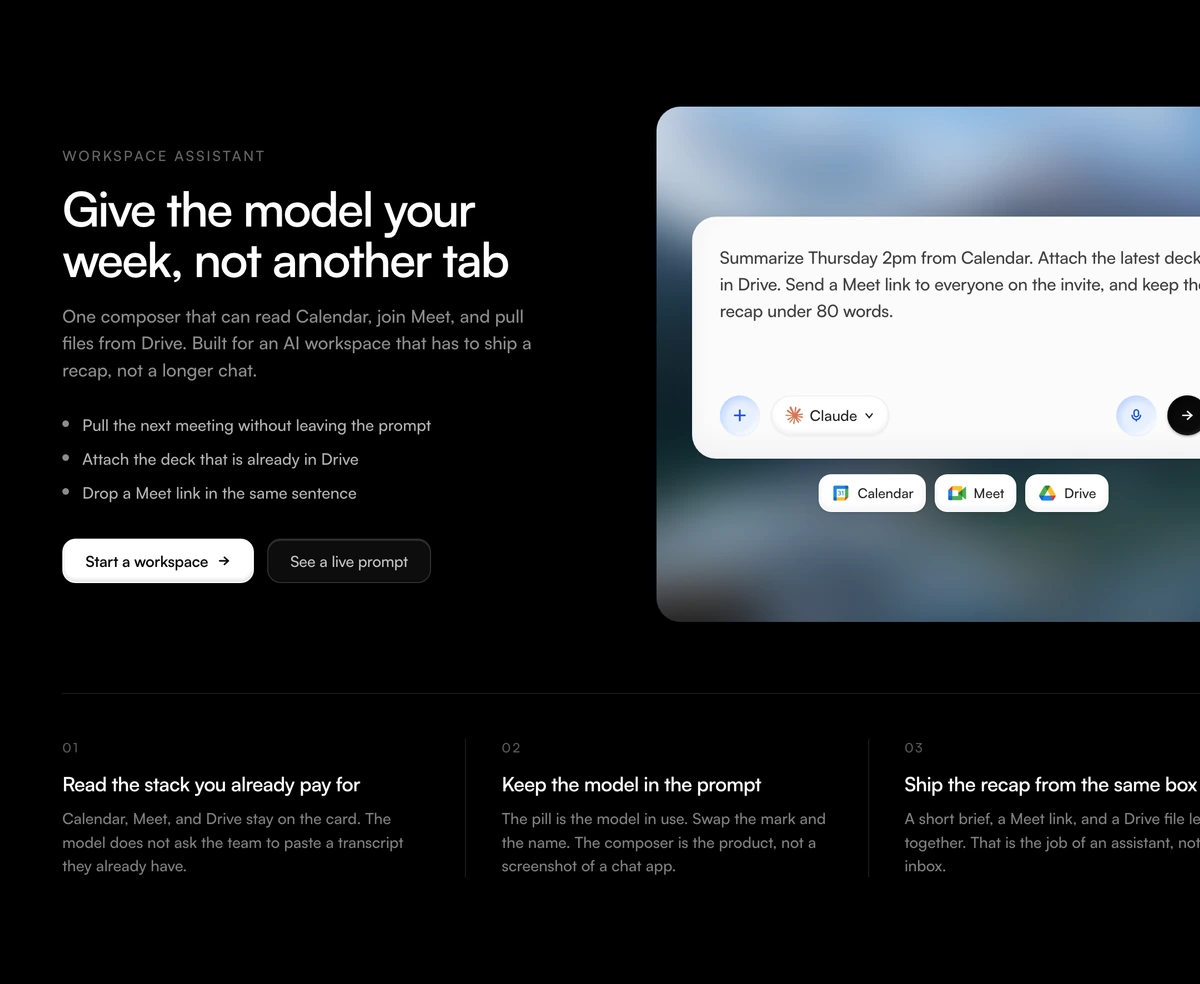
- Feature Section With Workspace Composer
- Copy on the left, a chat composer on one blurred still. Calendar, Meet, and Drive sit under the prompt. Use it for an AI workspace with connected tools.
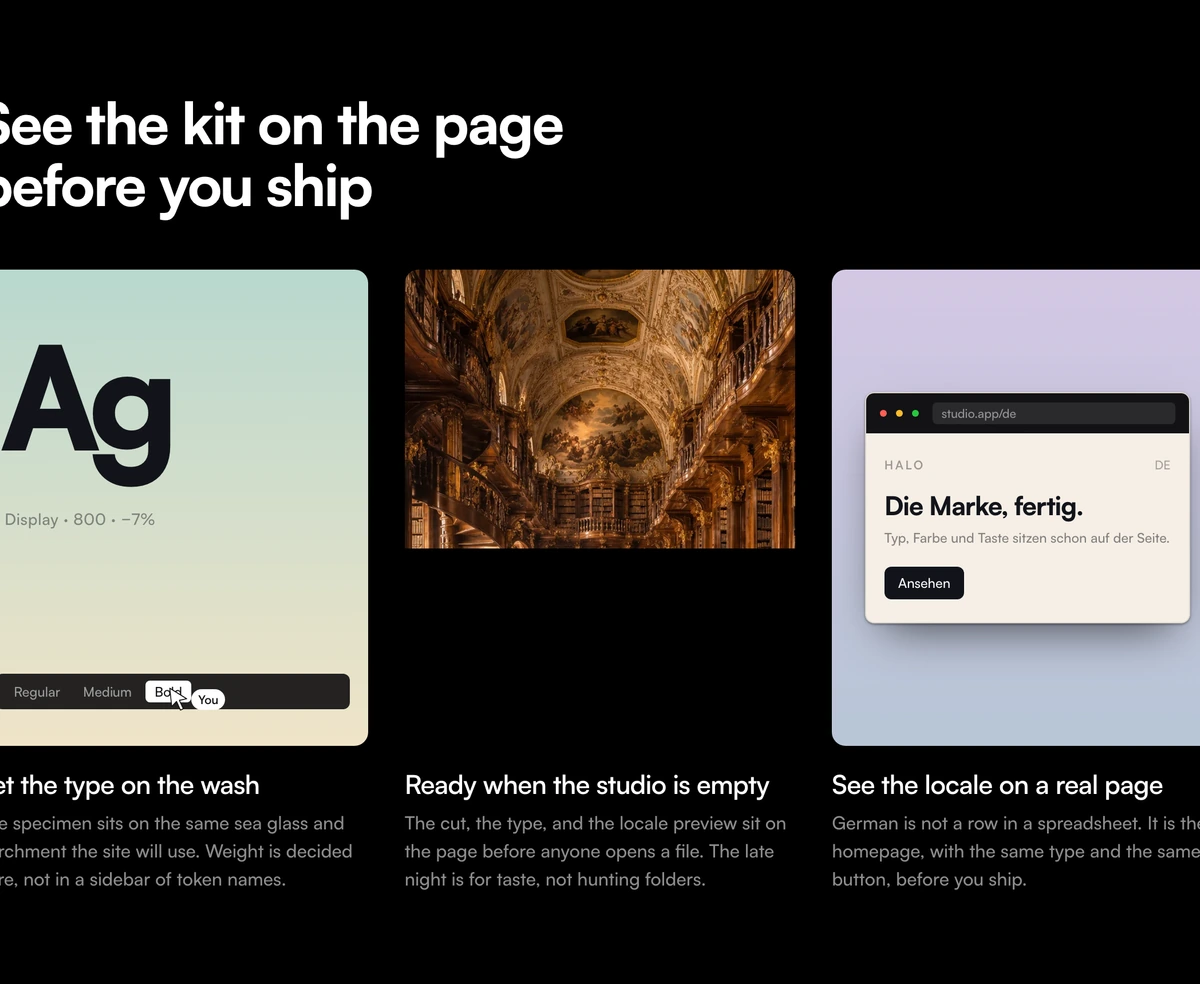
- Feature Section With Gradient Product Cards
- The claim has to be a screen, not a sentence. Two gradient cards hold coded UI and the middle card is a photograph you own.
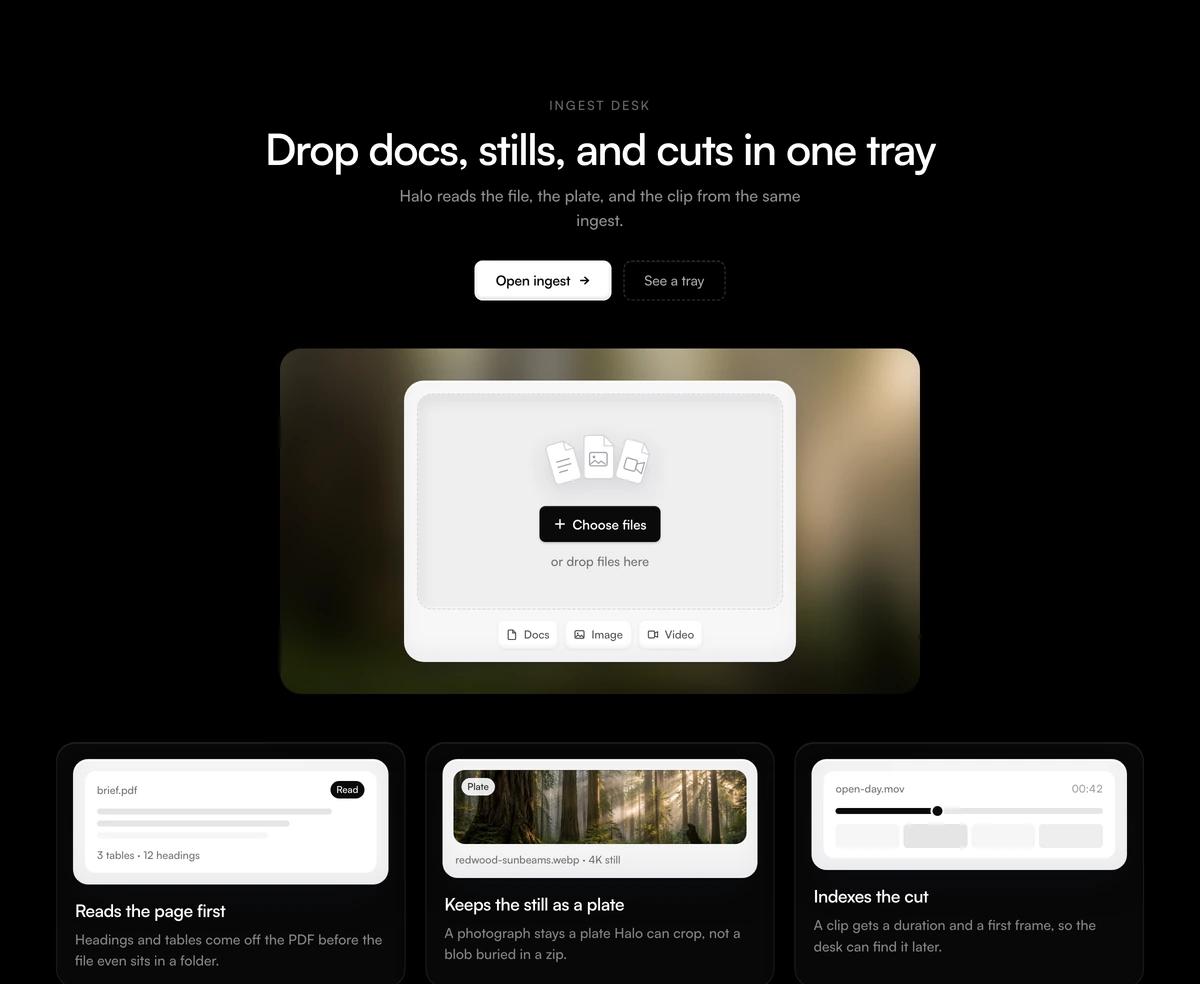
- Feature Section With Media Upload Stage
- A heading above one card. The card is a blurred still with an empty dropzone on it. Use it for ingest, not a list of files already uploaded.
- Feature Section With Blurred Prompt Stage
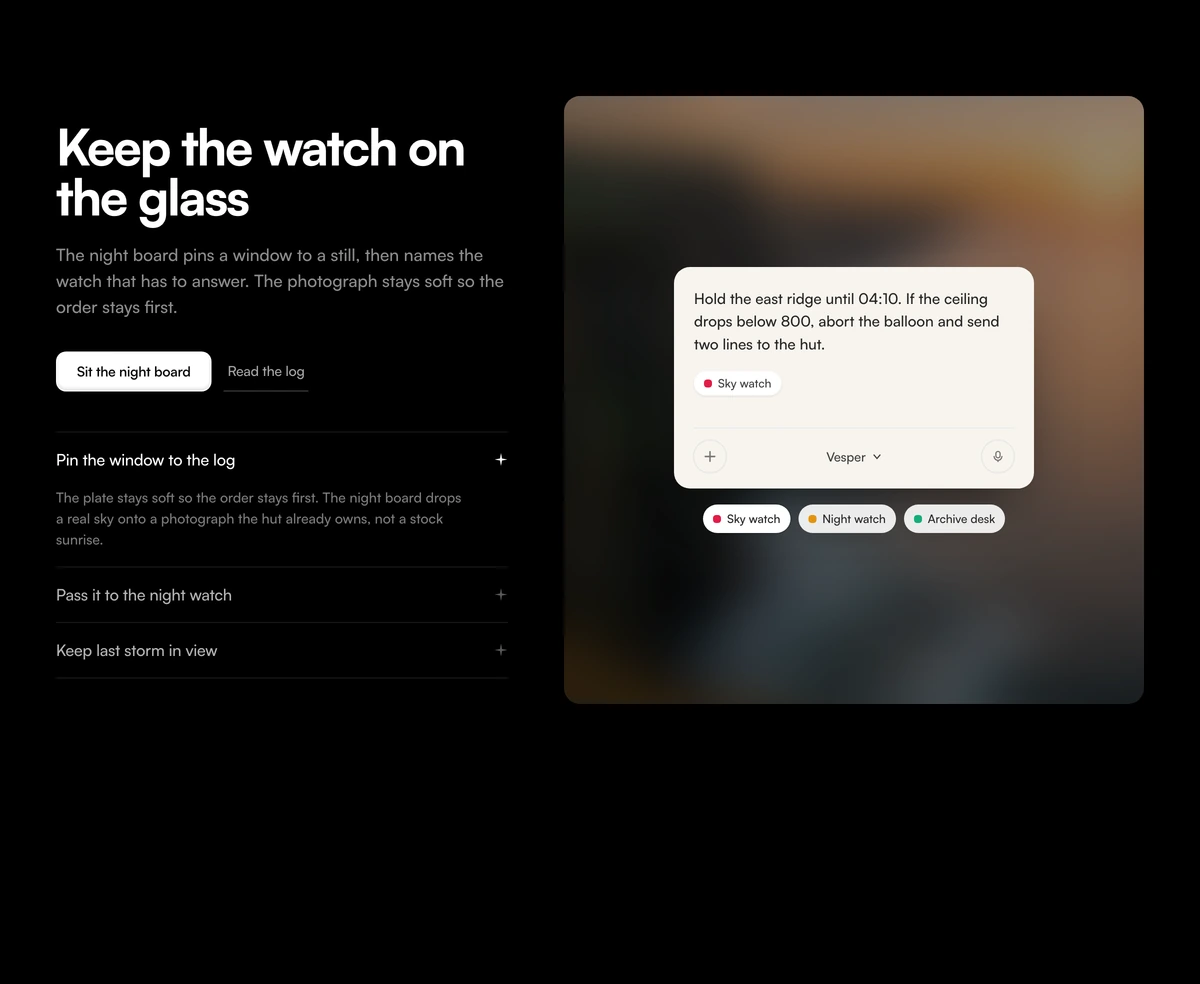
- The claim is a night log sitting on a blurred still. Opening a watch on the left rewrites the card on the right. Use it for a field board, not a control grid.