 Halloween only 🎃 Get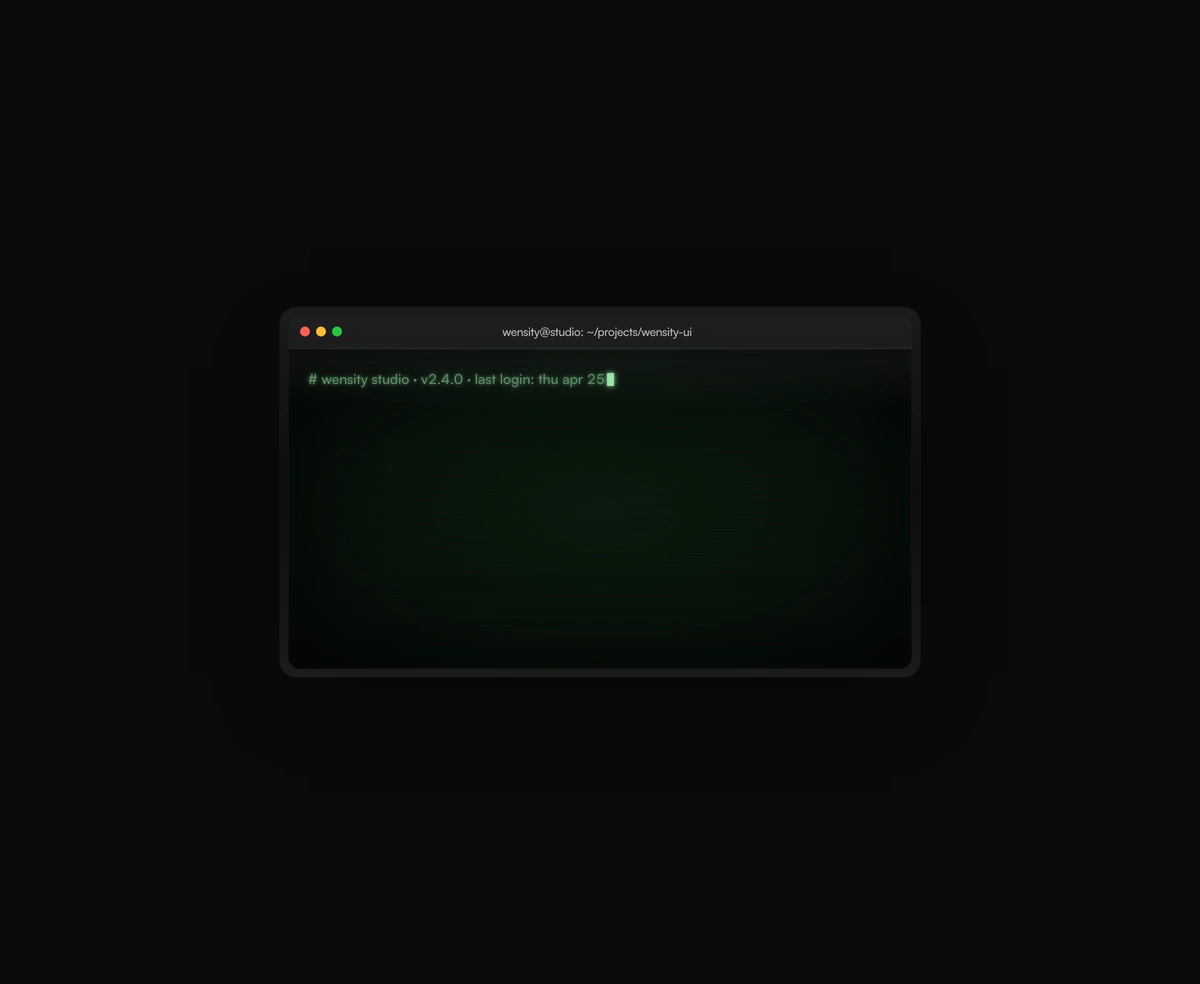
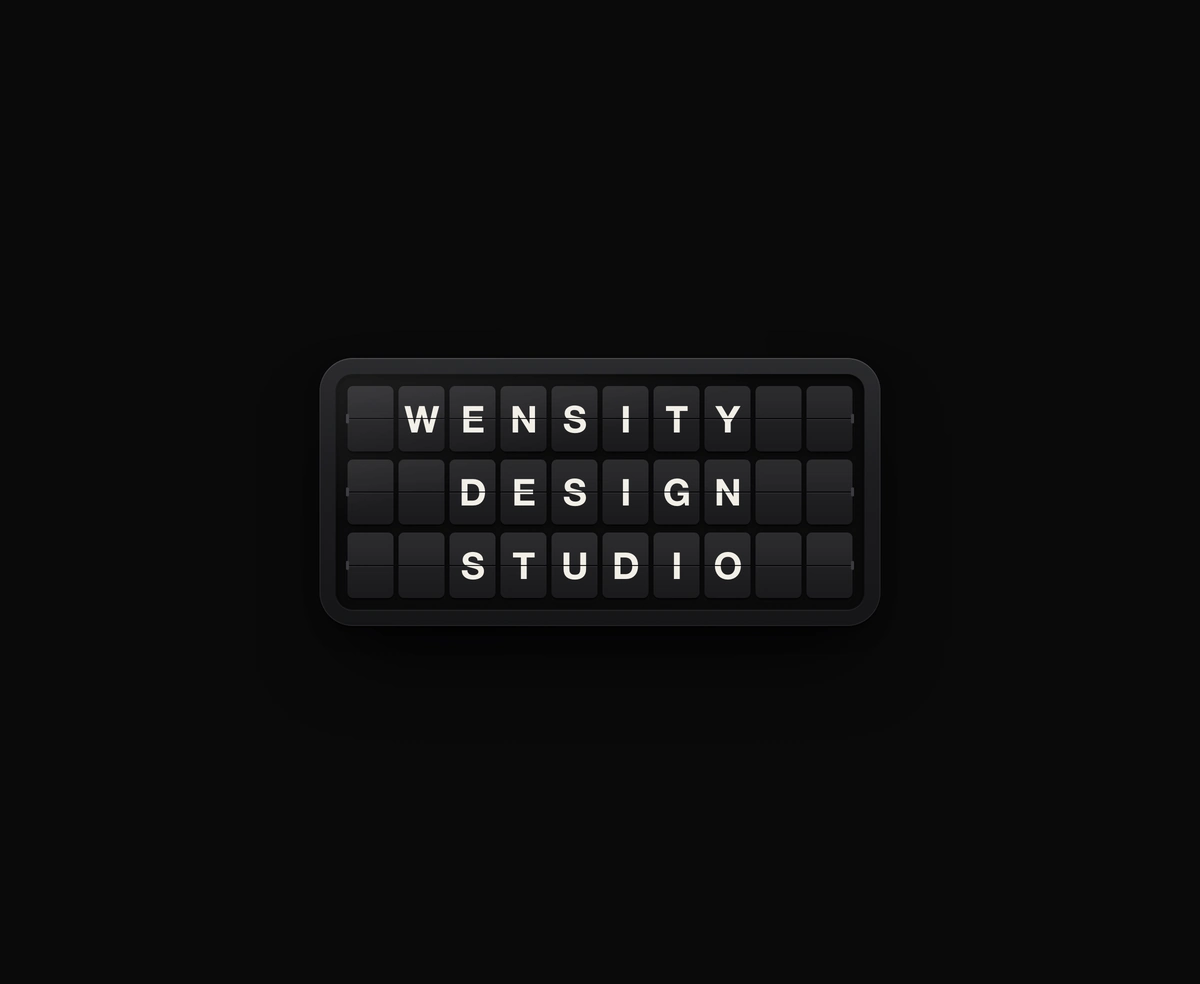
Split-Flap Display
A ceramic and graphite split-flap device that ripples each flap into your message.
A terminal UI with self-typing commands, CRT phosphor glow and scanlines, streaming output that never re-renders a line.
Animated Terminal is a React and Tailwind CSS terminal window that types out commands and output on its own, in Next.js or any React app, animated with Framer Motion. Each line is a command, output, comment, or error with its own typing speed and prompt, and typing runs on a motion value so long lines never re-render. Phosphor, amber, or chili palettes add CRT glow and scanlines, and the sequence can loop. Reduced motion prints each line whole instead of typing it. Text types in after load, so keep commands you want indexed in a real code block too.
Run the following command
pnpm dlx wensity@latest add retro-terminal-emulator
npx wensity@latest add retro-terminal-emulator
yarn dlx wensity@latest add retro-terminal-emulator
bunx wensity@latest add retro-terminal-emulator
Import RetroTerminalEmulator from @/components/wensity/retro-terminal-emulator and render it anywhere in your React or Next.js app. The source lands in your own repo, so every prop, class and animation below is yours to edit.
import {RetroTerminalEmulator,type TerminalLine,} from "@/components/wensity/retro-terminal-emulator";const lines: TerminalLine[] = [{ kind: "comment", text: "# wensity studio · v2.4.0" },{ kind: "command", text: "pnpm dlx wensity@latest add retro-terminal-emulator" },{ kind: "output", text: "✓ Resolved deps · 0 added · 0 removed" },{ kind: "command", text: "pnpm dev" },{ kind: "output", text: "▲ Next.js · Local: http://localhost:3000" },{ kind: "output", text: "✓ Ready in 287ms" },];export default function Example() {return (<RetroTerminalEmulatorlines={lines}palette="phosphor"cps={42}title="wensity@studio: ~"/>);}
| Prop | Type | Default | Description |
|---|---|---|---|
lines | TerminalLine[] | - | Lines to type out, in order. |
cps | number | 38 | Default characters-per-second cadence. |
prompt | string | "$ " | Default prompt prefix for command lines. |
title | string | "wensity@studio: ~" | Header title bar text. |
loop | boolean | true | Loop the whole sequence forever. |
linePause | number | 320 | Pause in milliseconds between lines. |
loopPause | number | 2200 | Pause in milliseconds before restarting the loop. |
palette | "phosphor" | "amber" | "chili" | "phosphor" | Preferred CRT colour theme. |
A ceramic and graphite split-flap device that ripples each flap into your message.
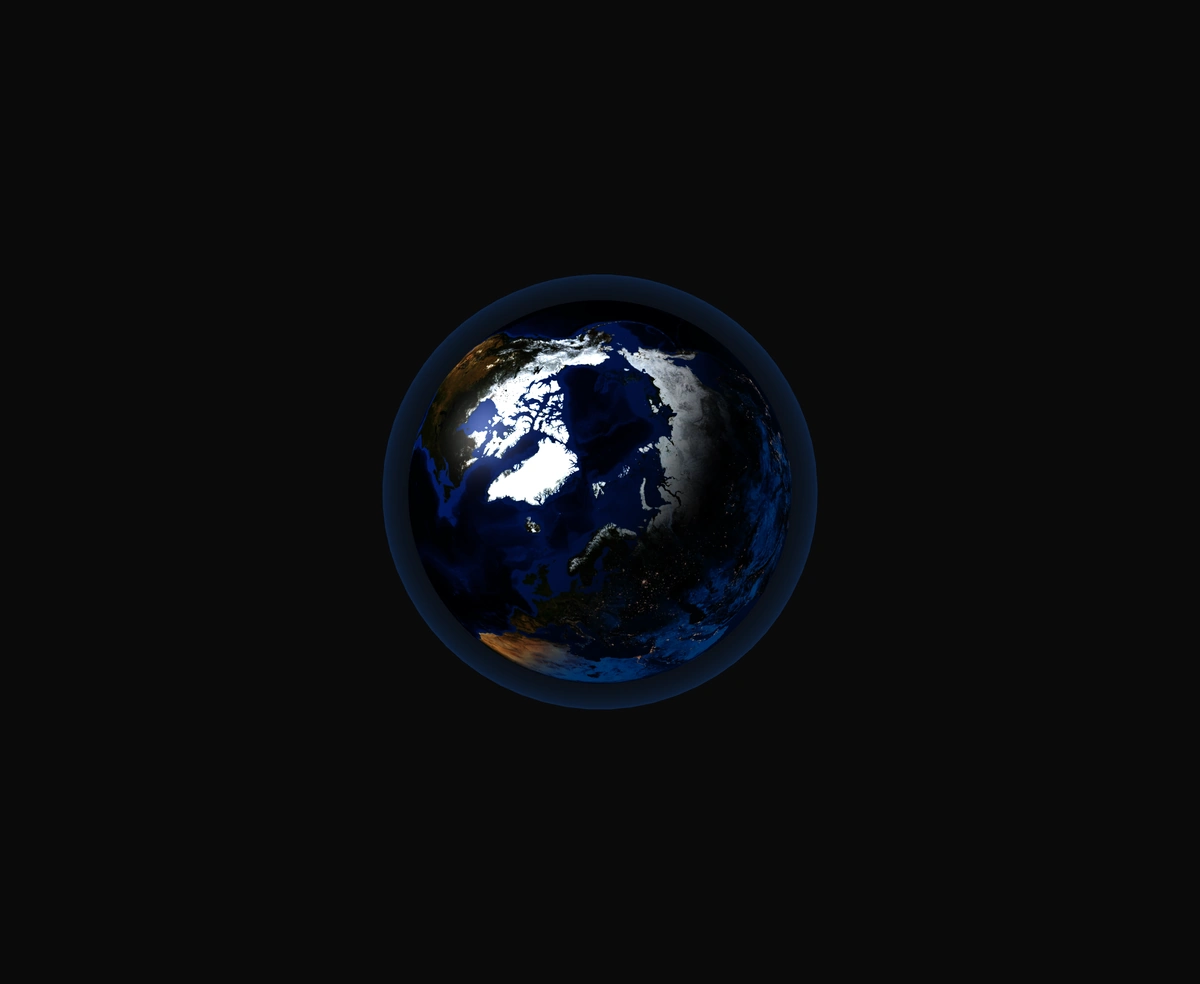
A 3D Earth lit day and night from the real sun position, wrapped in a soft atmosphere, with smooth drag-to-orbit controls.
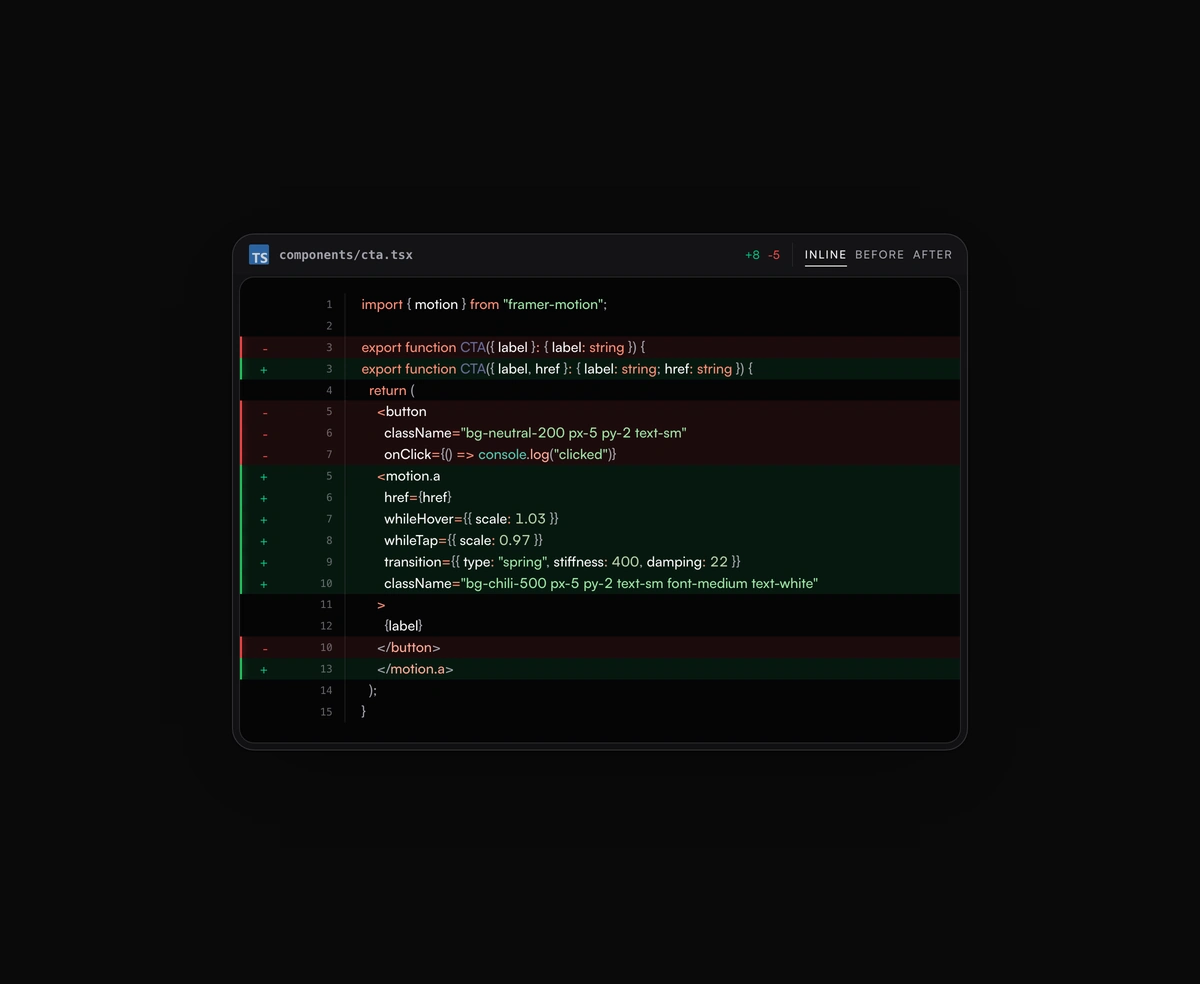
Inline or toggled code diffs rendered inside the same polished code block frame, flipping between before and after.
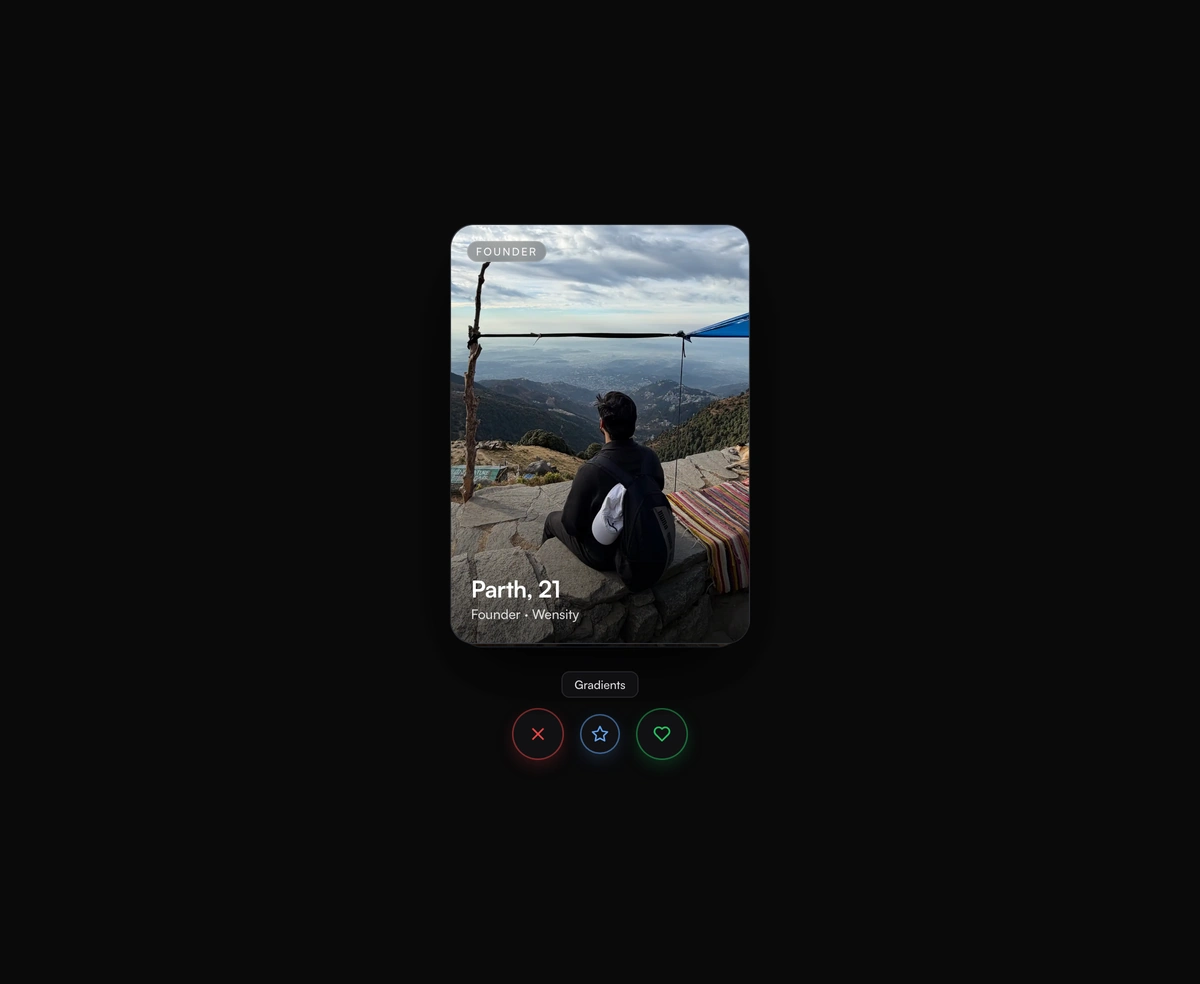
Tinder-style swipe cards where the top card flicks off under your thumb and the one underneath rises in real time.