Elite Micro-Interactions

The 200-millisecond moments that elevate every flow: gooey navs, magnetic pills, morphing icons, haptic sliders. Polish without theatrics.

10 components
Gooey Navigation Menu component preview

Gooey Navigation Menu

A liquid FAB whose child actions stretch out of the trigger like molten metal.

macOS Floating Dock component preview

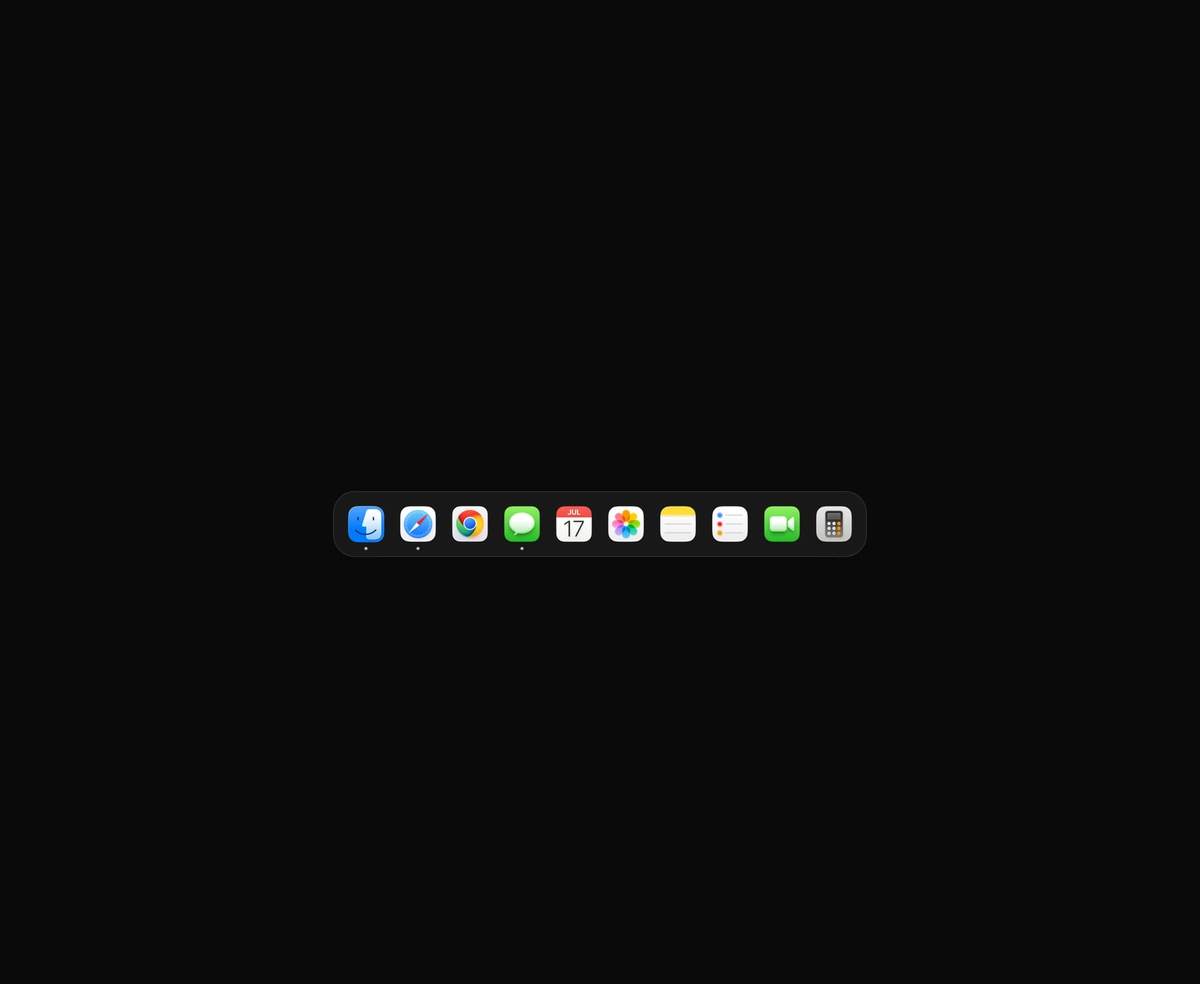
macOS Floating Dock

A magnetic dock where icons inflate near the cursor and push their siblings aside.
Multi-Select Token Pills component preview

Multi-Select Token Pills

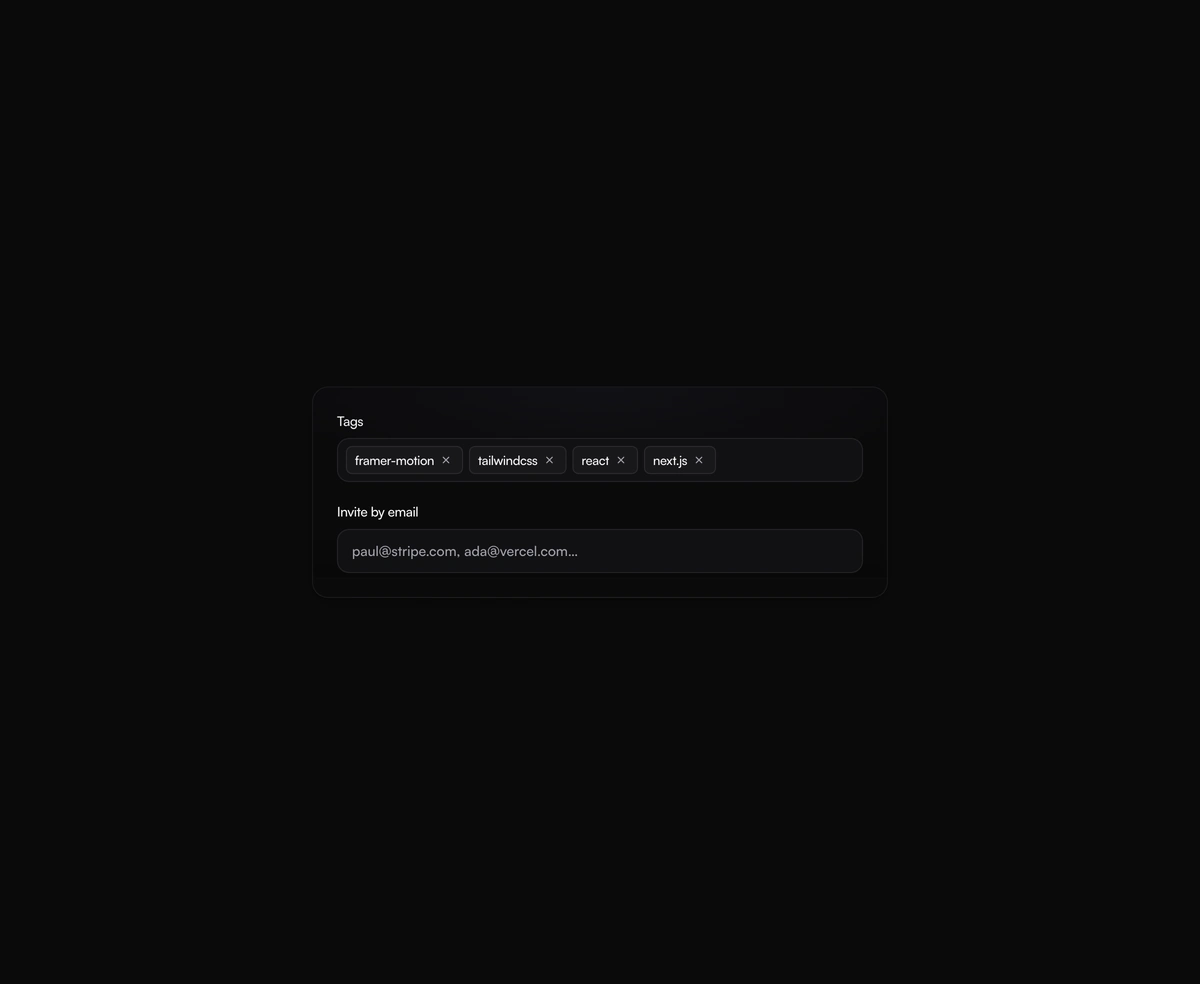
A tag input where pills pop in as you add them and slide out on remove, closing the gap without snapping the layout.

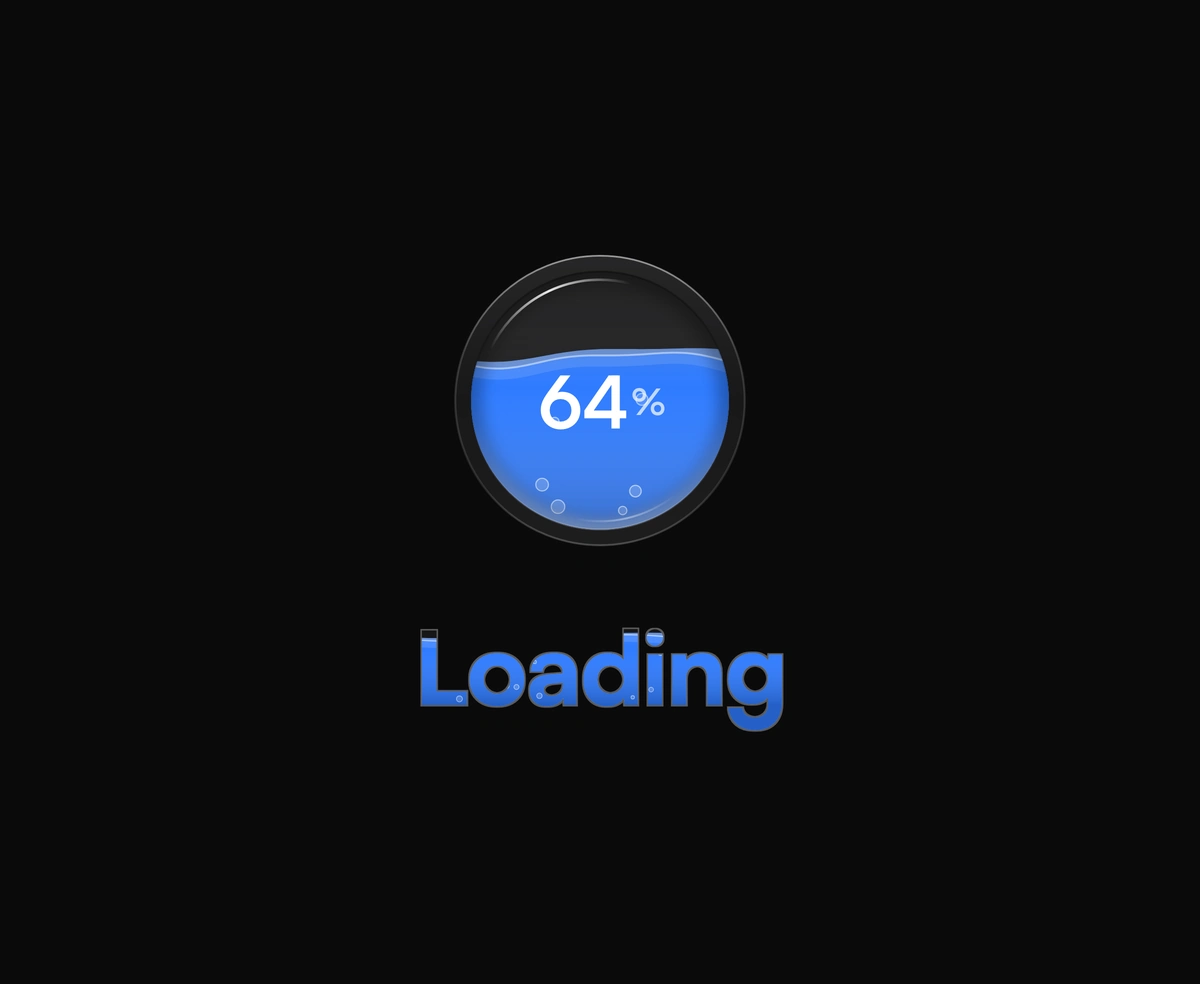
Shimmering Skeleton Wrapper component preview

Shimmering Skeleton Wrapper

One angled GPU sweep that travels across any placeholder geometry you wrap, never a separate shimmer stuttering per row.

Cool Button component preview

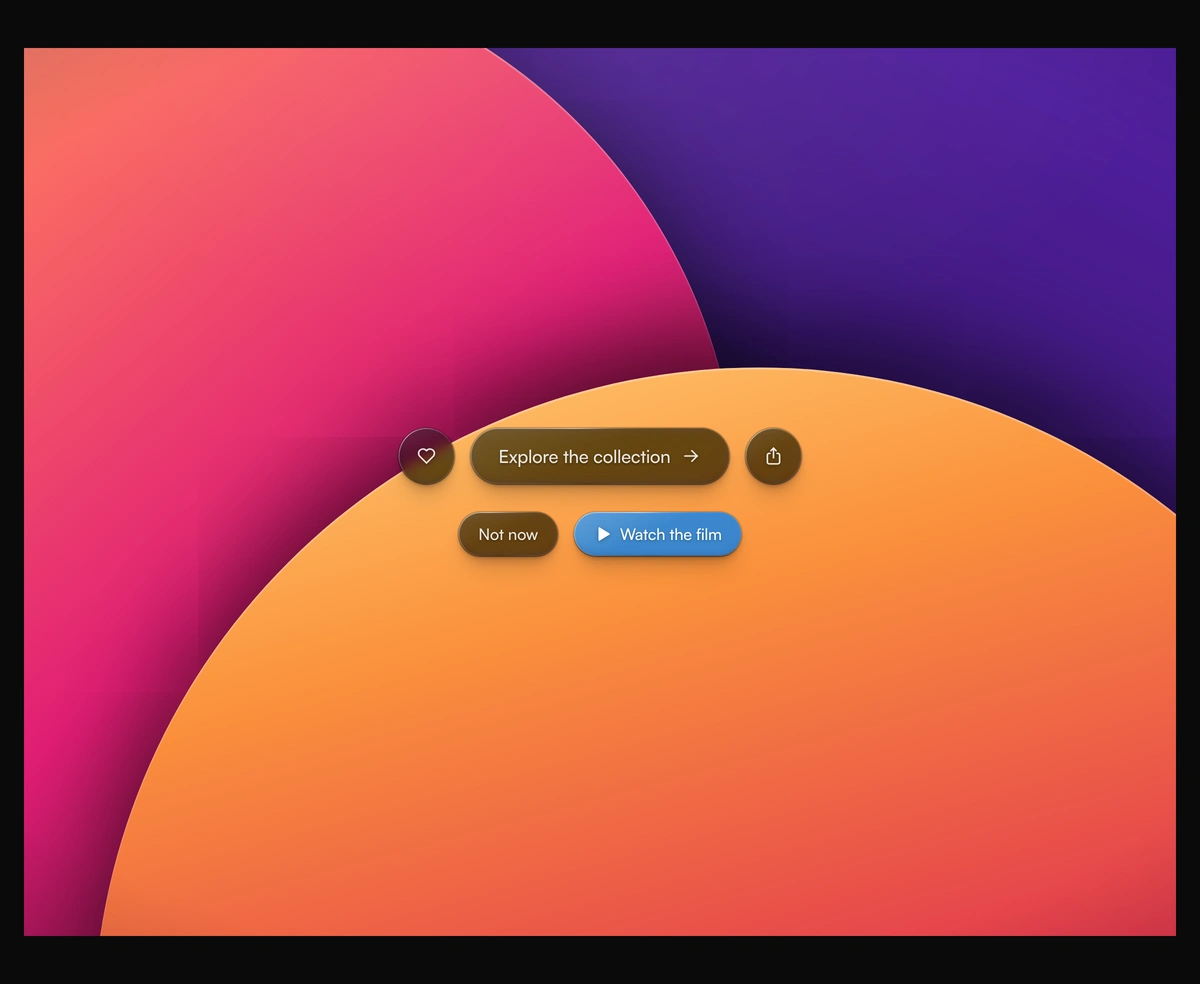
Cool Button

A dual-layer orbit glow that soft-spins around the edge of any button or link you wrap it around, at zero layout cost.
File Uploader component preview

File Uploader

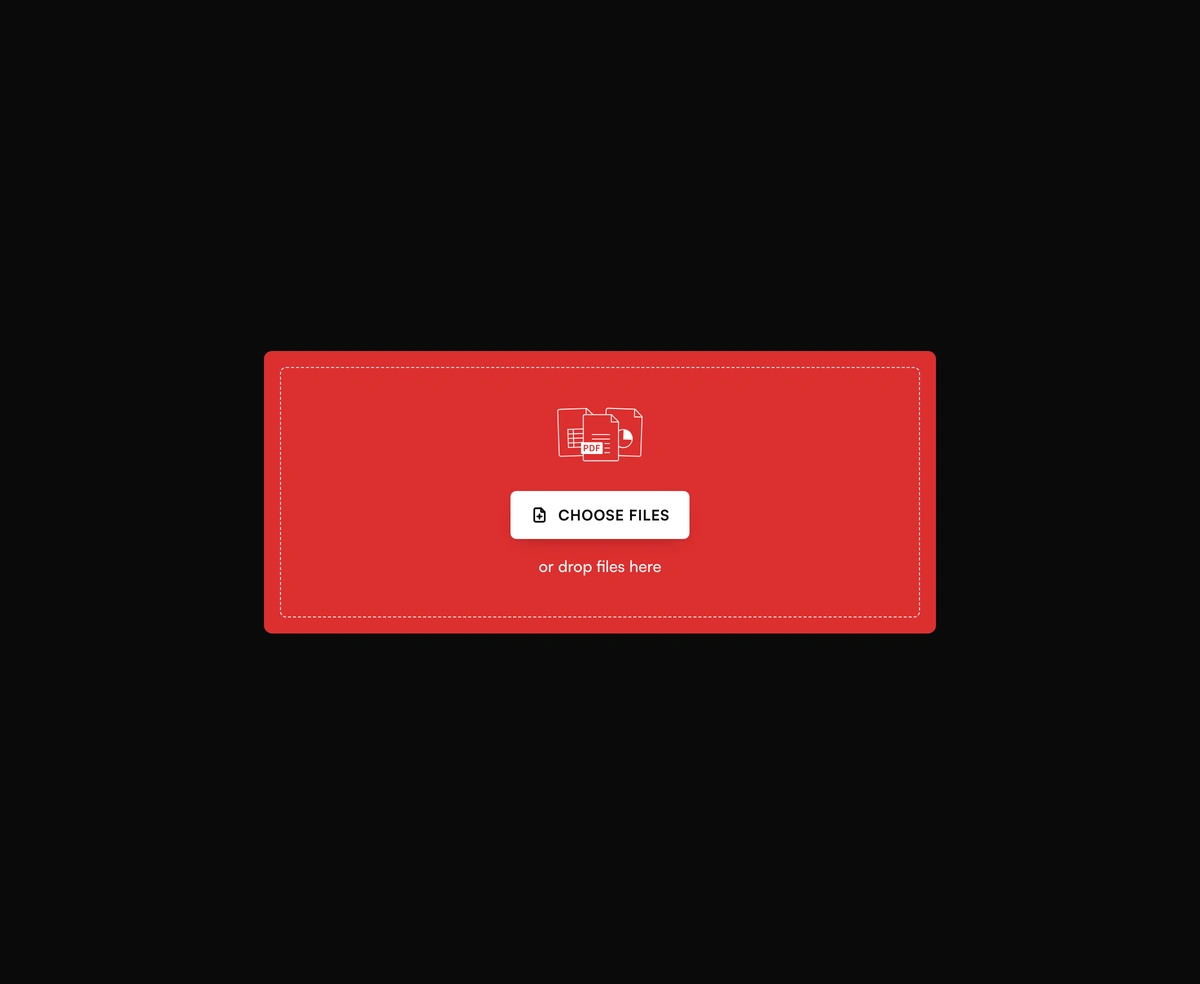
A bold red dropzone for any file, with gallery tiles and progress after upload.

Before After Card component preview

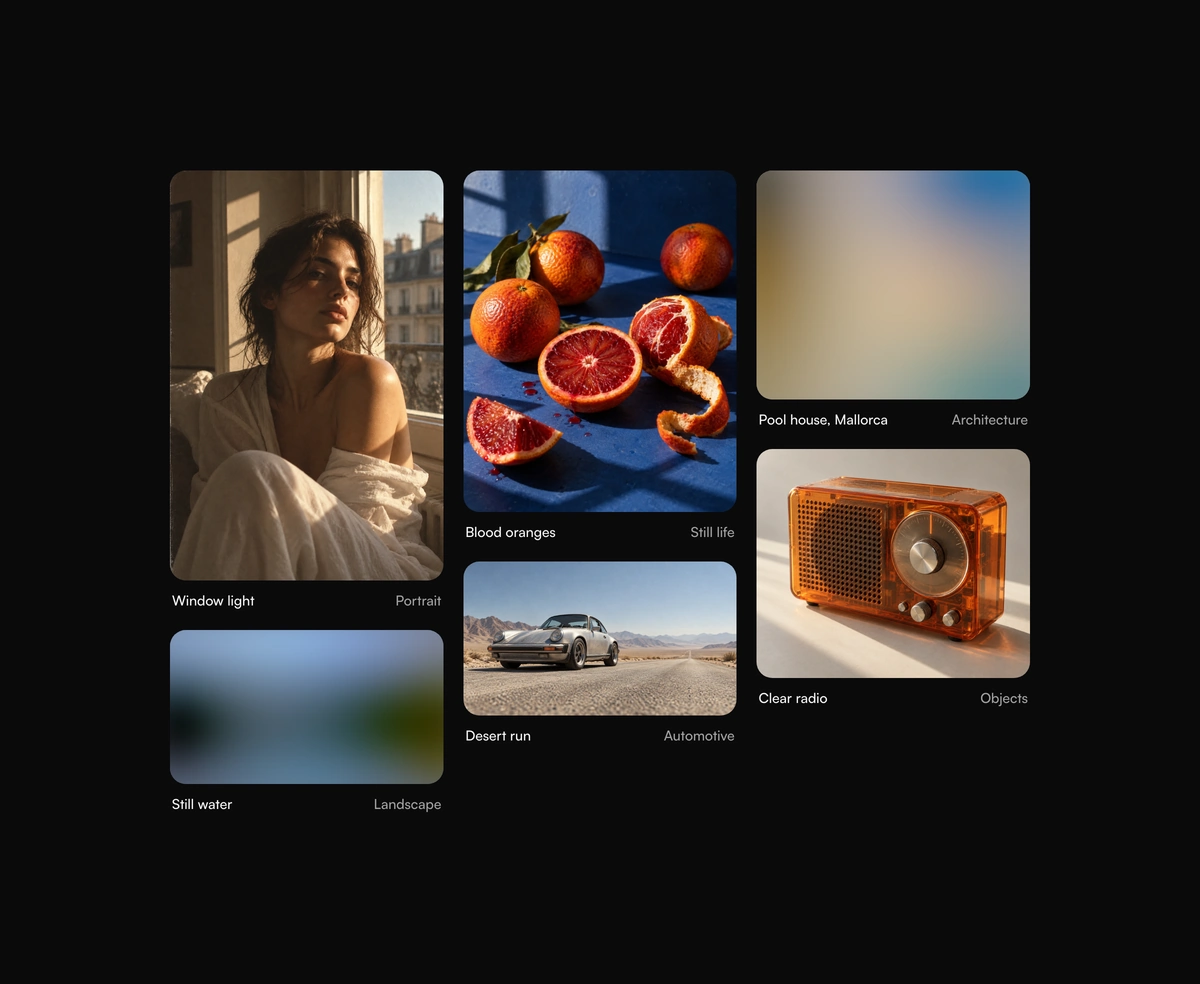
Before After Card

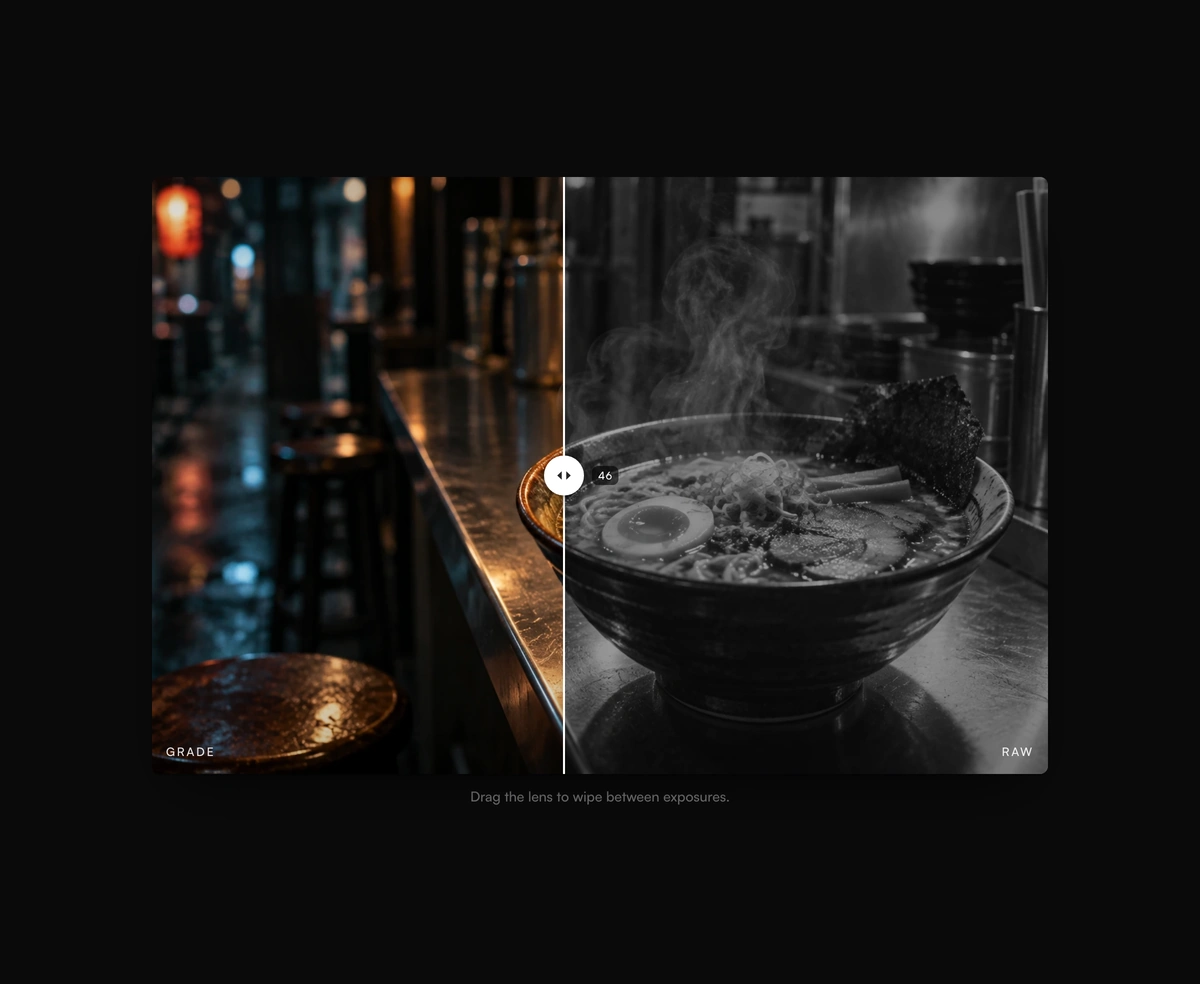
Drag the handle to wipe between before and after images with absolutely zero lag.
Follow Cursor Label component preview

Follow Cursor Label

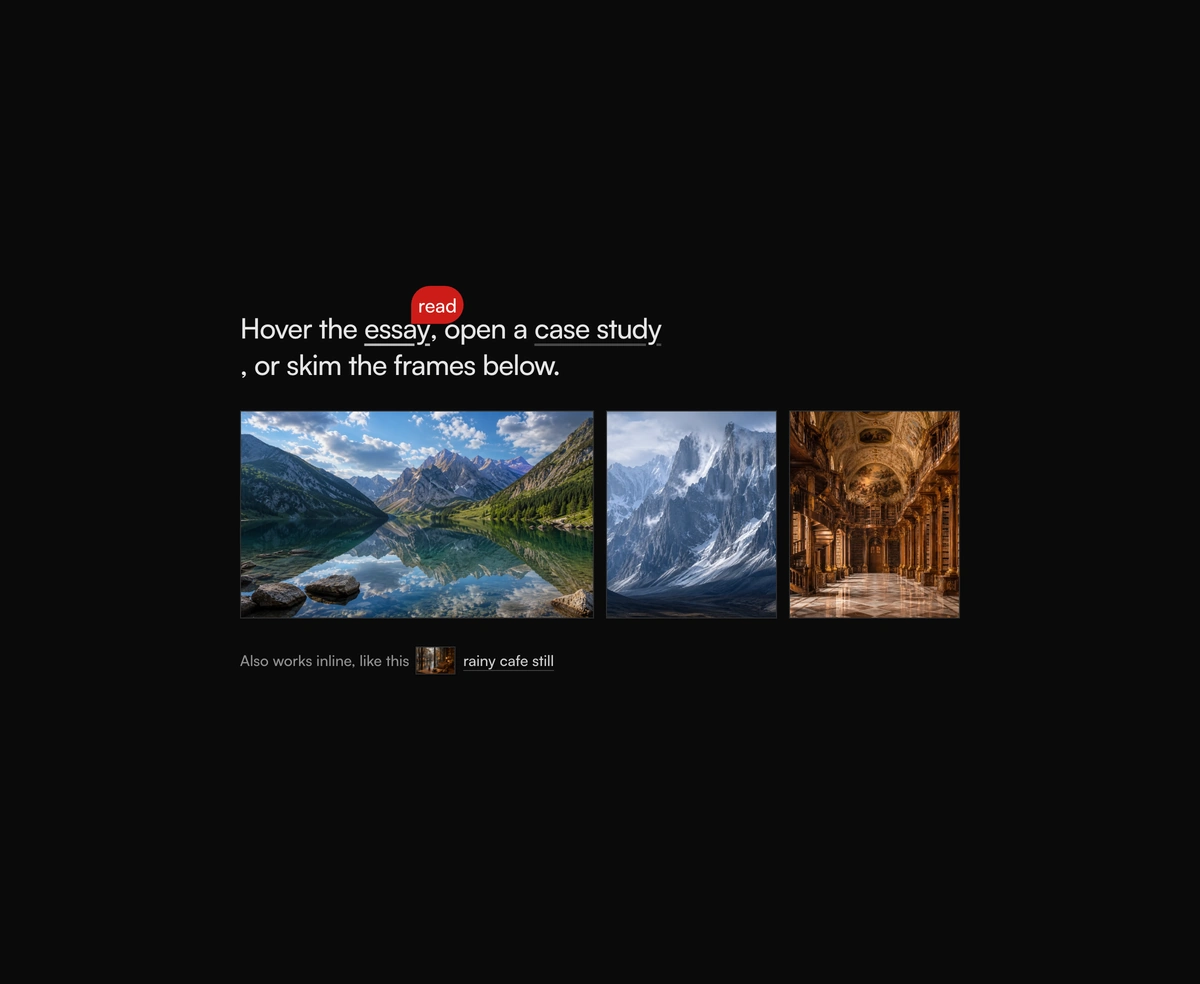
A floating label that trails the cursor across your hover targets with an elastic pop-in and a soft spring settle.
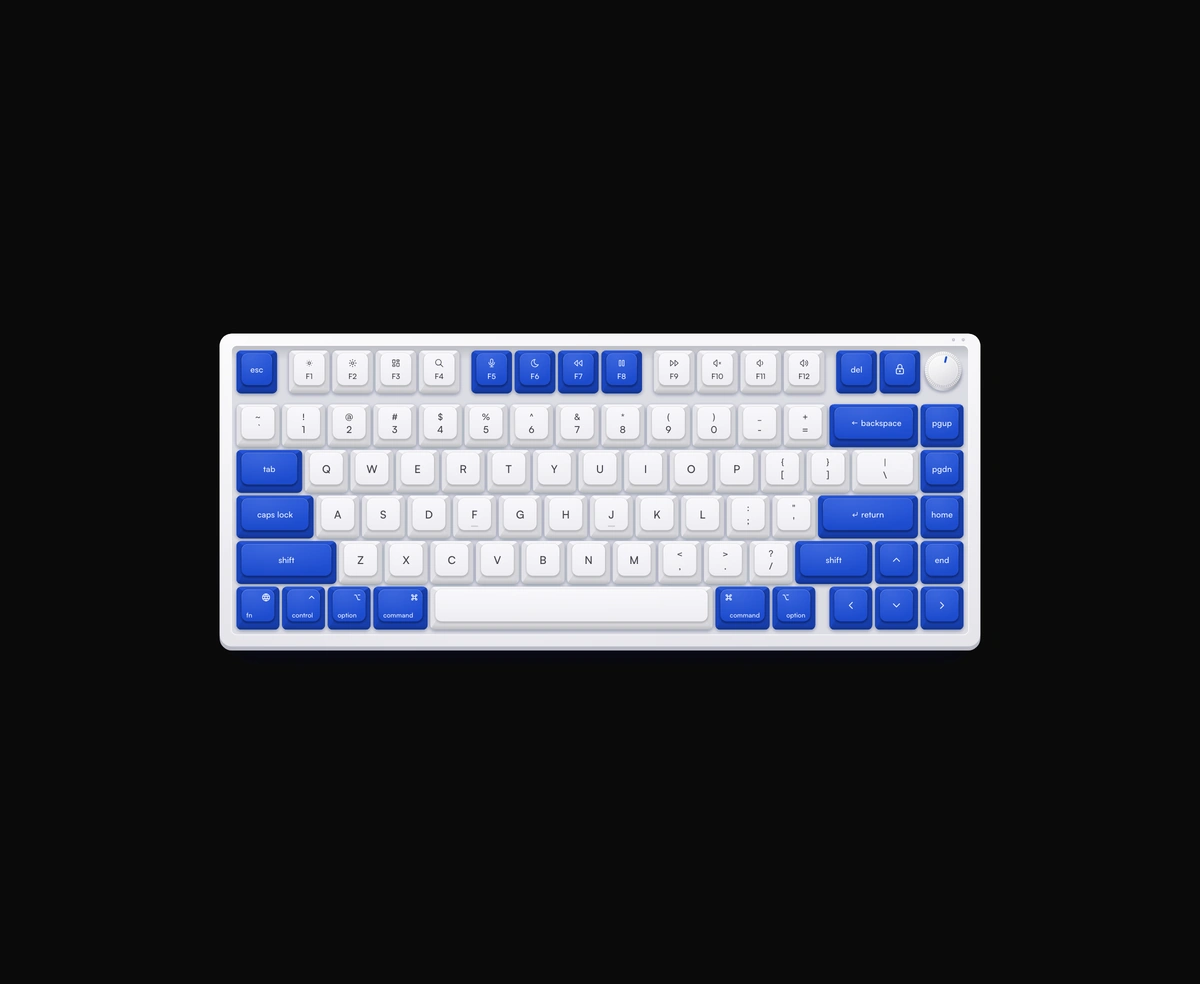
Mechanical Keyboard component preview

Mechanical Keyboard

A Keychron-style virtual keyboard with per-key travel and real mechanical sound.

Magic Keyboard component preview

Magic Keyboard

A Mac keyboard with three finishes, a latching caps LED, and ANSI or ISO layouts.

Which micro-interaction should I use?

Navigation that follows the cursor

macOS Floating Dock
A fixed set of destinations that should stay visible. Icons inflate near the cursor and push their siblings aside, so it wants a pointer to make sense.
Gooey Navigation Menu
One trigger should open into three or four actions. The liquid stretch pulls the eye, which makes it wrong for anything reached constantly.

Collecting input

Multi-Select Token Pills
A tag input where each selection should read as a removable object. Pills pop in on add and close the gap on remove without snapping the layout.
File Uploader
A drag and drop upload area that has to carry state after the drop. Image tiles and document cards with circular progress, rather than a bare file input.

Feedback on things you can click

Cool Button
A single call to action should look alive while staying still. A dual-layer orbit glow rides the edge at no layout cost.
Follow Cursor Label
Hover targets need naming as the cursor passes over them. The label trails with an elastic pop-in, and does nothing on touch.

Waiting states

Shimmering Skeleton Wrapper
A skeleton loader should breathe while data arrives. One angled sweep crosses whatever geometry you wrap, instead of every row shimmering out of step.

Comparing two images

Before After Card
Showing a retouch, a redesign, or a restoration. Drag the handle to wipe between the two versions with no lag behind the pointer.

Virtual keyboards

Tactile Keyboard, over in Show Off, is a third option built around colorways.

Mechanical Keyboard
Key feel is the thing you are selling. Keychron-style per-key travel with real switch sound, which browsers will not play until someone clicks first.
Magic Keyboard
The board is set dressing for a Mac product shot. Three finishes, a latching caps LED, and a choice of ANSI or ISO layouts, with no sound.

More categories

Browse other categories

All components

Agentic AI Interfaces

6 components

Inputs, threads, tool calls, and conversation surfaces tuned for AI products. Every component is keyboard-first, streaming-aware, and dark-mode native.

Explore category

Cinematic Interactions

13 components

Big-feeling motion: parallax, scrub-scroll sequences, sticky storytelling, page transitions. The components that make a marketing site feel alive.

Explore category

Heavy SaaS Blocks

5 components

Command palettes, kanban boards, data tables, pricing toggles, RBAC controls - the dense product surfaces real apps need on day one.

Explore category