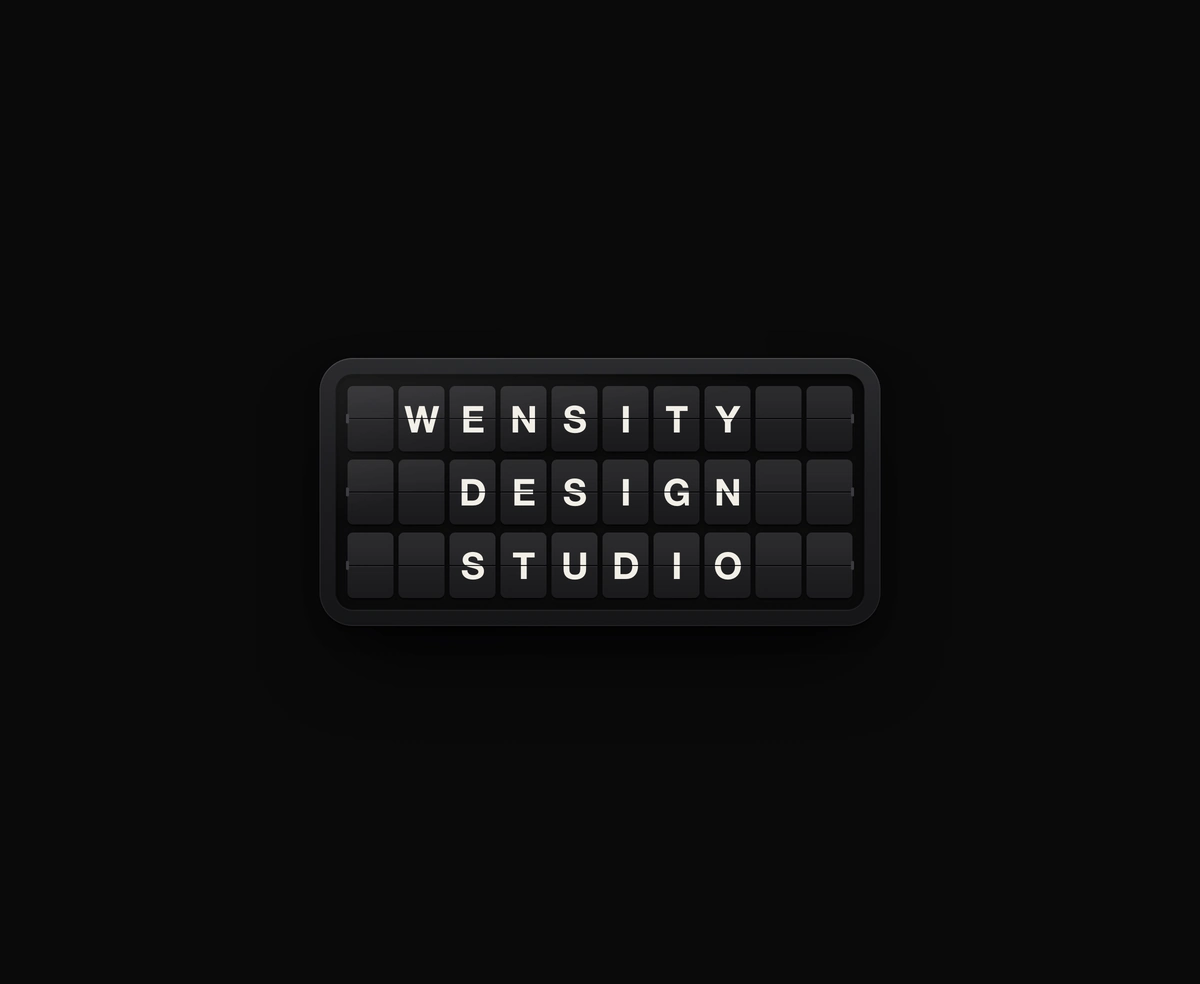
Split-Flap Display
A ceramic and graphite split-flap device that ripples each flap into your message.
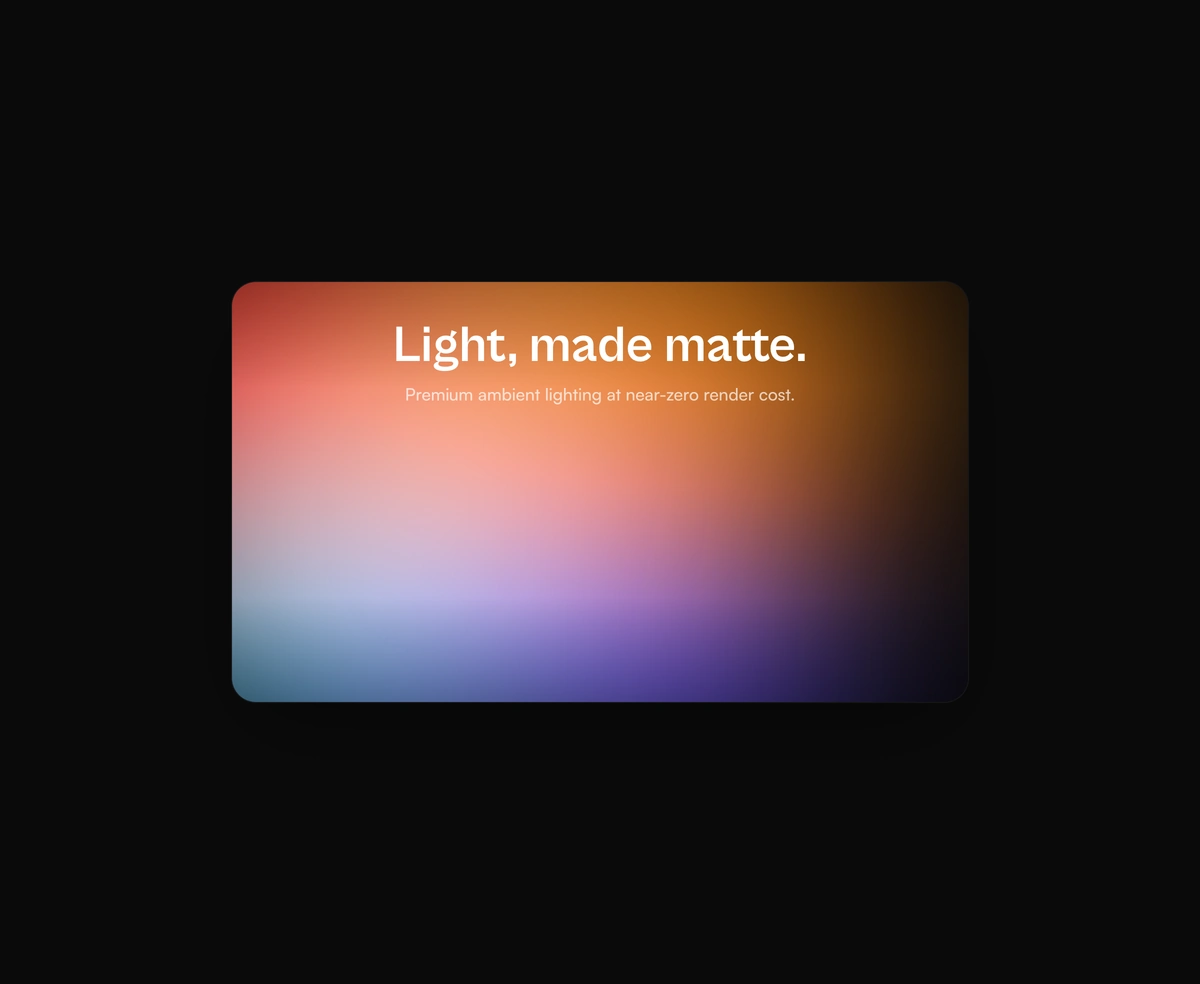
Aurora background of blurred light on Framer Motion, with grain that kills banding.
Aurora Background is a React and Tailwind CSS aurora gradient background for hero sections, in Next.js or any React app, with no canvas or WebGL. A few heavily blurred color blobs drift slowly on transform and scale through Framer Motion, and a fractal noise overlay breaks up the banding large gradients usually show. The blur is contained in its own paint layer, content renders above it as children, and the blob set, blur, grain, and radius are props. It fills its parent unless you pass minHeight, so give the parent a height. Reduced motion parks every blob in place.
Run the following command
pnpm dlx wensity@latest add ambient-aurora-canvas
npx wensity@latest add ambient-aurora-canvas
yarn dlx wensity@latest add ambient-aurora-canvas
bunx wensity@latest add ambient-aurora-canvas
Import AmbientAuroraCanvas from @/components/wensity/ambient-aurora-canvas and render it anywhere in your React or Next.js app. The source lands in your own repo, so every prop, class and animation below is yours to edit.
import { AmbientAuroraCanvas } from "@/components/wensity/ambient-aurora-canvas";export default function Example() {return (<AmbientAuroraCanvas minHeight={420}><div className="grid h-full place-items-center p-10 text-center text-white"><div><h1 className="font-heading text-5xl font-bold">Light, made matte.</h1><p className="mt-3 text-white/70">Premium ambient lighting at near-zero render cost.</p></div></div></AmbientAuroraCanvas>);}
| Prop | Type | Default | Description |
|---|---|---|---|
blobs | AuroraBlob[] | - | Custom blob set. Defaults to a chili-led palette. |
blur | number | 110 | Blur radius in pixels. |
grain | boolean | true | Show the matte grain overlay. |
radius | number | 24 | Border radius in pixels. |
minHeight | number | - | Optional fixed height. Otherwise fills the parent. |
children | React.ReactNode | - | Optional content rendered above the aurora. |
A ceramic and graphite split-flap device that ripples each flap into your message.
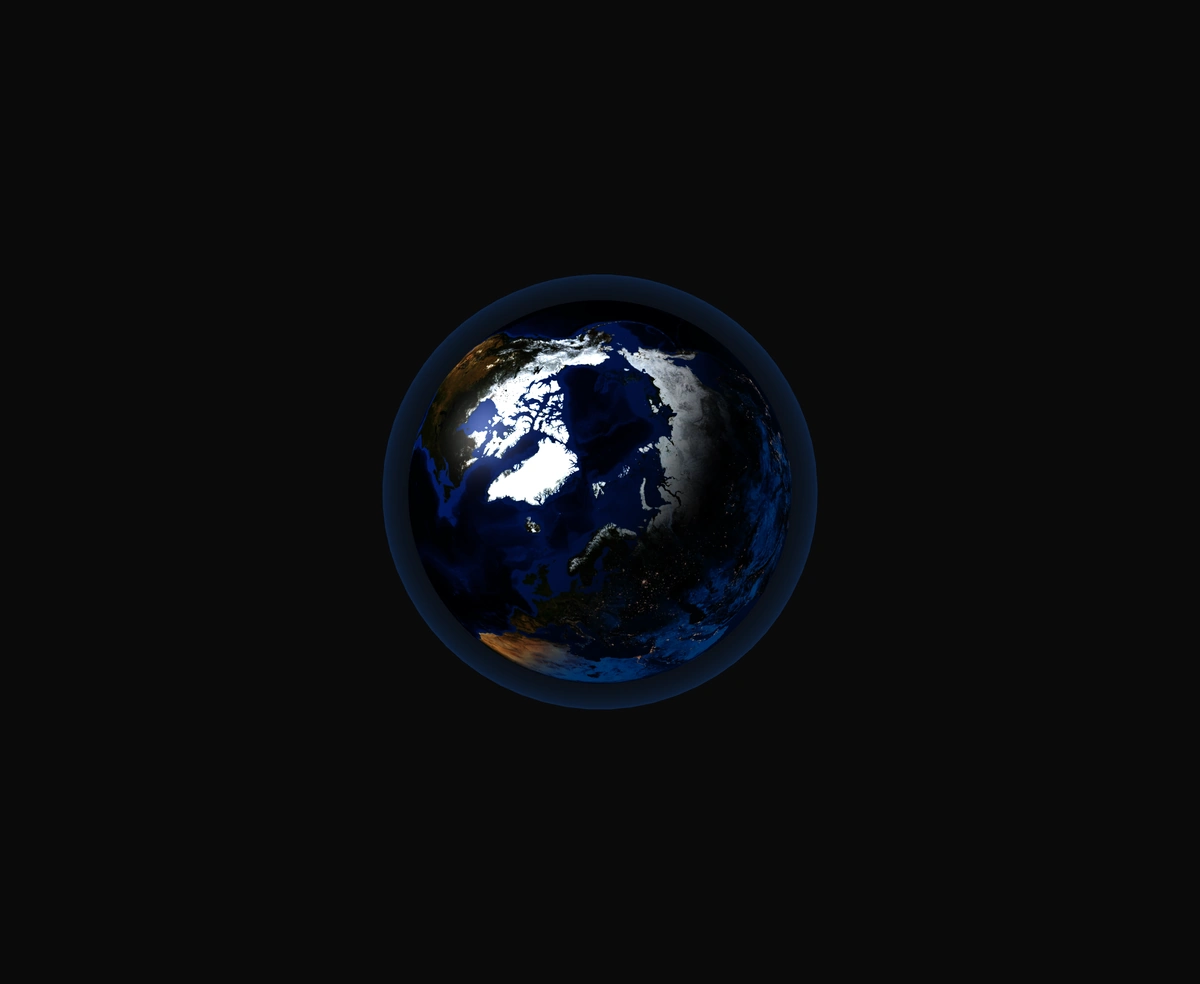
A 3D Earth lit day and night from the real sun position, wrapped in a soft atmosphere, with smooth drag-to-orbit controls.
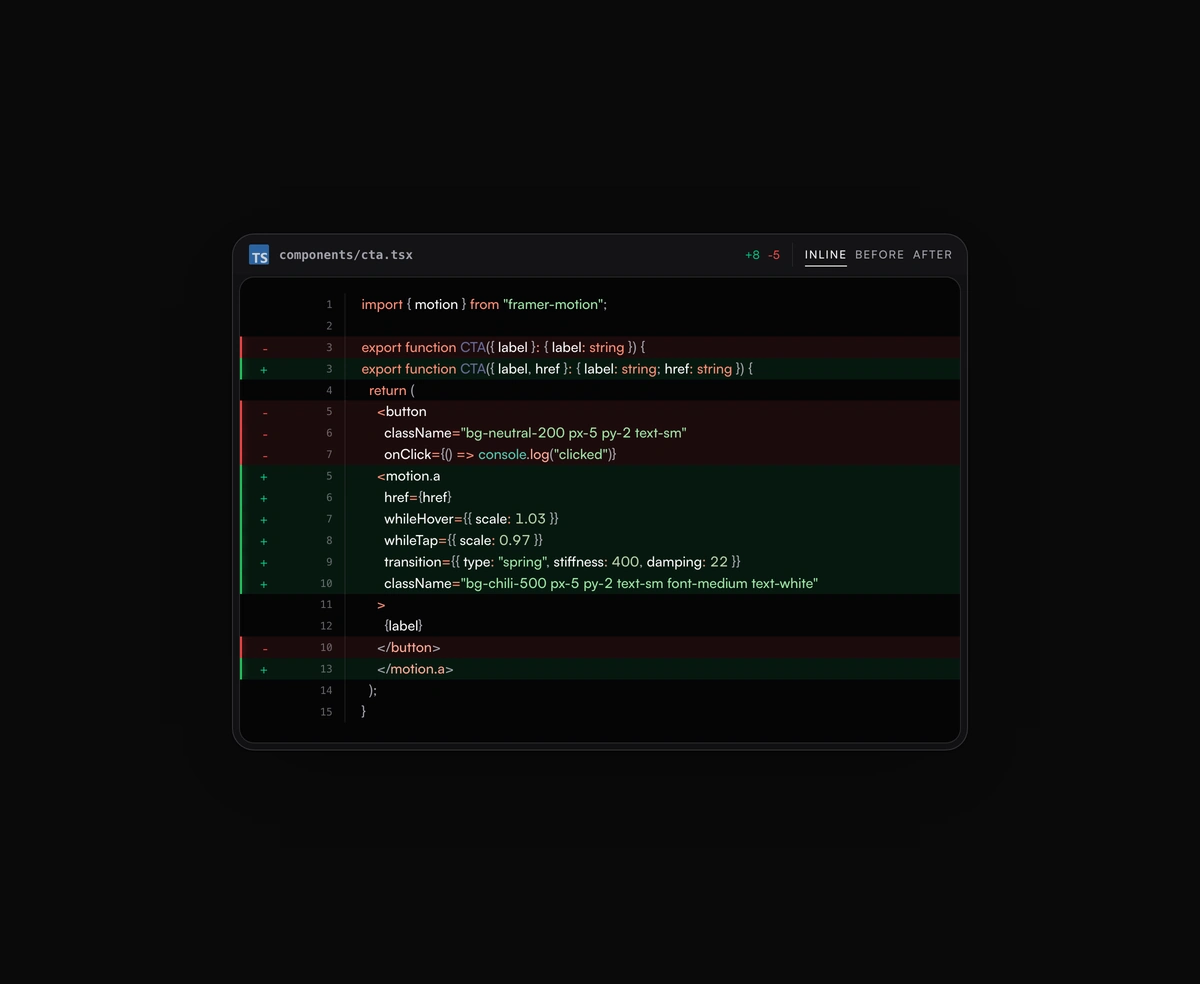
Inline or toggled code diffs rendered inside the same polished code block frame, flipping between before and after.
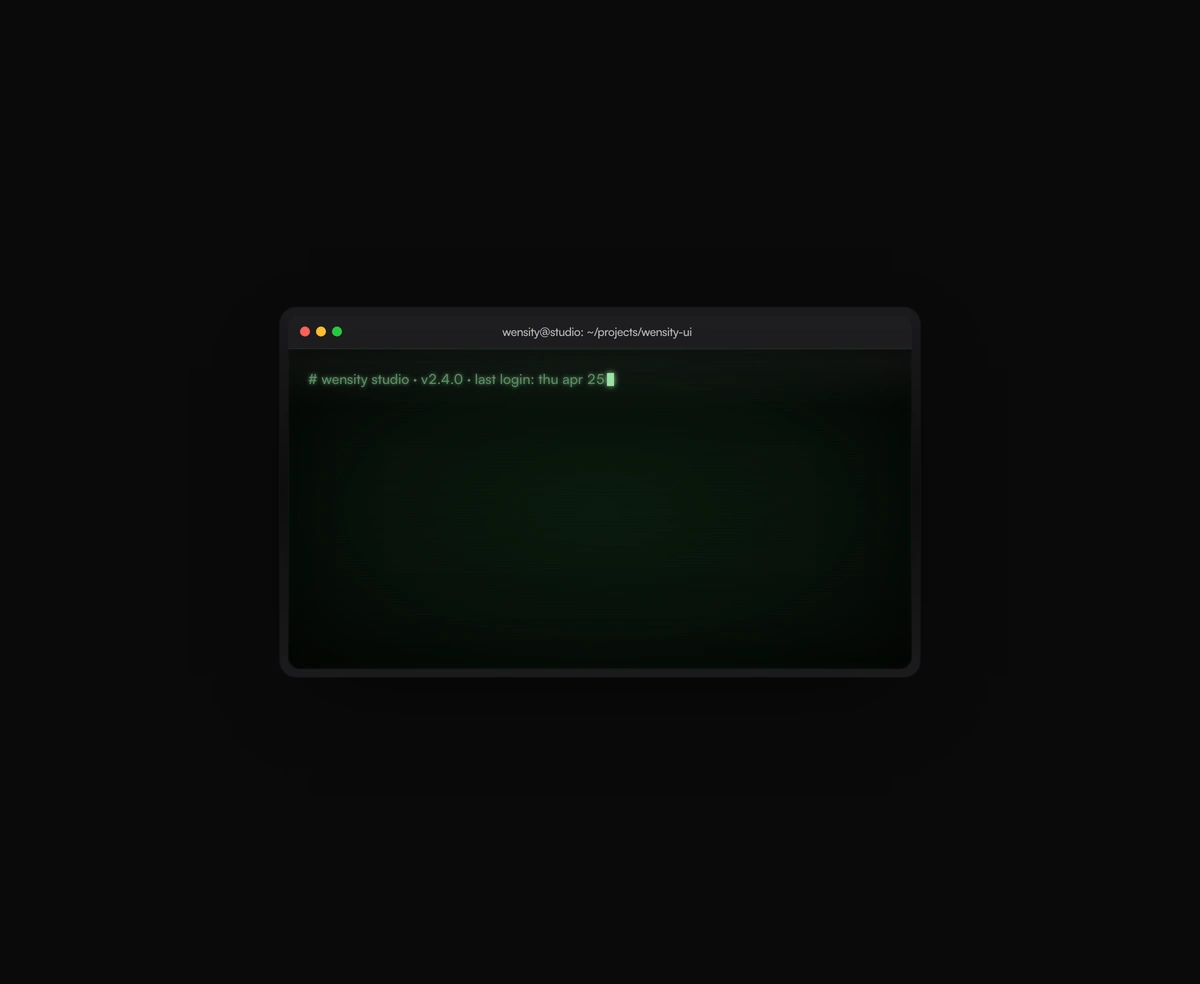
A terminal UI with self-typing commands, CRT phosphor glow and scanlines, streaming output that never re-renders a line.
Featured in React animated backgrounds.