
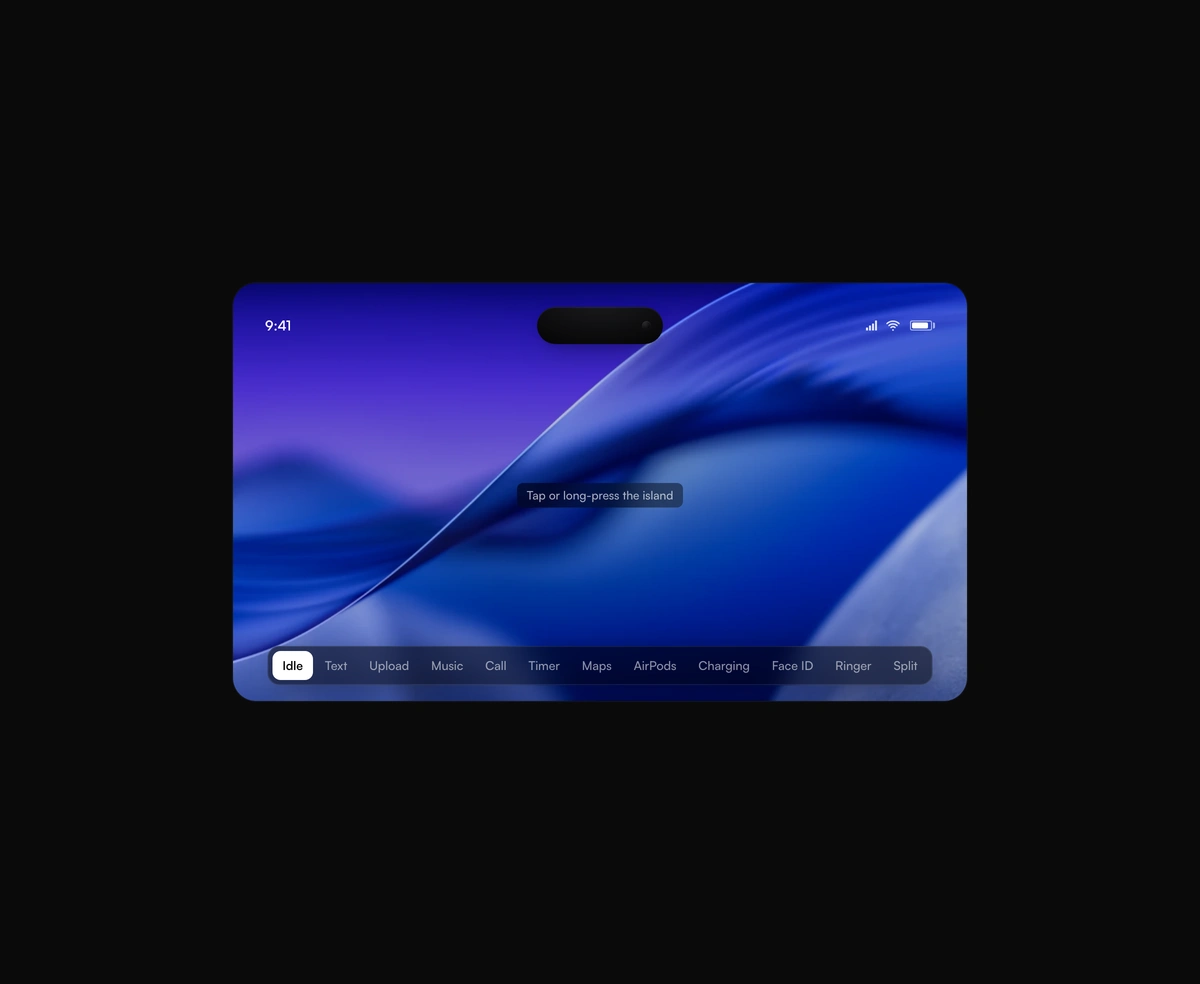
Dynamic Island Toast
A pixel-faithful Apple Dynamic Island that morphs, splits, and breathes while it hosts live activities inside your app.
A cursor trail for React: a ribbon, ink, beads or sparks that follow the pointer.
Cursor Trail is a React and Tailwind CSS mouse trail effect that draws a ribbon, ink stroke, beads or sparks behind the pointer, in Next.js or any React app. A chain of points eases after the cursor with no overshoot, so the trail stretches as you move and folds away once you stop. Colour falls from a bright head into a deep tail, tuned for light and dark pages. It paints one canvas, needs no packages and idles at rest. Reduced motion hides it. With global set, keep layer above: sections with their own background cover a trail drawn below.
Run the following command
pnpm dlx wensity@latest add cursor-trail
npx wensity@latest add cursor-trail
yarn dlx wensity@latest add cursor-trail
bunx wensity@latest add cursor-trail
Import CursorTrail from @/components/wensity/cursor-trail and render it anywhere in your React or Next.js app. The source lands in your own repo, so every prop, class and animation below is yours to edit.
"use client";import { CursorTrail } from "@/components/wensity/cursor-trail";export default function Hero() {return (<CursorTrail variant="ribbon" palette="indigo" className="flex min-h-[480px] items-center justify-center"><h1 className="text-6xl font-bold">Every move leaves a mark</h1></CursorTrail>);}
| Prop | Type | Default | Description |
|---|---|---|---|
variant | "ribbon" | "ink" | "beads" | "sparks" | "ribbon" | A tapered ribbon, a calligraphy nib stroke, lit beads on an even spacing, or sparks that curl and burn out. |
palette | "indigo" | "ember" | "lagoon" | "mono" | "indigo" | Built-in colour travel from head to tail, tuned separately for light and dark pages. |
colors | string[] | - | Your own colours from head to tail, any CSS colour. Overrides palette. |
size | number | 14 | Width of the trail at the head, in pixels. |
length | number | 32 | Points in the chain. More points give a longer, lazier trail. |
global | boolean | false | Follows the pointer across the whole window on a fixed canvas instead of inside this element. |
layer | "above" | "below" | "above" | Draws the trail over the children or behind them. |
theme | "auto" | "light" | "dark" | "auto" | Which palette tuning to use. auto follows a dark class on <html>. |
A pixel-faithful Apple Dynamic Island that morphs, splits, and breathes while it hosts live activities inside your app.
A seamless, GPU-only logo strip that never stutters or snaps at the loop point.
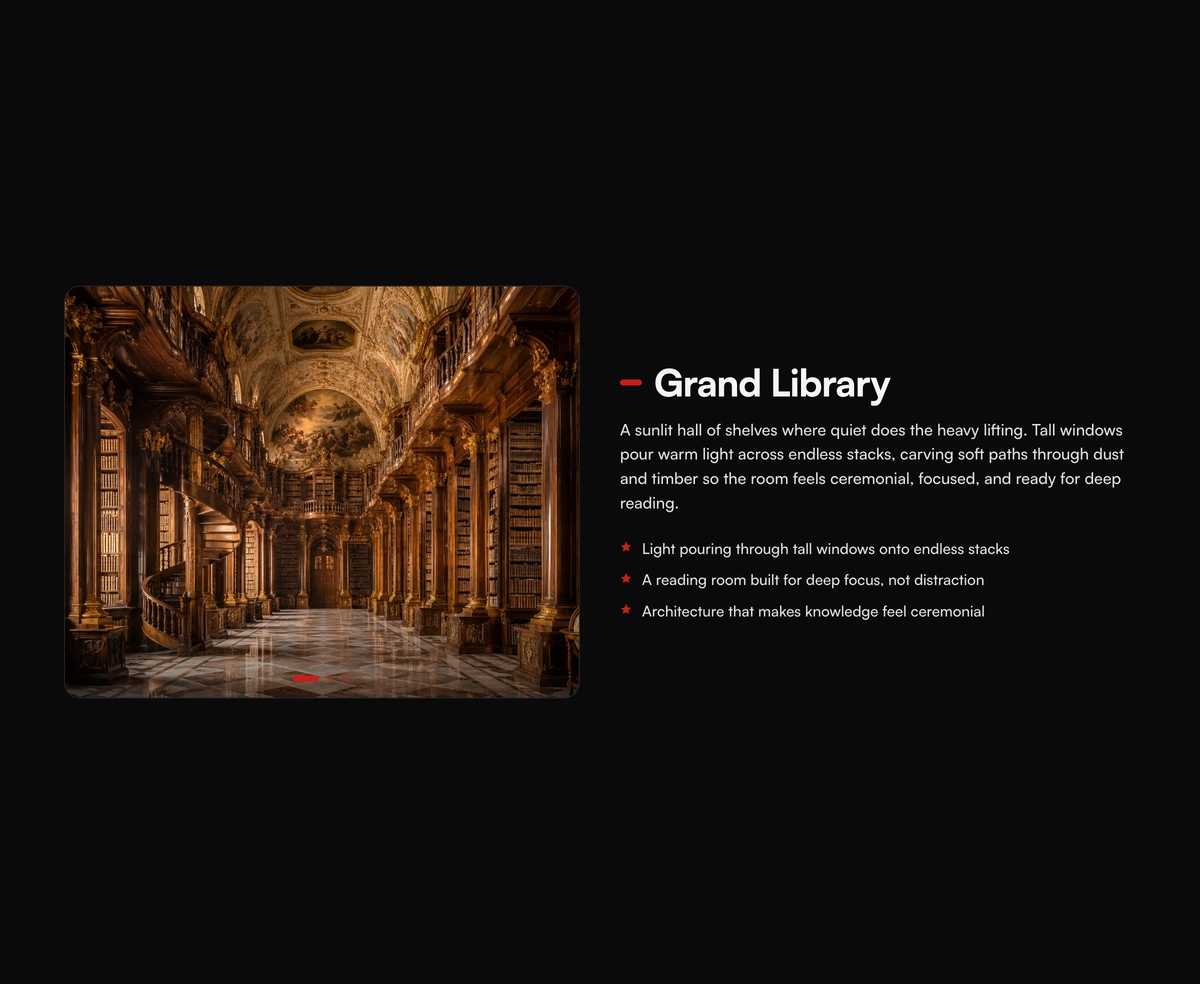
A pinned cinematic section that morphs in lock-step with scroll, staying perfectly in sync whichever way you travel.
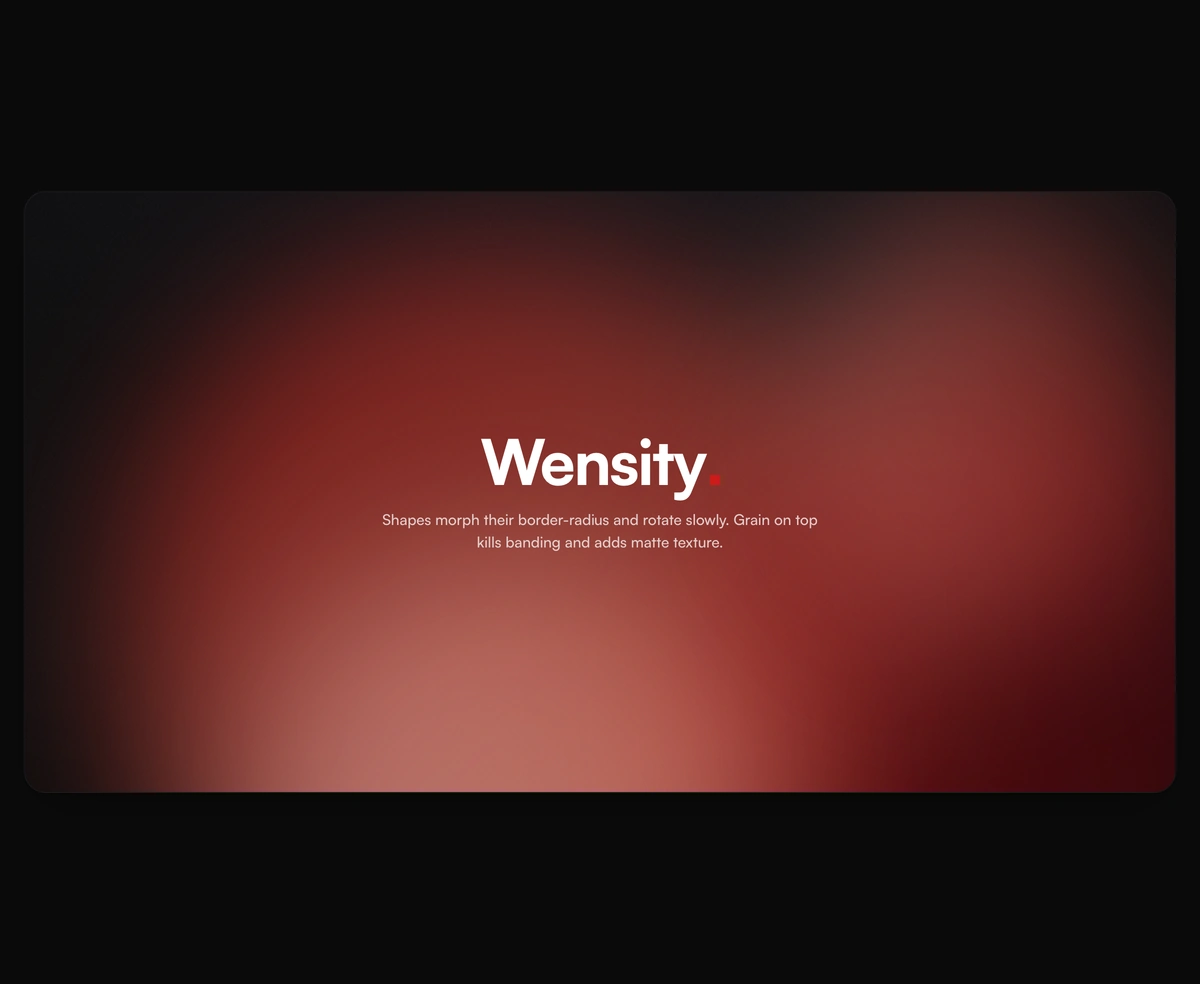
Lava lamp background for React heroes: soft gradient shapes that drift and melt.