
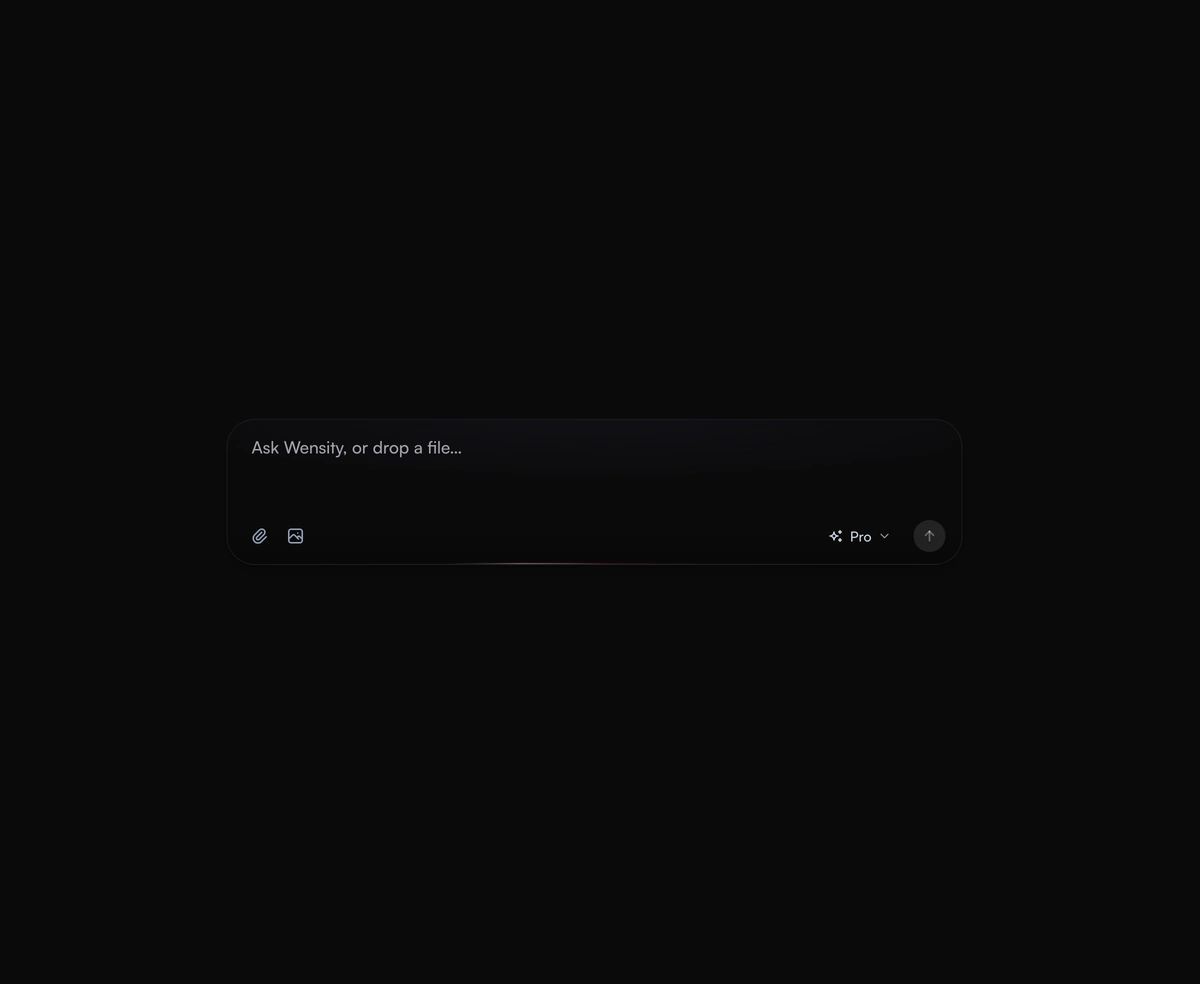
AI Prompt Input
An expanding prompt area with a glowing drop zone that breathes open to meet you as you type a thought or drag a file.
A typing indicator for React AI chat: typing dots in a bubble, or a thinking label that names each step with its own icon.
AI Typing Indicator is a React and Tailwind CSS typing indicator that shows a chatbot is busy, in Next.js or any React app. Choose typing dots in a reply bubble, a shimmering label, a letter wave, or a dot matrix that ripples from its center. Pass phrases such as Searching the web and each step gets its own animated icon, picked from its words unless you set one. Elapsed seconds restart whenever the phrases loop and appear only on the shimmer and wave variants. Screen readers hear the label once, not every phrase, and reduced motion holds each icon still.
Run the following command
pnpm dlx wensity@latest add ai-typing-indicator
npx wensity@latest add ai-typing-indicator
yarn dlx wensity@latest add ai-typing-indicator
bunx wensity@latest add ai-typing-indicator
Import AiTypingIndicator from @/components/wensity/ai-typing-indicator and render it anywhere in your React or Next.js app. The source lands in your own repo, so every prop, class and animation below is yours to edit.
"use client";import { AiTypingIndicator } from "@/components/wensity/ai-typing-indicator";export default function Example({ status }: { status: "thinking" | "streaming" | "done" }) {if (status === "thinking") {return <AiTypingIndicator phrases={["Thinking", "Searching the web", "Writing"]} showElapsed />;}if (status === "streaming") return <AiTypingIndicator variant="dots" label="Typing" />;return null;}
| Prop | Type | Default | Description |
|---|---|---|---|
variant | "dots" | "shimmer" | "wave" | "matrix" | "shimmer" | Dots in a reply bubble, a shimmering label with a turning glyph, letters that lift in a wave, or a rippling grid of points. |
label | string | "Thinking" | What the indicator says. Screen readers hear it for every variant. |
phrases | (string | { label, icon })[] | - | States to cycle through, each blurring in over the last with its own animated icon. A plain string picks its icon from its words. Overrides label on screen. |
icon | "think" | "search" | "read" | "write" | "code" | from label | Icon for the label when there are no phrases. |
interval | number | 2400 | Milliseconds each phrase stays. |
showElapsed | boolean | false | Counts the seconds of the current run, starting over each time the phrases loop. Shimmer and wave only. |
bubble | boolean | true | Draws the dots inside a reply bubble. |
size | "sm" | "md" | "lg" | "md" | Text size that every part scales from. |
An expanding prompt area with a glowing drop zone that breathes open to meet you as you type a thought or drag a file.
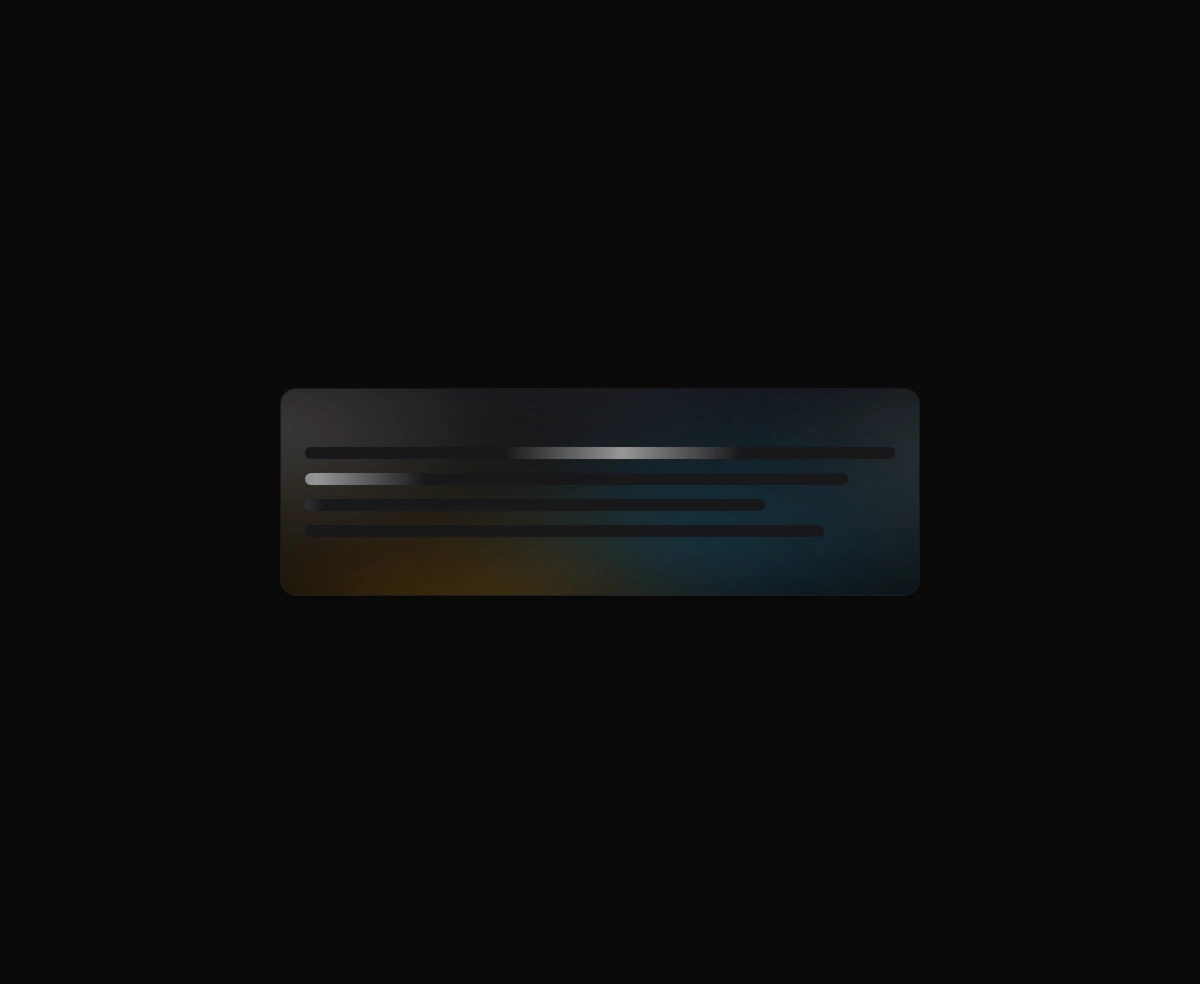
An organic loading state instead of a spinner, with a slow aurora that breathes in the space where your content will land.
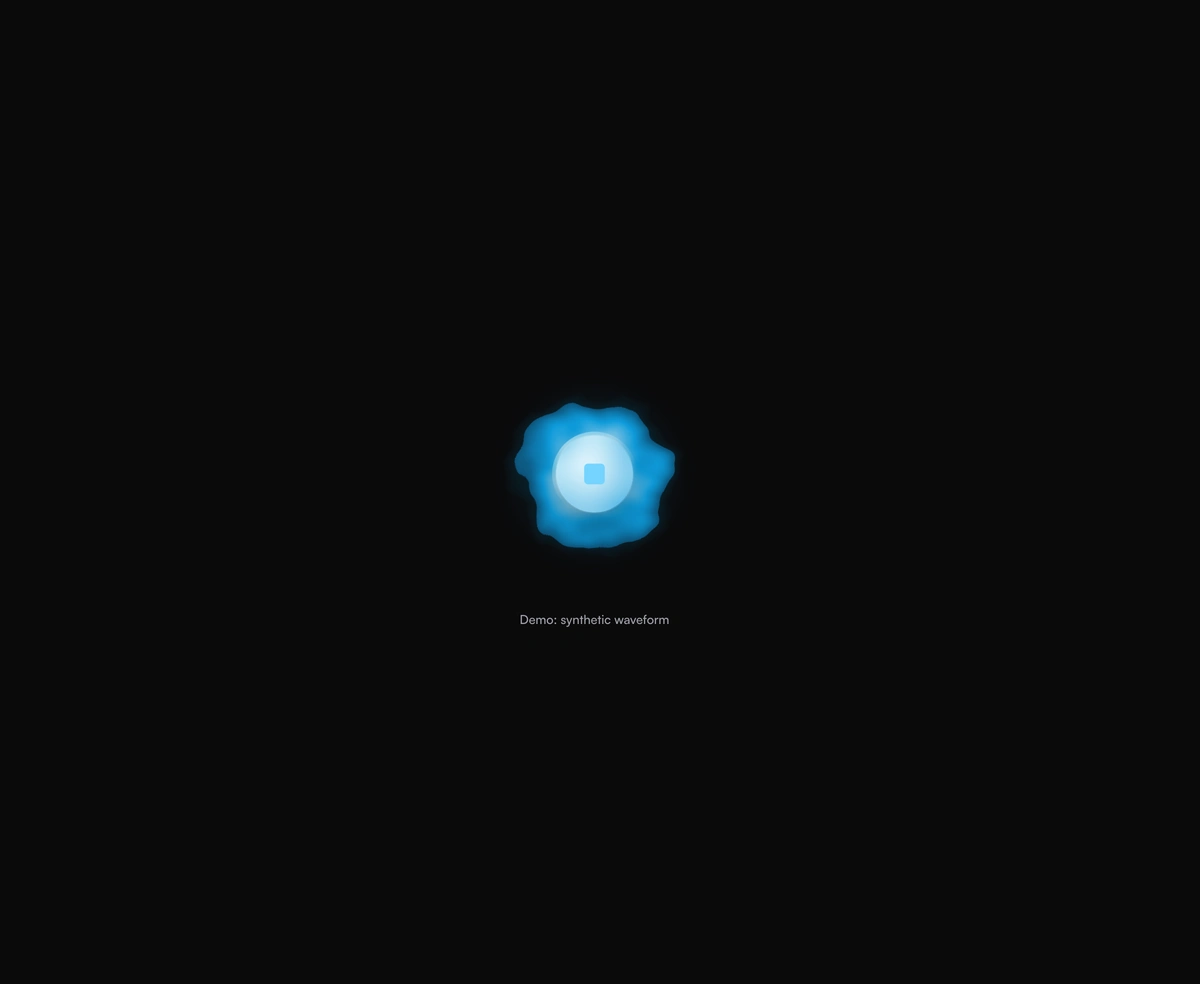
A breathing voice orb that swells with speech and settles between turns, never jittery and always organic to look at.
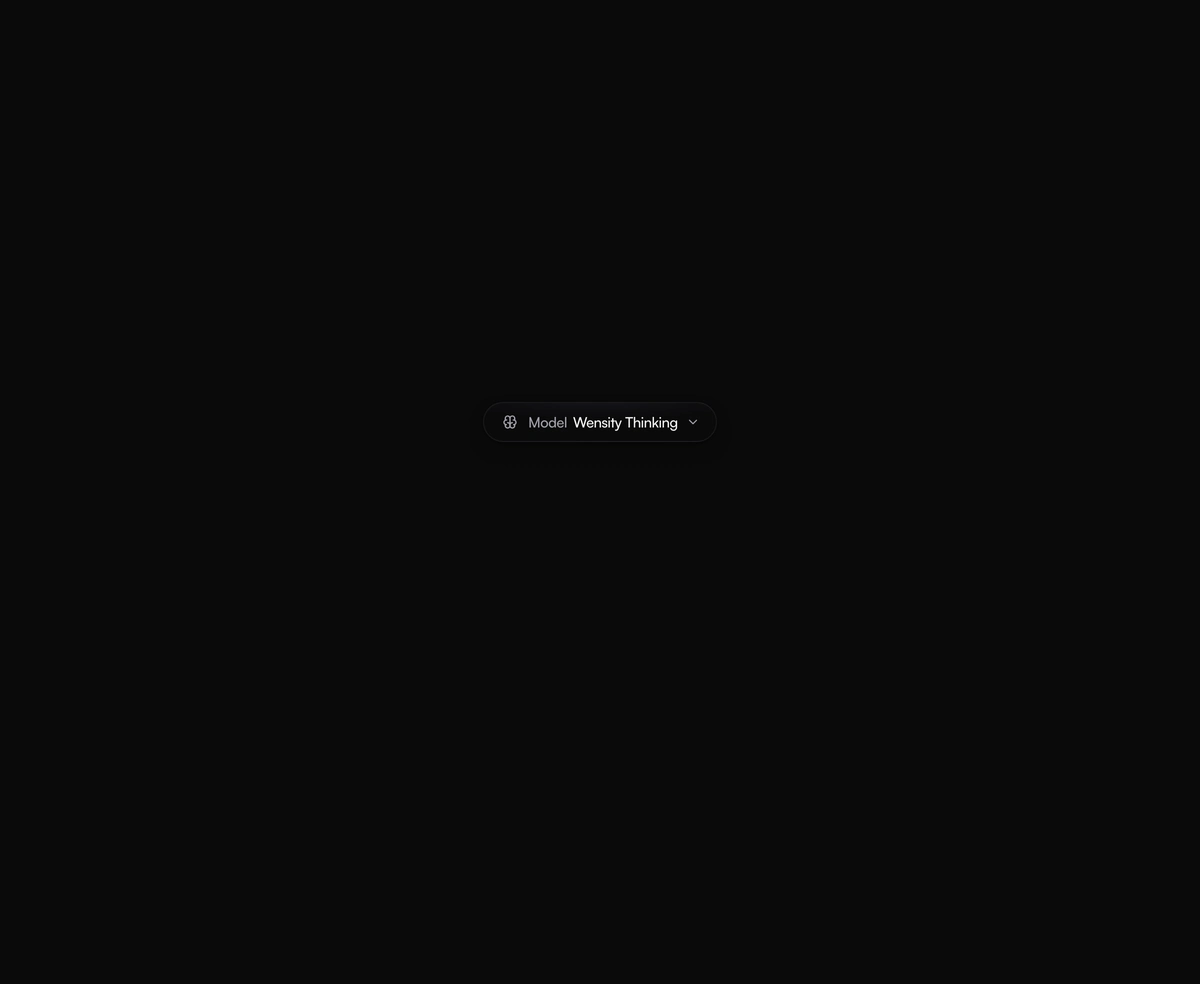
An AI model selector dropdown that scales out from its trigger and glides the selection pill to whichever model you pick.
Featured in React AI chat UI components.