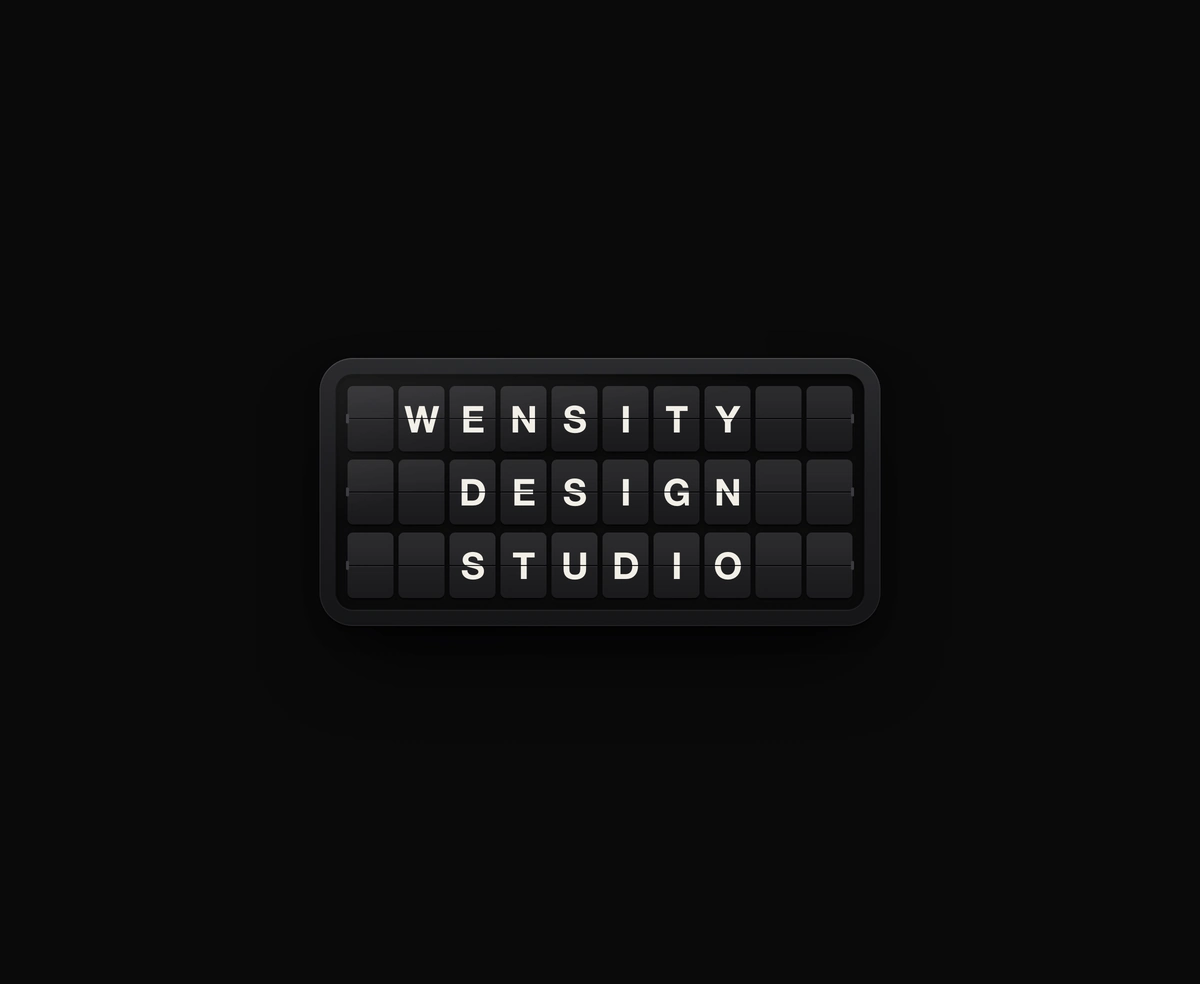
Split-Flap Display
A ceramic and graphite split-flap device that ripples each flap into your message.
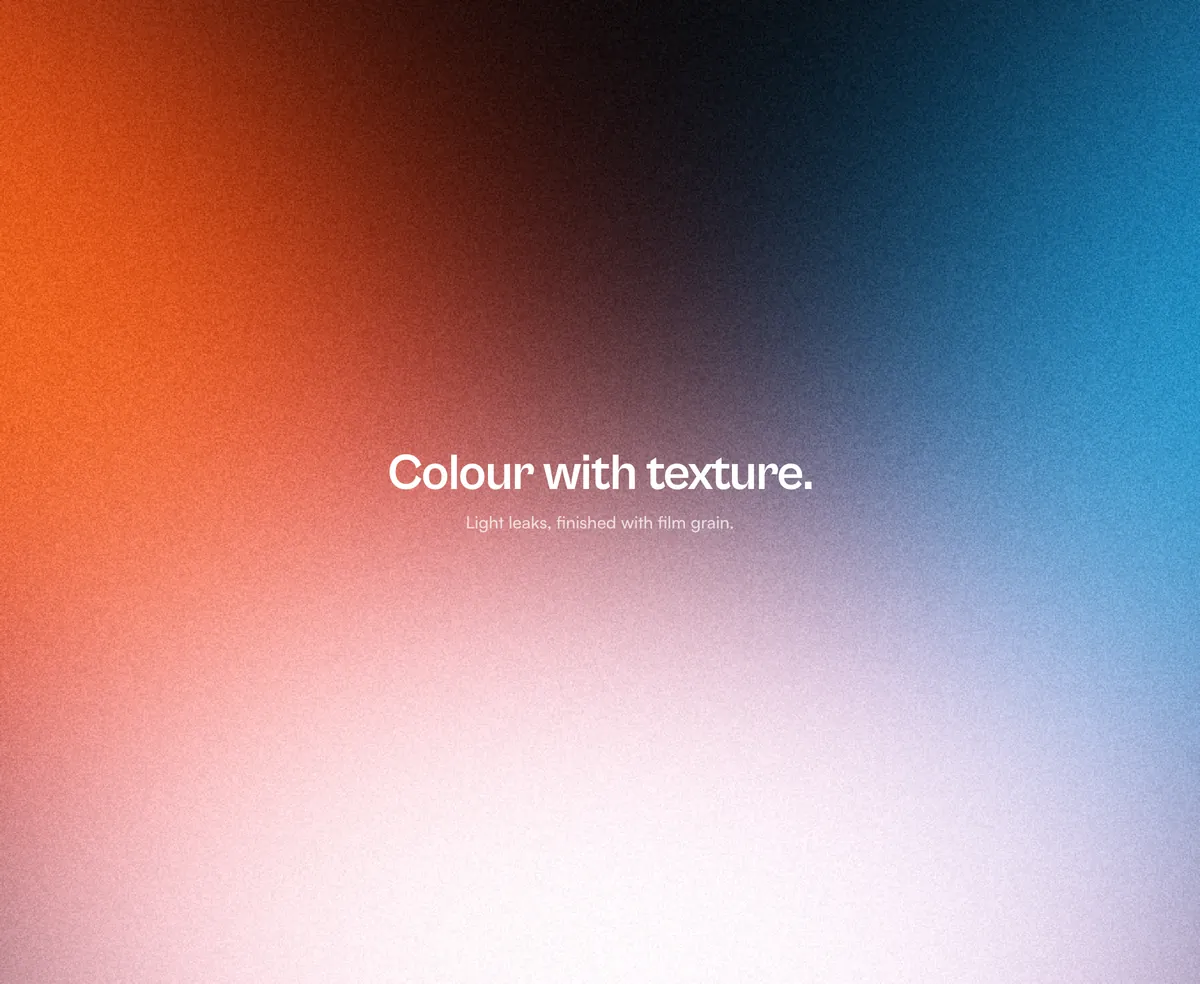
Light leaks on film: saturated colour that burns to white under fine grain.
Gradient Grain is a React and Tailwind CSS grainy gradient background that looks like light leaking onto film, in Next.js or any React app, drawn in one WebGL pass. Saturated color blooms out of black and burns to white where it is hottest, in mesh, horizon, orbit, or ribbon compositions. Grain can sit still like print or move at 24 fps like film, and the light leans toward the pointer. Drawing stops when it scrolls away or the tab hides, and reduced motion leaves one frame. Use a near black background, since the light screens over it.
Run the following command
pnpm dlx wensity@latest add gradient-grain
npx wensity@latest add gradient-grain
yarn dlx wensity@latest add gradient-grain
bunx wensity@latest add gradient-grain
Import GradientGrain from @/components/wensity/gradient-grain and render it anywhere in your React or Next.js app. The source lands in your own repo, so every prop, class and animation below is yours to edit.
import { GradientGrain } from "@/components/wensity/gradient-grain";export default function Hero() {return (<GradientGrainclassName="h-[560px] w-full"variant="horizon"colors={["#2f0bff", "#4a1dff"]}background="#020108"><div className="grid h-full place-items-center text-5xl font-semibold text-white">Light, leaking.</div></GradientGrain>);}
| Prop | Type | Default | Description |
|---|---|---|---|
variant | "mesh" | "horizon" | "orbit" | "ribbon" | "mesh" | Composition of the light: leaks that cross and burn out low, a glow from the lower corner, a turning ring, or a flowing band. |
colors | string[] | Afterglow | Colours of the light, 1 to 5 hex values. Saturated hues work best: where they meet, they burn to white. |
exposure | number | 1.6 | How hot the light burns. Higher values blow the cores out to white. |
background | string | "#030304" | Page colour the light sits on. The light screens over it, so near-black reads best. |
grain | number | 0.55 | Grain strength, 0 to 1. |
grainSize | number | 1.25 | Size of one grain in CSS pixels. 1 is fine film, 3 and up is coarse riso. |
grainMotion | boolean | false | Let the grain move like film at 24 fps instead of sitting still like print. |
speed | number | 1 | Motion speed of the light. 0 holds it still until the pointer moves. |
pull | number | 0.5 | How far the light leans toward the pointer. 0 turns it off. |
dpr | number | - | Render scale. Defaults to the device ratio, capped at 2. |
paused | boolean | false | Freeze on the current frame. |
children | ReactNode | - | Content layered above the gradient, such as hero copy. |
A ceramic and graphite split-flap device that ripples each flap into your message.
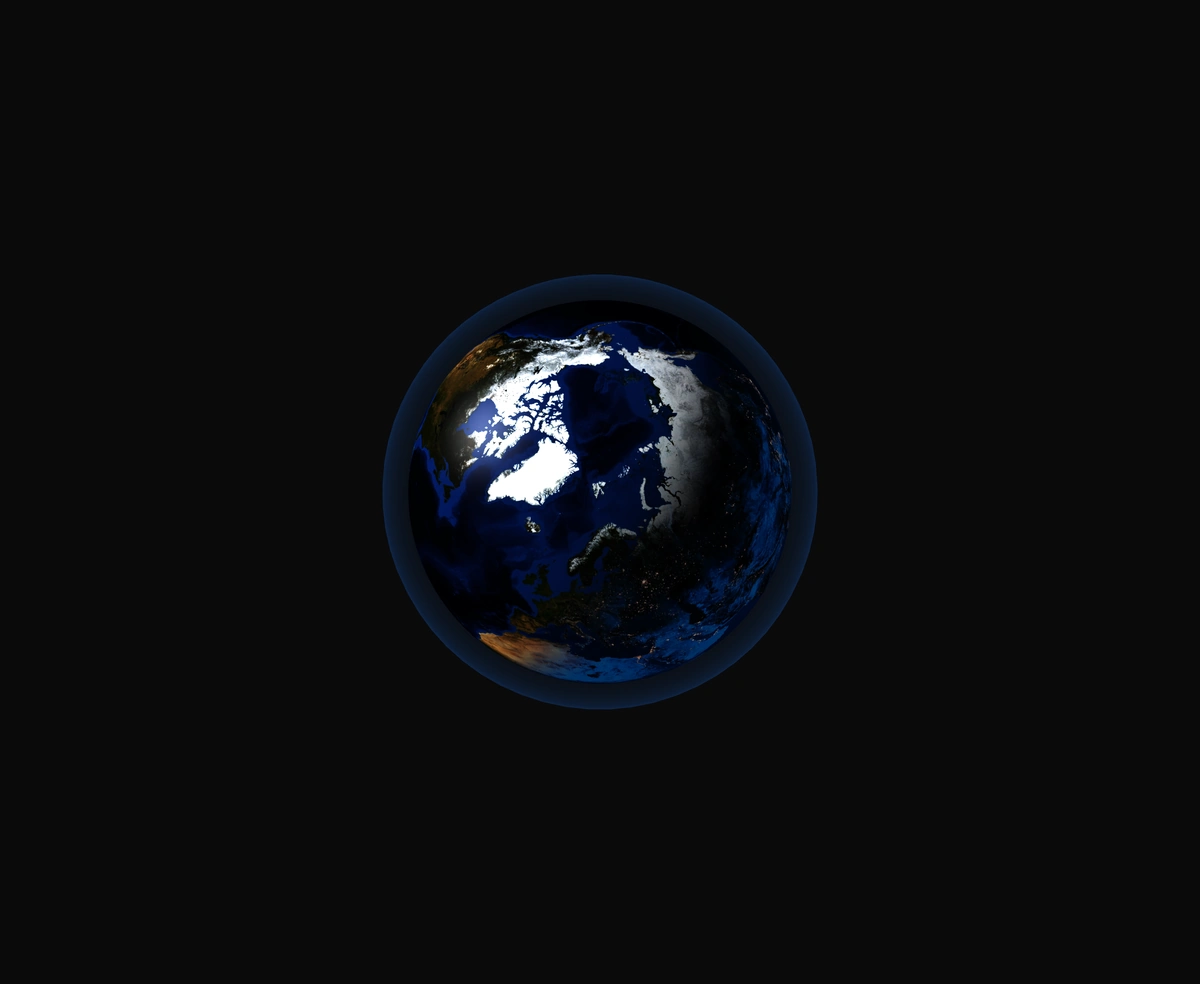
A 3D Earth lit day and night from the real sun position, wrapped in a soft atmosphere, with smooth drag-to-orbit controls.
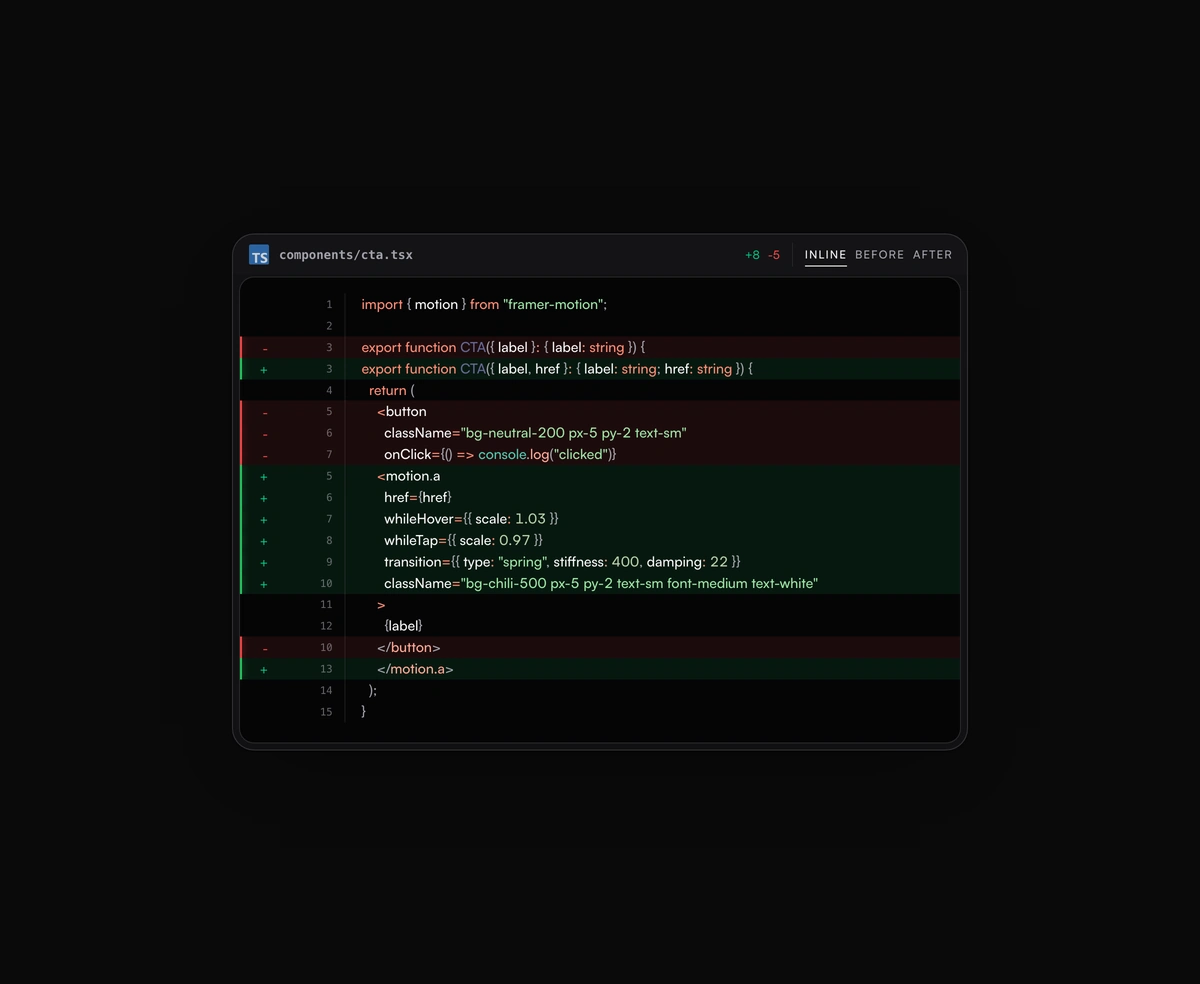
Inline or toggled code diffs rendered inside the same polished code block frame, flipping between before and after.
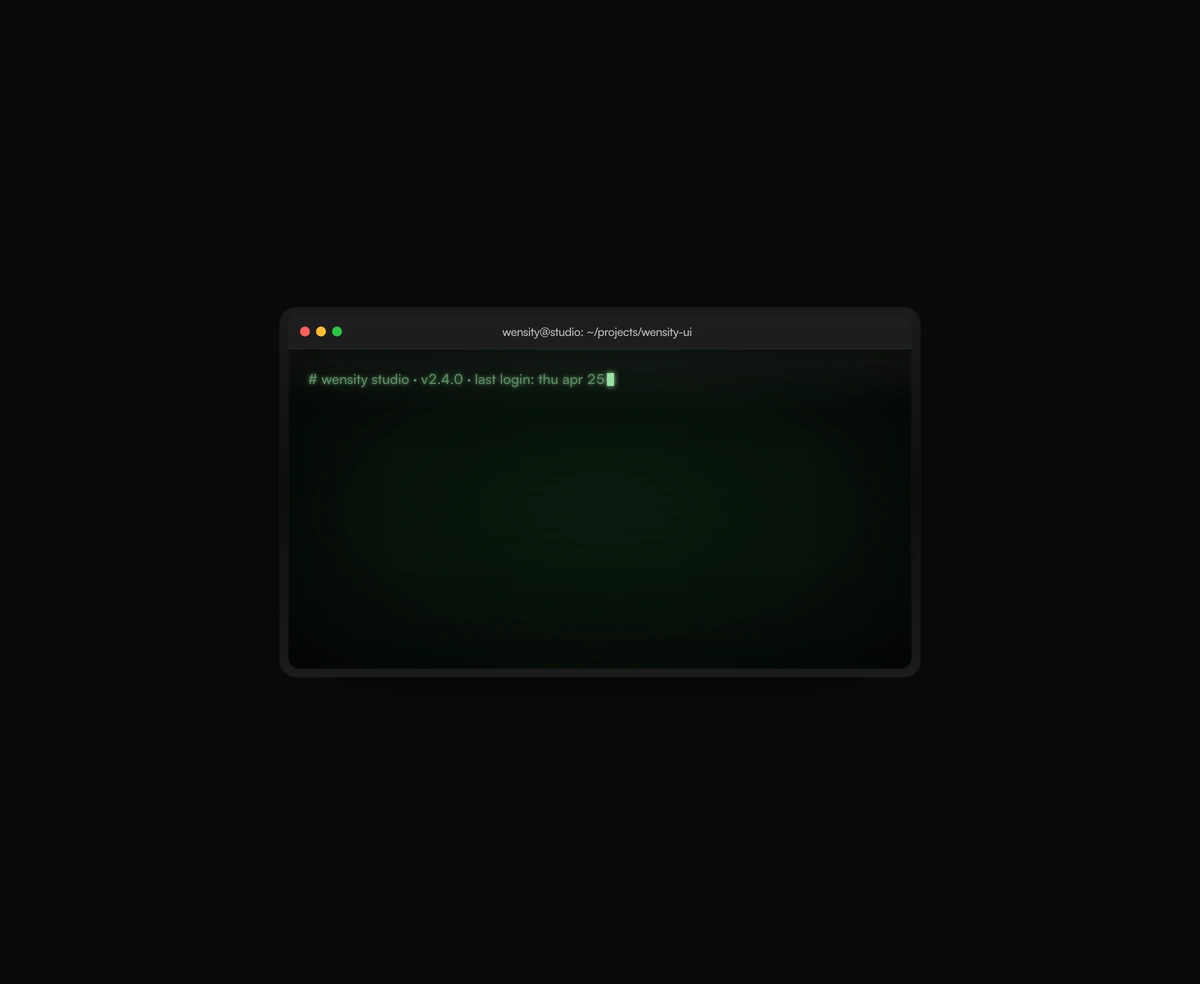
A terminal UI with self-typing commands, CRT phosphor glow and scanlines, streaming output that never re-renders a line.
Featured in React animated backgrounds.