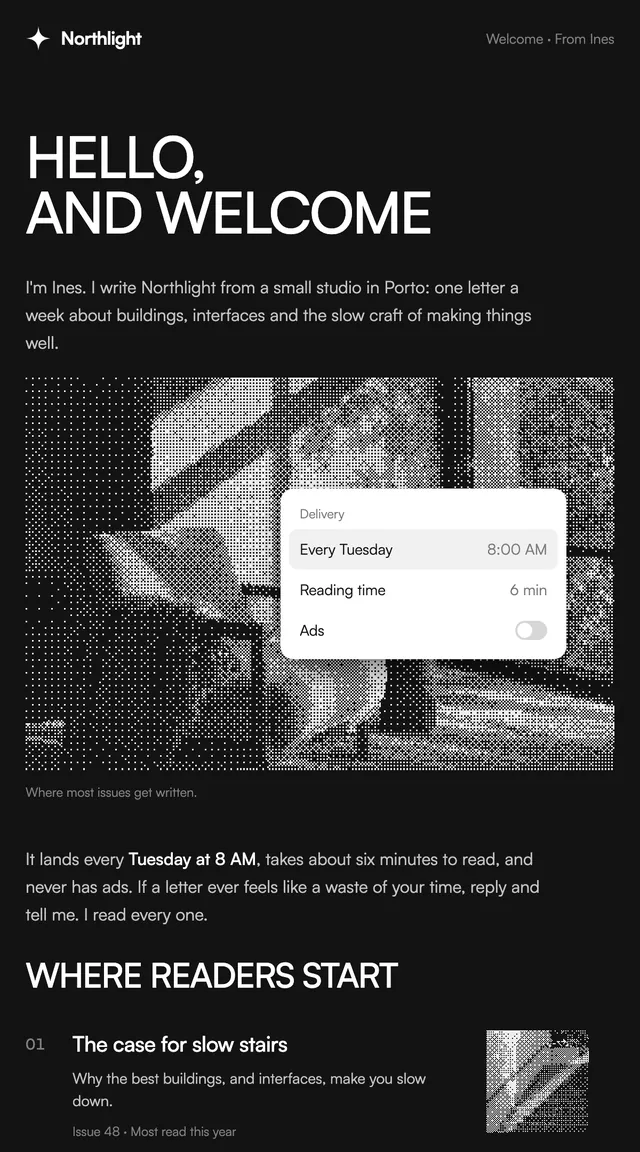
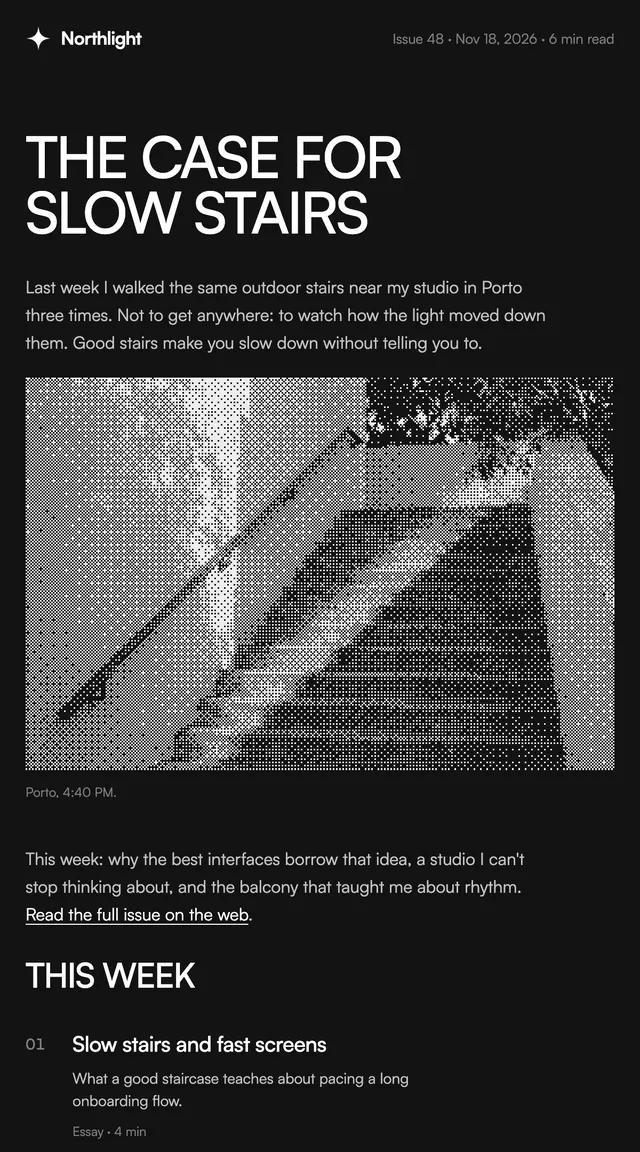
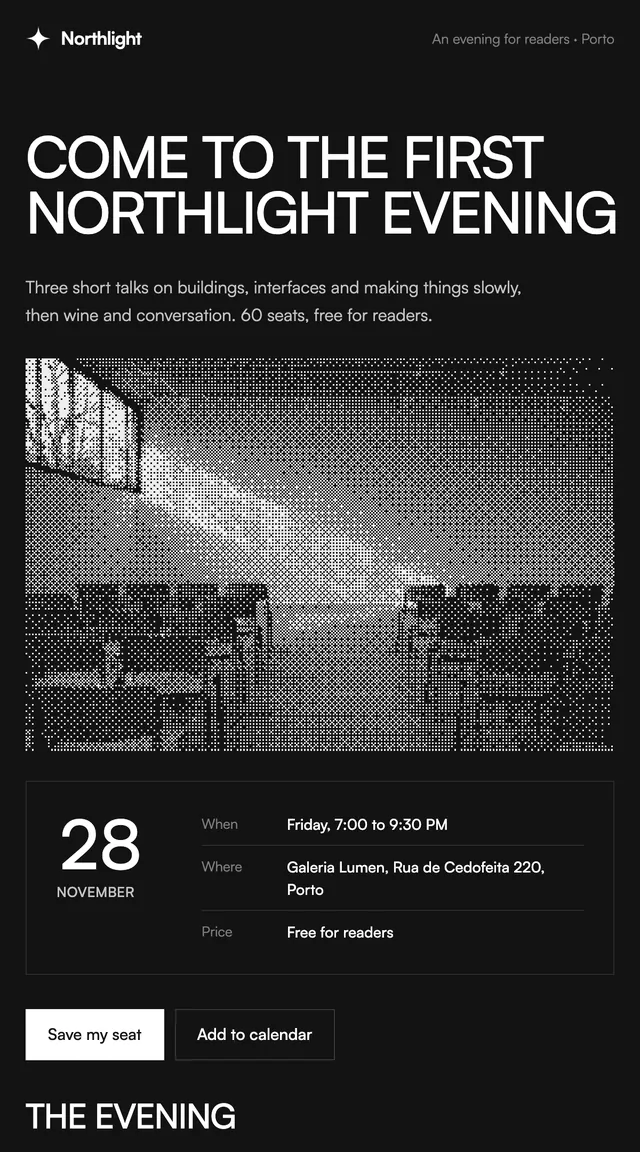
Black Friday is here 🔥 Get

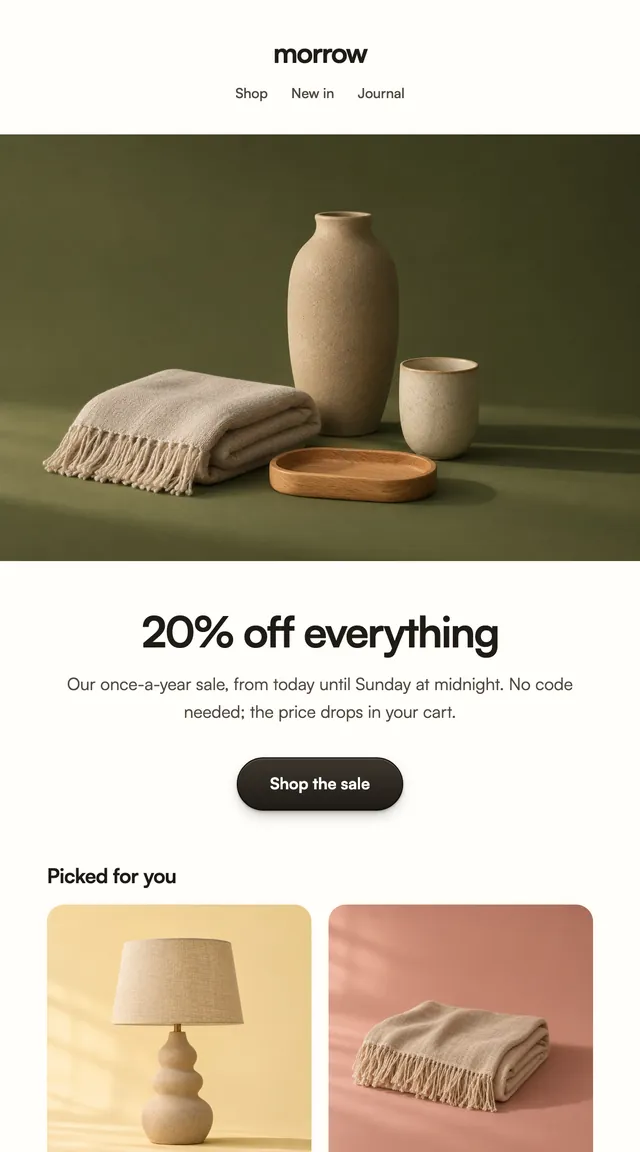
Sale
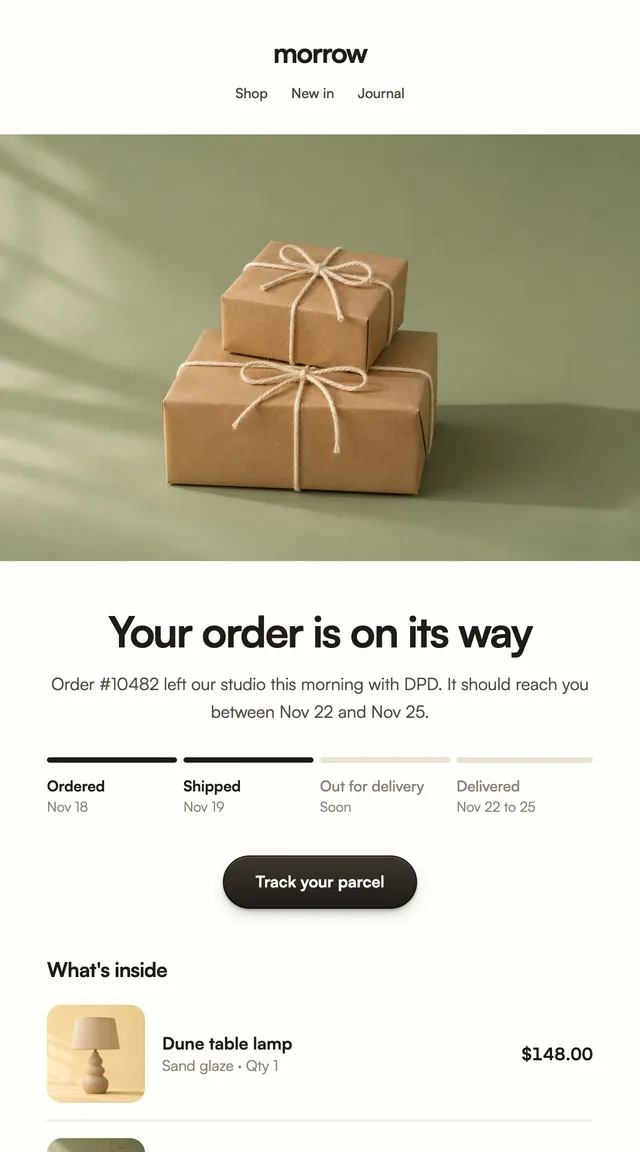
ParcelA sale announcement with the products already marked down.
A restock alert for the product someone asked about, shown large, before it goes again.
A back in stock email goes to people who already said yes, so it only needs to show the product and the facts. This one says how many were made this time and when the next batch is due, which is honest scarcity rather than a timer. One button opens the product page. The product, batch size and next batch are props.
This template is part of the 65 React Email templates that come with Wensity Pro. Each one is a single file built from React Email components, with a kit for your brand, and installs with the Wensity CLI or the MCP server.
Run the following command
pnpm dlx wensity@latest emails add parcel/back-in-stock
npx wensity@latest emails add parcel/back-in-stock
yarn dlx wensity@latest emails add parcel/back-in-stock
bunx wensity@latest emails add parcel/back-in-stock
The email lands in emails/parcel/ next to the style's kit.tsx, where you set your brand, colours and links once. It needs Wensity Pro and npx wensity@latest login.
Render the email to HTML with render() from React Email, then send it with Resend, Nodemailer, AWS SES or any provider. The data that changes per send is a typed prop.
import { render } from "react-email";import Email from "@/emails/parcel/back-in-stock";const html = await render(<Email {...props} />);