Black Friday is here 🔥 Get

Team invitation
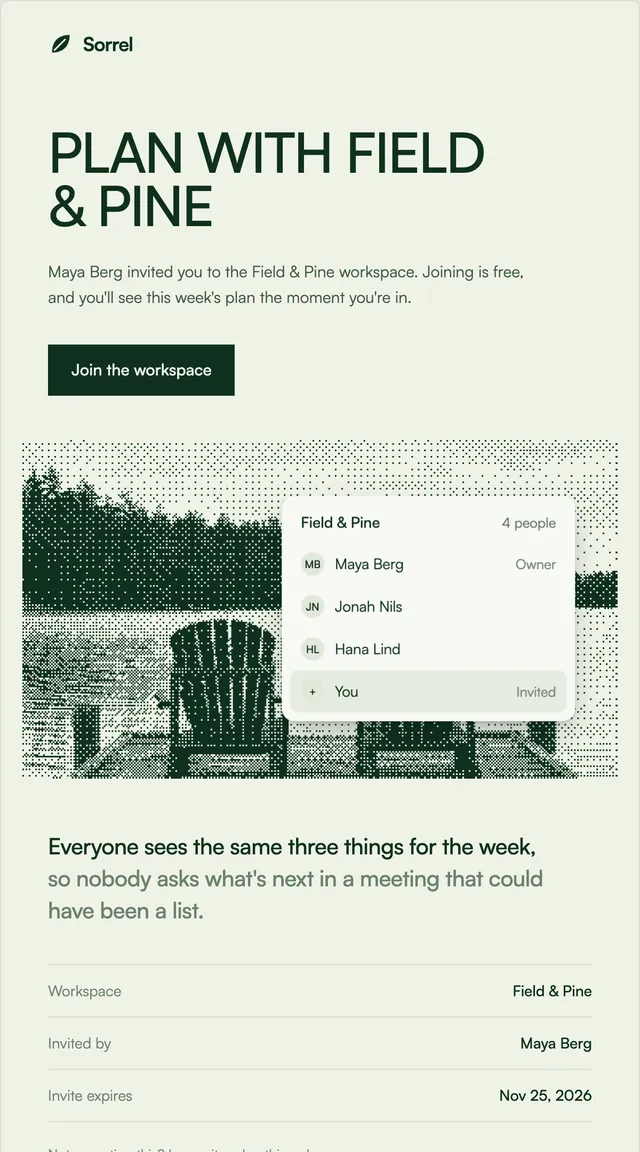
3 stylesInvites that say who asked and what you will see once you join.
A new-device alert that asks one question, with the facts needed to answer it.
A security alert should make the safe answer the easy one. This template opens with the question, lists the device, time, location and IP address in a soft panel, and offers two buttons side by side: secure the account, or confirm it was you. A closing line explains that securing the account signs out every other device. Each fact is a prop, so the email reflects exactly what your session store recorded, and the buttons stack on phones so neither is a mis-tap away.
This template is part of the 65 React Email templates that come with Wensity Pro. Each one is a single file built from React Email components, with a kit for your brand, and installs with the Wensity CLI or the MCP server.
Run the following command
pnpm dlx wensity@latest emails add ledger/new-sign-in
npx wensity@latest emails add ledger/new-sign-in
yarn dlx wensity@latest emails add ledger/new-sign-in
bunx wensity@latest emails add ledger/new-sign-in
The email lands in emails/ledger/ next to the style's kit.tsx, where you set your brand, colours and links once. It needs Wensity Pro and npx wensity@latest login.
Render the email to HTML with render() from React Email, then send it with Resend, Nodemailer, AWS SES or any provider. The data that changes per send is a typed prop.
import { render } from "react-email";import Email from "@/emails/ledger/new-sign-in";const html = await render(<Email {...props} />);