Black Friday is here 🔥 Get

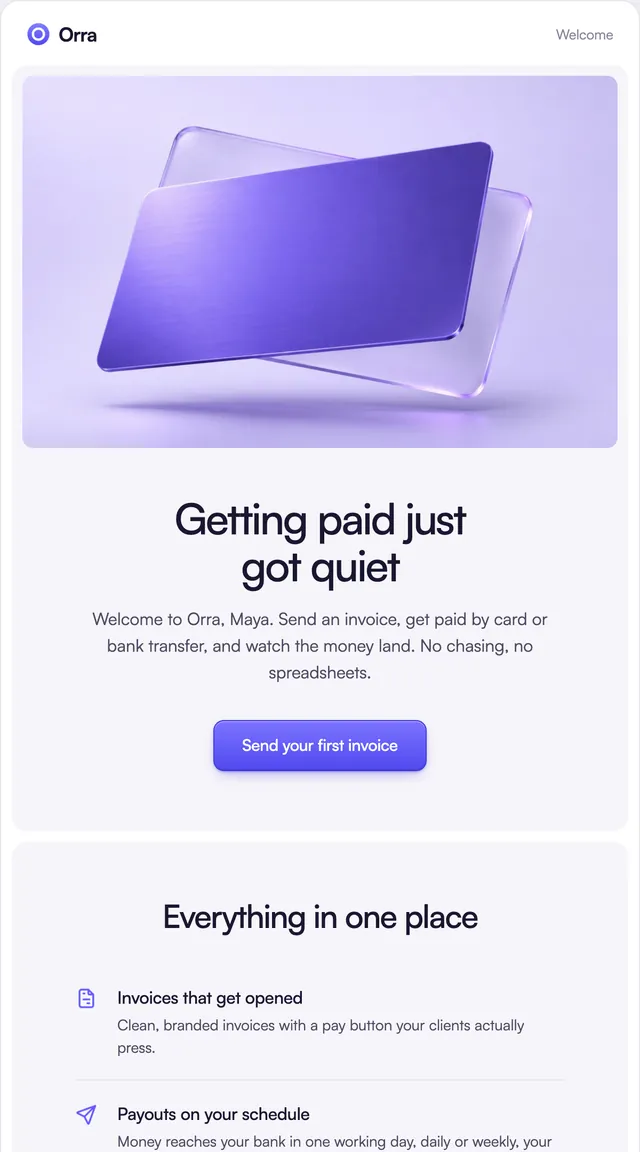
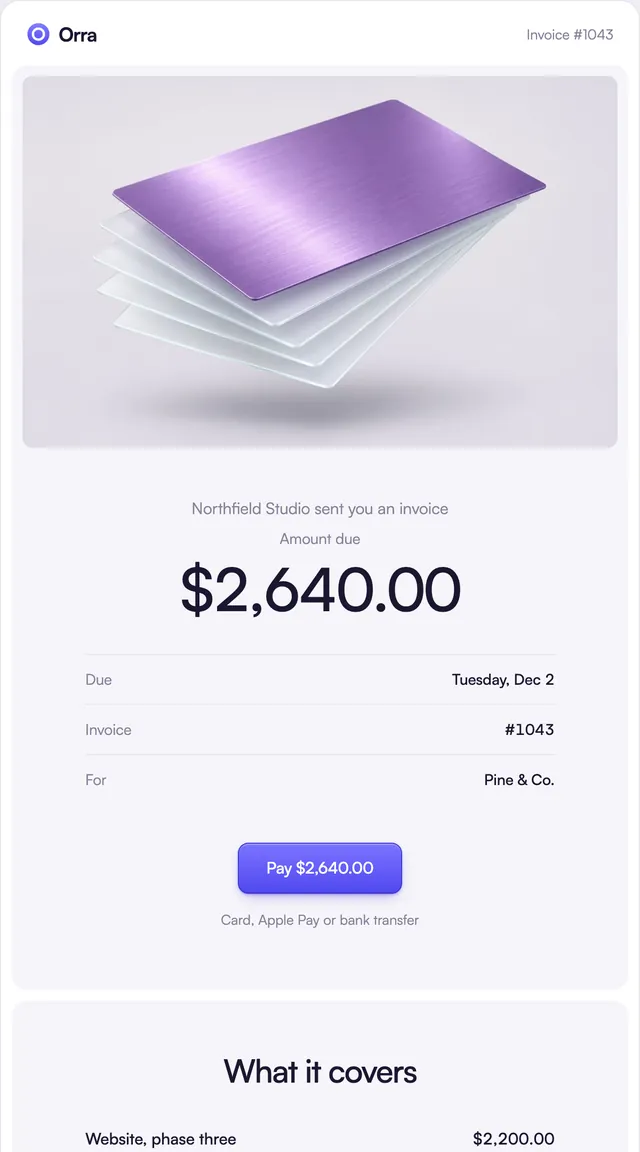
Invoice
2 stylesThe amount and due date first, then one clear way to pay.
Payment receipts in three styles: a subscription receipt laid out like paper, a store receipt with photos, and a payment received notice.
A receipt gets kept and searched, so these are built to be read months later. The Ledger receipt sets the number and date up top, the line items and tax below, and a dashed tear line before the total, with buttons for the PDF and billing settings. The Parcel receipt lists each item with its photo and the billing details beside the payment. The Prism email is the other side of a payment: the money a client paid, the card fee and when it reaches the bank. Line items and totals are props, so the numbers come from your billing data, never the template.
These 3 templates are part of the 65 React Email templates that come with Wensity Pro. Each one is a single file built from React Email components, with a kit for your brand, and installs with the Wensity CLI or the MCP server.
Run the following command
pnpm dlx wensity@latest emails add parcel/receipt
npx wensity@latest emails add parcel/receipt
yarn dlx wensity@latest emails add parcel/receipt
bunx wensity@latest emails add parcel/receipt
The email lands in emails/parcel/ next to the style's kit.tsx, where you set your brand, colours and links once. It needs Wensity Pro and npx wensity@latest login.
Render the email to HTML with render() from React Email, then send it with Resend, Nodemailer, AWS SES or any provider. The data that changes per send is a typed prop.
import { render } from "react-email";import Email from "@/emails/parcel/receipt";const html = await render(<Email {...props} />);

Parth
Founder, Wensity
Still have a question?
Ask about plans, licensing, or templates and you will hear back from me directly.
Email hey@wensity.com