Black Friday is here 🔥 Get

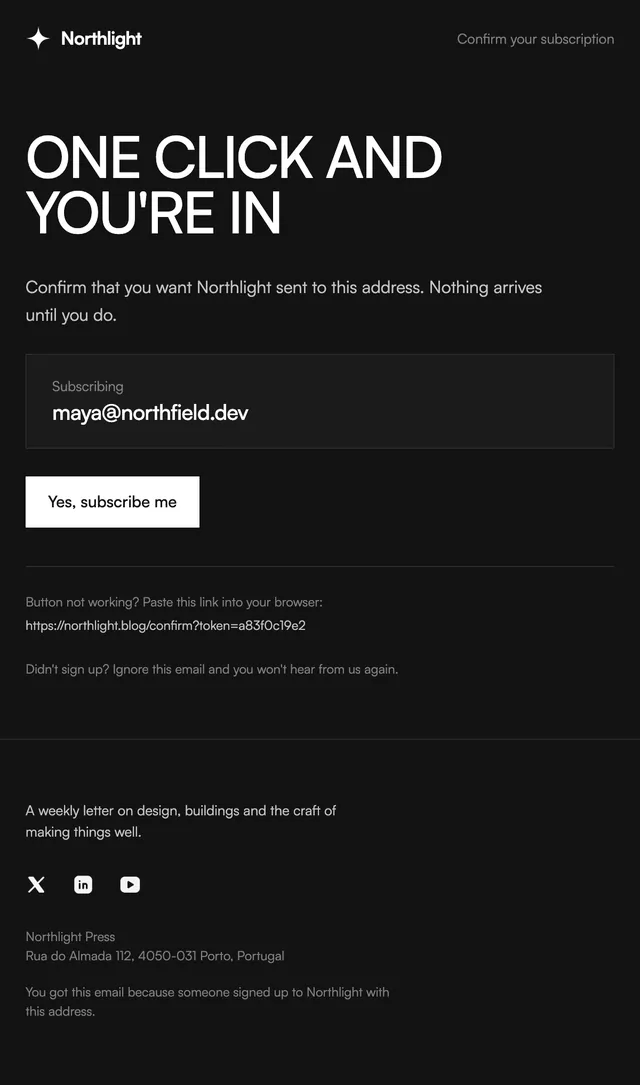
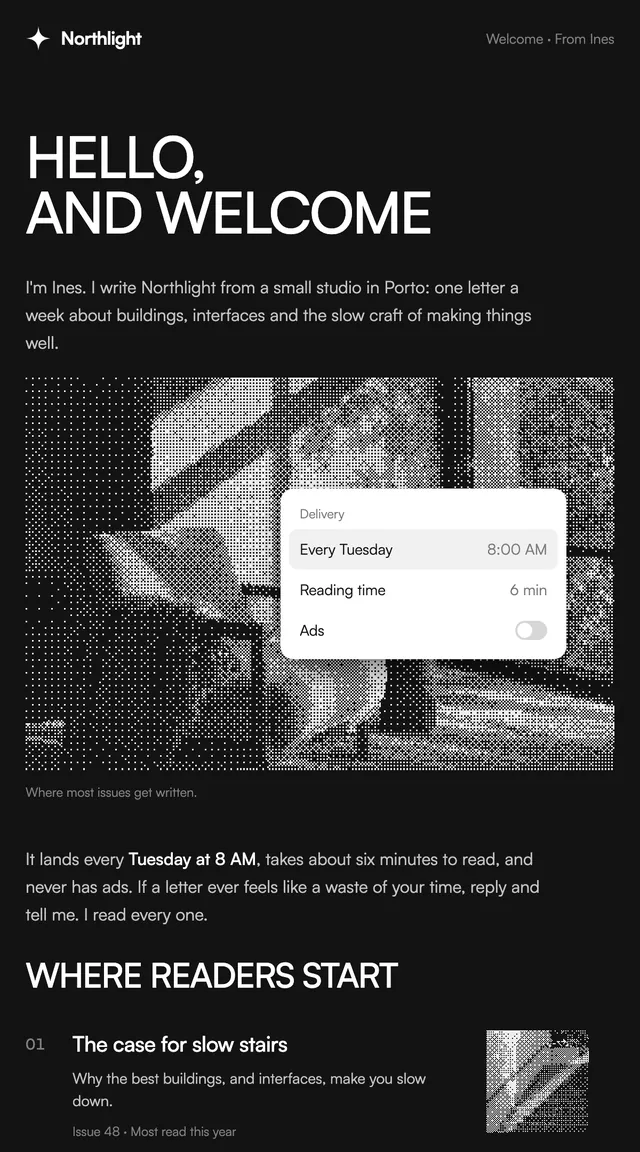
Welcome
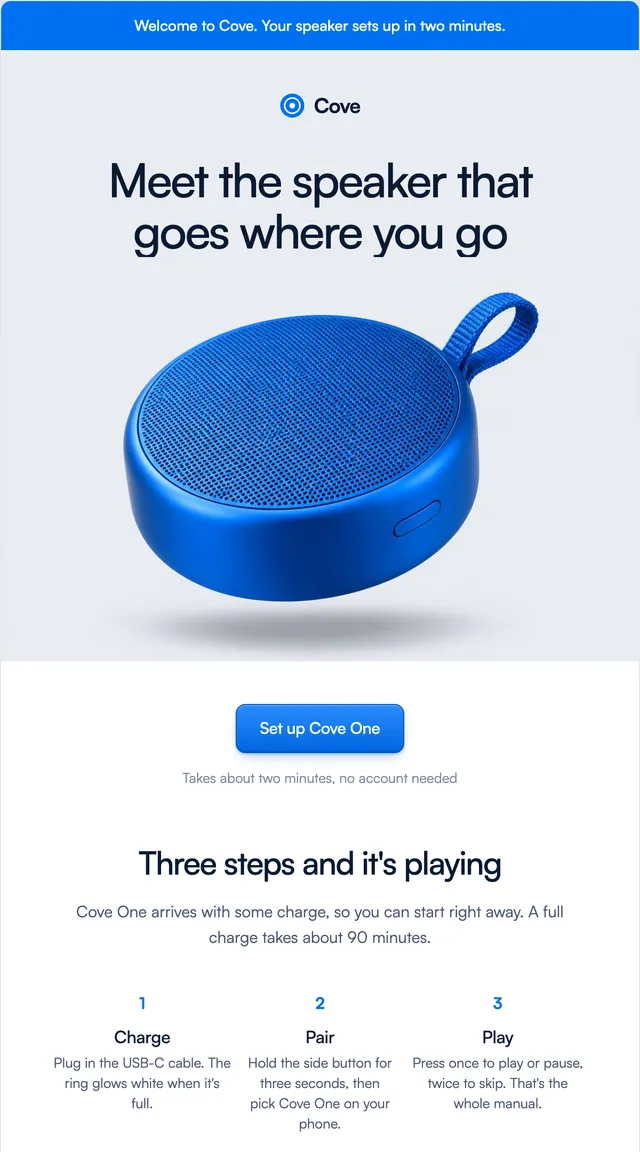
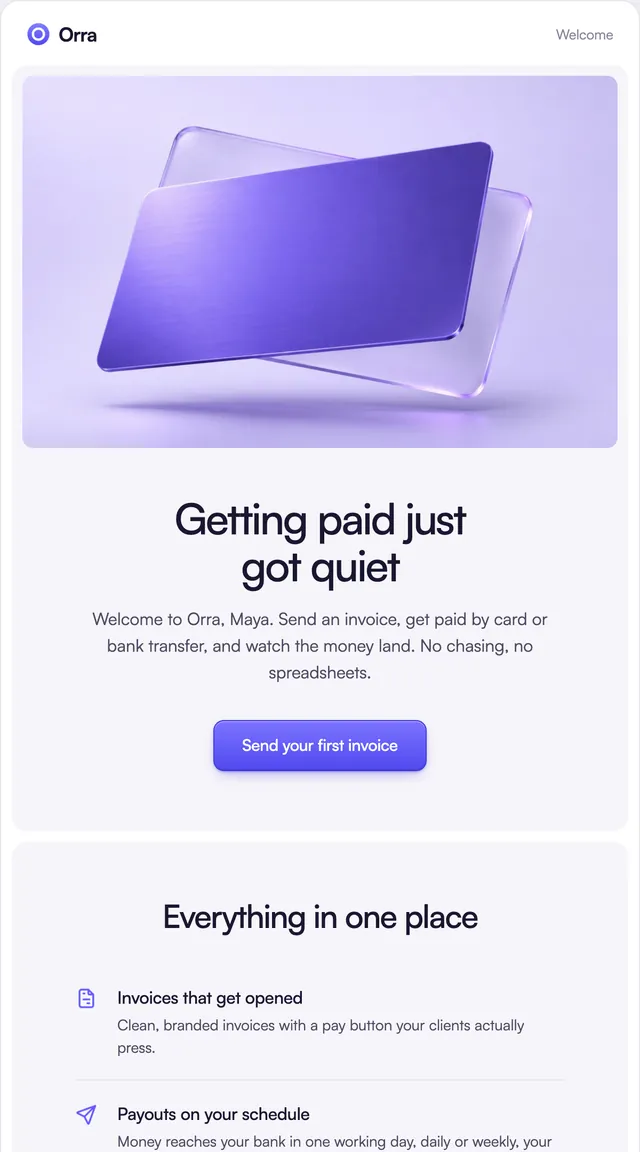
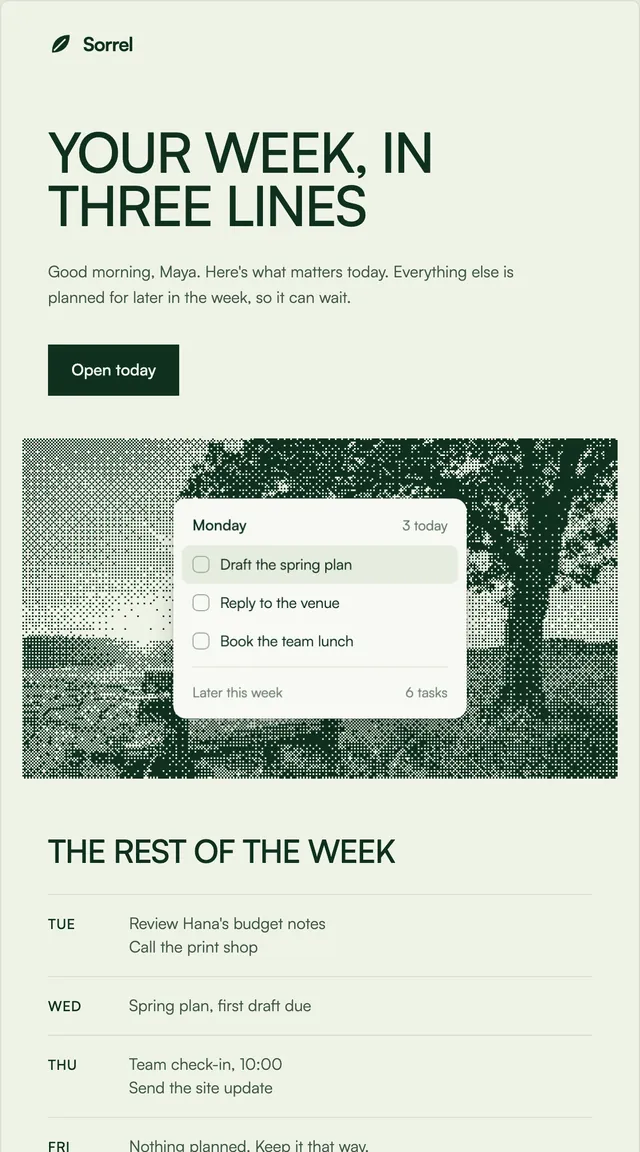
7 stylesA short hello, one clear next step and a few first things to try.
React email templates for sign-up and security, billing, store orders, product news and newsletters. Every one has light and dark mode built in and installs into your project as source with one command. All of them come with Wensity Pro.
65 templates across 27 kinds of email in 7 styles. How to install.
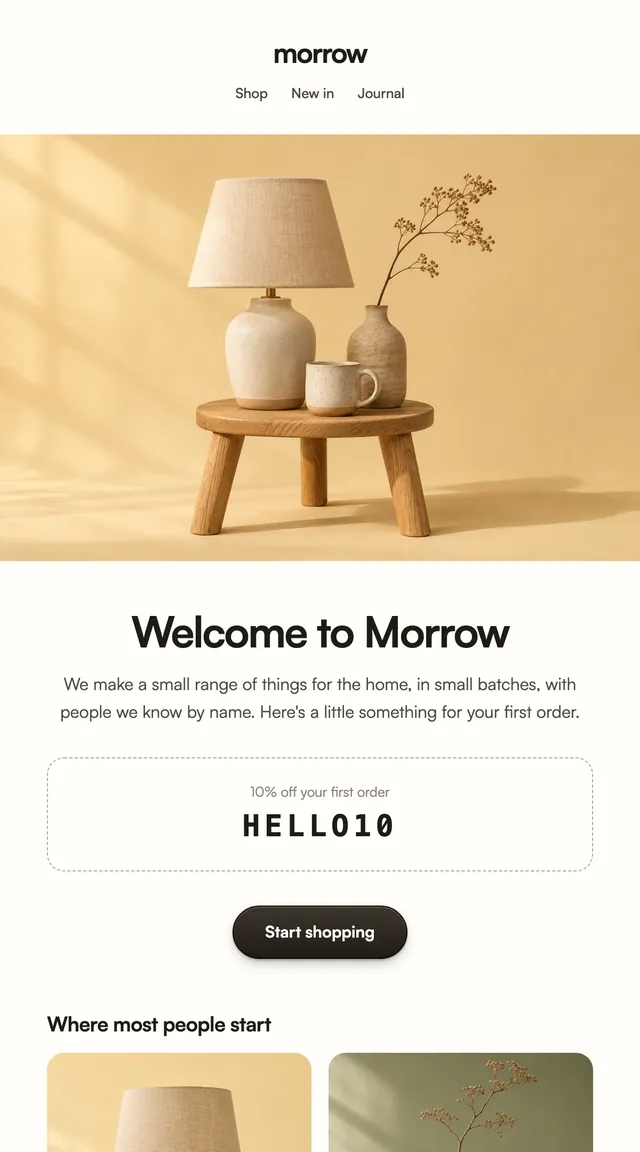
A short hello, one clear next step and a few first things to try.

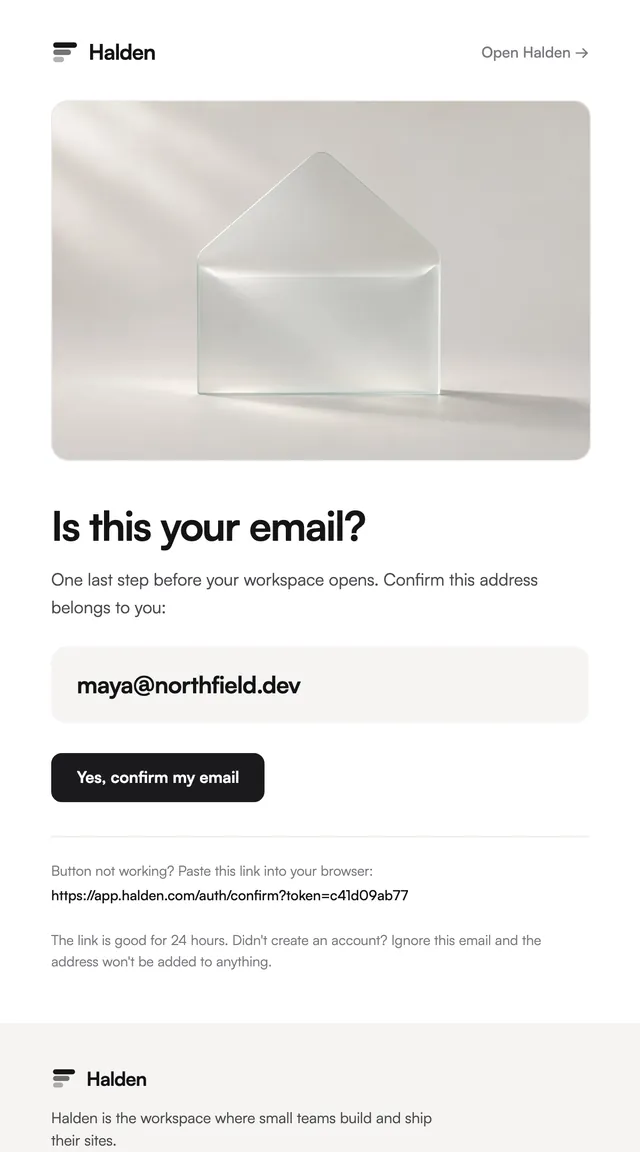
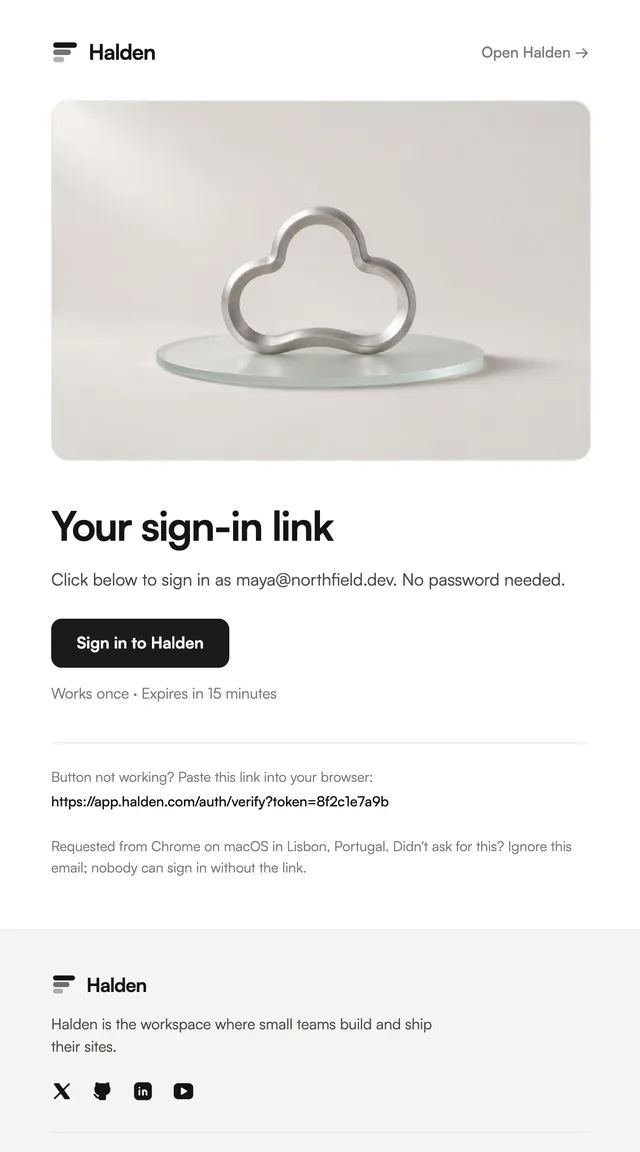
Passwordless sign-in where the button is the whole email.

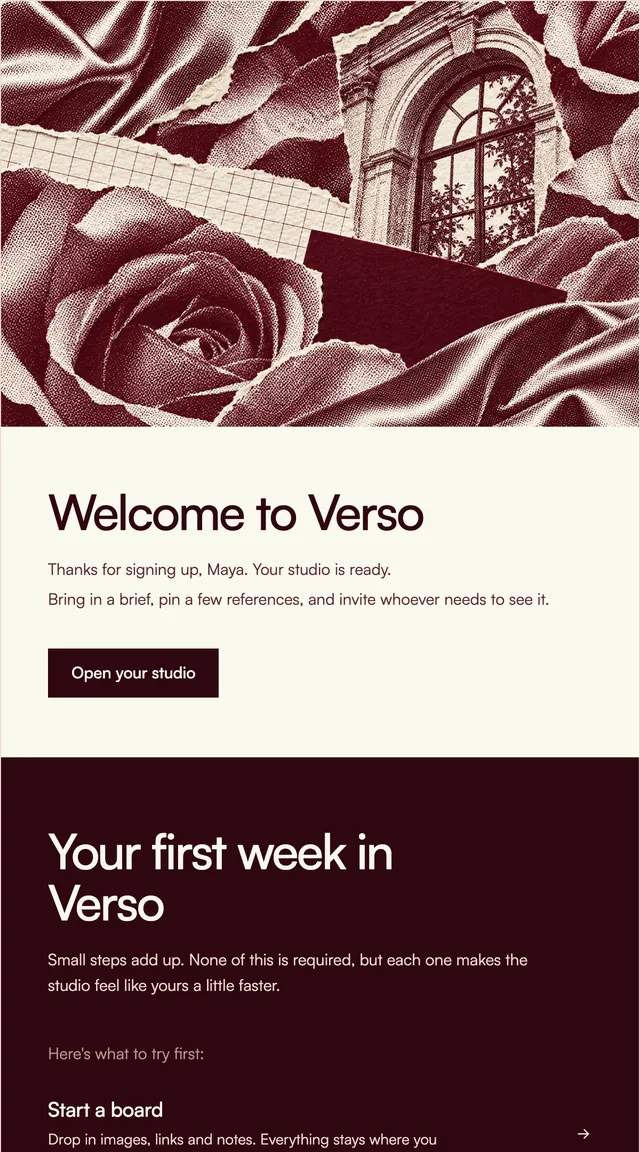
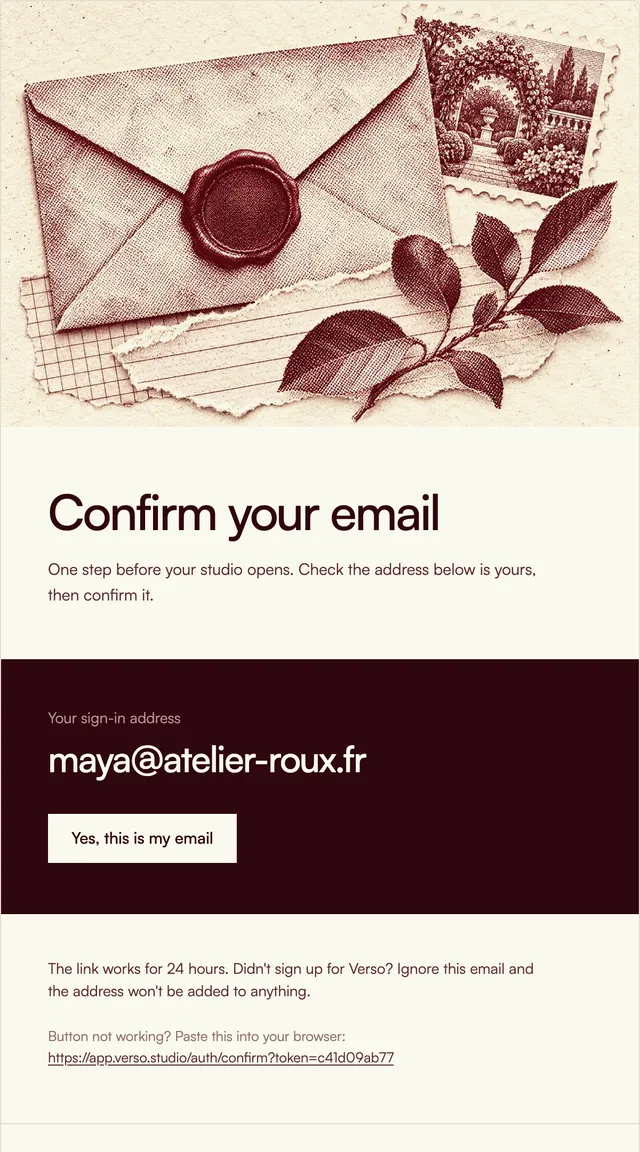
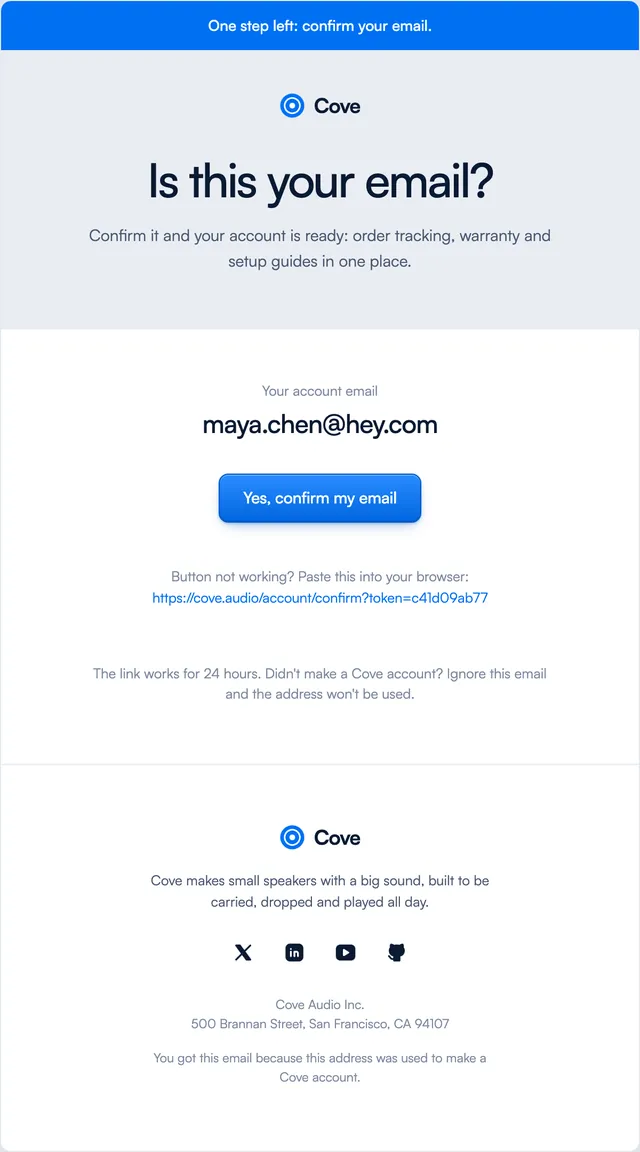
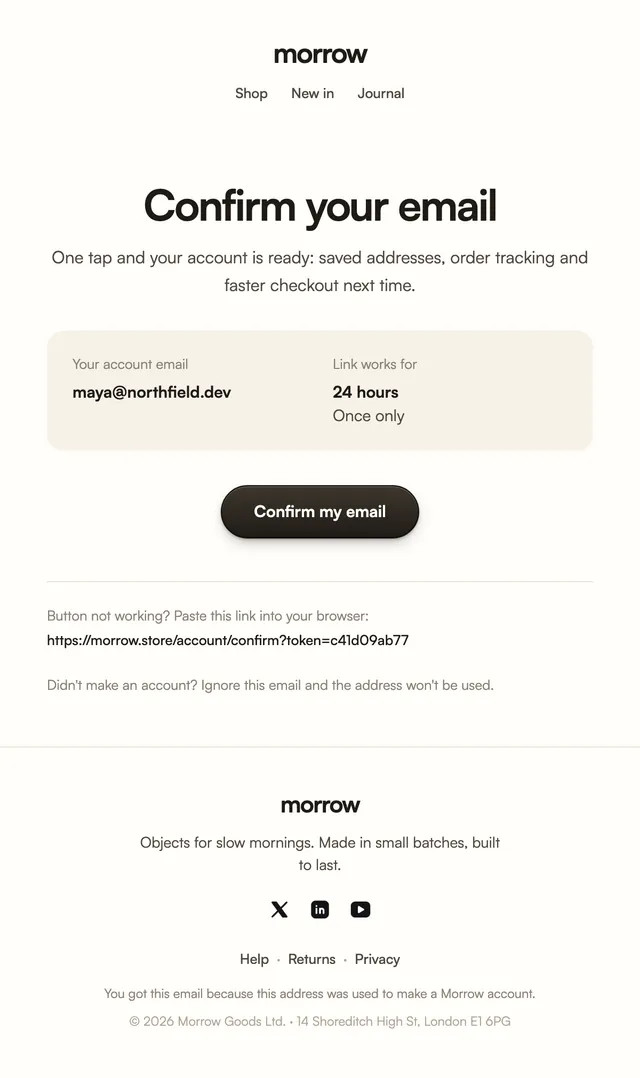
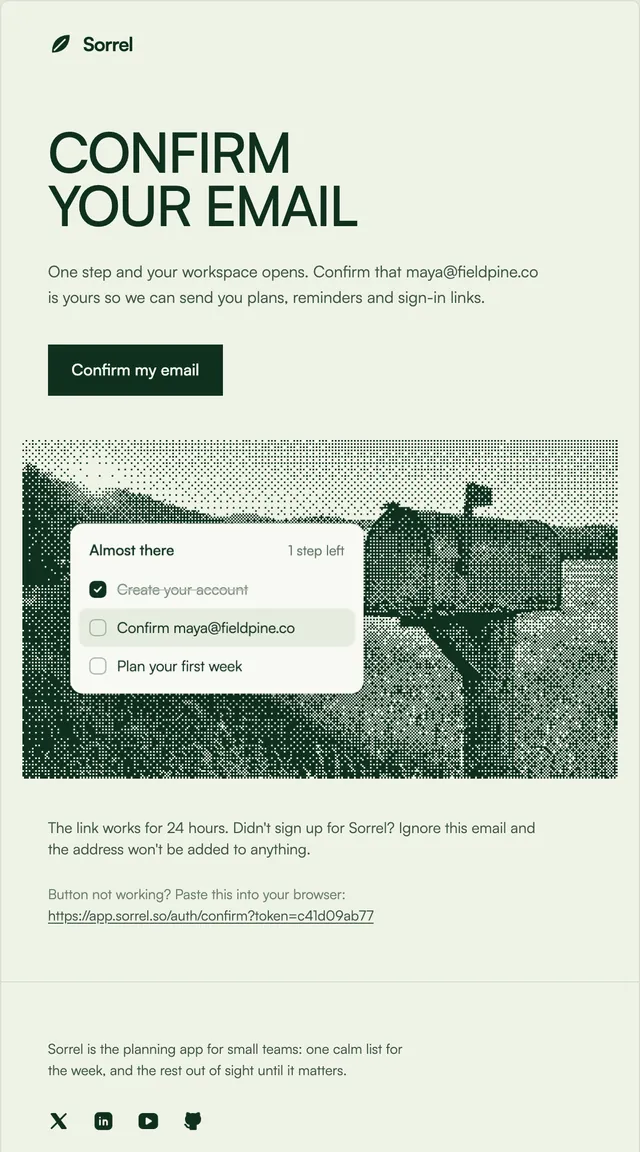
Confirm-your-address emails with the address set large.

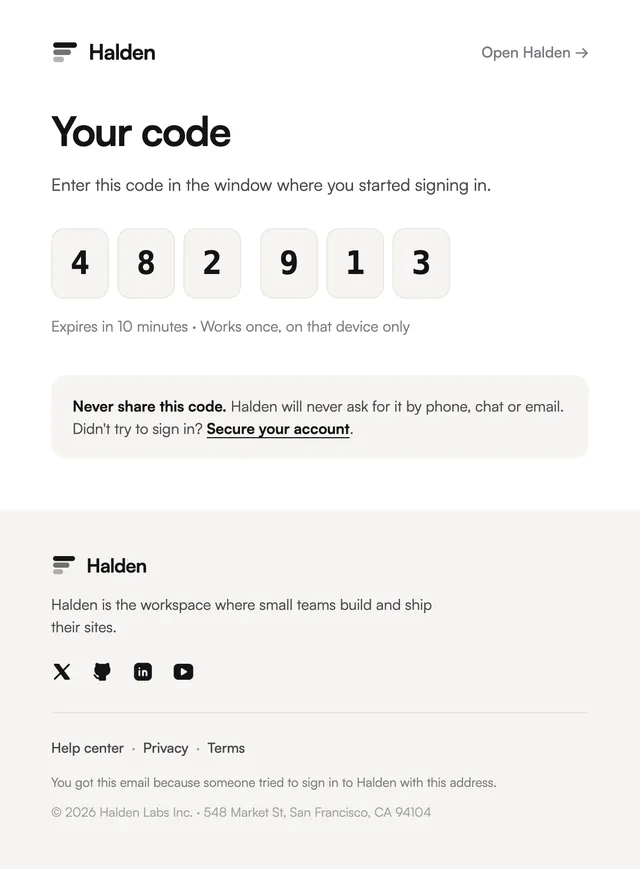
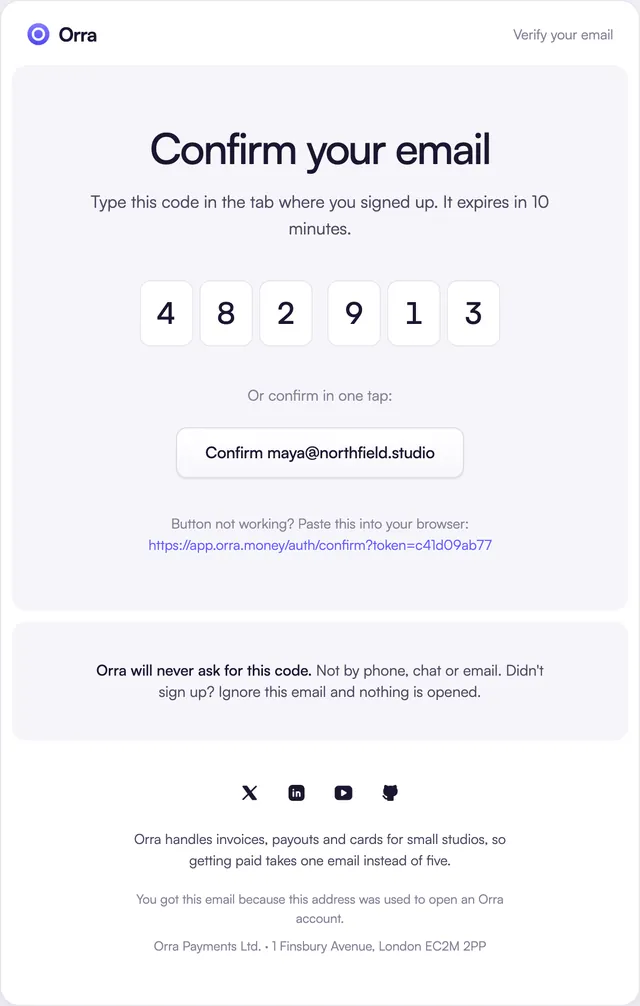
A six-digit code, one digit per box, with the expiry beside it.

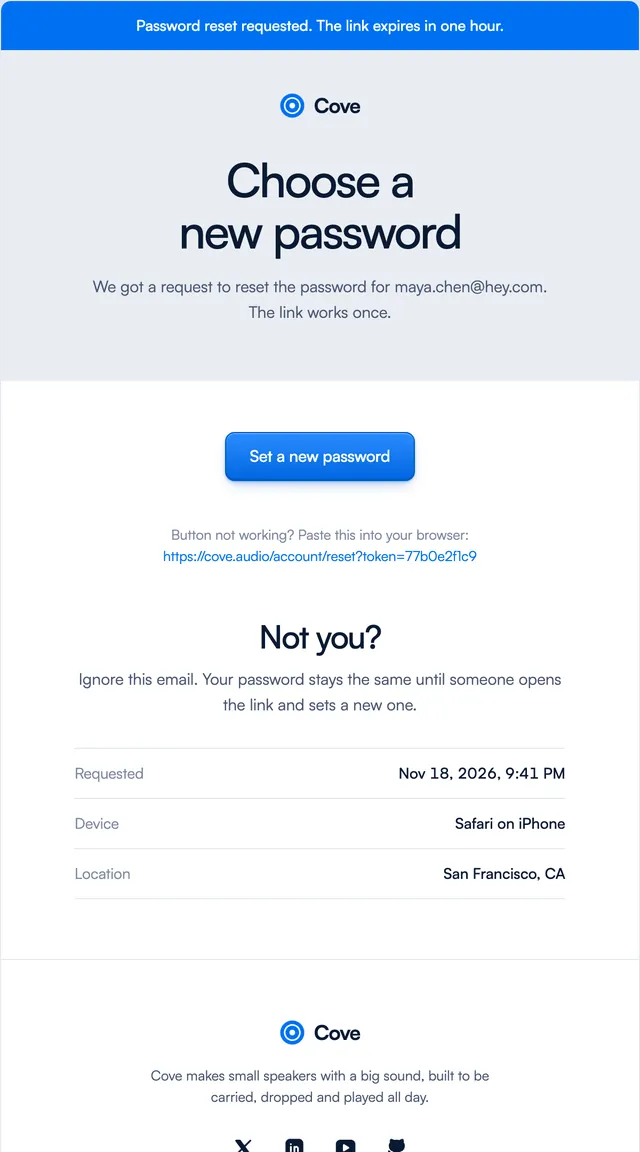
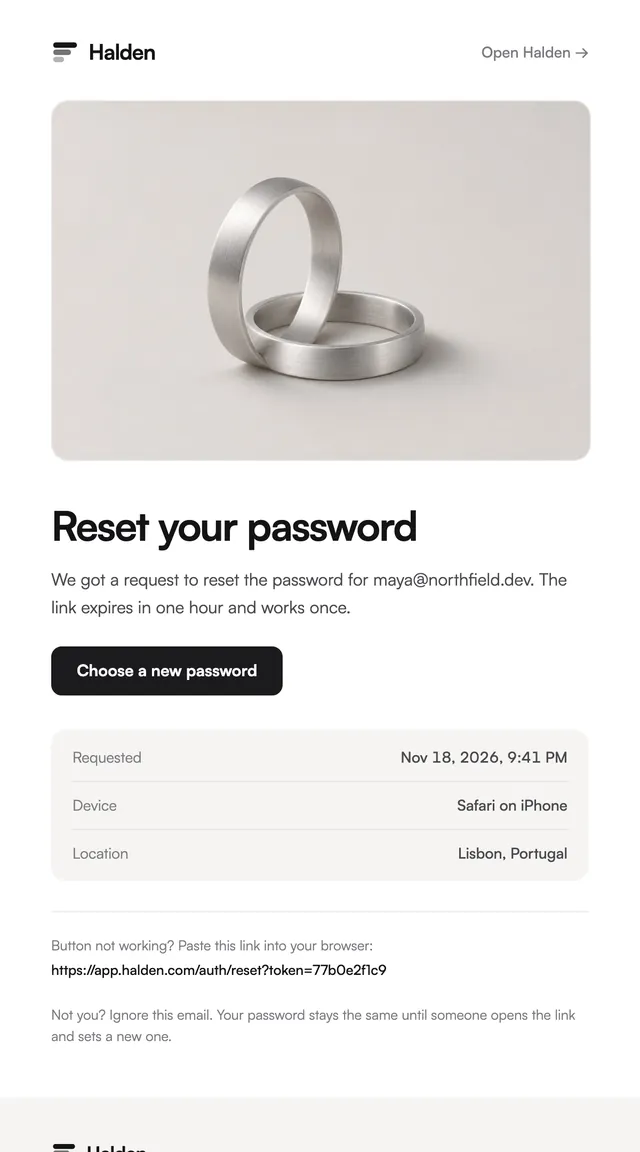
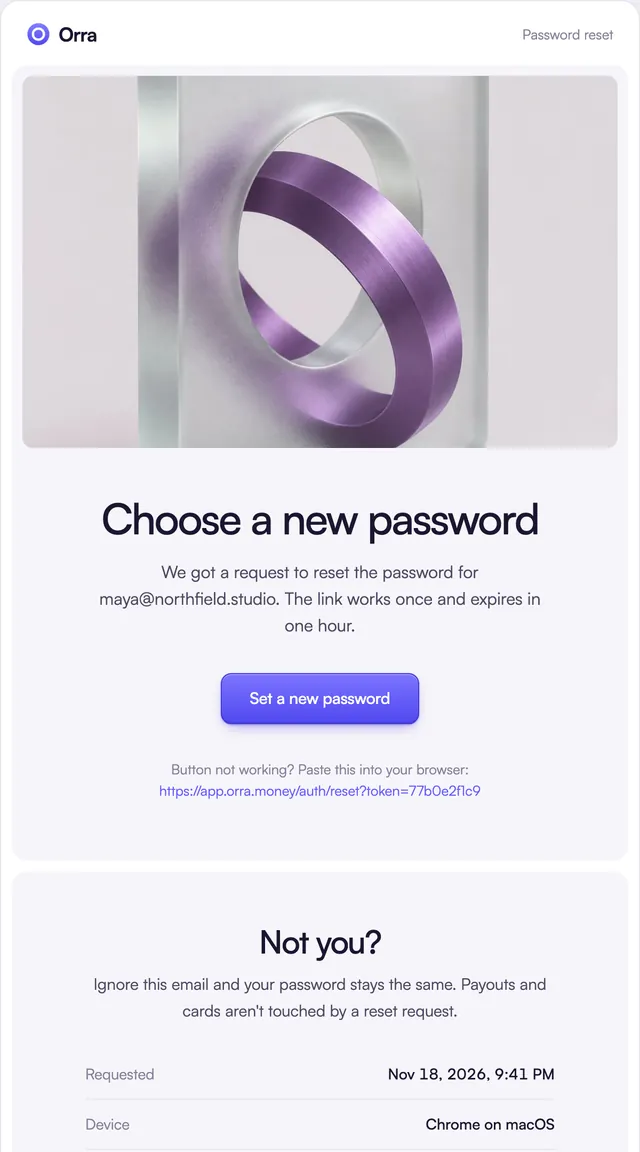
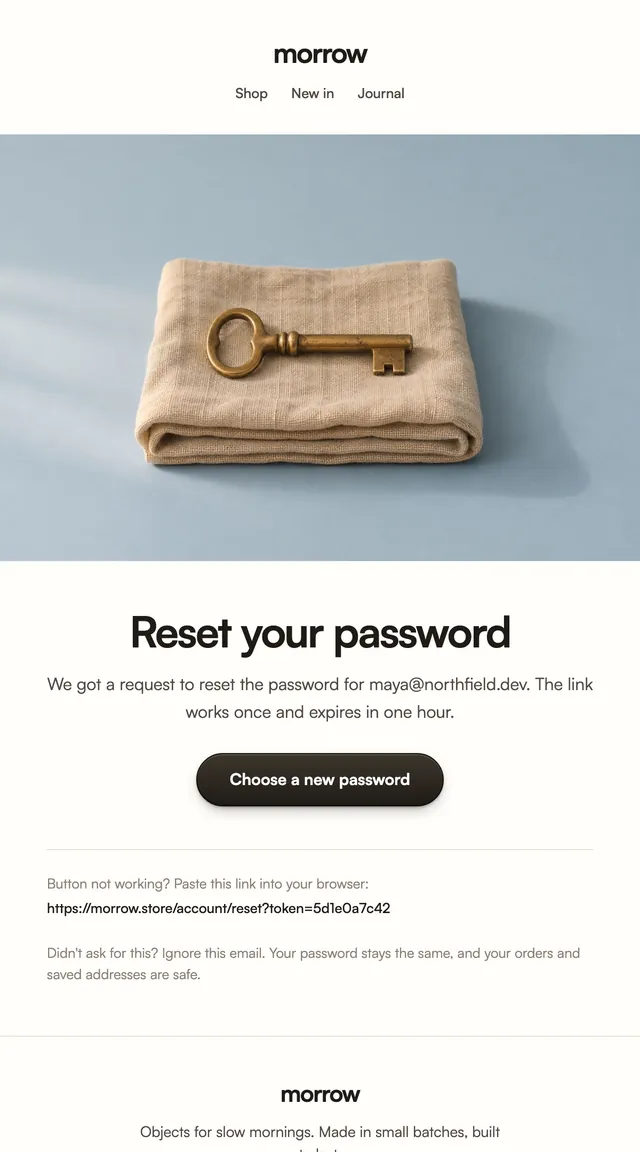
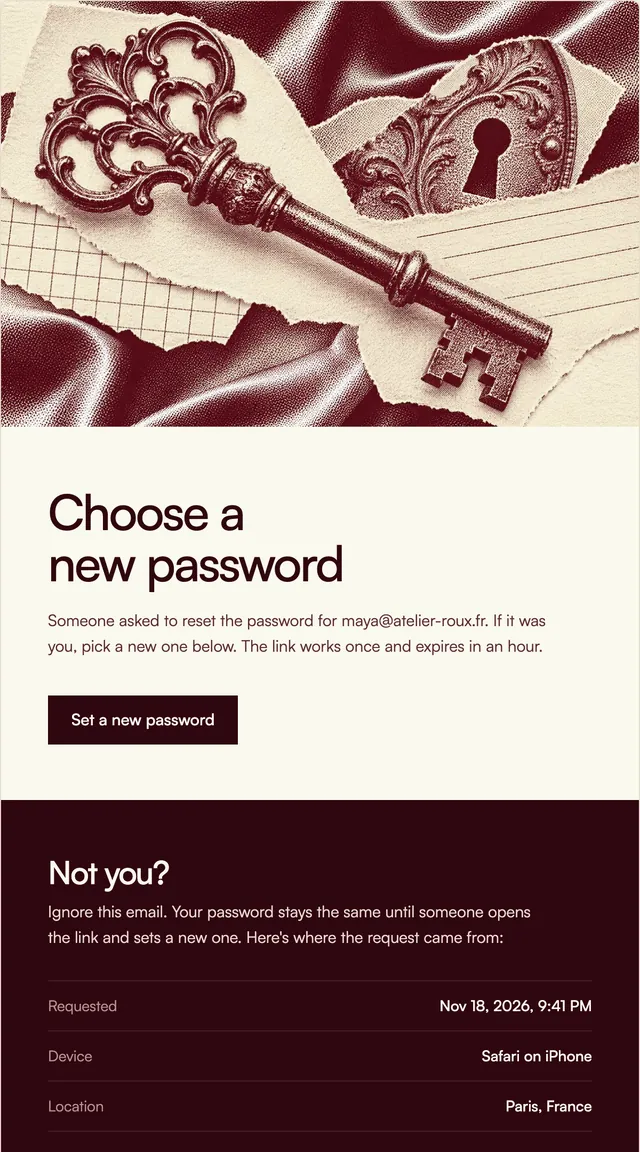
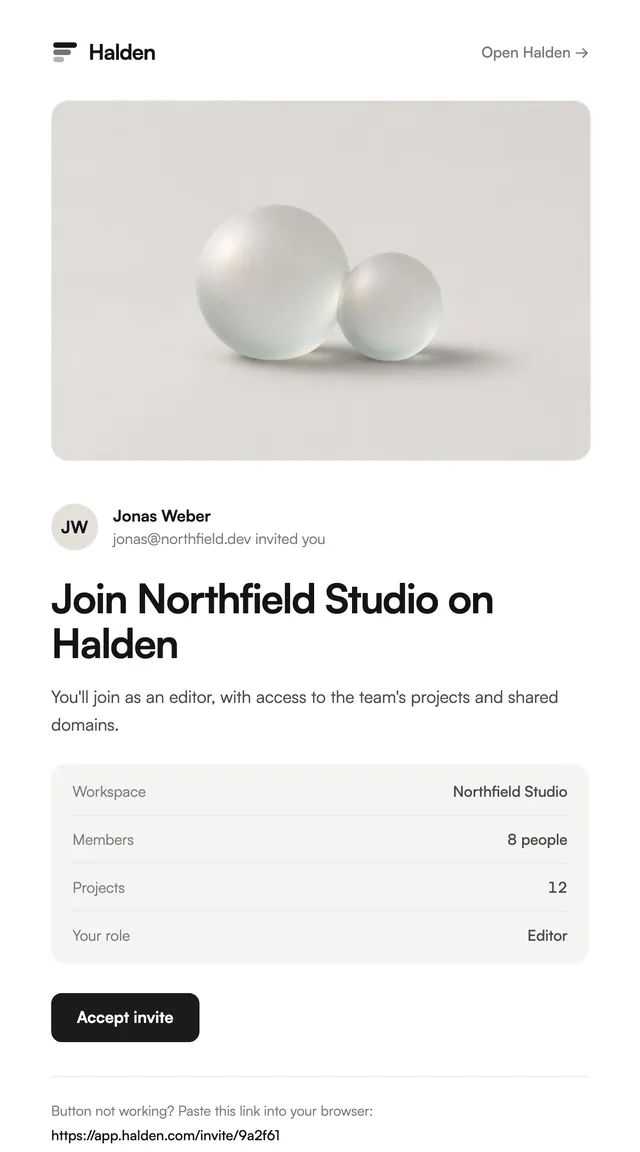
A reset link with the time, device and place of the request.
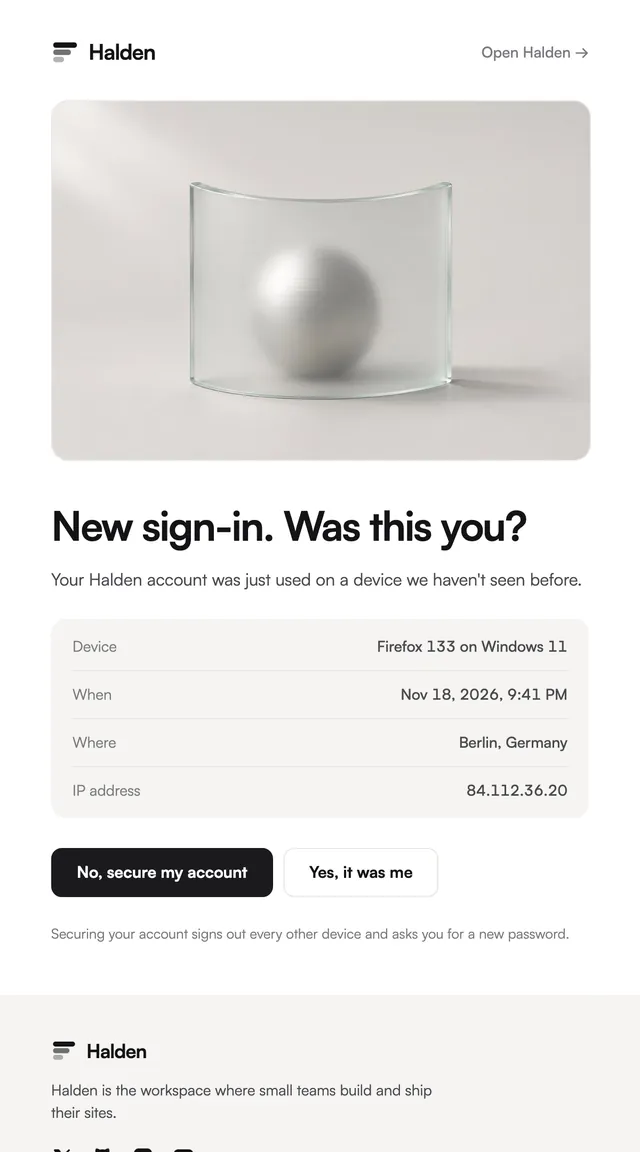
A new sign-in alert that asks one question: was this you?

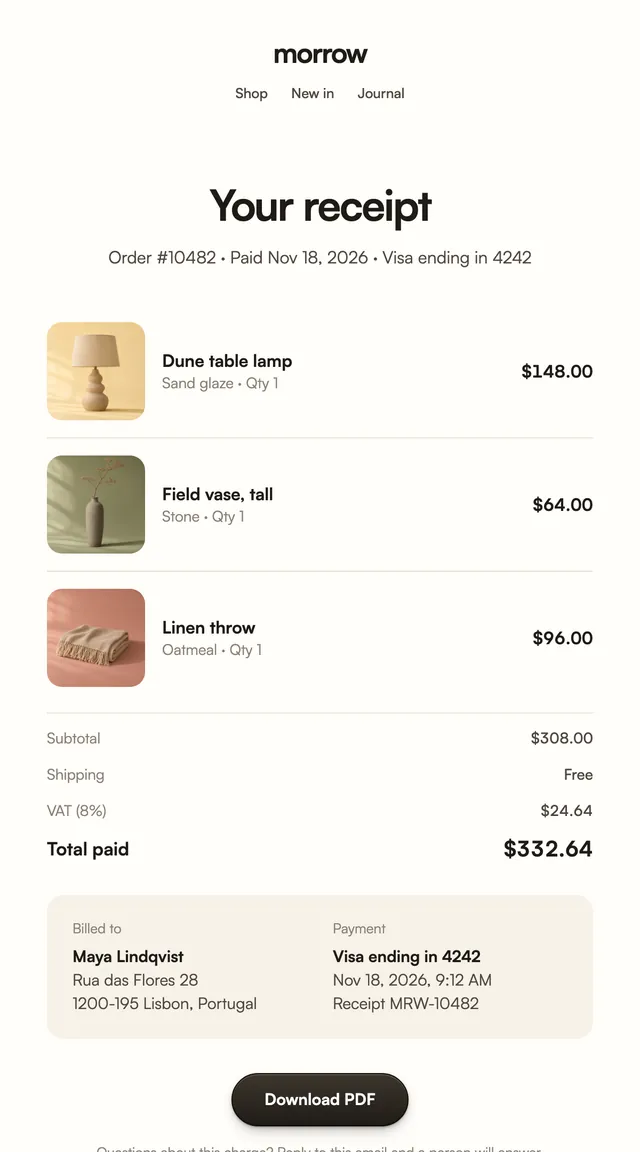
Payment receipts laid out like paper, with every line.
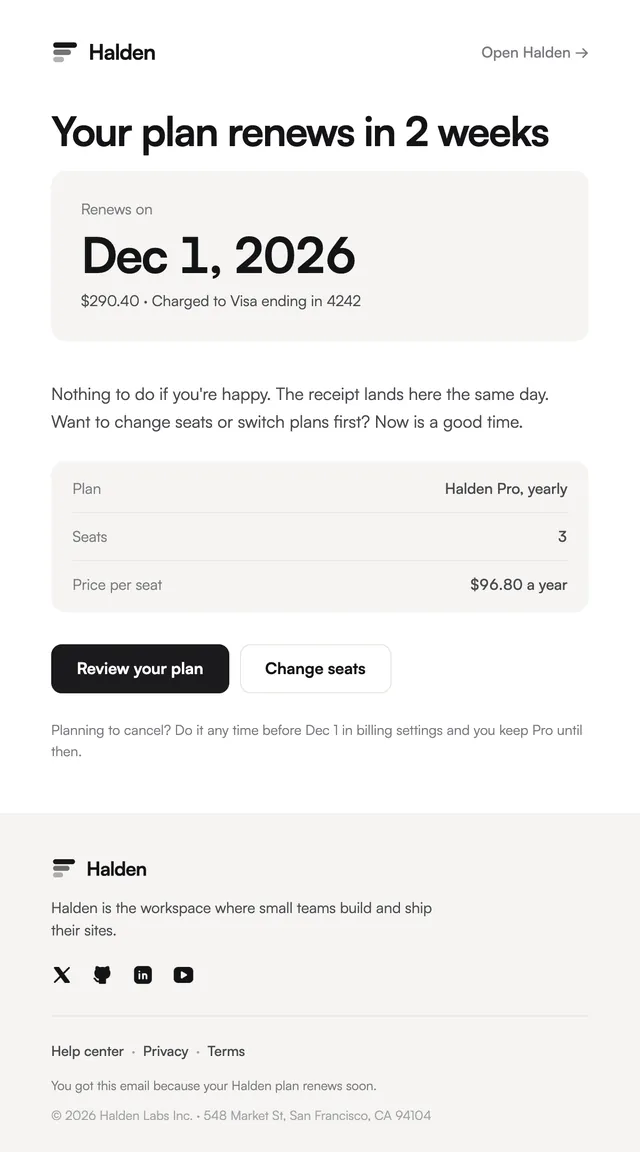
A heads-up before renewal, with the date as the headline.

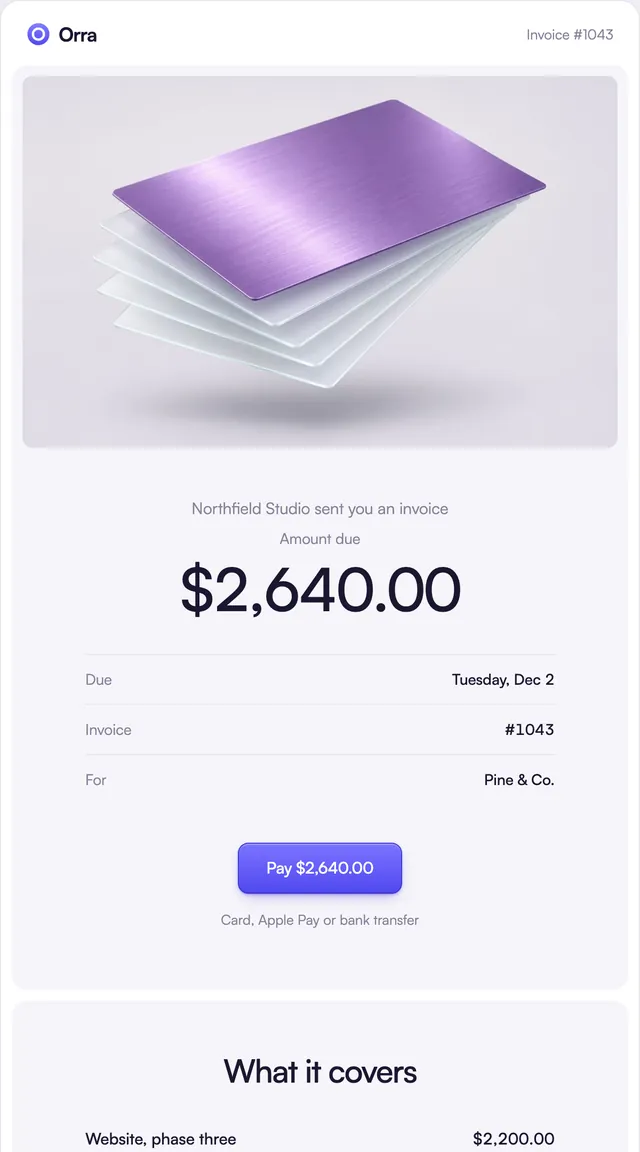
The amount and due date first, then one clear way to pay.

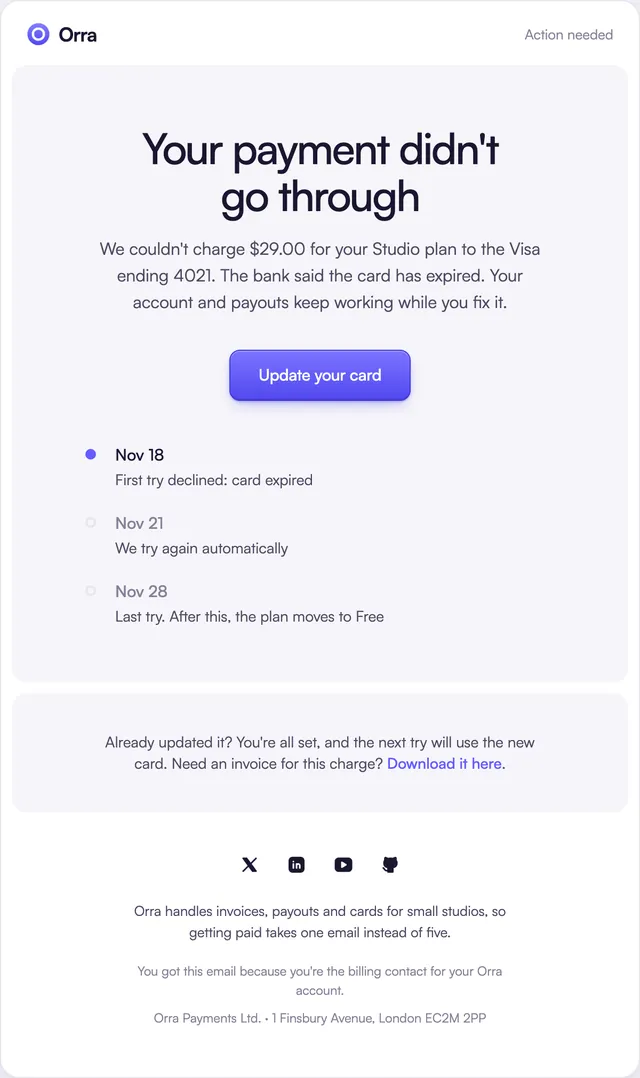
Declined-card emails with the retry plan on a timeline.
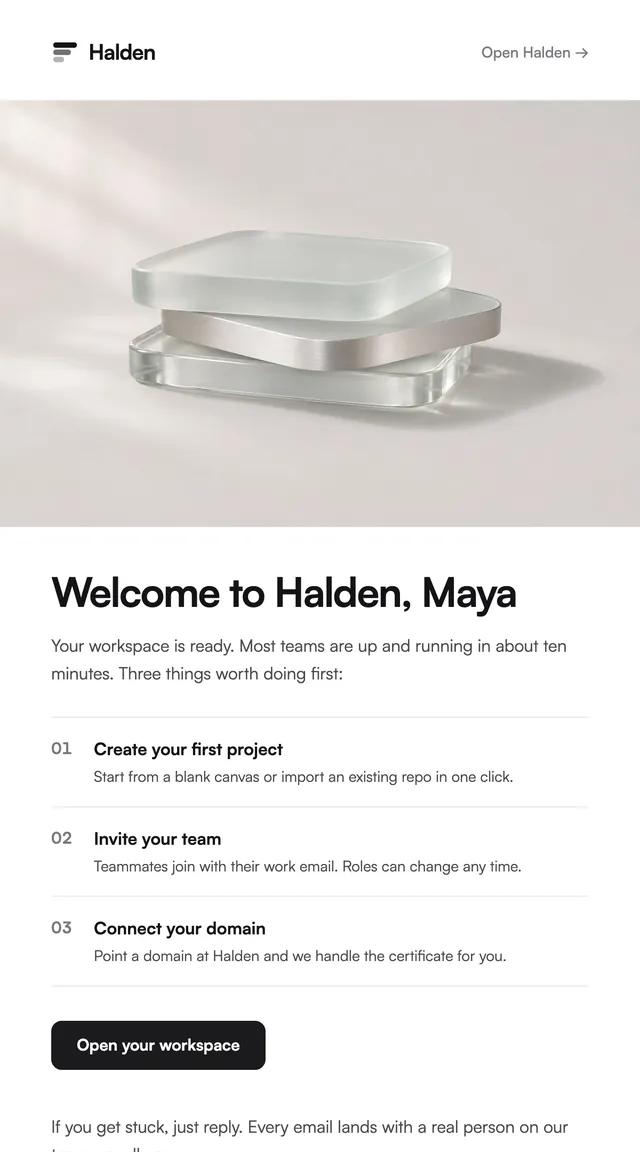
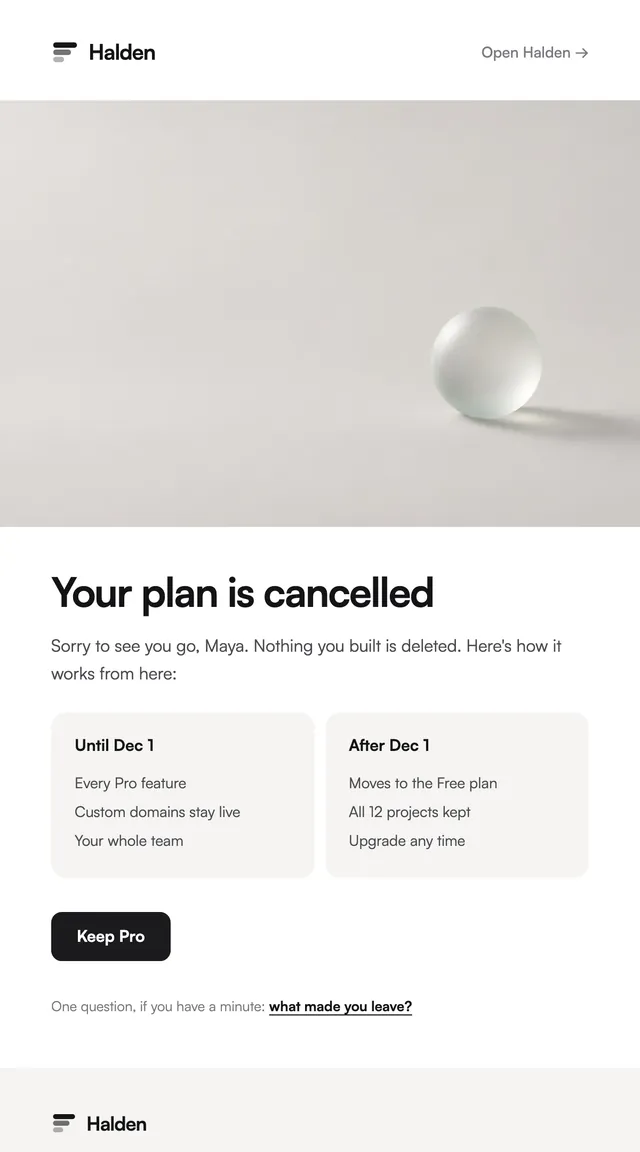
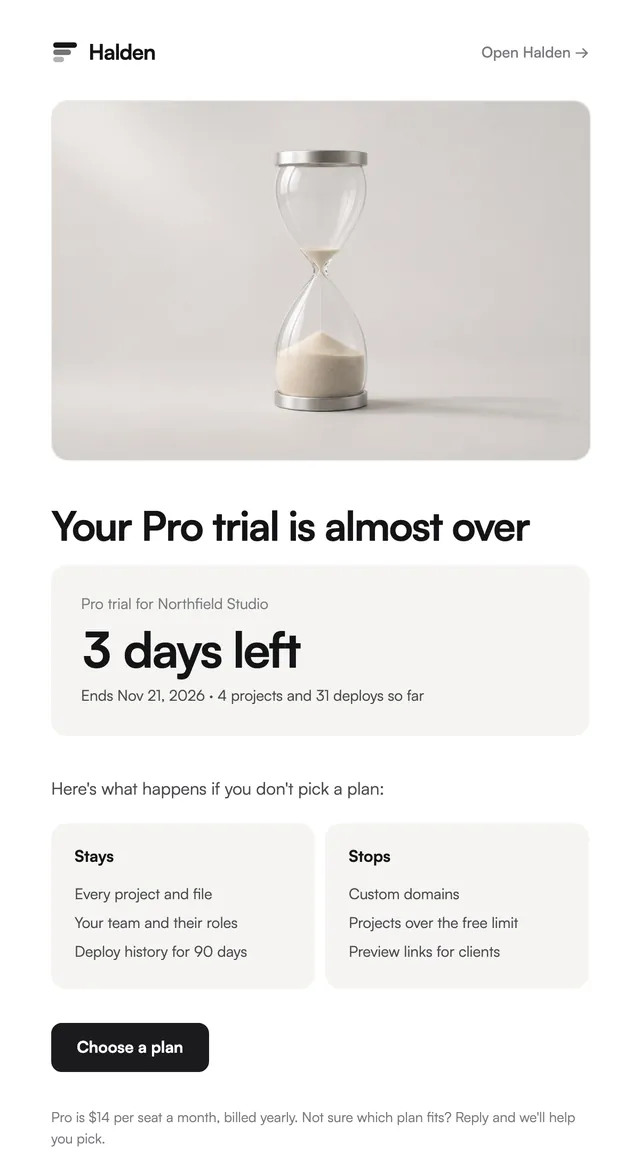
What you keep now and after, with one easy way back.
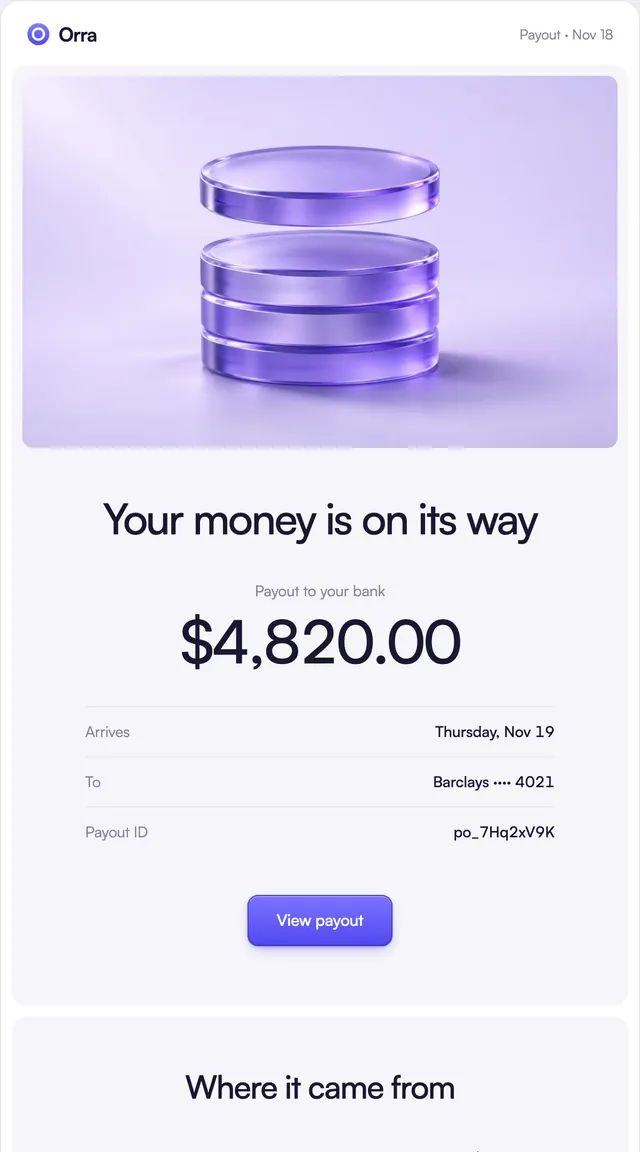
Payouts and monthly statements that show where money came from.

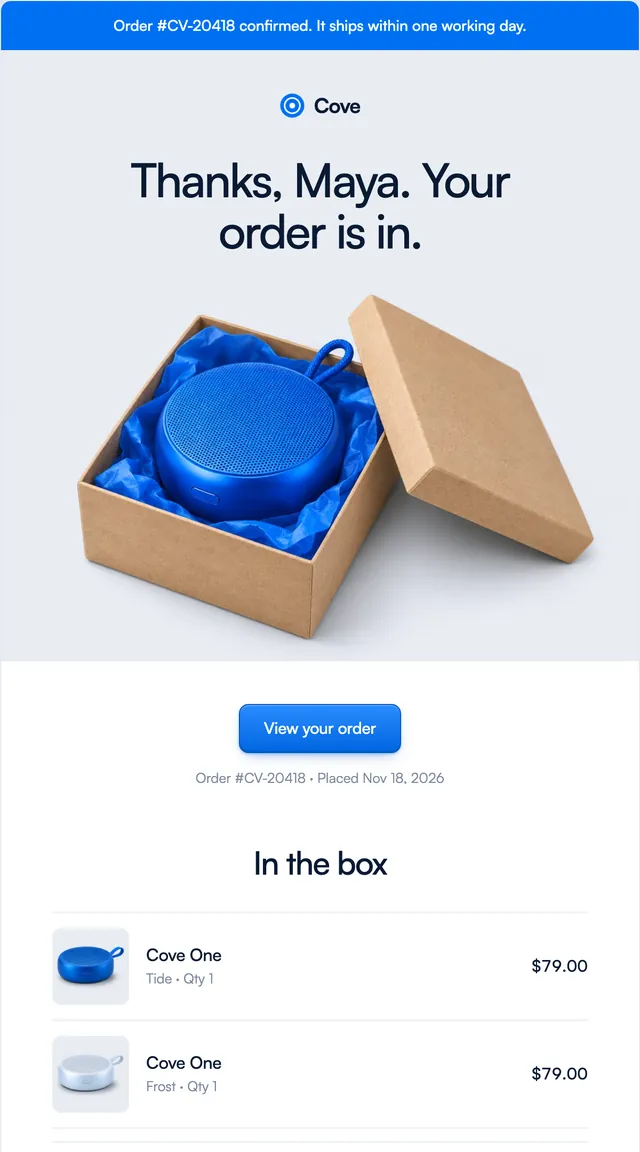
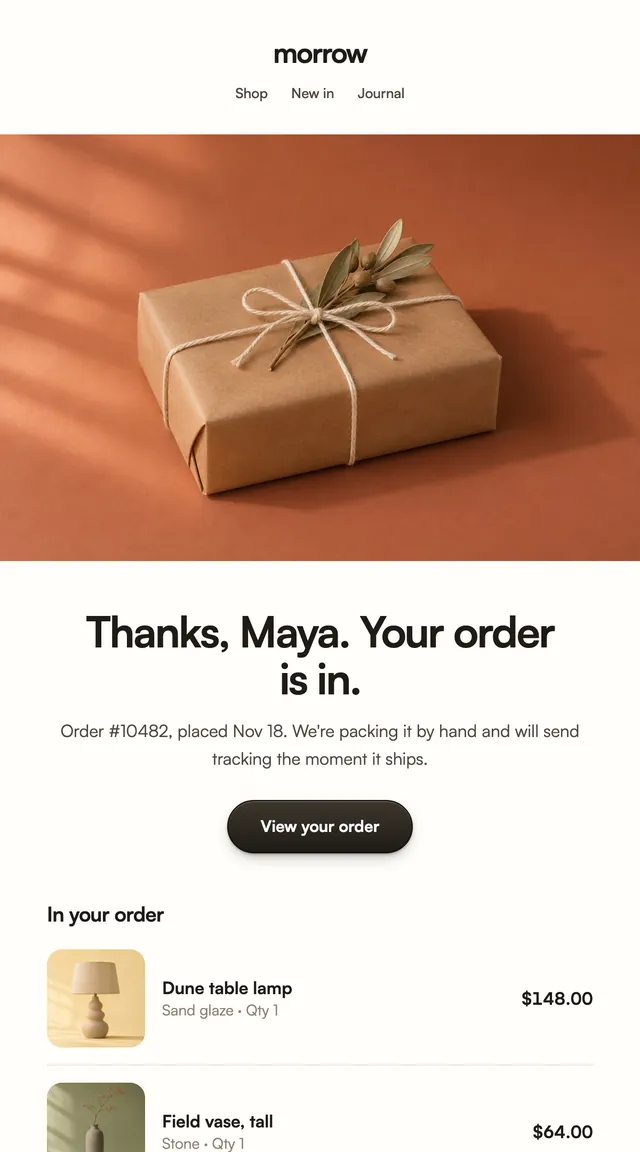
What is in the box, what it cost and when it arrives.

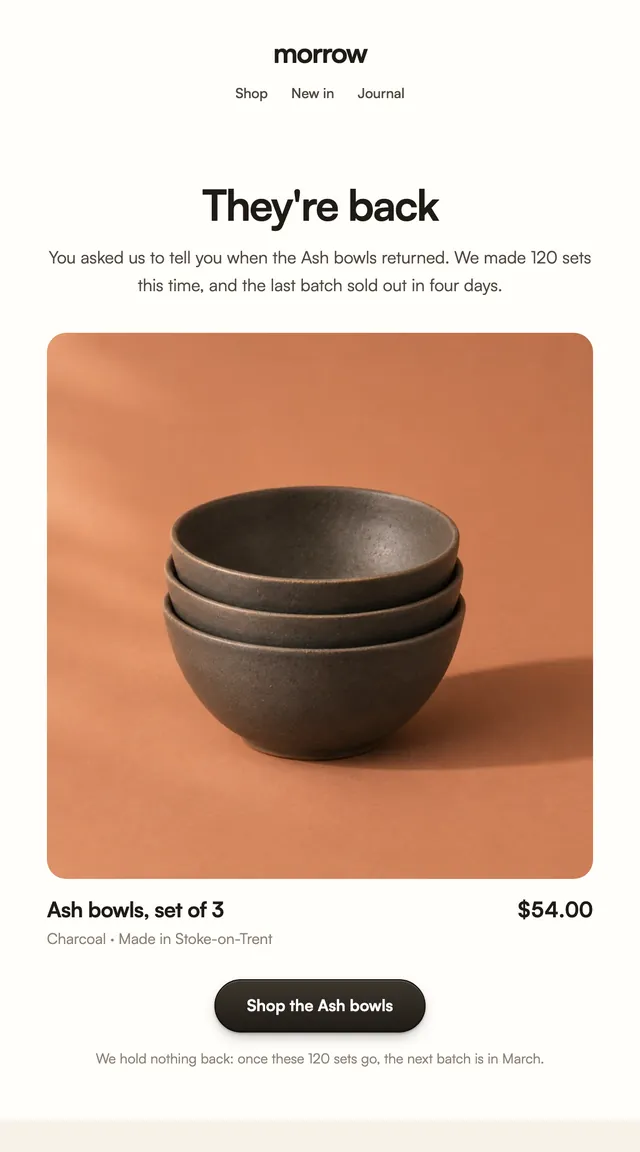
A back-in-stock note with the product front and centre.
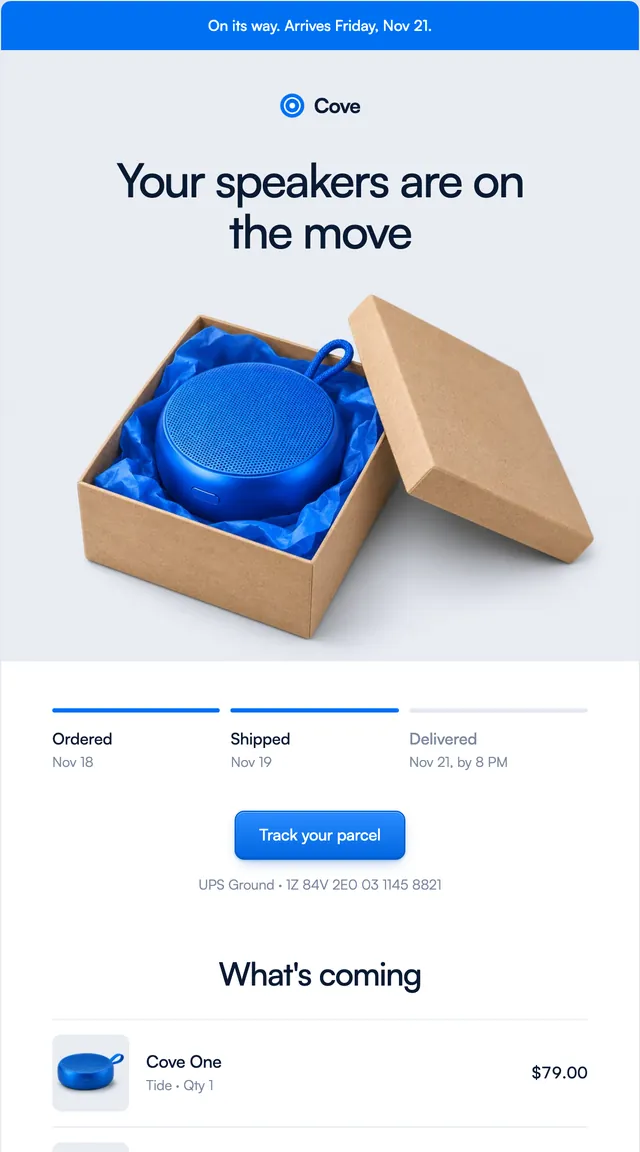
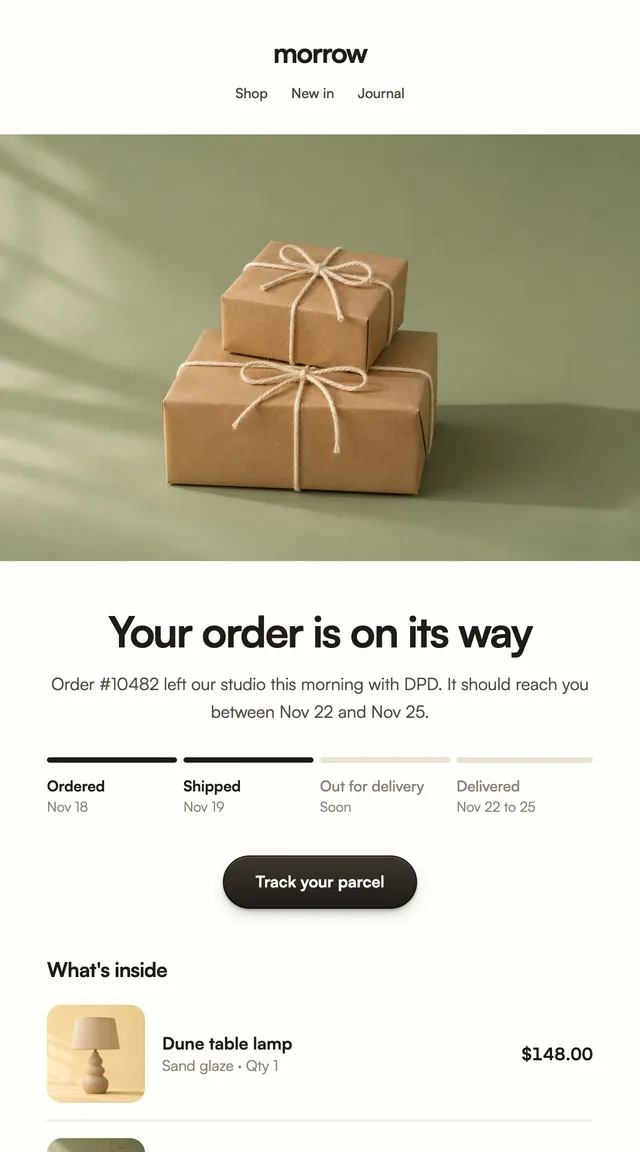
Shipped emails with delivery progress and a tracking link.
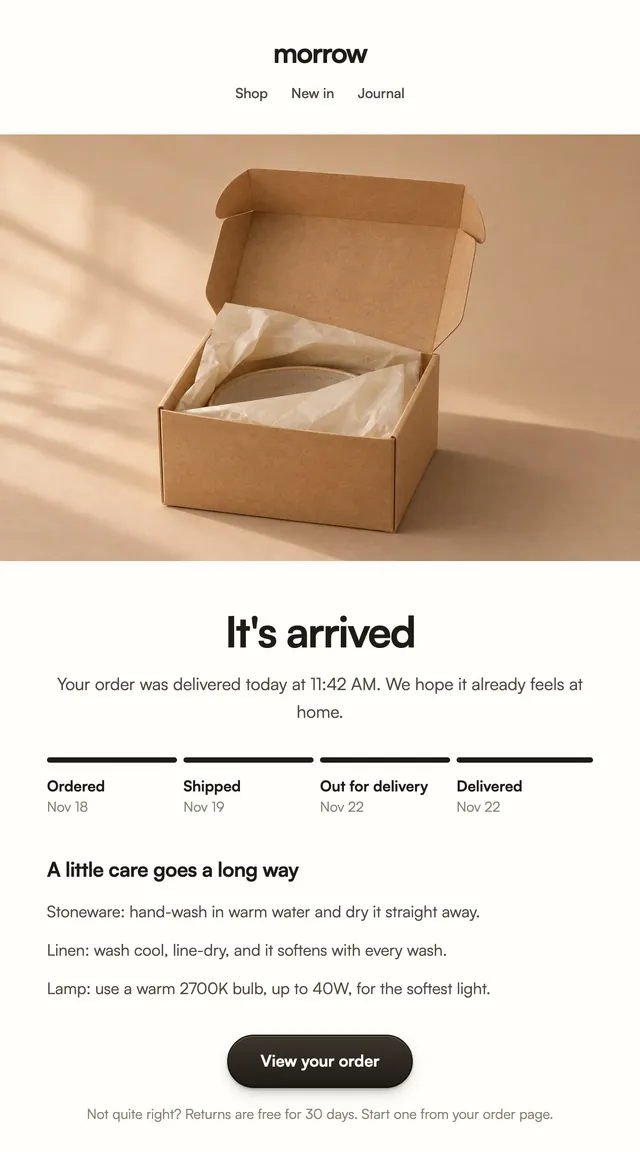
A finished tracker, care tips and how to start a return.
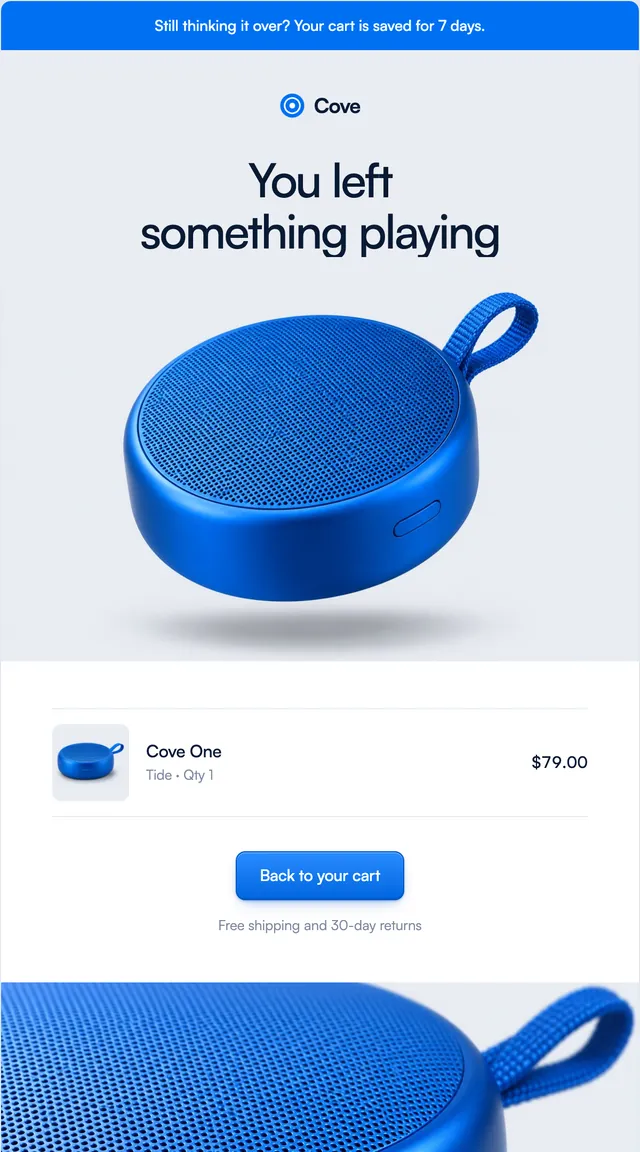
A saved cart with the product, free shipping and pairings.
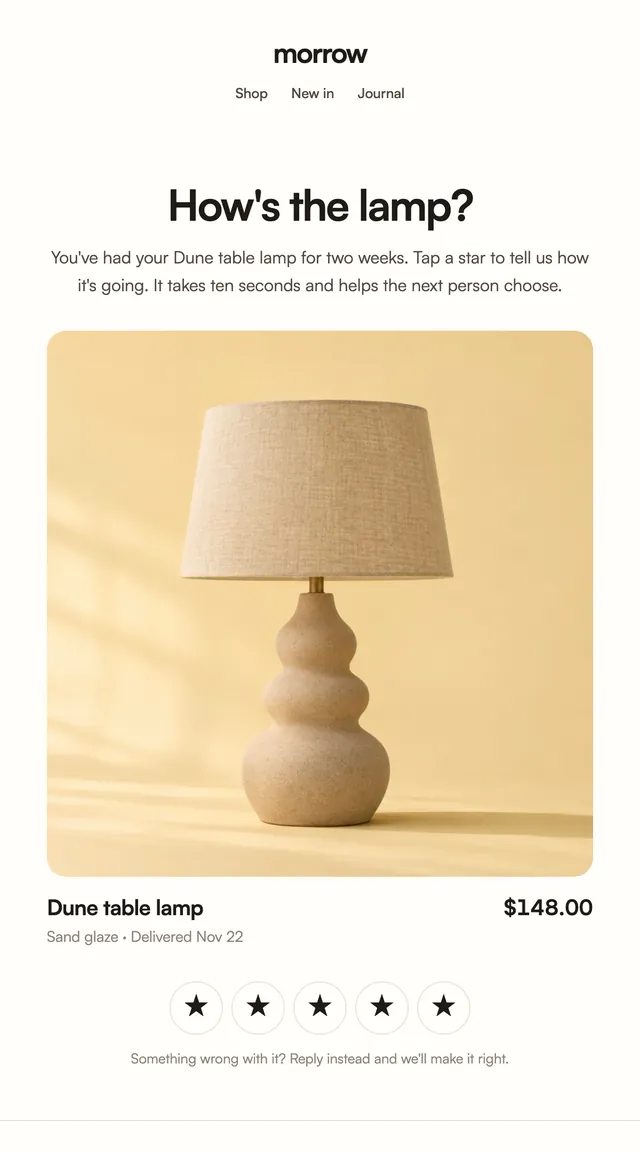
Tap-a-star review requests, sent once the order has landed.
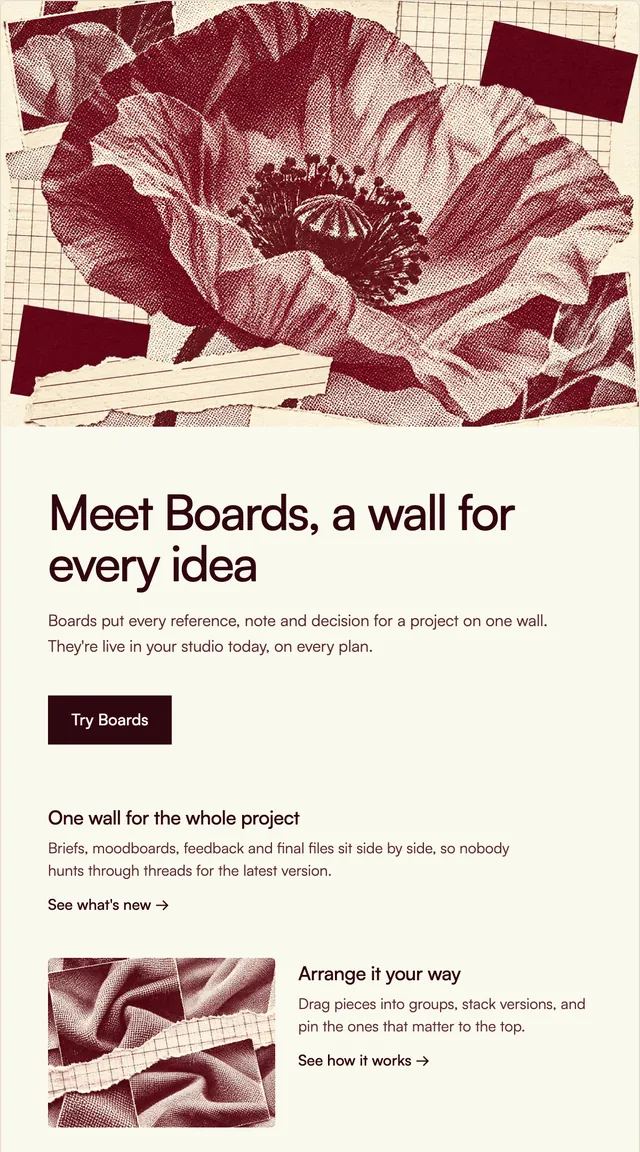
Changelogs and feature news, the big things first.
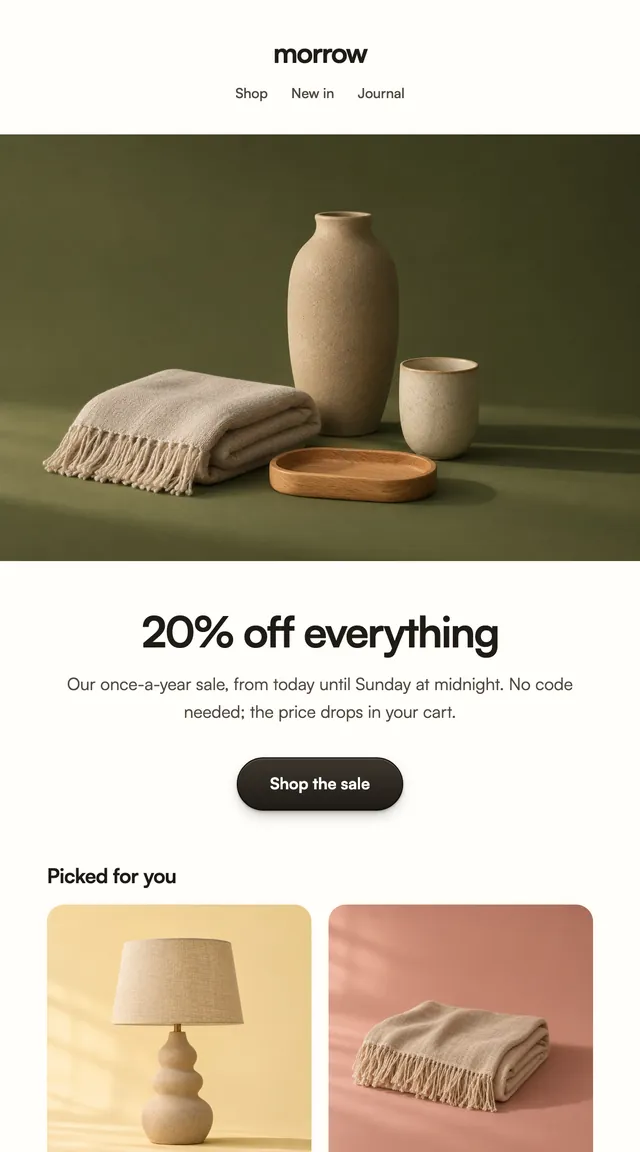
A sale announcement with the products already marked down.
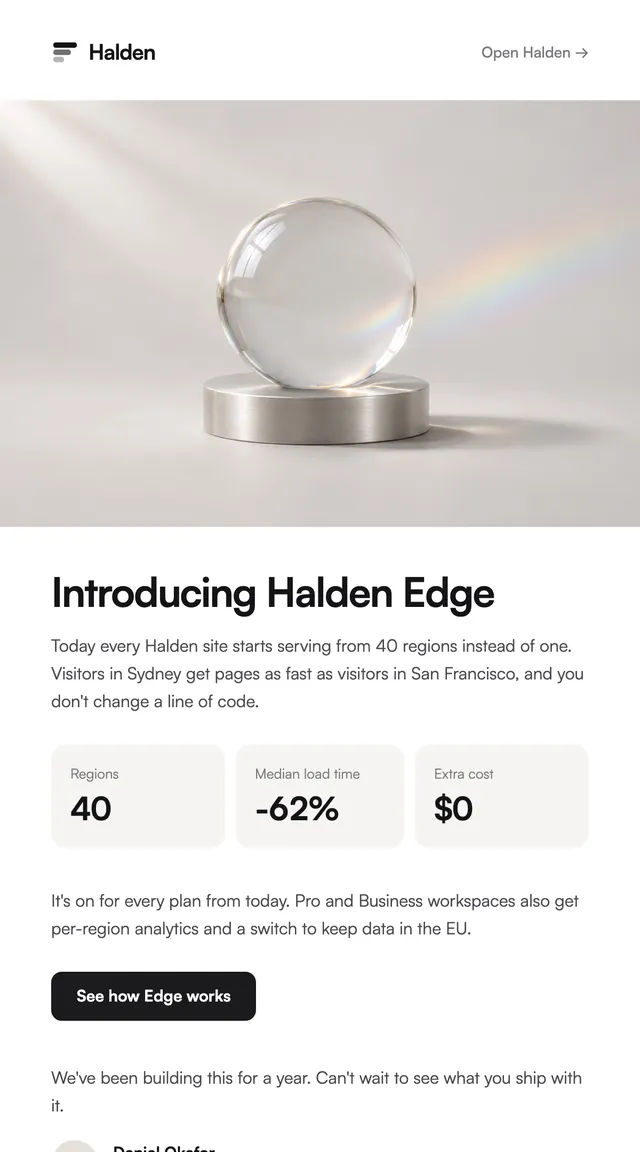
Launch emails for a new feature, a new product or a book.

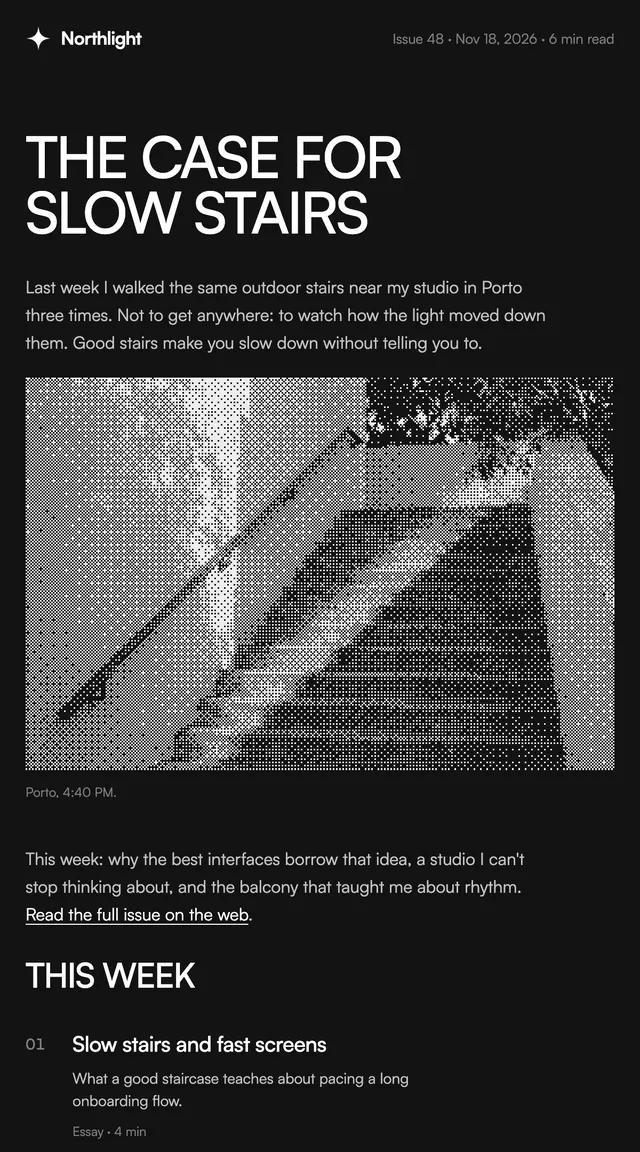
A weekly issue and a monthly recap for writers.
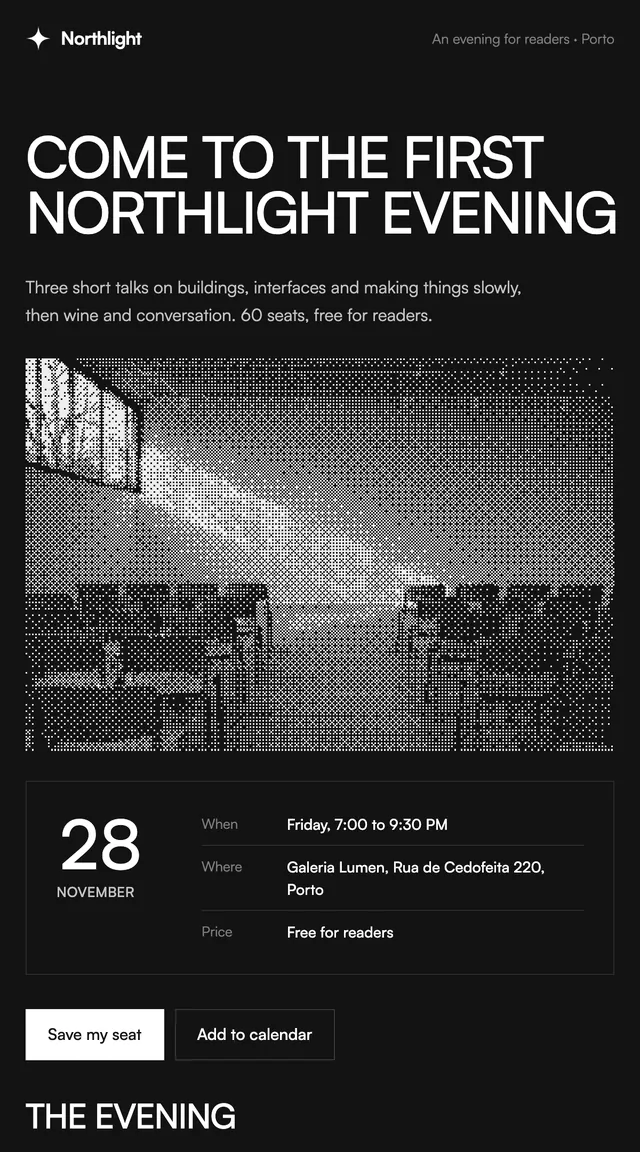
A reader event invite with the date as the hero.

Weekly numbers with a bar chart, a plan or a review.
Each style is a folder with its own kit: a token block for your brand name, colours, links and image host, and the building blocks its emails share. Change the kit once and every email in that style follows.
Ledger
Software apps
Parcel
Online stores
Issue
Newsletters and creators
Vellum
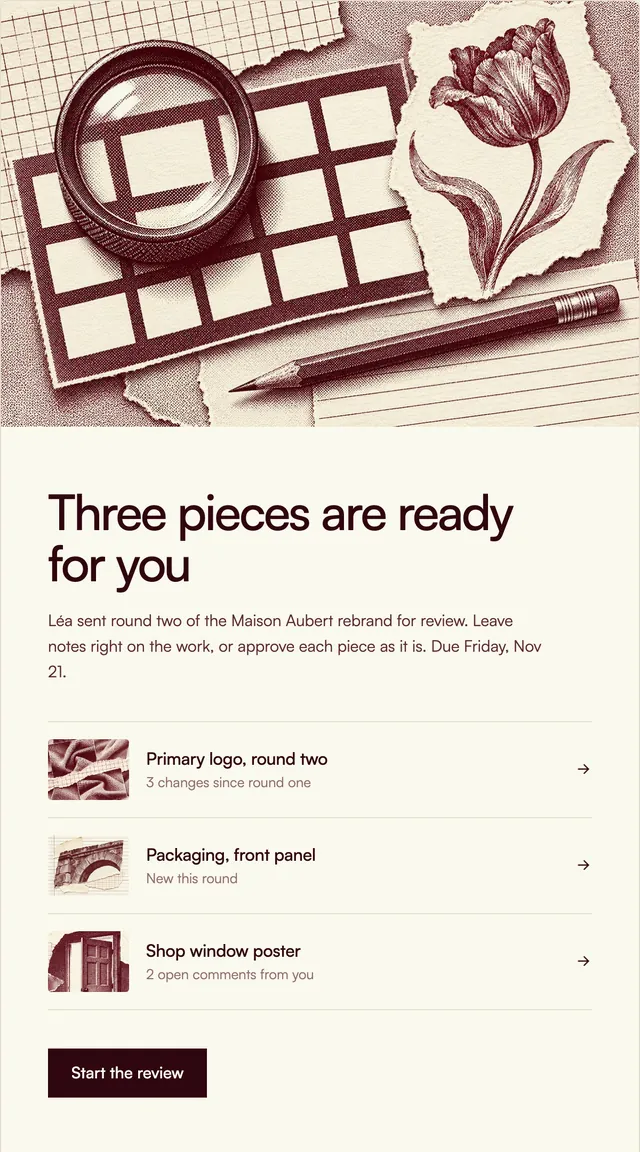
Creative studios

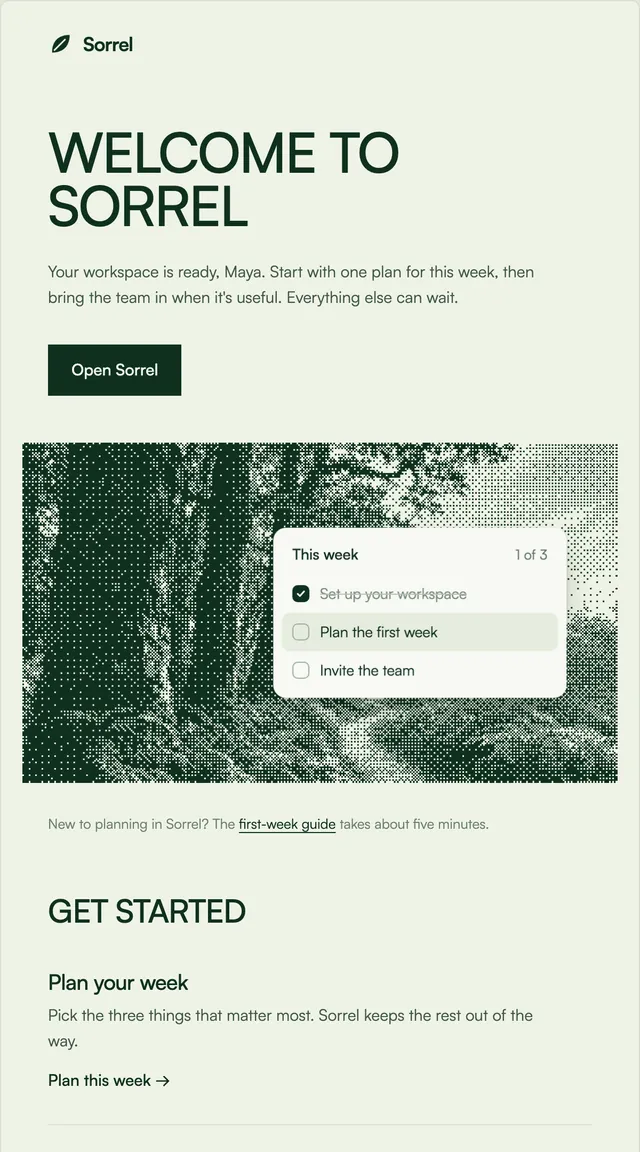
Grove
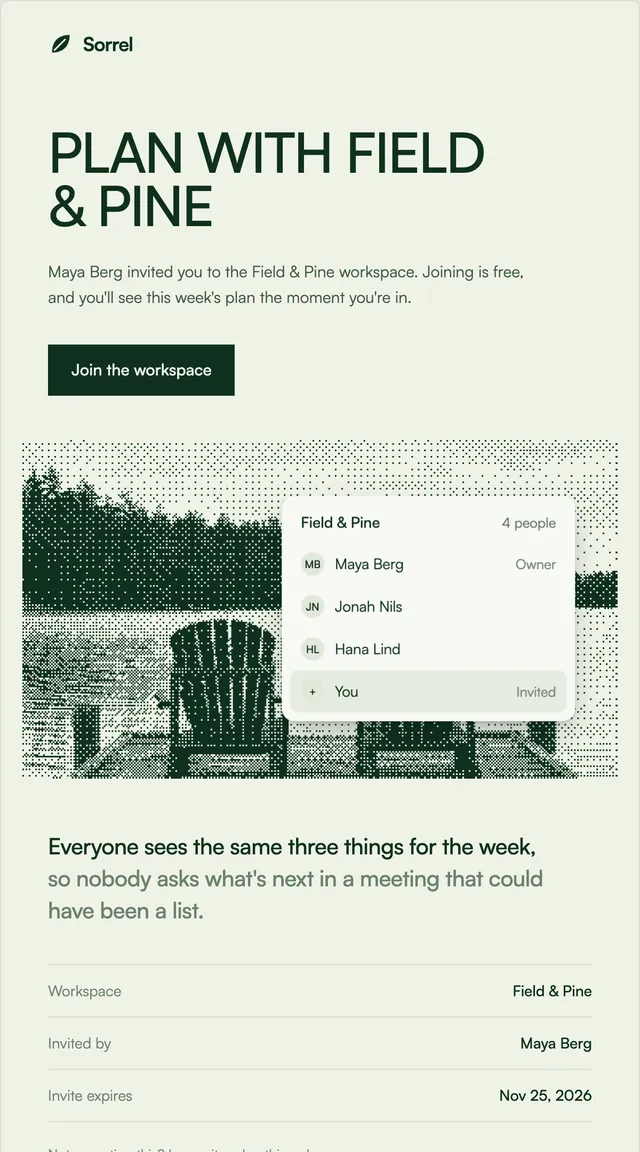
Planning and productivity apps
Harbor
Product stores
Prism
Payments and invoicing
Each email is one .tsx file built from React Email components, so it renders to the table-based HTML that email clients expect. Three steps from install to inbox.
One command copies the email into emails/ (or src/emails/) with its style's kit. Leave the email name off to add every email in the style. Needs Wensity Pro and npx wensity@latest login, or install from Claude Code, Cursor or Codex through the Wensity MCP server.
pnpm dlx wensity@latest emails add ledger/welcome
npx wensity@latest emails add ledger/welcome
yarn dlx wensity@latest emails add ledger/welcome
bunx wensity@latest emails add ledger/welcome
Each style has a kit.tsx with one token block: brand name, button colour, links, address and the host for its pictures. Every email in the style reads from it, and the CLI never overwrites a kit you have edited.
export const tokens = {brand: "Halden",action: "#1b1b1d",appUrl: "https://app.halden.com",assetsUrl: "https://cdn.halden.com/email",links: [{ label: "Help", href: "https://halden.com/help" },{ label: "Privacy", href: "https://halden.com/privacy" },],};
Call render() from React Email and send the HTML with Resend, Nodemailer, AWS SES or any provider. What changes per send is a typed prop.
import { render } from "react-email";import WelcomeEmail from "@/emails/ledger/welcome";const html = await render(<WelcomeEmailfirstName="Maya"sender={{name: "Daniel Okafor",initials: "DO",role: "Co-founder",}}/>,);

Parth
Founder, Wensity
Still have a question?
Ask about plans, licensing, or templates and you will hear back from me directly.
Email hey@wensity.com