Black Friday is here 🔥 Get

Subscription renewal
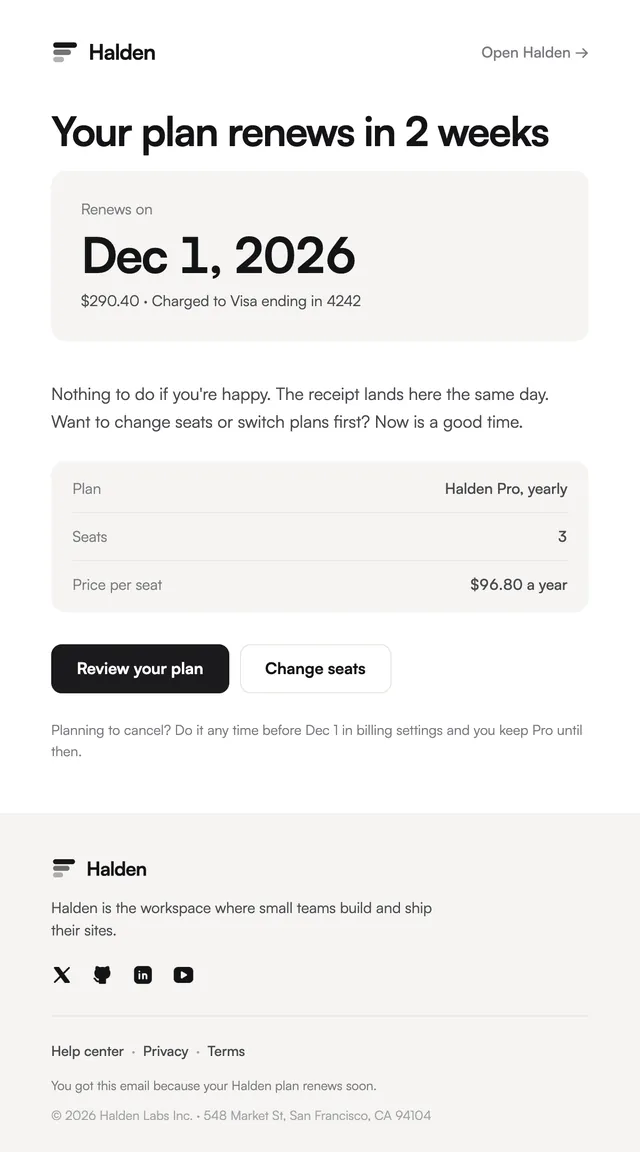
LedgerA heads-up before renewal, with the date as the headline.
Declined-card emails in two styles, calm and specific, with the retry plan on a timeline.
A failed payment email that reads like a threat loses customers who would have paid. These say what happened and why in one sentence, promise that nothing has changed yet, and show the retry dates as a timeline so the deadline is visible without shouting. One button updates the card. The Ledger version uses a bar per retry, the Prism version a rail of steps. The amount, card and retry dates are props, so the timeline matches your billing provider's schedule.
These 2 templates are part of the 65 React Email templates that come with Wensity Pro. Each one is a single file built from React Email components, with a kit for your brand, and installs with the Wensity CLI or the MCP server.
Run the following command
pnpm dlx wensity@latest emails add ledger/payment-failed
npx wensity@latest emails add ledger/payment-failed
yarn dlx wensity@latest emails add ledger/payment-failed
bunx wensity@latest emails add ledger/payment-failed
The email lands in emails/ledger/ next to the style's kit.tsx, where you set your brand, colours and links once. It needs Wensity Pro and npx wensity@latest login.
Render the email to HTML with render() from React Email, then send it with Resend, Nodemailer, AWS SES or any provider. The data that changes per send is a typed prop.
import { render } from "react-email";import Email from "@/emails/ledger/payment-failed";const html = await render(<Email {...props} />);