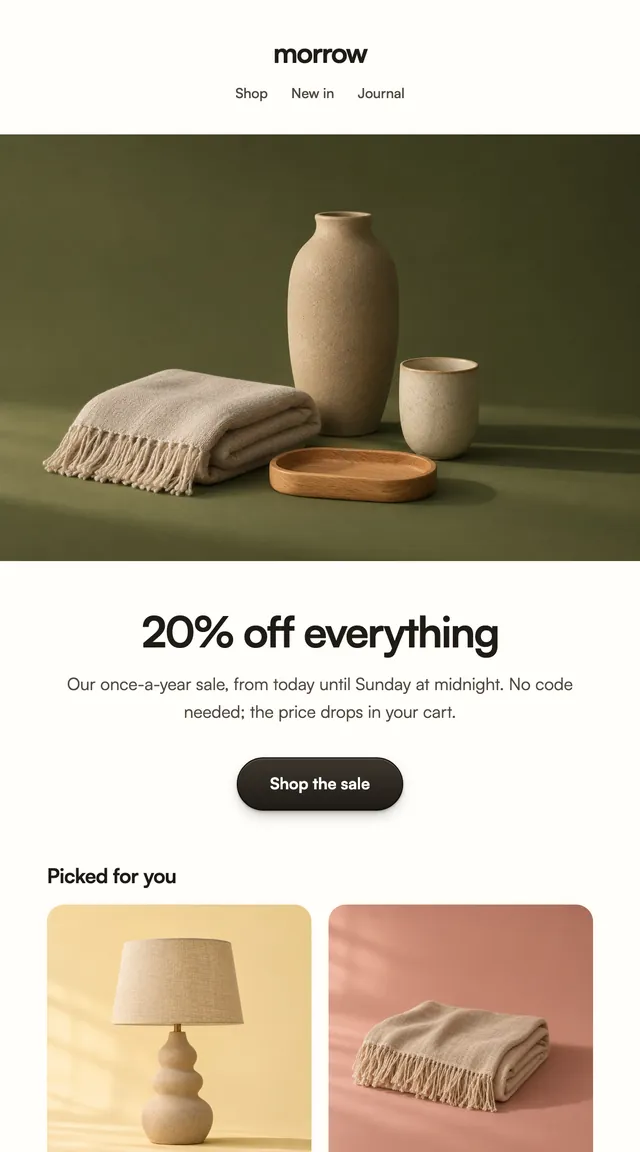
Black Friday is here 🔥 Get

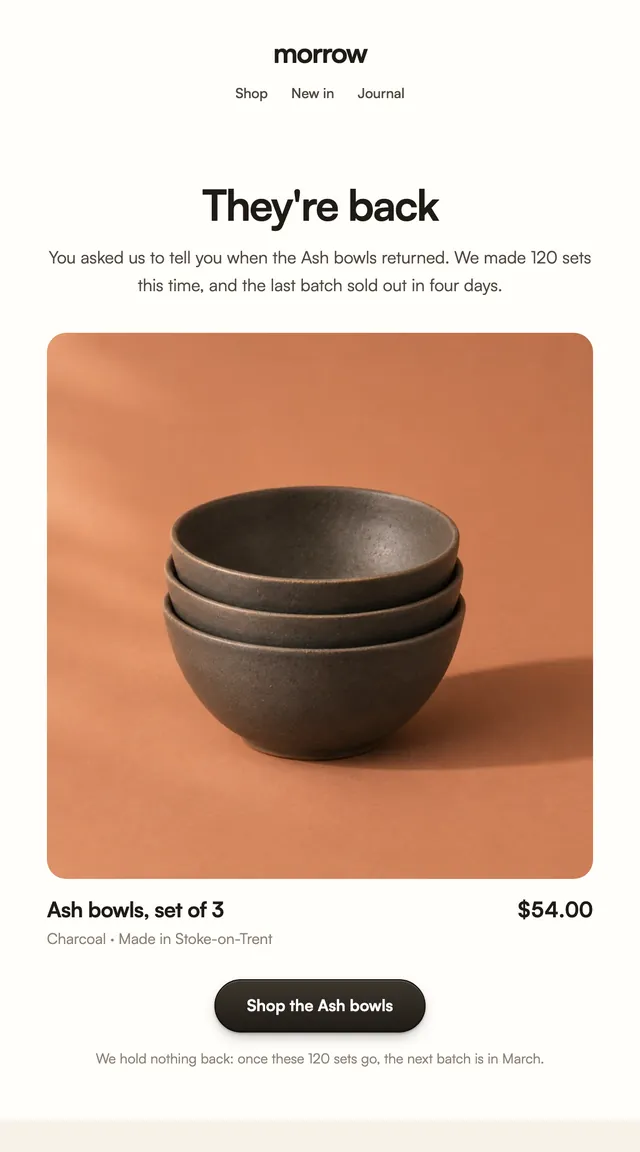
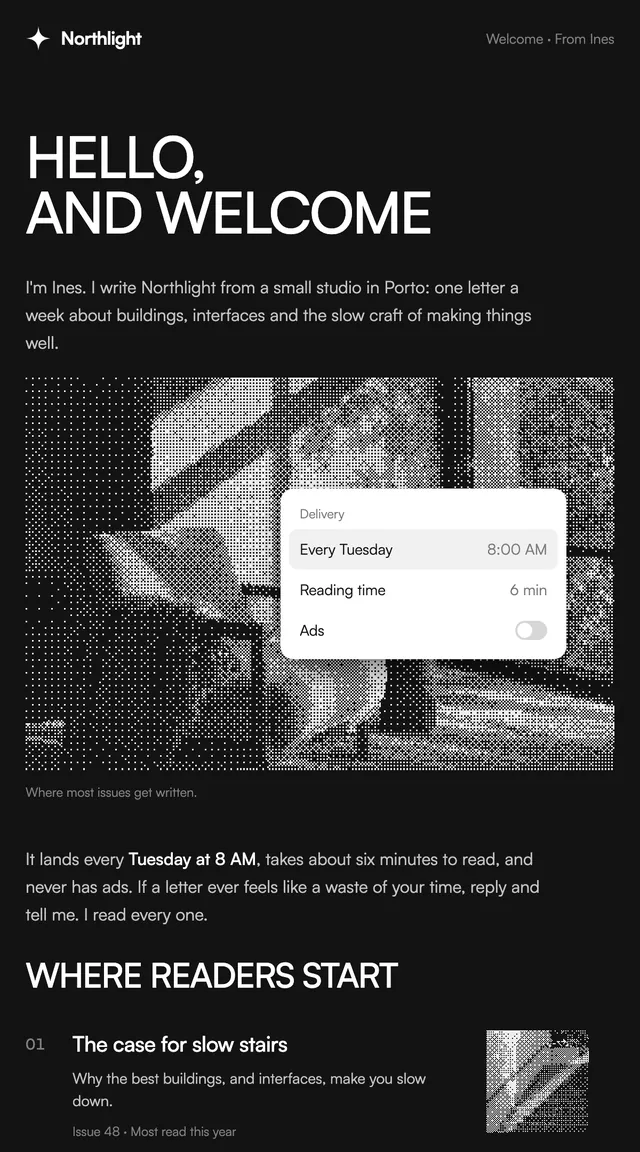
Back in stock
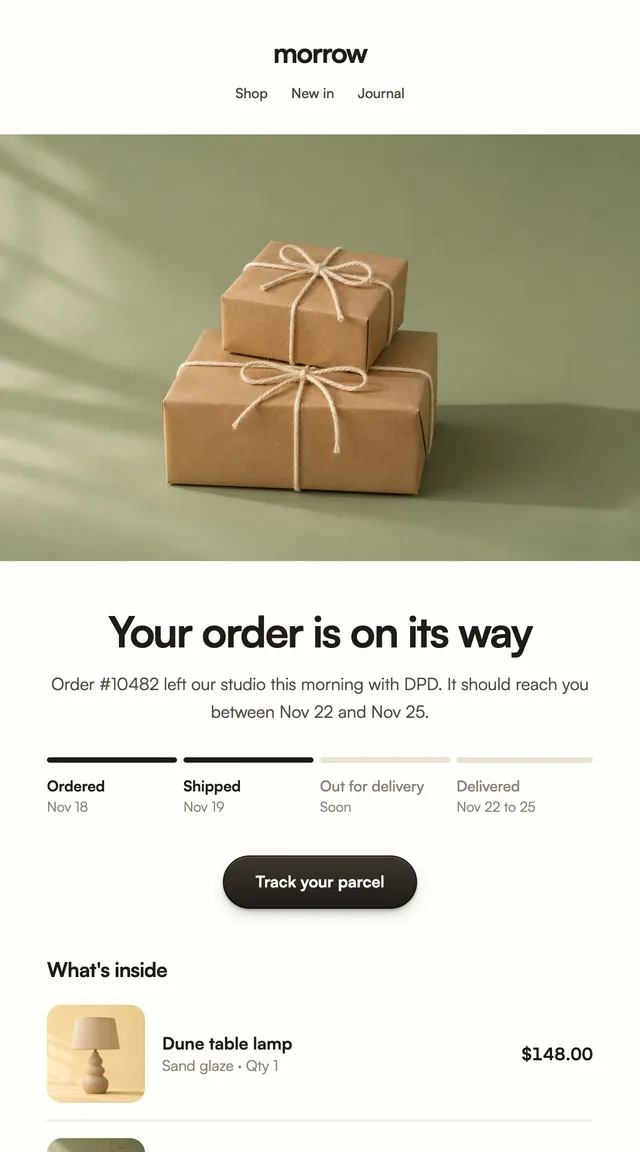
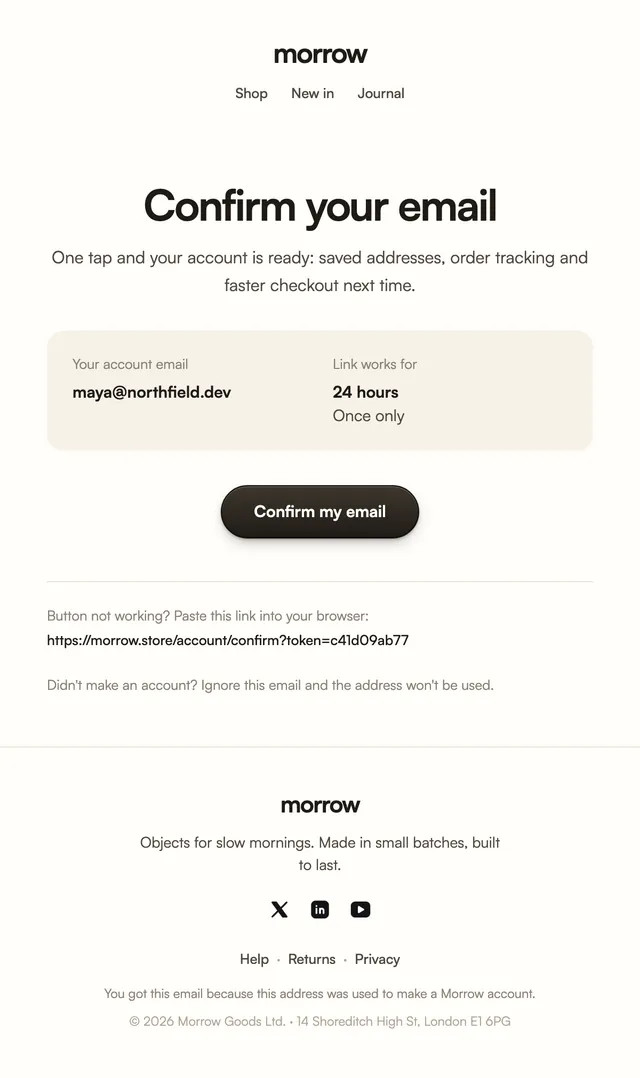
ParcelA back-in-stock note with the product front and centre.
Review requests in two styles: one question, five stars to tap, and a way to raise a problem first.
The fewer steps between an email and a review, the more reviews arrive. Each star in these templates is its own link carrying the rating, so a tap opens your review form with it already set. The product photo reminds the buyer which order this is, and a closing line invites anyone with a problem to reply instead. The product and review URL are props.
These 2 templates are part of the 65 React Email templates that come with Wensity Pro. Each one is a single file built from React Email components, with a kit for your brand, and installs with the Wensity CLI or the MCP server.
Run the following command
pnpm dlx wensity@latest emails add harbor/review-request
npx wensity@latest emails add harbor/review-request
yarn dlx wensity@latest emails add harbor/review-request
bunx wensity@latest emails add harbor/review-request
The email lands in emails/harbor/ next to the style's kit.tsx, where you set your brand, colours and links once. It needs Wensity Pro and npx wensity@latest login.
Render the email to HTML with render() from React Email, then send it with Resend, Nodemailer, AWS SES or any provider. The data that changes per send is a typed prop.
import { render } from "react-email";import Email from "@/emails/harbor/review-request";const html = await render(<Email {...props} />);