Magic Keyboard
ProA Mac keyboard with three finishes, a latching caps LED, and ANSI or ISO layouts.
Overview
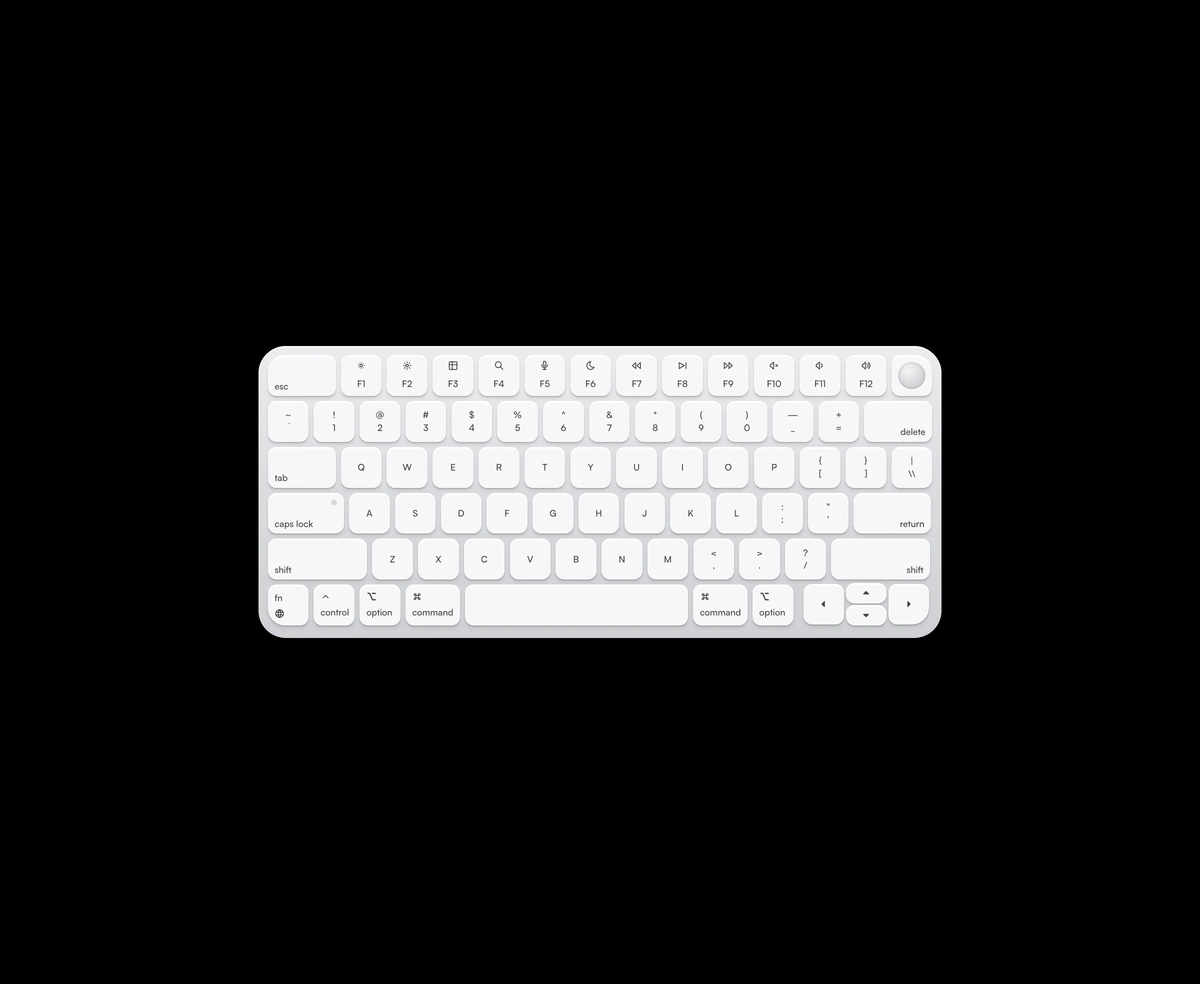
Magic Keyboard is a React and Tailwind CSS Mac keyboard with chiclet keys, in Next.js or any React app, in Silver, Space Gray, or Midnight with ANSI or ISO geometry. Clicks and real keystrokes press the matching keys, an optional floating preview shows each keystroke, and optional sound plays recorded Cherry MX Red switches from one sprite. Listeners pause off screen unless forceActive is set, and onKeyEvent reports presses from either source. The Caps Lock LED latches when pressed on the board, but it starts off and never reads your system Caps Lock, so the two can disagree.
Installation
Run the following command
pnpm dlx wensity@latest add magic-keyboard
Usage
Import MagicKeyboard from @/components/wensity/magic-keyboard and render it anywhere in your React or Next.js app. The source lands in your own repo, so every prop, class and animation below is yours to edit.
import { MagicKeyboard } from "@/components/wensity/magic-keyboard";export default function Example() {return (<MagicKeyboardfinish="midnight"layout="ansi"enableSoundvolume={0.55}/>);}
Props
| Prop | Type | Default | Description |
|---|---|---|---|
finish | "silver" | "space-gray" | "midnight" | "silver" | Chassis and keycap finish. |
layout | "ansi" | "iso" | "ansi" | Mac ANSI or ISO geometry. |
enableSound | boolean | false | Play recorded switch sounds on press and release. |
soundUrl | string | assets.wensity.com …/switches.flac | URL of the switch sound sprite. Override to self-host. |
showPreview | boolean | false | Show a floating keystroke preview above the keyboard. |
volume | number | 0.5 | Sound volume from 0 to 1. |
physicalKeysEnabled | boolean | true | Highlight keys from real keyboard events. |
forceActive | boolean | false | Keep listeners active even when the keyboard is off-screen. |
onKeyEvent | (event) => void | - | Fires on key down/up from physical or pointer input. |