 Halloween only 🎃 Get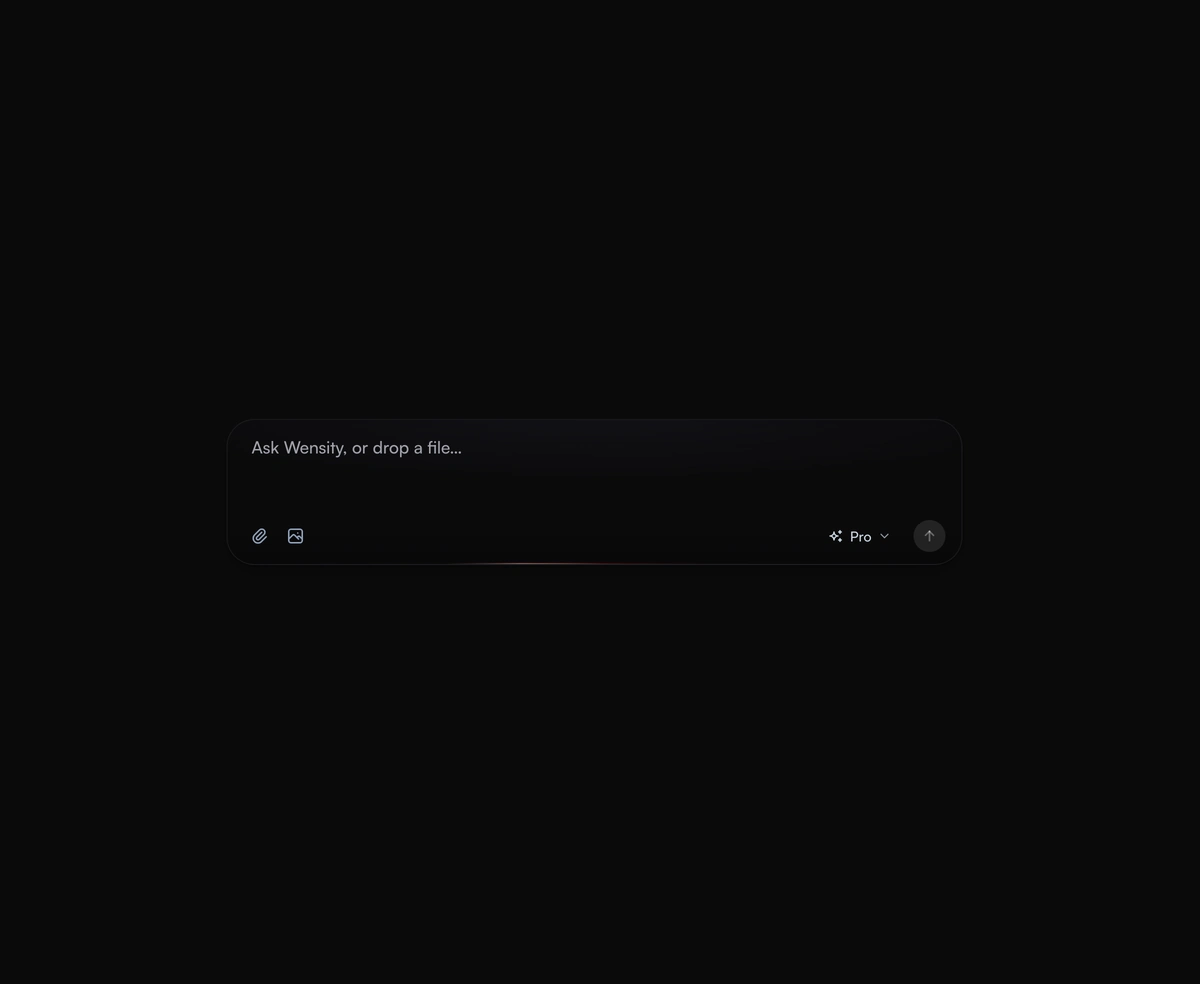
Animated Loading Skeleton
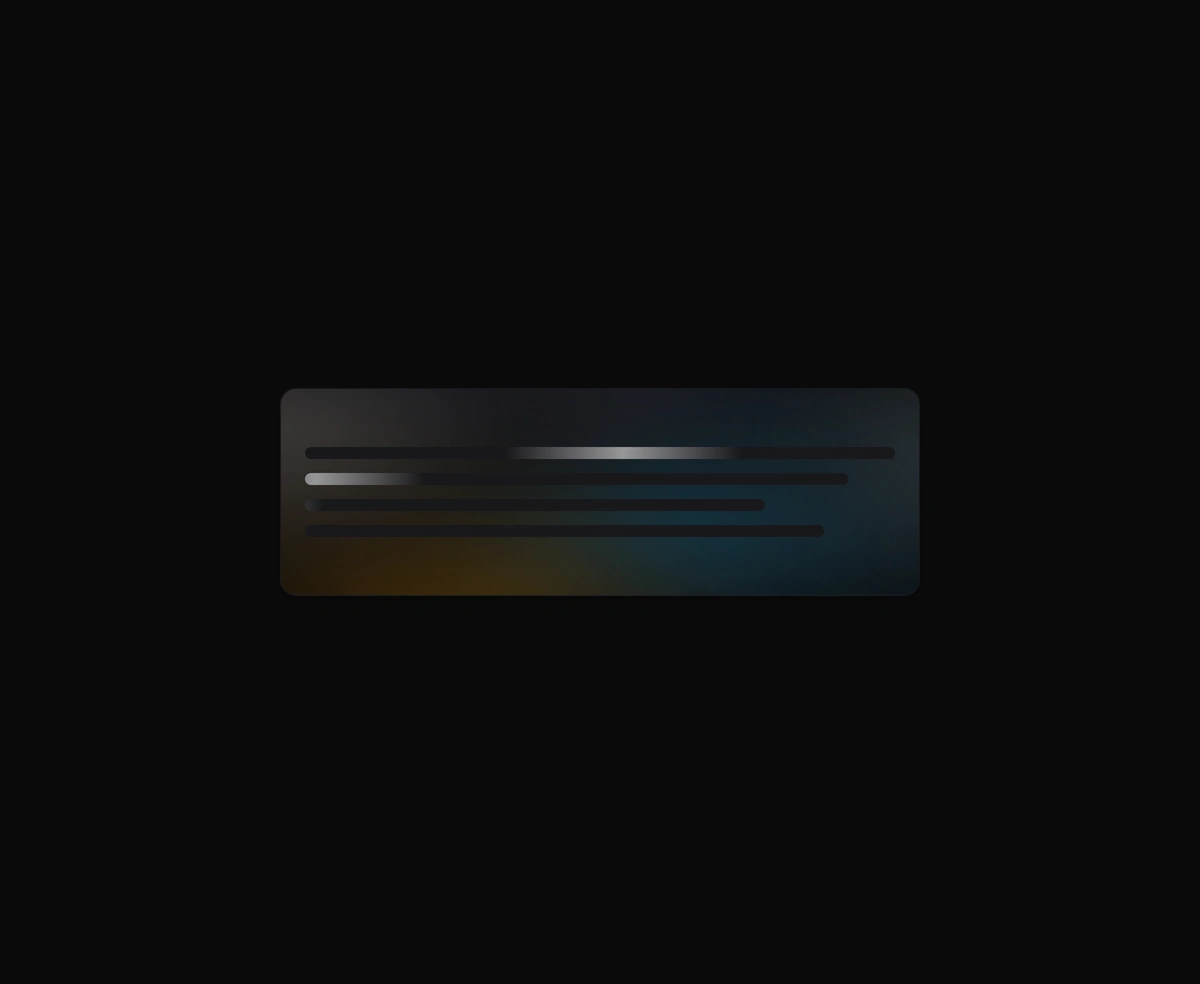
An organic loading state instead of a spinner, with a slow aurora that breathes in the space where your content will land.
An expanding prompt area with a glowing drop zone that breathes open to meet you as you type a thought or drag a file.
AI Prompt Input is a React and Tailwind CSS chat input for AI apps in the style of ChatGPT and Claude, in Next.js or any React app. The textarea grows with your prompt up to maxHeight, Enter sends, and Shift Enter adds a line. Drag files over it and a glowing drop zone opens, images get thumbnails, and each attachment can be removed before sending. A built in model picker can be hidden with hideModel. onSubmit receives the text, the File objects, and the model. accept only filters the file picker, so check dropped file types in onSubmit.
Run the following command
pnpm dlx wensity@latest add liquid-multimodal-input
npx wensity@latest add liquid-multimodal-input
yarn dlx wensity@latest add liquid-multimodal-input
bunx wensity@latest add liquid-multimodal-input
Import LiquidMultimodalInput from @/components/wensity/liquid-multimodal-input and render it anywhere in your React or Next.js app. The source lands in your own repo, so every prop, class and animation below is yours to edit.
"use client";import { LiquidMultimodalInput } from "@/components/wensity/liquid-multimodal-input";export function LiquidMultimodalInputDemo() {return (<LiquidMultimodalInputplaceholder="Ask anything, or drop a file…"maxHeight={250}defaultModel="fast"onSubmit={(value, files, model) => {console.log("Submitted:", { value, files, model });}}/>);}
| Prop | Type | Default | Description |
|---|---|---|---|
placeholder | string | "Ask anything, or drop files…" | Placeholder text shown when the input is empty. |
maxHeight | number | 250 | Maximum height in pixels before the textarea scrolls. |
accept | string | "image/*,application/pdf,text/*" | Accepted file MIME types for the drop zone and file picker. |
defaultModel | "fast" | "thinking" | "pro" | "pro" | Initial selected model when uncontrolled. |
onSubmit | (value: string, files: File[], model: LiquidModel) => void | - | Fired when the user submits via Enter (without Shift) or the send button. |
onChange | (value: string) => void | - | Fired on every text change. |
onModelChange | (model: LiquidModel) => void | - | Fired when the selected model changes. |
hideModel | boolean | false | Hide the built-in model selector when the host app owns model state. |
An organic loading state instead of a spinner, with a slow aurora that breathes in the space where your content will land.

A breathing voice orb that swells with speech and settles between turns, never jittery and always organic to look at.

An AI model selector dropdown that scales out from its trigger and glides the selection pill to whichever model you pick.

Low-power WebGL fractal noise that blooms white ink inside a soft circular mask.
Featured in React AI chat UI components.