
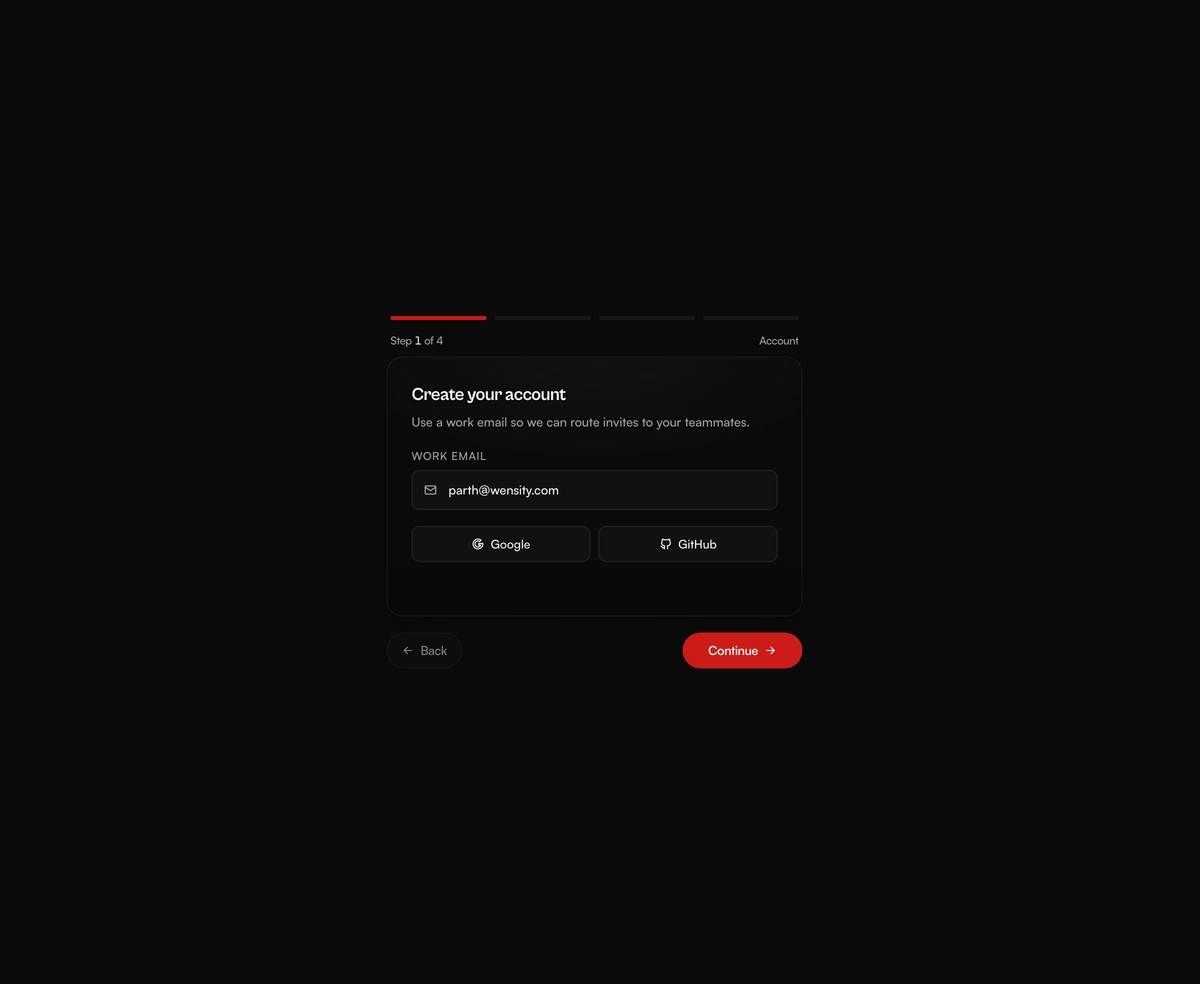
Multi-Step Form Wizard
A multi-step form wizard whose card physically reshapes to wrap each new step as the content slides in behind it.
A Trello-grade board running real pointer physics, where every card tilts toward the velocity you throw it across at.
Fluid Drag-and-Drop Kanban is a React and Tailwind CSS kanban board for project and task tracking, in Next.js or any React app, built on Framer Motion. Drag a card to reorder its column or throw it into another, where it lands between the cards nearest your pointer. Dragged cards lift and tilt with your speed while the target column lights up. Cards show tags, priority colors, avatars, and comment and task counts, and onChange returns the whole board after each move. It resyncs only when the column count changes, so pass a new key to load another board.
Run the following command
pnpm dlx wensity@latest add fluid-kanban-board
npx wensity@latest add fluid-kanban-board
yarn dlx wensity@latest add fluid-kanban-board
bunx wensity@latest add fluid-kanban-board
Import FluidKanbanBoard from @/components/wensity/fluid-kanban-board and render it anywhere in your React or Next.js app. The source lands in your own repo, so every prop, class and animation below is yours to edit.
"use client";import {FluidKanbanBoard,type KanbanColumn,} from "@/components/wensity/fluid-kanban-board";const columns: KanbanColumn[] = [{id: "in-progress", title: "In Progress", count: 25, accent: "violet",cards: [{id: "1",title: "UI/UX Design in the age of AI",description: "Lorem ipsum dolor sit amet, libre unst consectetur adipisicing elit.",tag: "Important",tagTone: "violet",assignees: [{ name: "Parth", avatar: "https://assets.wensity.com/avatars/1.webp" },{ name: "Maya Chen", avatar: "https://assets.wensity.com/avatars/2.webp" },],comments: 11,completed: 187,},],},{id: "reviewed", title: "Reviewed", count: 8, accent: "amber",cards: [{id: "2",title: "User flow confirmation for finance app",description: "Lorem ipsum dolor sit amet, libre unst consectetur adipisicing elit.",tag: "Important",tagTone: "violet",assignees: [{ name: "Maya Chen", avatar: "https://assets.wensity.com/avatars/2.webp" }],comments: 8,completed: 112,},],},{id: "completed", title: "Completed", count: 2, accent: "emerald",cards: [{id: "3",title: "UI/UX Design in the age of AI",description: "Lorem ipsum dolor sit amet, libre unst consectetur adipisicing elit.",tag: "High Priority",tagTone: "red",assignees: [{ name: "Parth", avatar: "https://assets.wensity.com/avatars/1.webp" },{ name: "Leo Morgan", avatar: "https://assets.wensity.com/avatars/4.webp" },],comments: "108k",completed: 997,},],},];export function FluidKanbanBoardDemo() {return <FluidKanbanBoard columns={columns} />;}
| Prop | Type | Default | Description |
|---|---|---|---|
columns | KanbanColumn[] | - | Initial columns and cards. The component manages board state internally. |
onChange | (columns: KanbanColumn[]) => void | - | Fired any time the board state changes. |
A multi-step form wizard whose card physically reshapes to wrap each new step as the content slides in behind it.

365 squares sharing one tooltip that flies between days on rails, with a reveal that ripples backward from today.
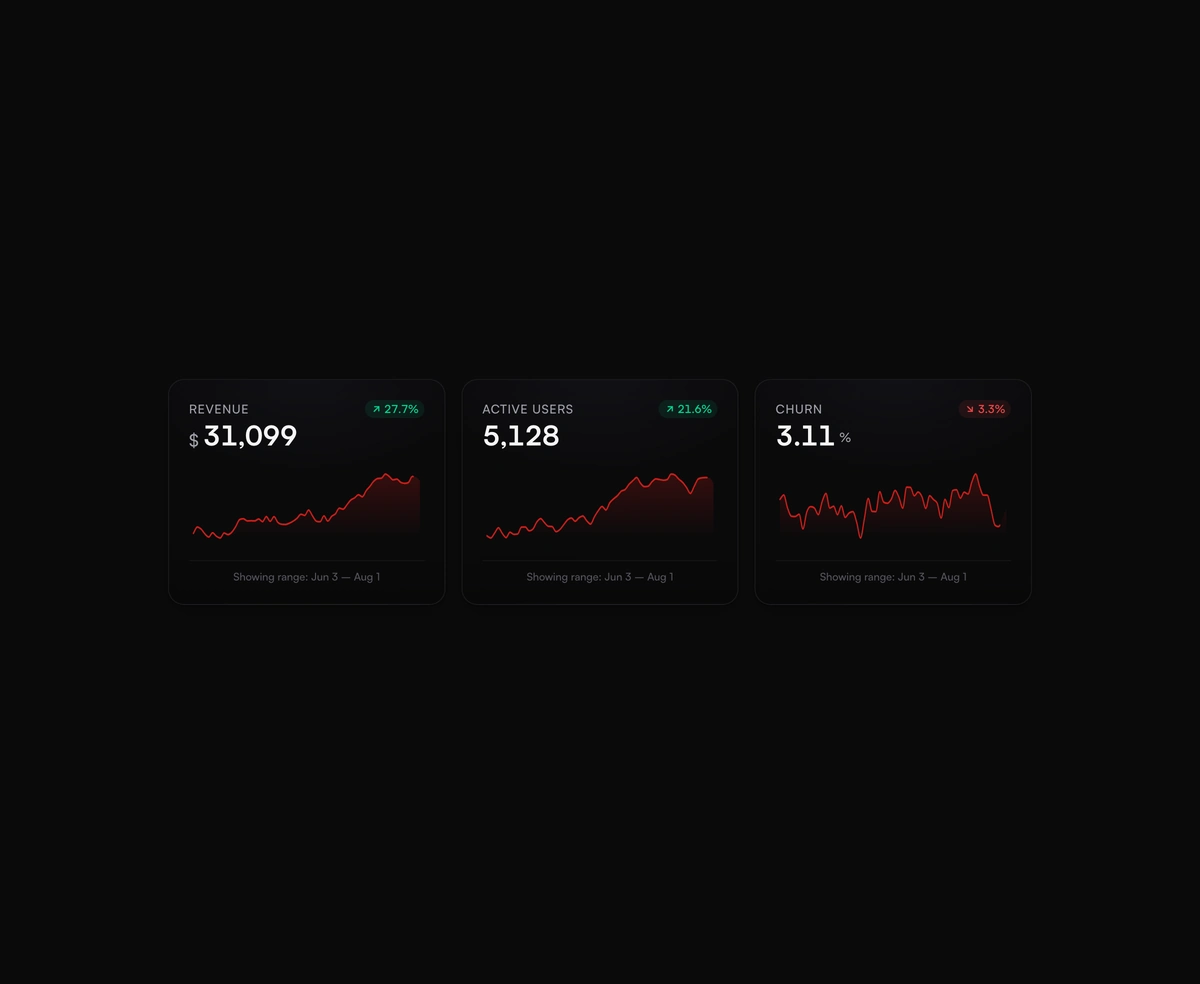
Dashboard KPI cards with a smooth SVG sparkline chart and a glowing dot that snaps to whichever value you scrub across.
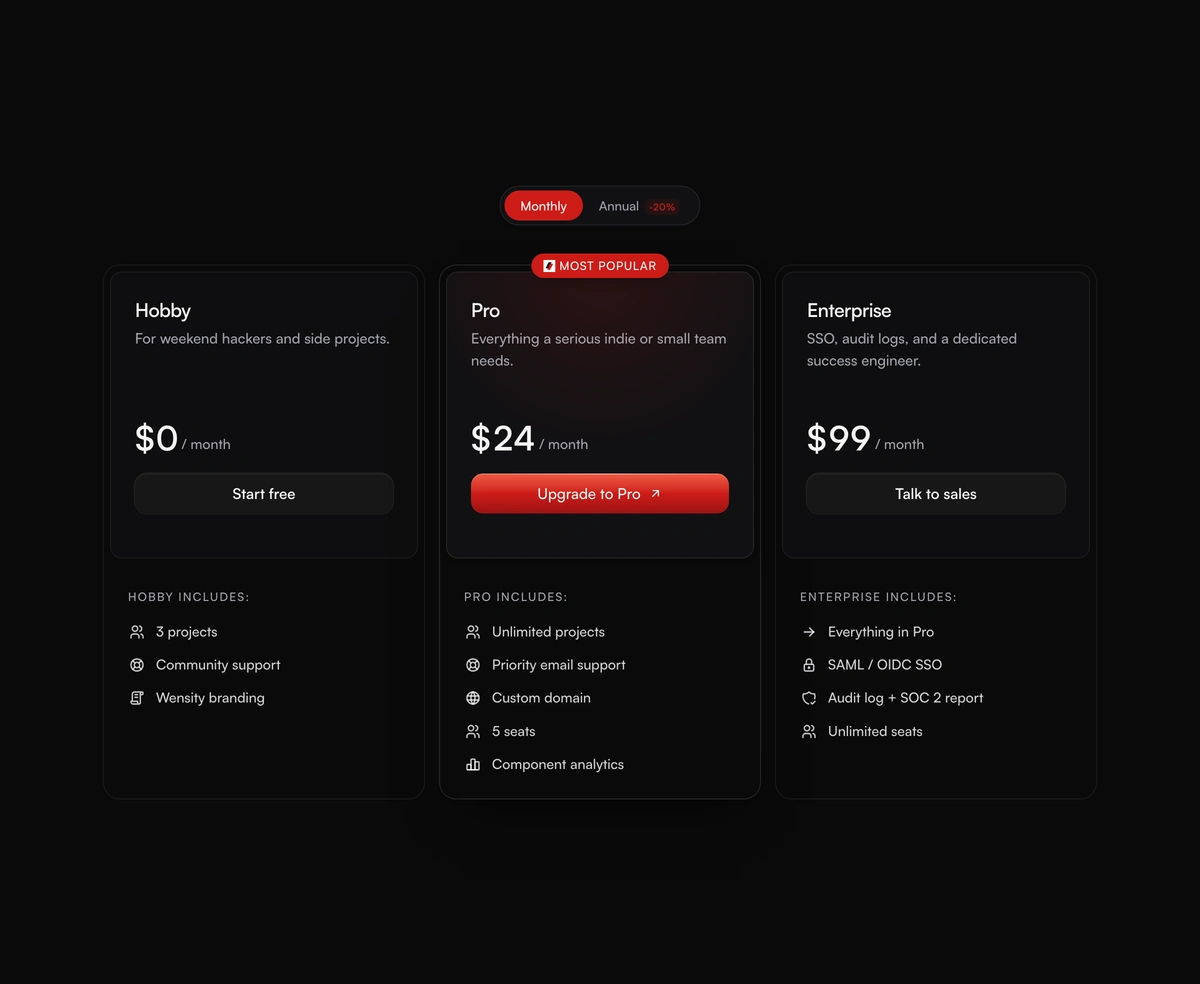
Pricing cards with a monthly and annual toggle, prices that spring to new values, and a highlighted plan in a brand glow.