
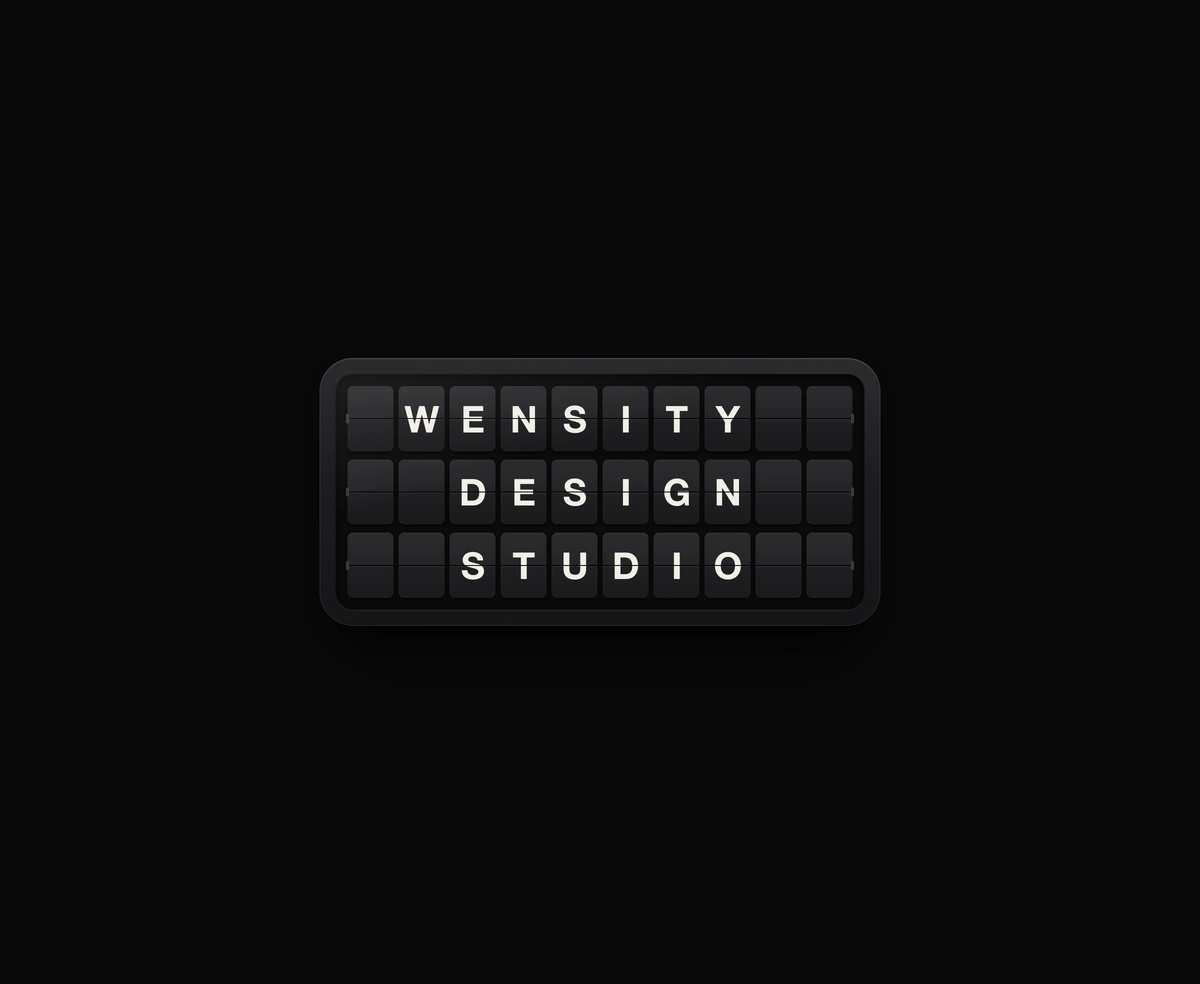
Split-Flap Display
A ceramic and graphite split-flap device that ripples each flap into your message.
A photo under simulated water where waves spread, cross and bounce off edges.
Liquid Ripple Image is a React and Tailwind CSS water ripple effect over a photo, in Next.js or any React app, with no WebGL. The surface is a height field advanced by the 2D wave equation on a canvas, so ripples spread as rings, interfere where they cross, and bounce off the edges, while each pixel is refracted and lit by the slope. Disturb it with a pointer wake, a stone per press, or rain. It parks when calm, and reduced motion shows a still photo. Serve the photo from your own domain or a CORS enabled host.
Run the following command
pnpm dlx wensity@latest add liquid-ripple-image
npx wensity@latest add liquid-ripple-image
yarn dlx wensity@latest add liquid-ripple-image
bunx wensity@latest add liquid-ripple-image
Import LiquidRippleImage from @/components/wensity/liquid-ripple-image and render it anywhere in your React or Next.js app. The source lands in your own repo, so every prop, class and animation below is yours to edit.
import { LiquidRippleImage } from "@/components/wensity/liquid-ripple-image";export default function Example() {return (<LiquidRippleImageclassName="h-[560px] w-full"imageUrl="/images/cover.jpg"alt="Cover art under moving water"interaction="hover"dropRadius={22}viscosity={0.15}refraction={60}shine={0.5}><div className="grid h-full place-items-center text-center text-white"><h2 className="font-heading text-5xl font-bold">Touch the surface.</h2></div></LiquidRippleImage>);}
| Prop | Type | Default | Description |
|---|---|---|---|
imageUrl | string | - | Photo under the water. Must be same-origin or CORS-enabled. |
alt | string | - | Accessible name. Omit for a purely decorative backdrop. |
interaction | "hover" | "tap" | "rain" | "hover" | What disturbs the water: a wake behind the pointer, a stone per press, or rain on its own. |
dropRadius | number | 22 | Radius of a single disturbance, in CSS pixels. |
impact | number | 1 | Height of every disturbance. Higher throws bigger waves. |
viscosity | number | 0.15 | How quickly waves lose energy, 0 to 1. 0 rings for a long time. |
refraction | number | 60 | How far the slope of the surface bends the photo, in CSS pixels. |
shine | number | 0.5 | Strength of the light caught on wave crests, 0 to 1. |
rain | number | 6 | Raindrops per second in "rain" mode. Ignored by the other modes. |
waveSpeed | number | 2 | Simulation steps per frame, 1 to 4. Higher waves travel faster. |
resolution | number | 1 | Render scale against CSS pixels. Lower is softer and cheaper. |
fit | "cover" | "contain" | "cover" | How the photo maps into the frame, as object-fit would. |
backgroundColor | string | "transparent" | Hex fill behind the photo, or "transparent" to show the page through. |
paused | boolean | false | Freeze the water on its current frame. |
children | React.ReactNode | - | Content layered above the water. |
A ceramic and graphite split-flap device that ripples each flap into your message.
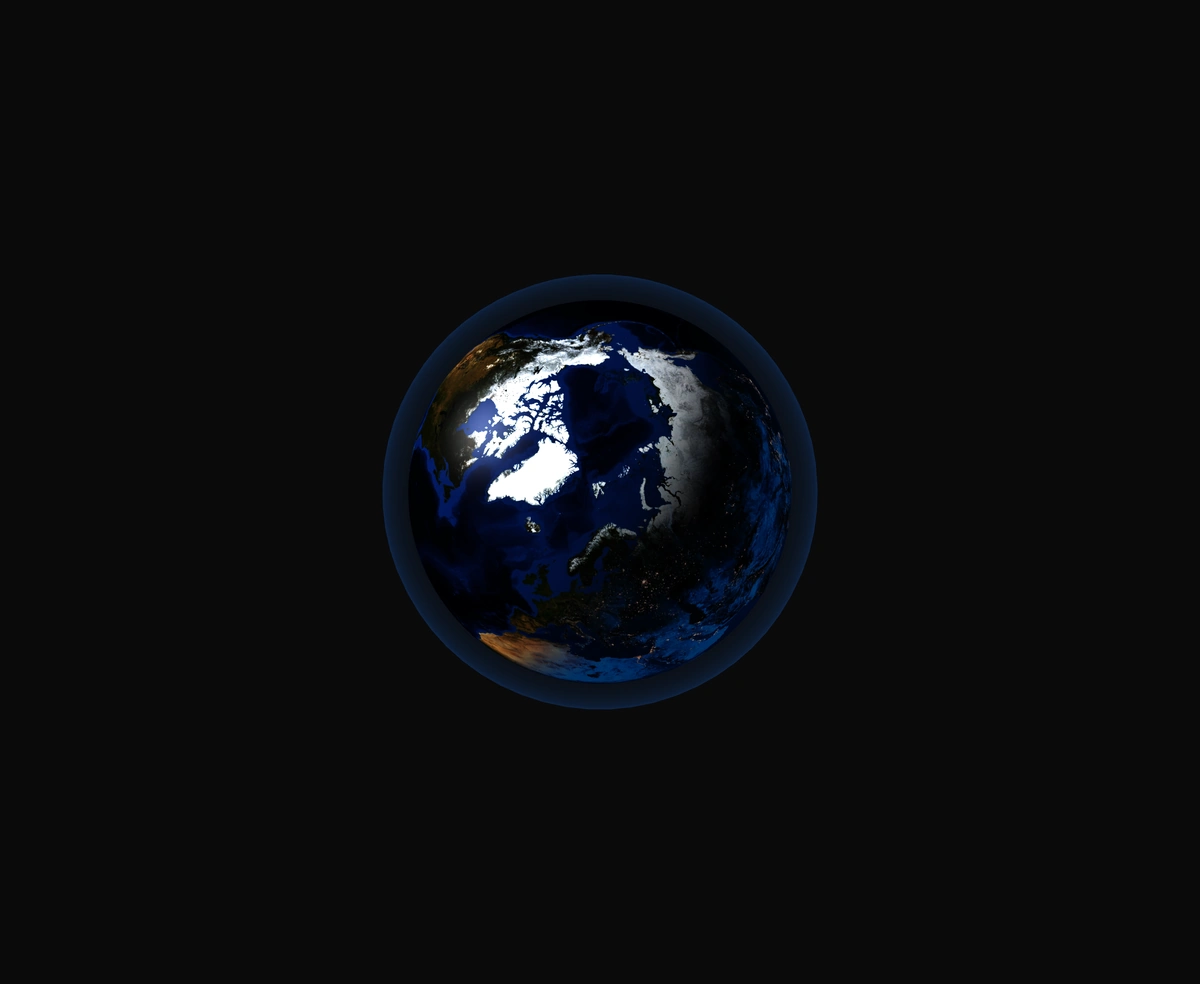
A 3D Earth lit day and night from the real sun position, wrapped in a soft atmosphere, with smooth drag-to-orbit controls.
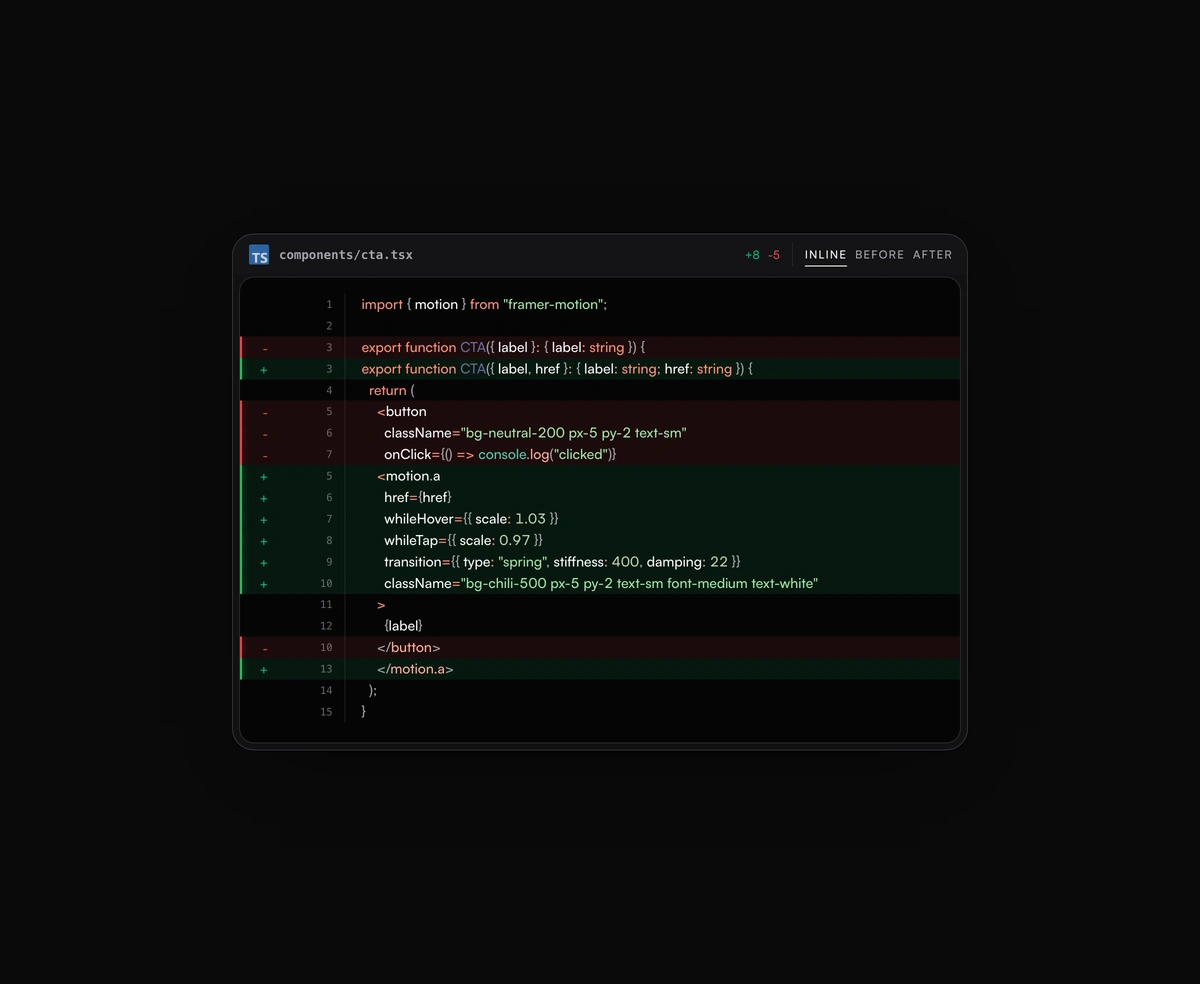
Inline or toggled code diffs rendered inside the same polished code block frame, flipping between before and after.
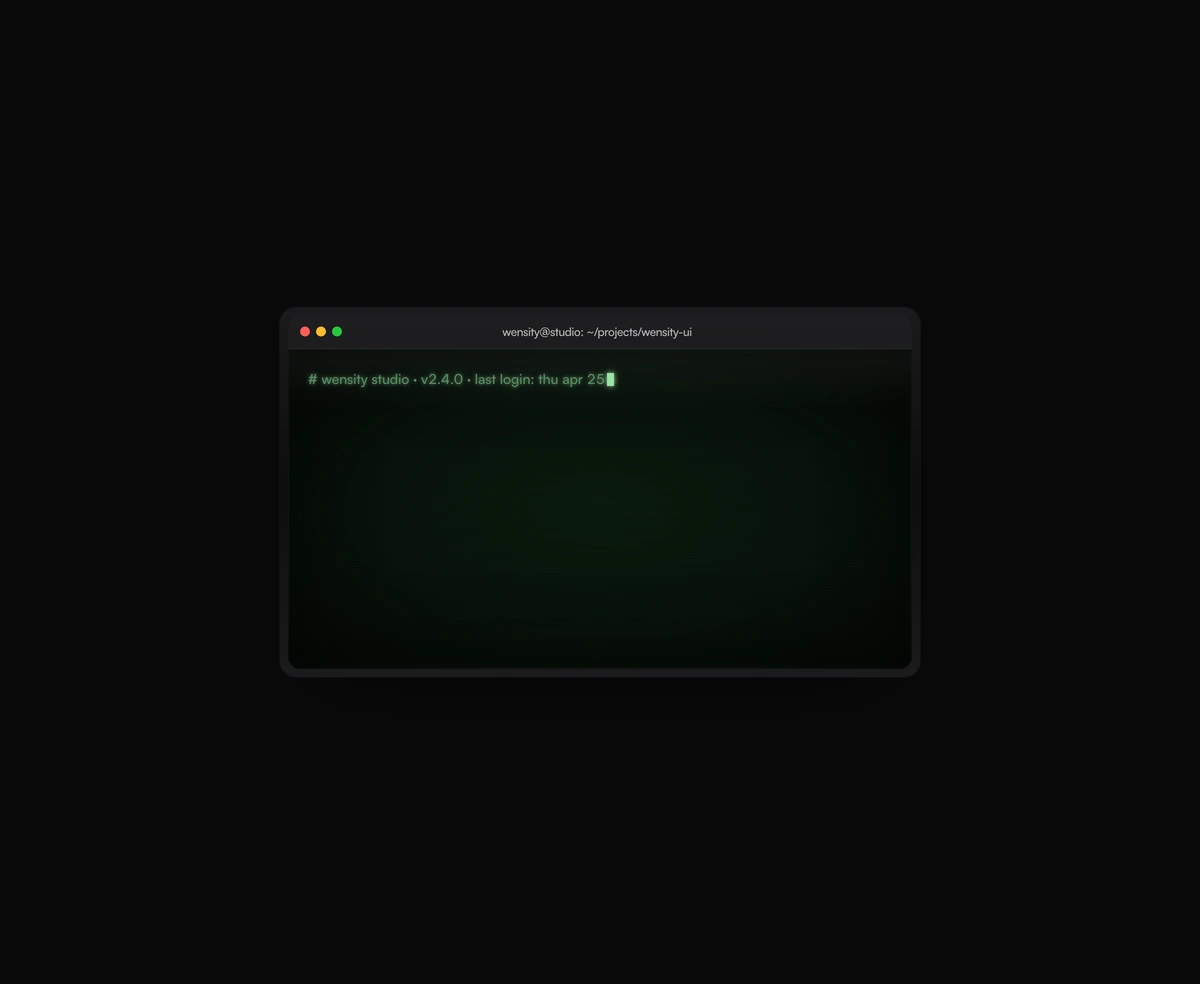
A terminal UI with self-typing commands, CRT phosphor glow and scanlines, streaming output that never re-renders a line.