 Halloween only 🎃 Get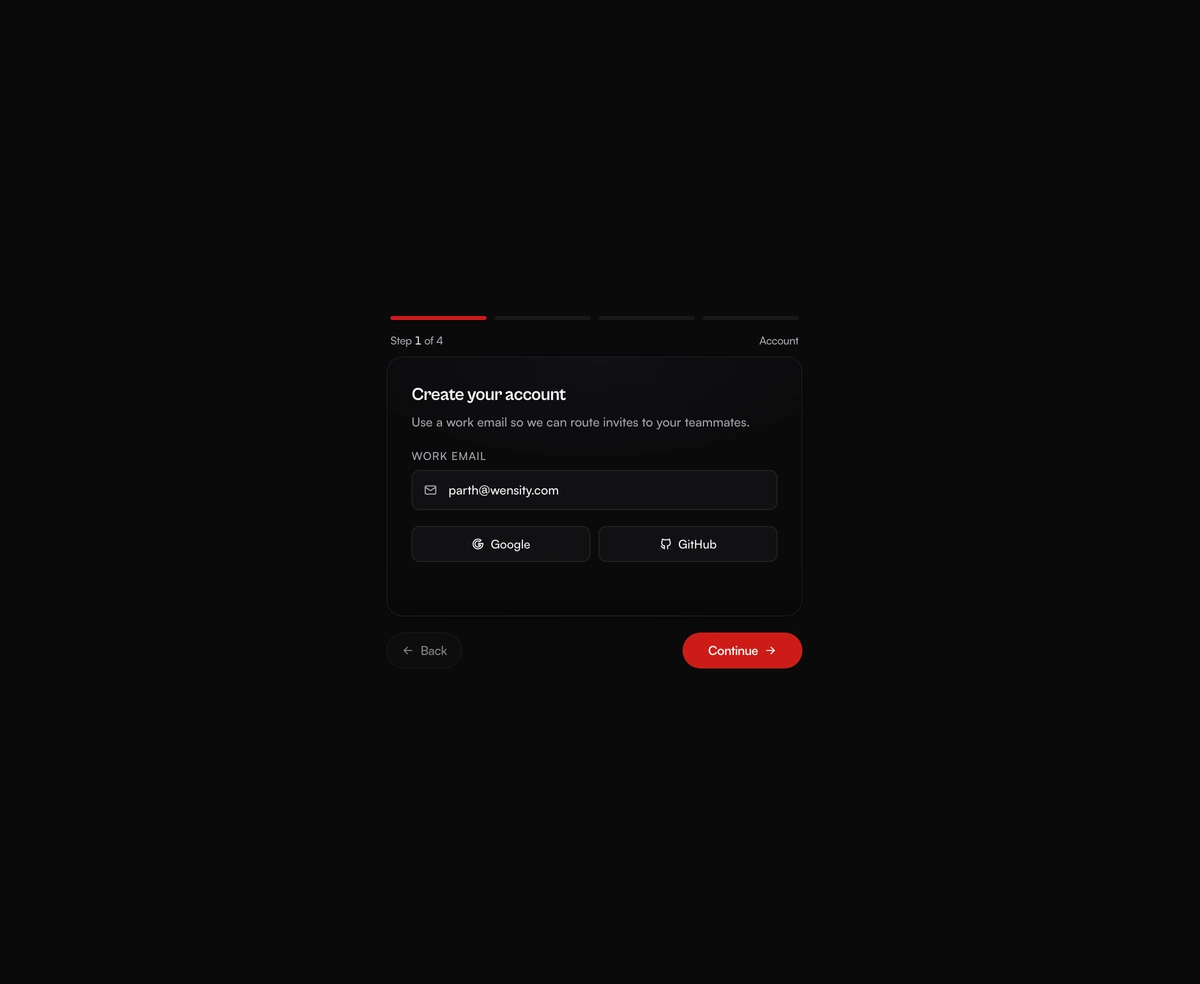
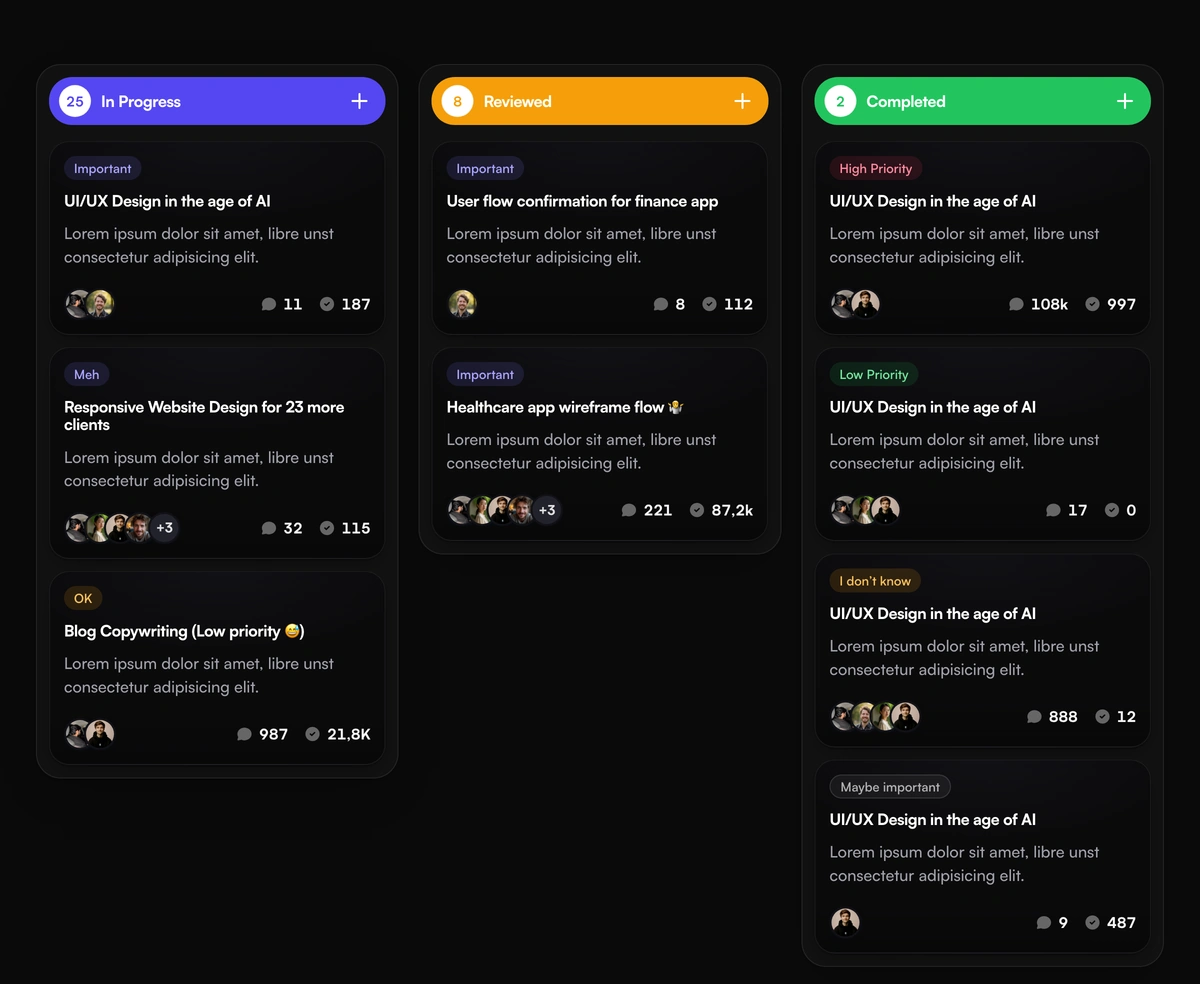
Fluid Drag-and-Drop Kanban
A Trello-grade board running real pointer physics, where every card tilts toward the velocity you throw it across at.
A multi-step form wizard whose card physically reshapes to wrap each new step as the content slides in behind it.
Multi-Step Form Wizard is a React and Tailwind CSS stepper for onboarding, checkout, and long forms, in Next.js or any React app, animated with Framer Motion. Each step is plain React content, and the card springs to its height while the next panel slides and unblurs in from the direction you are heading. A segmented progress bar and step counter track position, and Continue becomes Finish on the last step without the button changing width. Finish calls onComplete and then returns to step one, so navigate away or unmount inside onComplete to show a success state.
Run the following command
pnpm dlx wensity@latest add multi-step-morphing-wizard
npx wensity@latest add multi-step-morphing-wizard
yarn dlx wensity@latest add multi-step-morphing-wizard
bunx wensity@latest add multi-step-morphing-wizard
Import MultiStepMorphingWizard from @/components/wensity/multi-step-morphing-wizard and render it anywhere in your React or Next.js app. The source lands in your own repo, so every prop, class and animation below is yours to edit.
"use client";import {MultiStepMorphingWizard,type WizardStep,} from "@/components/wensity/multi-step-morphing-wizard";const steps: WizardStep[] = [{ id: "account", label: "Account", content: <div className="space-y-3"><p>Create your account</p></div> },{ id: "workspace", label: "Workspace", content: <div className="space-y-3"><p>Name your workspace</p></div> },{ id: "ready", label: "Ready", content: <div className="space-y-3"><p>You're all set!</p></div> },];export function MultiStepMorphingWizardDemo() {return (<MultiStepMorphingWizardsteps={steps}onComplete={() => console.log("Wizard complete")}/>);}
| Prop | Type | Default | Description |
|---|---|---|---|
steps | WizardStep[] | - | Ordered wizard steps with id, label, and content. |
onComplete | () => void | - | Called when the wizard Finish button is pressed. |
defaultIndex | number | 0 | Optional initial step index. |
A Trello-grade board running real pointer physics, where every card tilts toward the velocity you throw it across at.
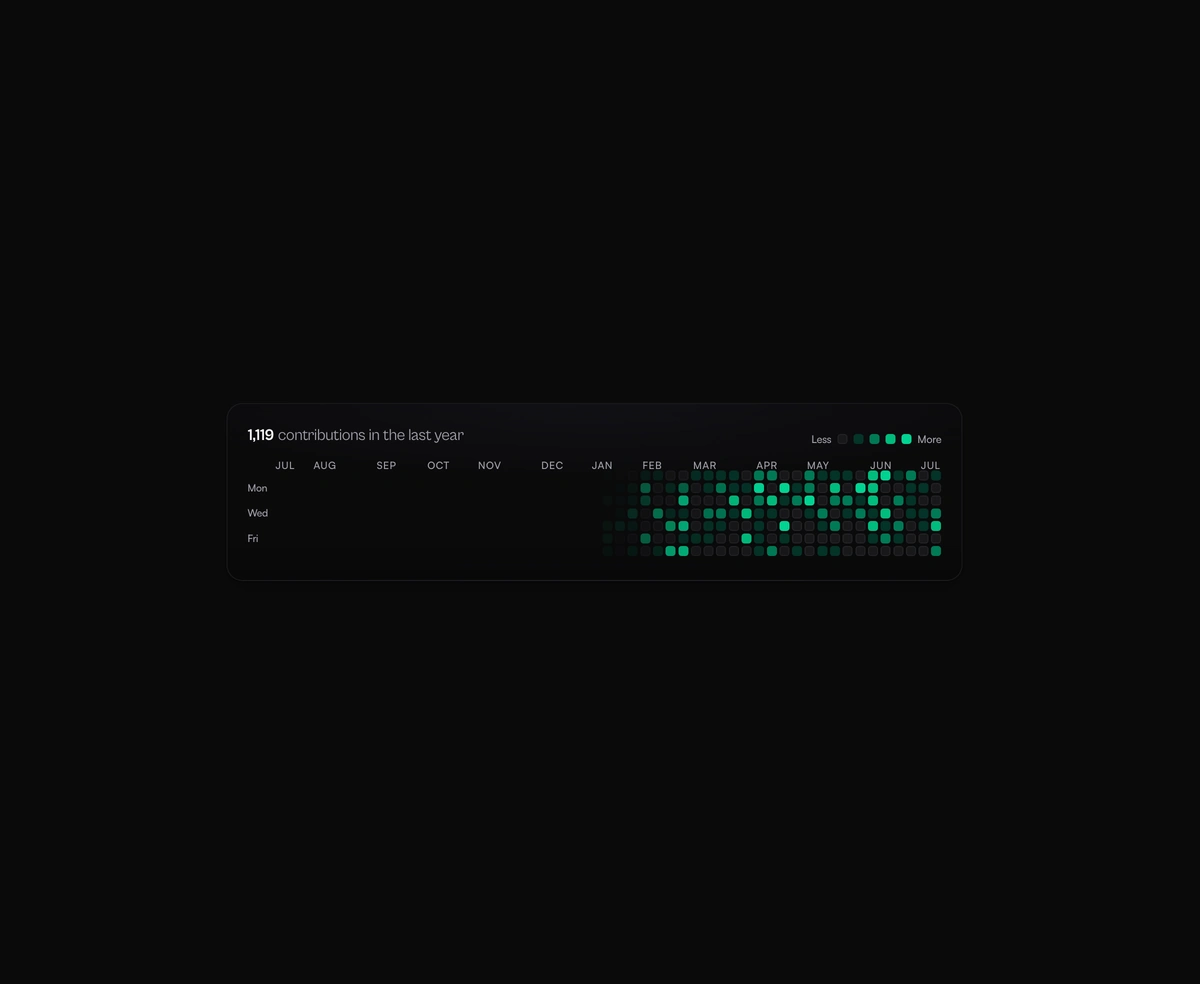
365 squares sharing one tooltip that flies between days on rails, with a reveal that ripples backward from today.
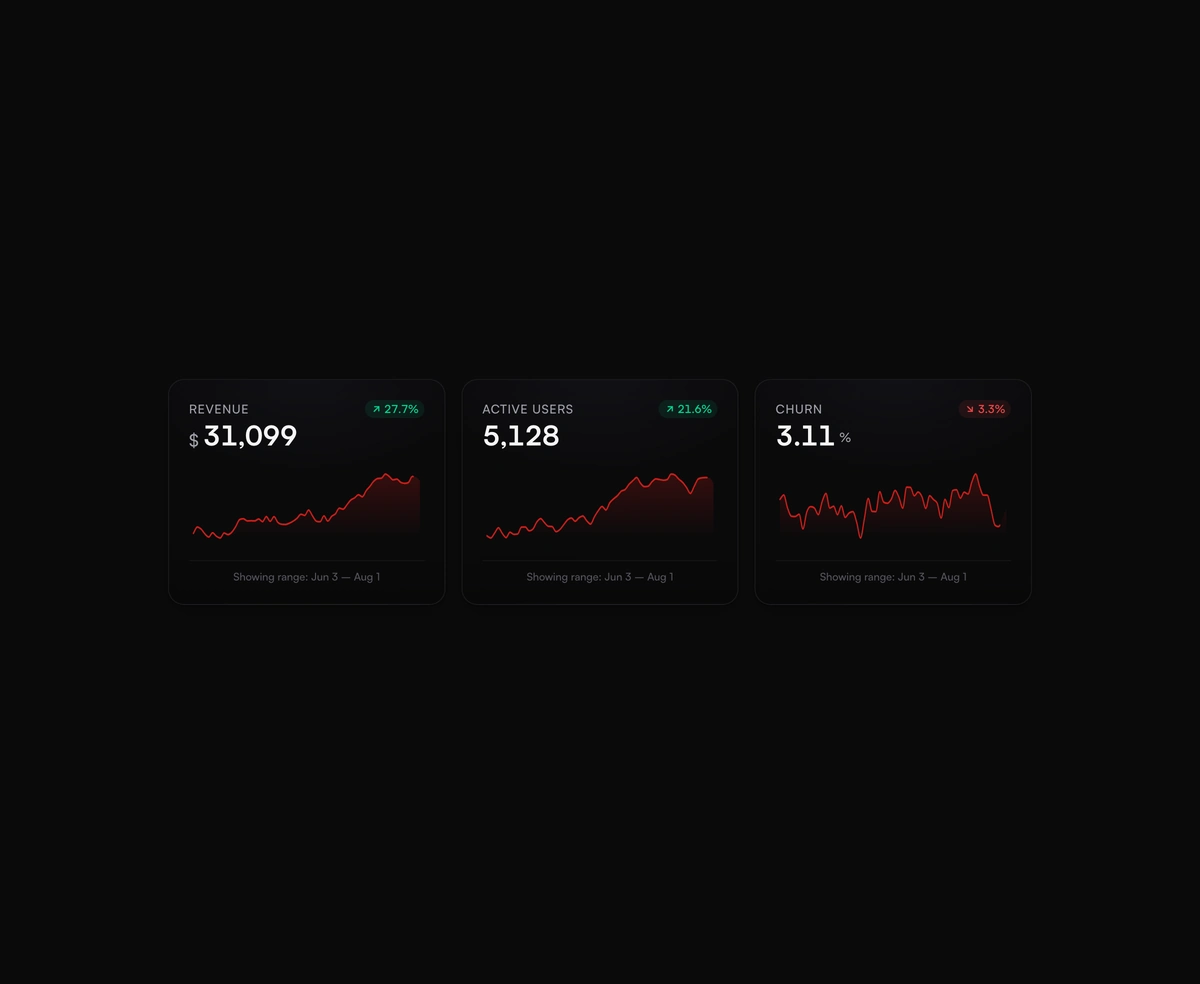
Dashboard KPI cards with a smooth SVG sparkline chart and a glowing dot that snaps to whichever value you scrub across.
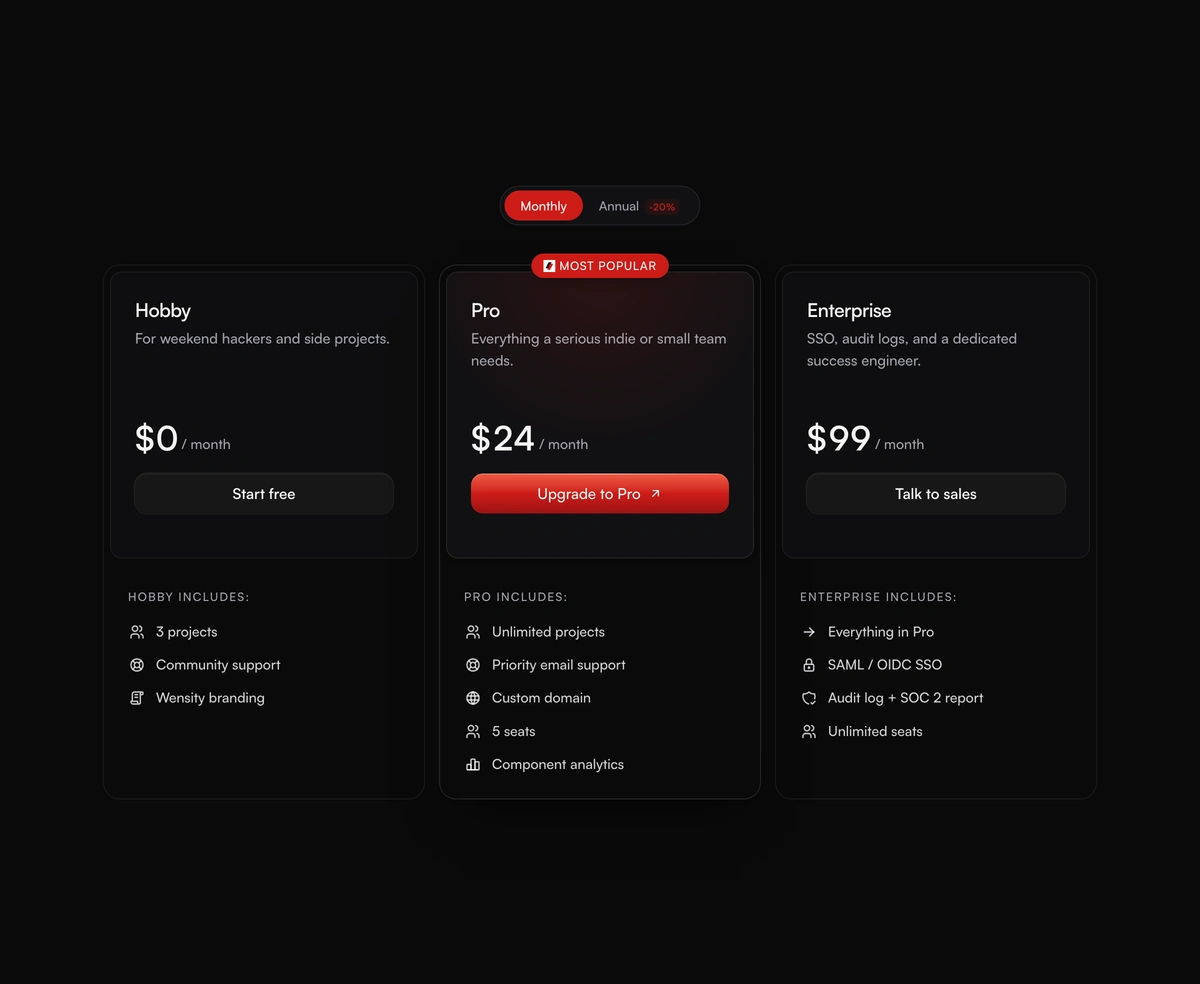
Pricing cards with a monthly and annual toggle, prices that spring to new values, and a highlighted plan in a brand glow.