Split-Flap Display
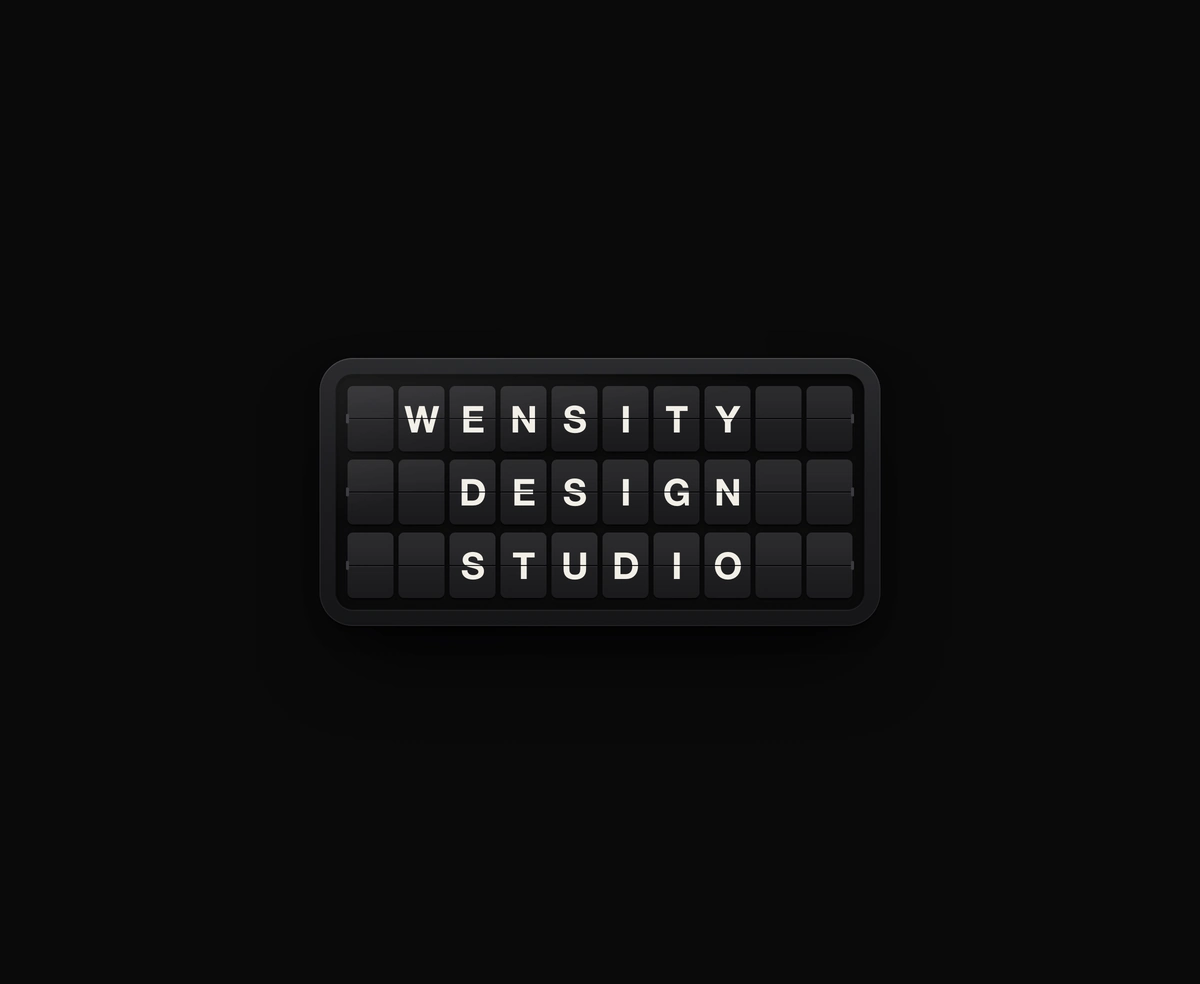
A ceramic and graphite split-flap device that ripples each flap into your message.
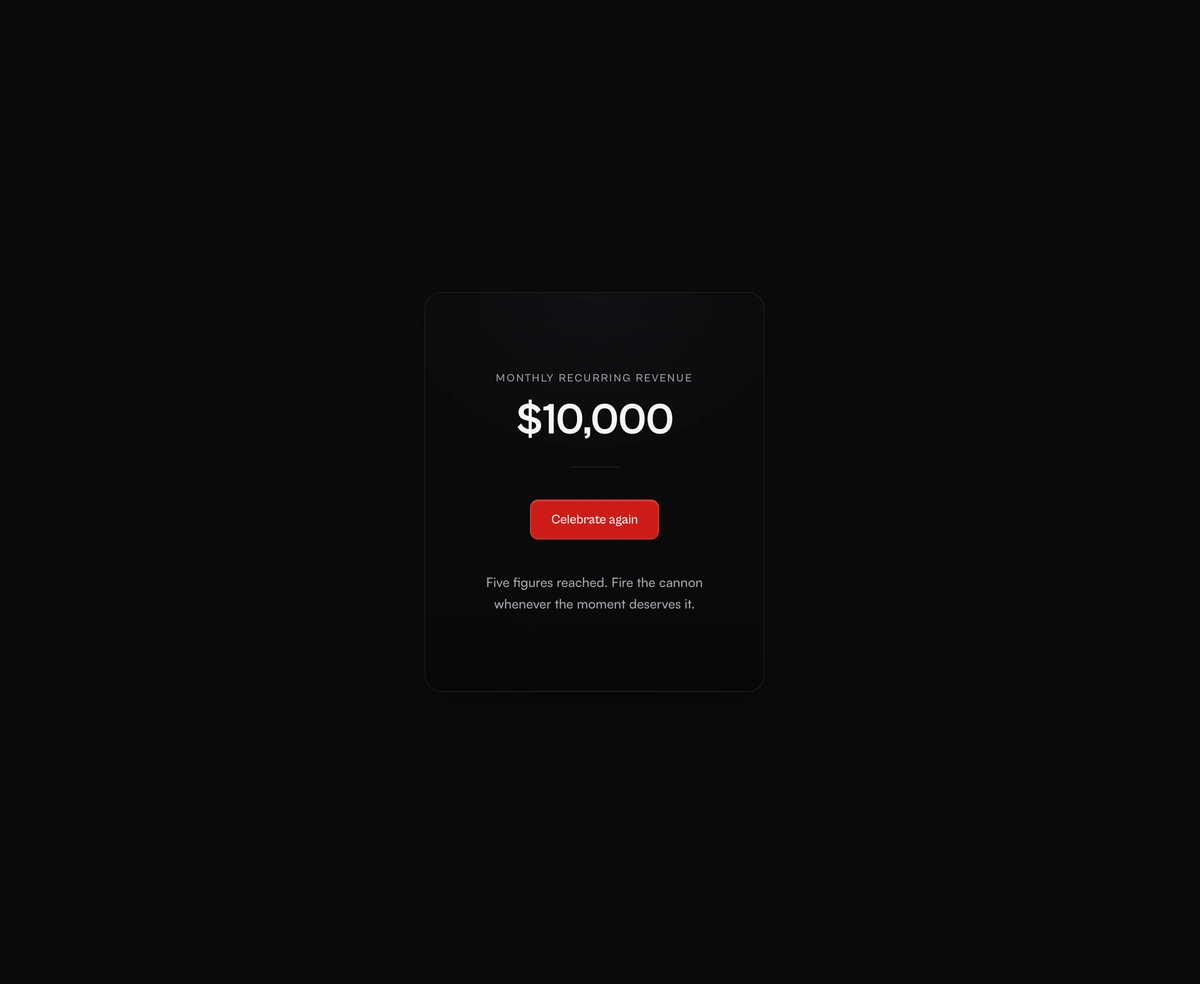
Hand-rolled canvas particles with gravity, drag, terminal velocity, and paper ribbons that flutter on the way down.
Physics-Based Confetti Cannon is a React and Tailwind CSS confetti animation for success states and celebrations, in Next.js or any React app, drawn on canvas by a hand rolled particle engine. Paper ribbons burst out in an arc, slow under drag to terminal velocity, fall under gravity, and flutter as they turn on two axes. Fire it through apiRef with fire or fireAt, auto fire on mount, or loop it, and tune count, spread, angle, colors, and gravity. The loop runs only while pieces are alive. Under reduced motion it fires nothing, so pair it with a visible success message.
Run the following command
pnpm dlx wensity@latest add confetti-cannon
npx wensity@latest add confetti-cannon
yarn dlx wensity@latest add confetti-cannon
bunx wensity@latest add confetti-cannon
Import ConfettiCannon from @/components/wensity/confetti-cannon and render it anywhere in your React or Next.js app. The source lands in your own repo, so every prop, class and animation below is yours to edit.
import {ConfettiCannon,type ConfettiCannonHandle,} from "@/components/wensity/confetti-cannon";import { useRef } from "react";export default function Example() {const cannonRef = useRef<ConfettiCannonHandle | null>(null);return (<div><ConfettiCannonapiRef={cannonRef}origin="bottom"loopMs={0}autoFire={false}/><button onClick={() => cannonRef.current?.fire()}>Celebrate</button></div>);}
| Prop | Type | Default | Description |
|---|---|---|---|
origin | ConfettiOrigin | "bottom" | Where bursts originate by default (named edges or { x, y }). |
autoFire | boolean | false | Auto-fire on mount. |
loopMs | number | 0 | Auto-fire every N ms. 0 disables looping. |
showTrigger | boolean | true | Render the demo Fire button. |
triggerLabel | string | "Celebrate again" | Demo trigger label. |
A ceramic and graphite split-flap device that ripples each flap into your message.
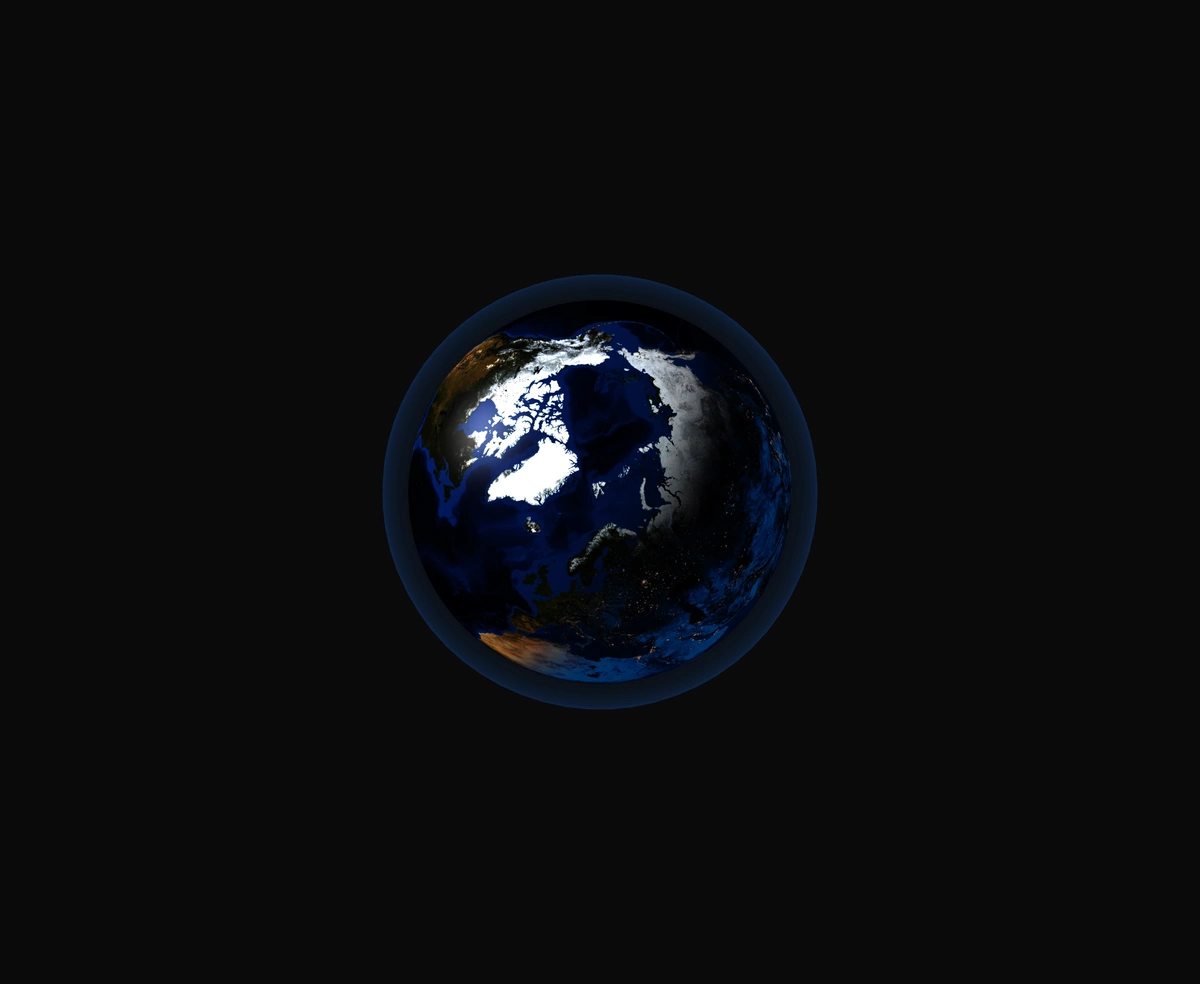
A 3D Earth lit day and night from the real sun position, wrapped in a soft atmosphere, with smooth drag-to-orbit controls.
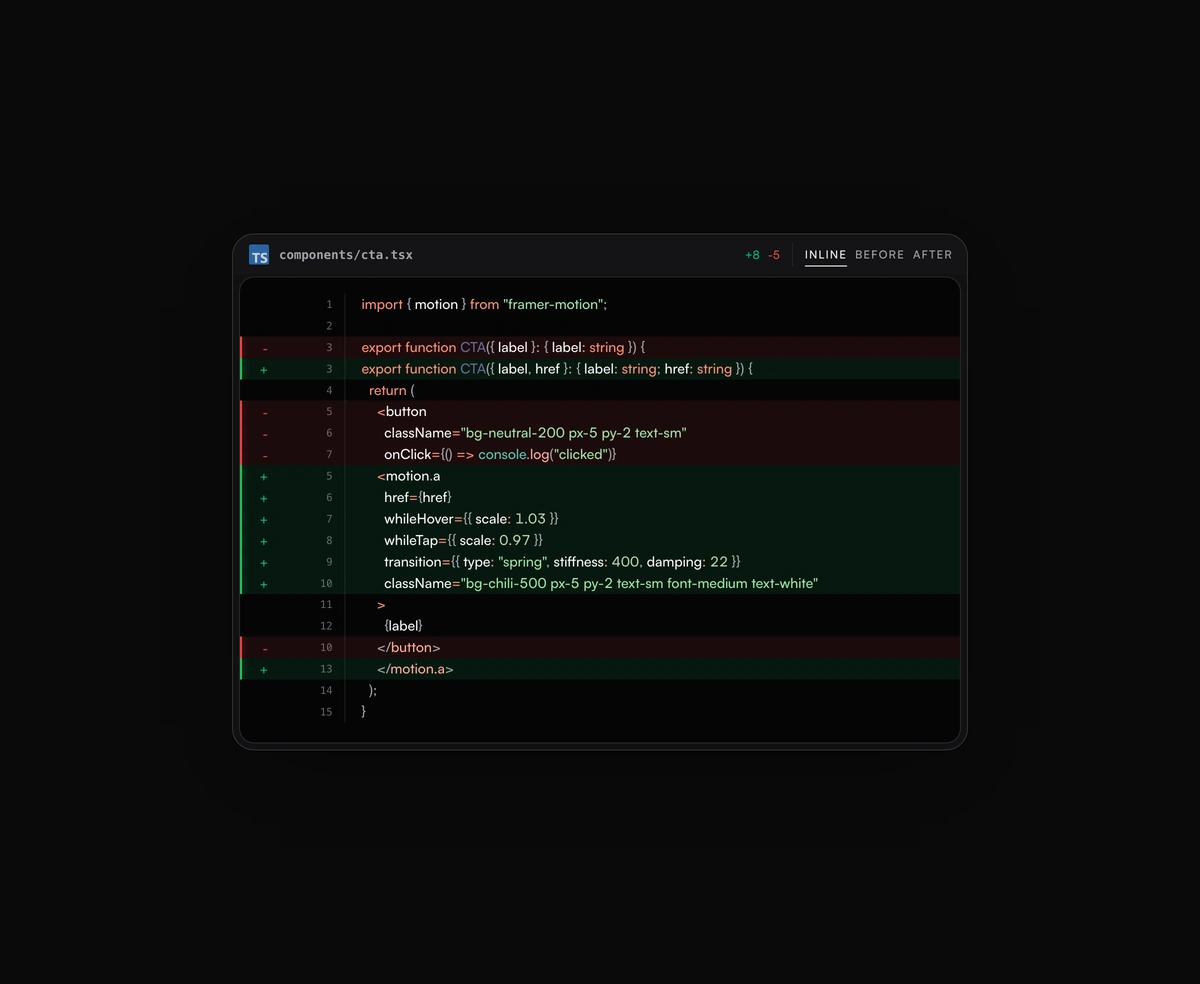
Inline or toggled code diffs rendered inside the same polished code block frame, flipping between before and after.
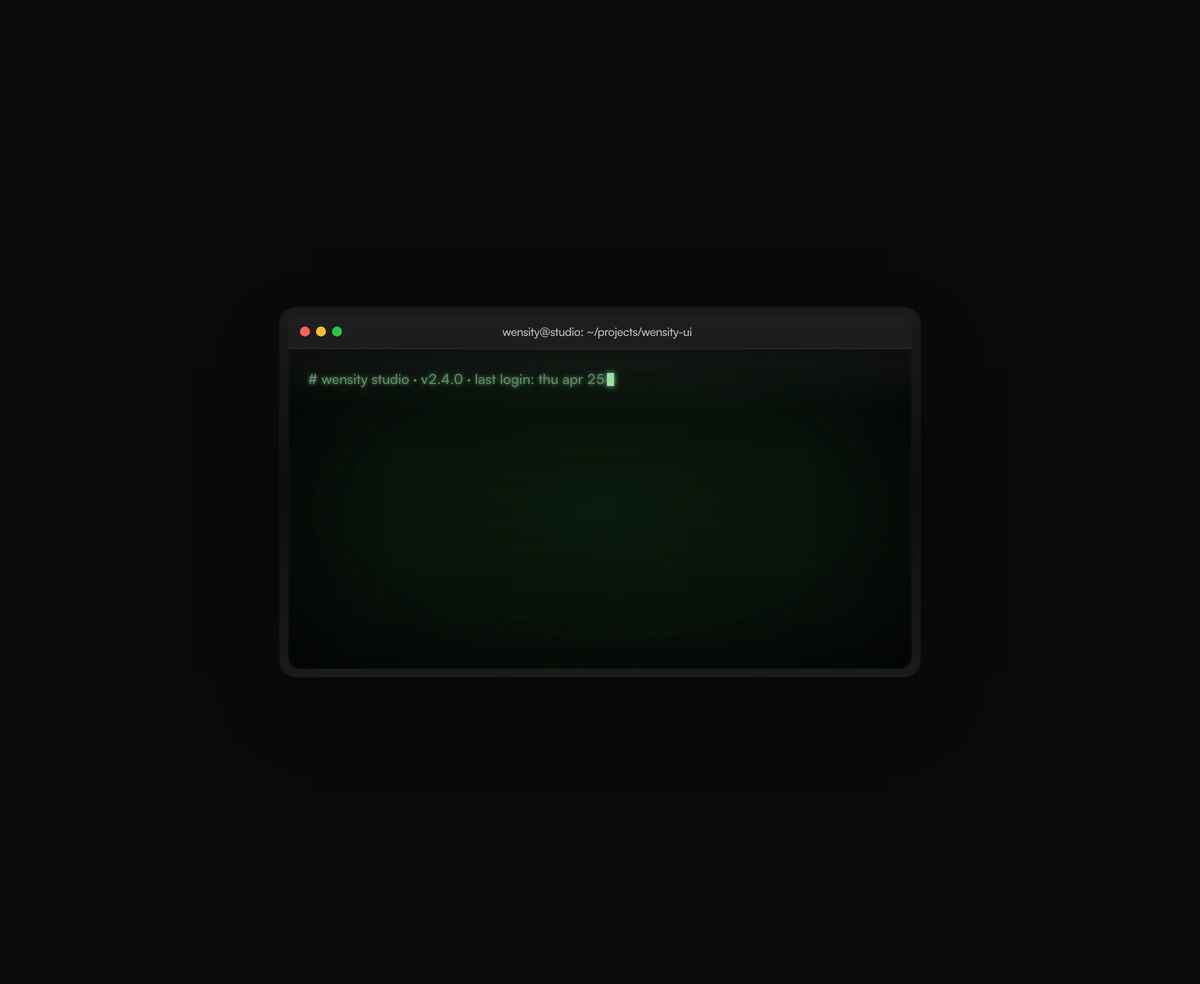
A terminal UI with self-typing commands, CRT phosphor glow and scanlines, streaming output that never re-renders a line.