
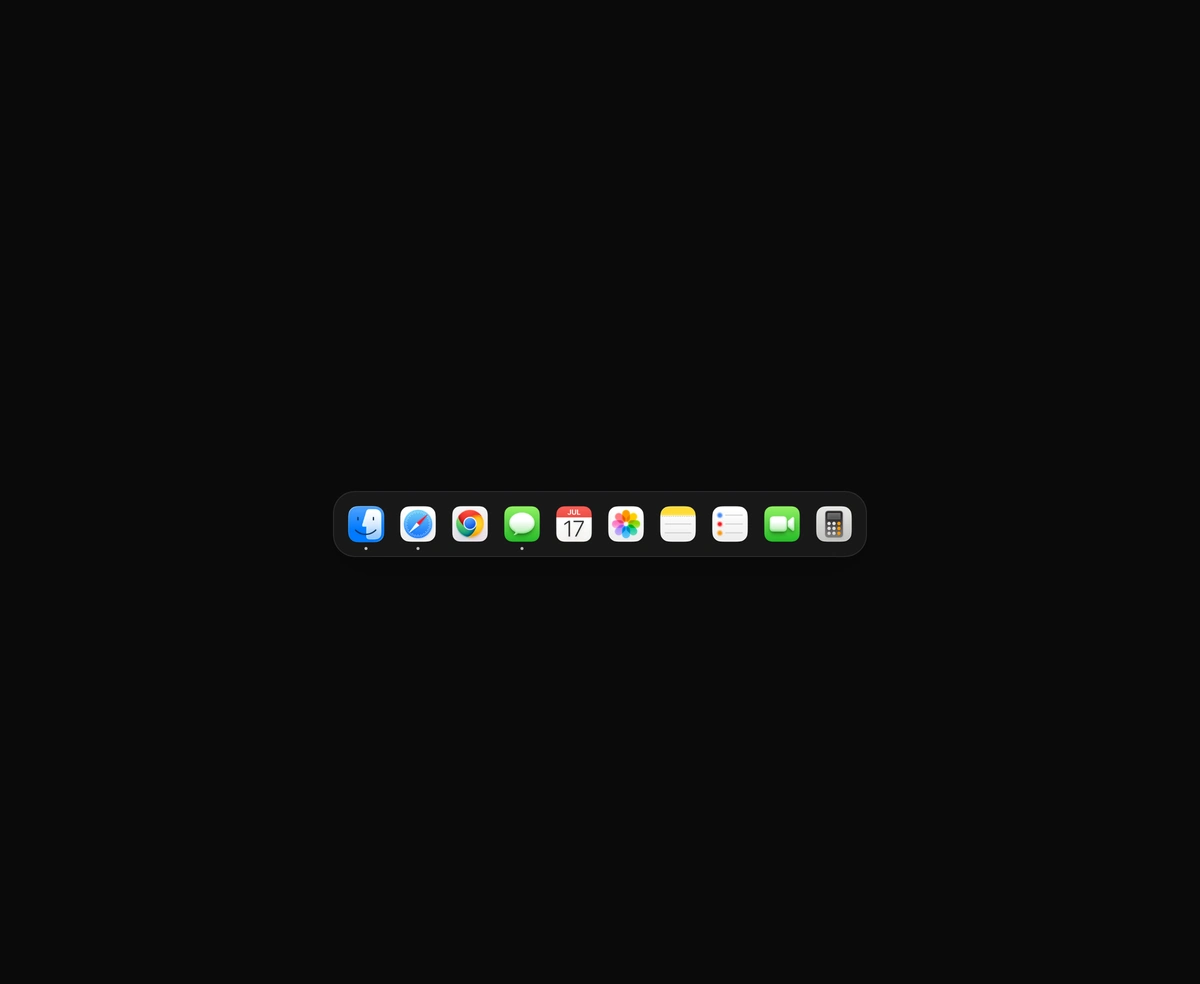
macOS Floating Dock
A magnetic dock where icons inflate near the cursor and push their siblings aside.
Eight animated hamburger menu icons that morph into a close X or back arrow in CSS.
Animated Hamburger Menu is a React and Tailwind CSS menu button whose bars morph into a close X or a back arrow, in Next.js or any React app. It ships eight variants: squeeze, pivot, arrow, stagger, duo, split, wipe and loop. Every move is a CSS transition on transforms, widths or SVG stroke dashes, so no animation library loads and nothing runs per frame. Hovering a closed icon hints at the coming change. The button sets aria-expanded and defaults its label to Menu. Reduced motion swaps state instantly. Pass open and onOpenChange so tapping a menu link closes it.
Run the following command
pnpm dlx wensity@latest add animated-hamburger-menu
npx wensity@latest add animated-hamburger-menu
yarn dlx wensity@latest add animated-hamburger-menu
bunx wensity@latest add animated-hamburger-menu
Import AnimatedHamburgerMenu from @/components/wensity/animated-hamburger-menu and render it anywhere in your React or Next.js app. The source lands in your own repo, so every prop, class and animation below is yours to edit.
import { useState } from "react";import { HamburgerMenu } from "@/components/wensity/animated-hamburger-menu";export default function Example() {const [open, setOpen] = useState(false);return (<HamburgerMenuvariant="squeeze"open={open}onOpenChange={setOpen}aria-controls="site-menu"/>);}
| Prop | Type | Default | Description |
|---|---|---|---|
variant | "squeeze" | "pivot" | "arrow" | "stagger" | "duo" | "split" | "wipe" | "loop" | "squeeze" | How the bars move into the open state. |
open | boolean | - | Controlled open state. Pair it with onOpenChange. |
defaultOpen | boolean | false | Initial open state when uncontrolled. |
onOpenChange | (open: boolean) => void | - | Called with the next state on every toggle. |
size | number | 24 | Icon size in pixels. The button adds 16 pixels of hit area. |
thickness | number | 2 | Bar thickness, measured in a 24 unit icon box so it scales with size. |
duration | number | 420 | Length of one open or close in milliseconds. |
rounded | boolean | true | Rounded bar ends. Turn off for square ends. |
A magnetic dock where icons inflate near the cursor and push their siblings aside.
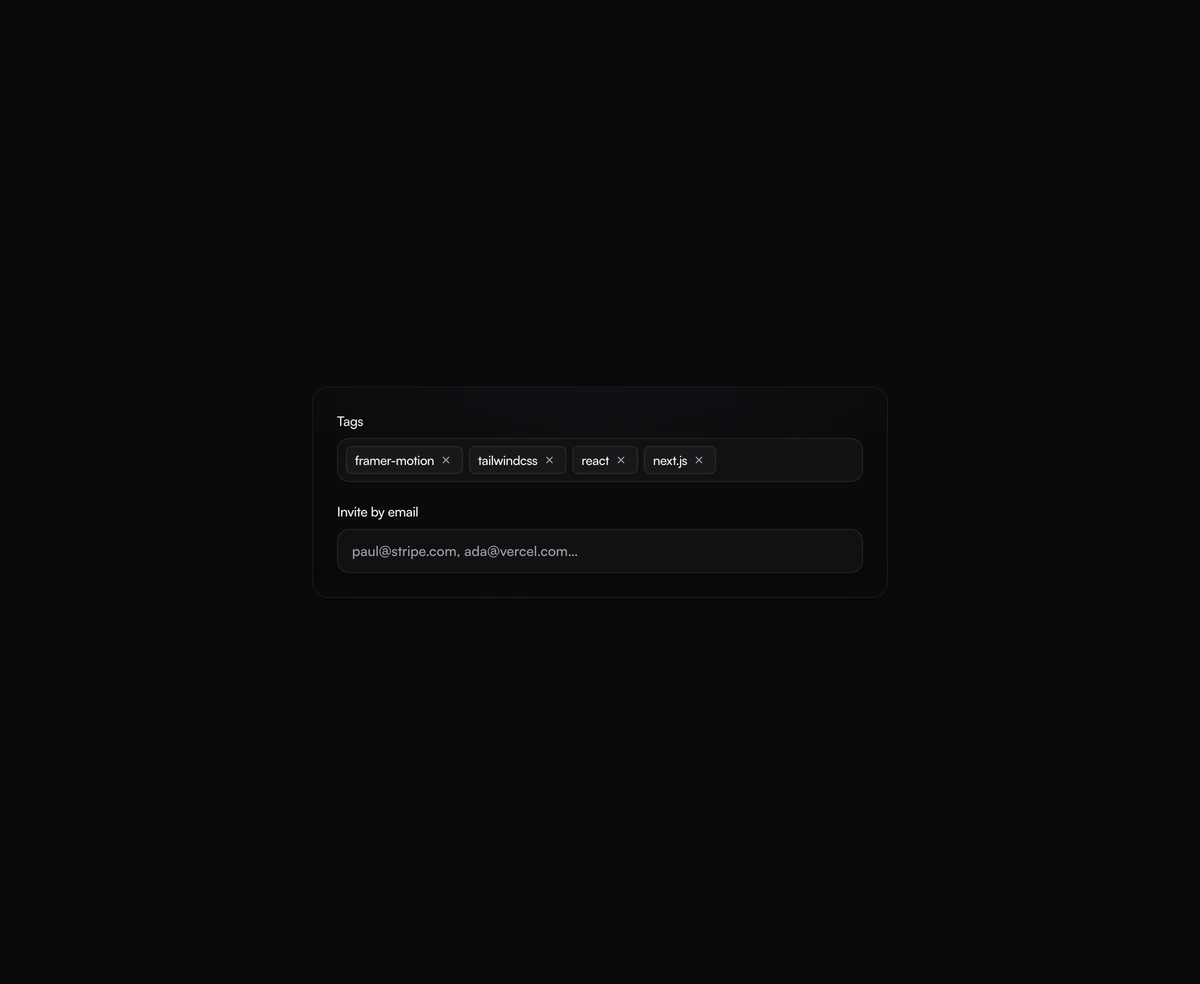
A tag input where pills pop in as you add them and slide out on remove, closing the gap without snapping the layout.
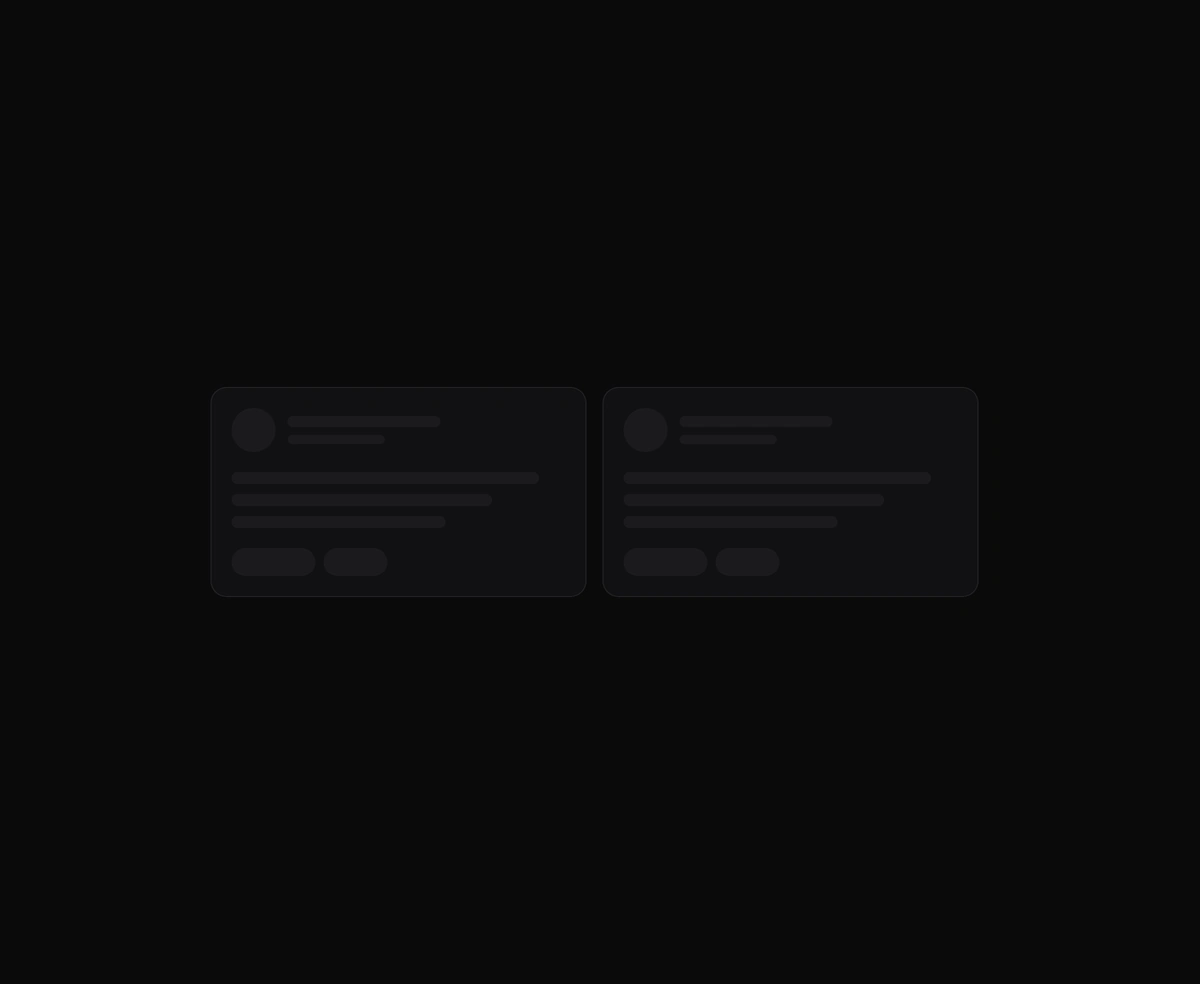
One angled GPU sweep that travels across any placeholder geometry you wrap, never a separate shimmer stuttering per row.
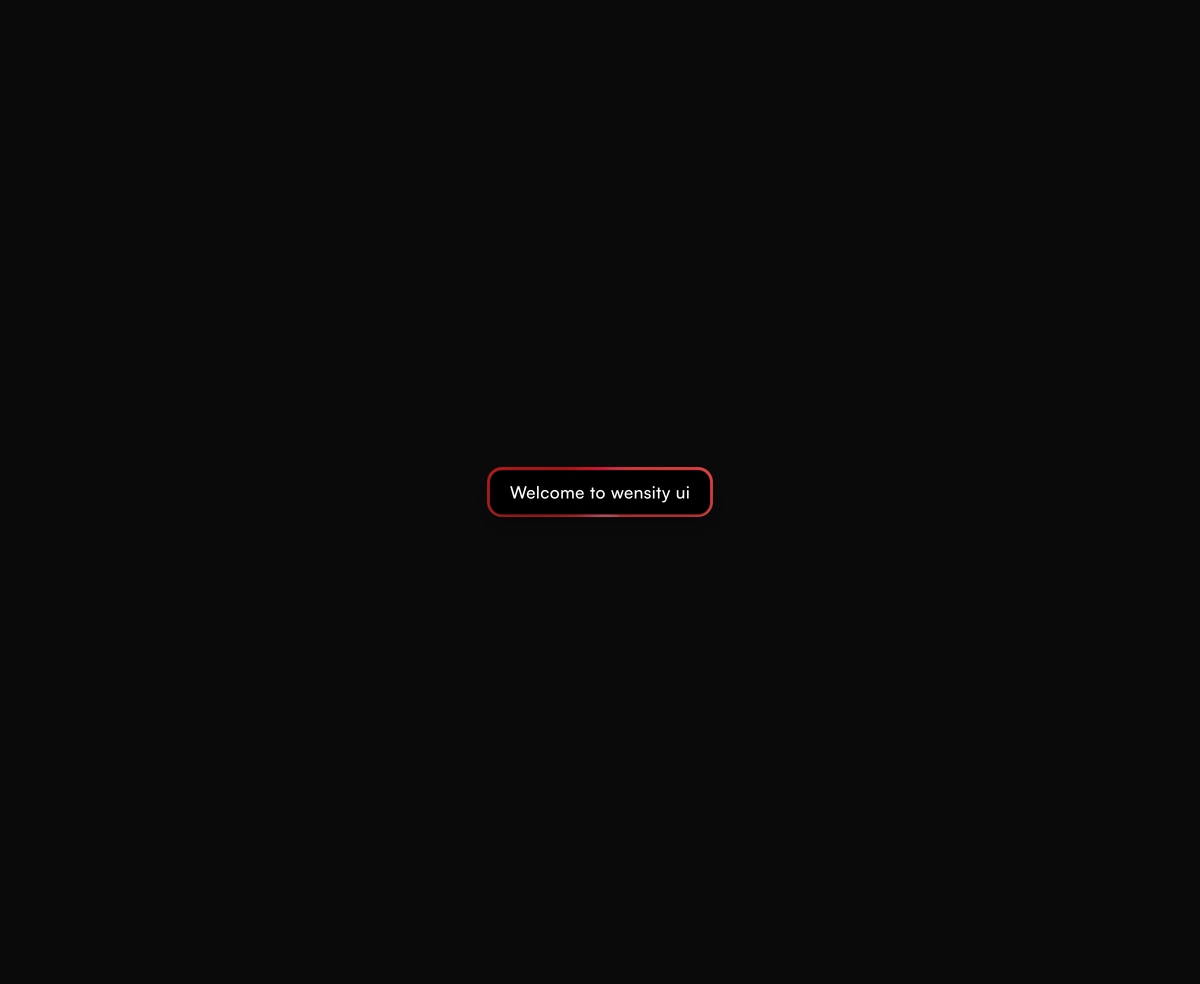
A dual-layer orbit glow that soft-spins around the edge of any button or link you wrap it around, at zero layout cost.
Featured in React navbar components.