
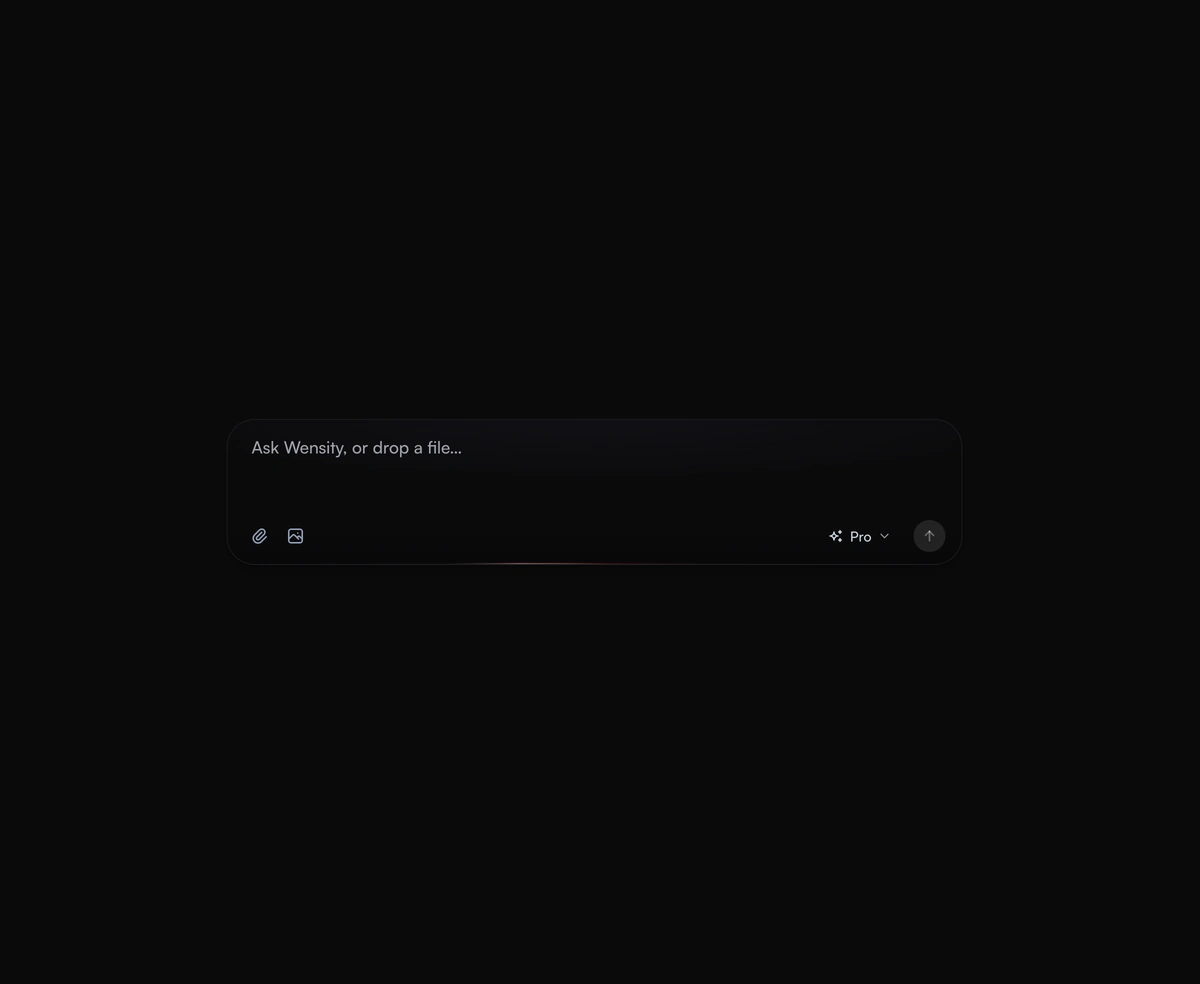
AI Prompt Input
An expanding prompt area with a glowing drop zone that breathes open to meet you as you type a thought or drag a file.
A complete AI chat interface for React: streaming replies, web search with cited sources, stop, retry and a model picker.
AI Chat Interface is a React and Tailwind CSS chatbot UI that streams replies, searches the web and cites its sources, in Next.js or any React app. Your respond function yields reasoning, search, source and text chunks, and the chat buffers them into whole words that fade in on a steady beat. Stop keeps the partial answer, retry saves versions to page through, and the composer adds files, dictation and a model picker. Reduced motion stills the icons. Set a height within the screen, such as min(700px, 100dvh - 2rem), or the composer can sit below the fold.
Run the following command
pnpm dlx wensity@latest add ai-chat-interface
npx wensity@latest add ai-chat-interface
yarn dlx wensity@latest add ai-chat-interface
bunx wensity@latest add ai-chat-interface
Import AiChatInterface from @/components/wensity/ai-chat-interface and render it anywhere in your React or Next.js app. The source lands in your own repo, so every prop, class and animation below is yours to edit.
"use client";import { AiChat, type AiChatResponder } from "@/components/wensity/ai-chat-interface";// Stream from your own API route. Any model works: yield chunks as they arrive.const respond: AiChatResponder = async function* ({ messages, signal, webSearch, model }) {const res = await fetch("/api/chat", {method: "POST",body: JSON.stringify({ messages, webSearch, model }),signal,});const reader = res.body!.pipeThrough(new TextDecoderStream()).getReader();while (true) {const { value, done } = await reader.read();if (done) break;yield { type: "text", text: value };}};export default function Chat() {return <AiChat respond={respond} userName="Ada" height="min(700px, 100dvh - 2rem)" />;}
| Prop | Type | Default | Description |
|---|---|---|---|
respond | ({ messages, signal, webSearch, model, files }) => AsyncIterable<AiChatChunk> | demoResponder | Streams a reply. Yield reasoning, search, source and text chunks, cite sources in text as [n], and stop when signal aborts. |
models | AiChatModel[] | Claude, ChatGPT, DeepSeek, Kimi, Mistral | Models offered in the selector, each with an id, a name and an icon. |
defaultModel | string | "claude" | Model selected at start. |
onModelChange | (id: string) => void | - | Fired when a model is picked. |
defaultWebSearch | boolean | true | Whether replies search the web. On by default, with no toggle in the composer. |
onGoogleDrive | () => void | - | Called when Google Drive is picked in the attach menu. Without it, the file picker opens. |
suggestions | string[] | 16 prompts | Prompts offered as completions while typing in a new chat, under a Search the web row. |
initialMessages | AiChatMessage[] | [] | Conversation to start with. Empty shows the greeting. |
greeting | string | time of day | Heading on an empty chat. Defaults to Good morning, Good afternoon or Good evening from the visitor's clock. |
userName | string | - | Name added to the default greeting, as in Good morning, Parth. |
placeholder | string | "Ask anything, or describe a task" | Composer placeholder. |
accept | string | "image/*,application/pdf,text/*" | File types the attach menu accepts. |
height | number | string | 700 | Height of the whole chat, in pixels or any CSS size. Keep it within the screen, for example "min(700px, 100dvh - 2rem)". |
onFeedback | (reply, value: "up" | "down" | null) => void | - | Fired when a reply is rated or the rating is cleared. |
An expanding prompt area with a glowing drop zone that breathes open to meet you as you type a thought or drag a file.
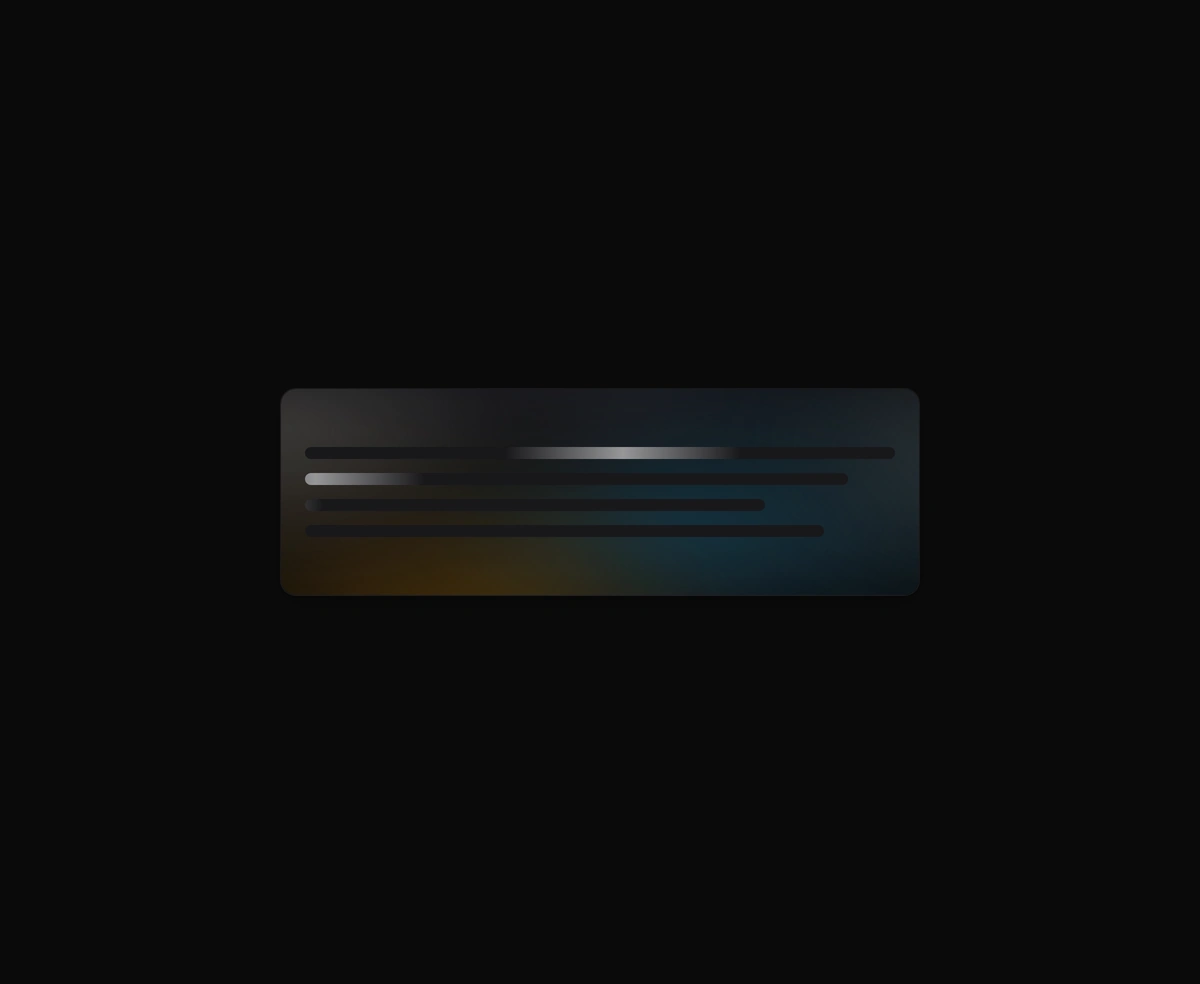
An organic loading state instead of a spinner, with a slow aurora that breathes in the space where your content will land.
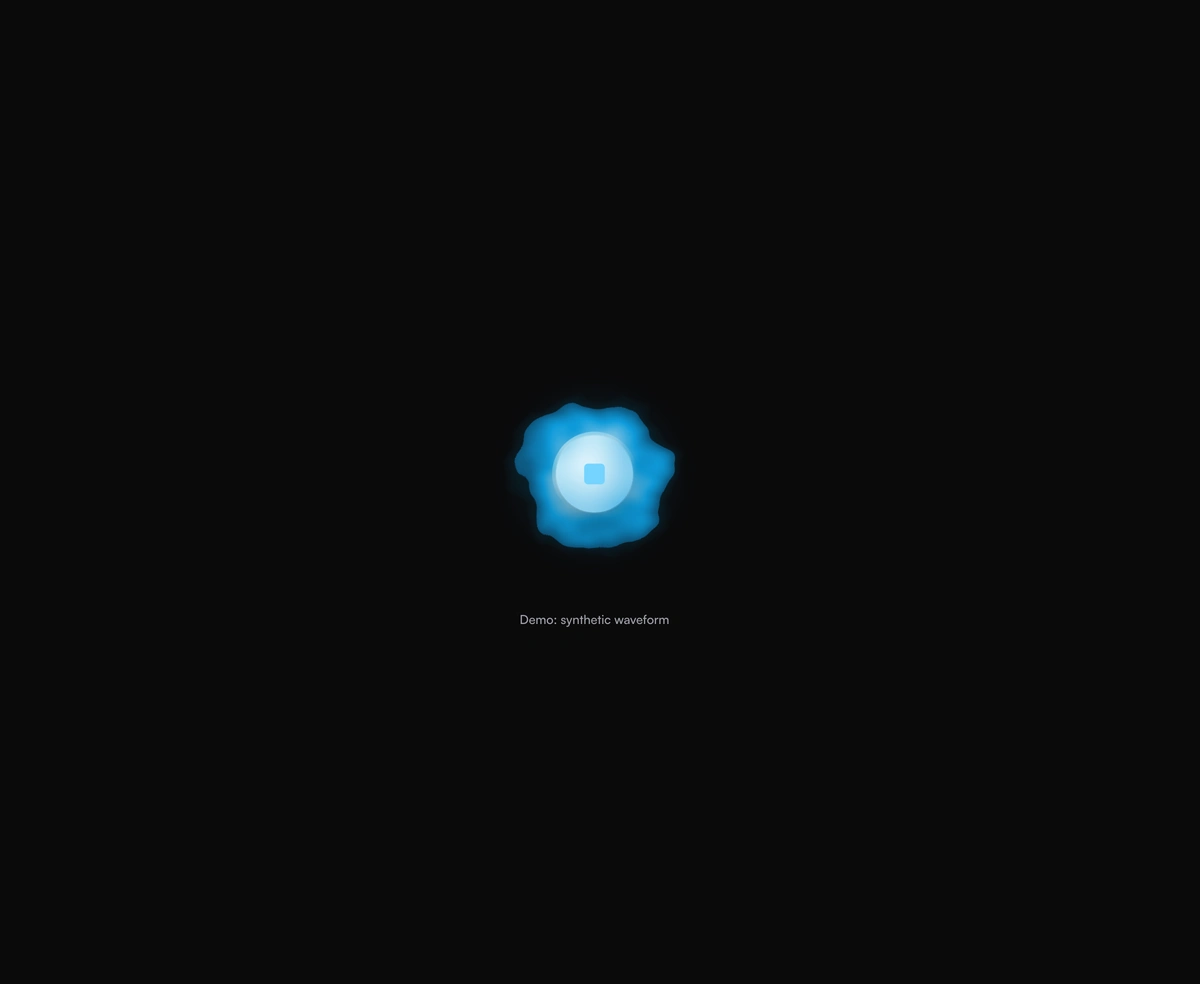
A breathing voice orb that swells with speech and settles between turns, never jittery and always organic to look at.

An AI model selector dropdown that scales out from its trigger and glides the selection pill to whichever model you pick.
Featured in React AI chat UI components.