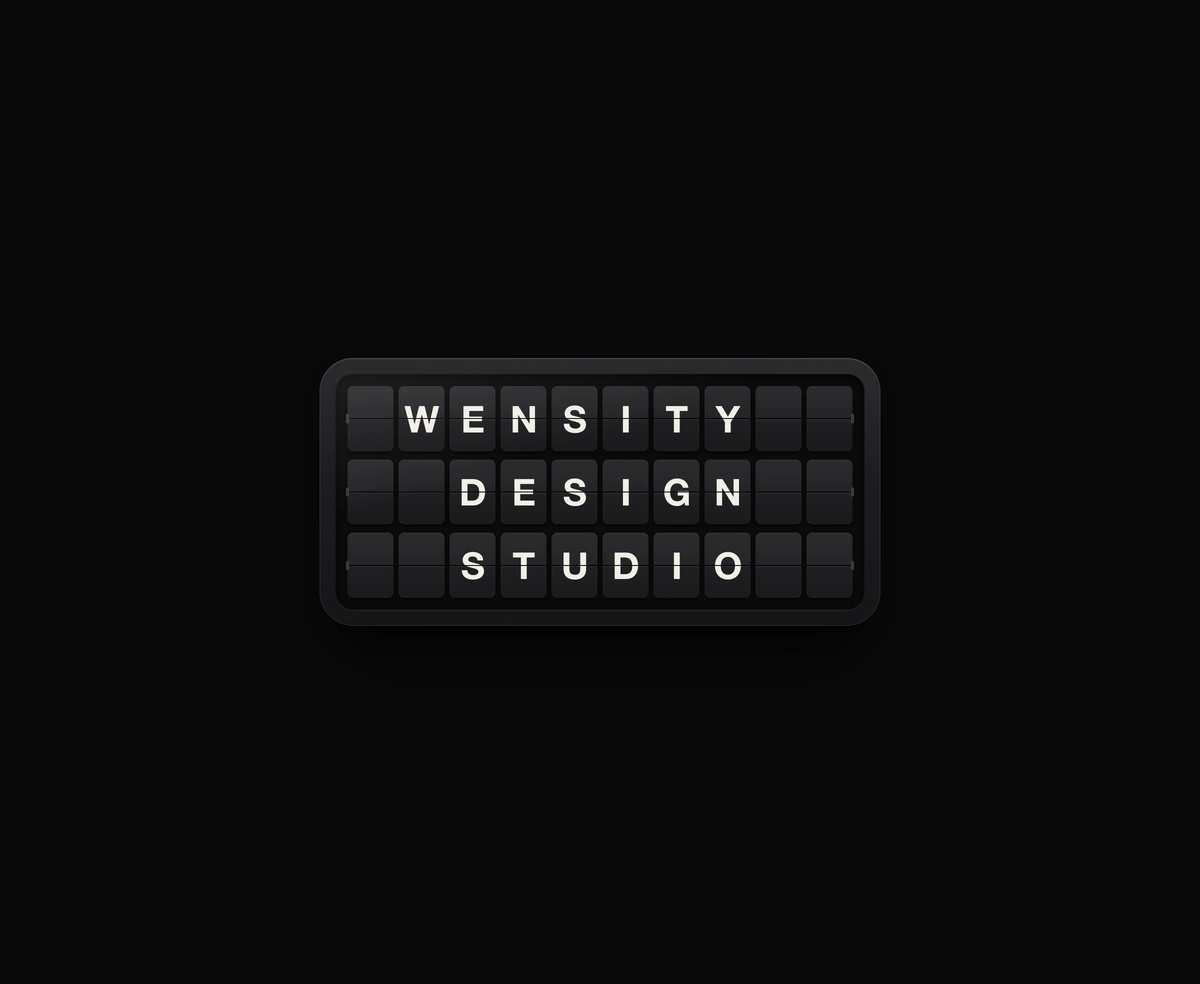
Split-Flap Display
A ceramic and graphite split-flap device that ripples each flap into your message.
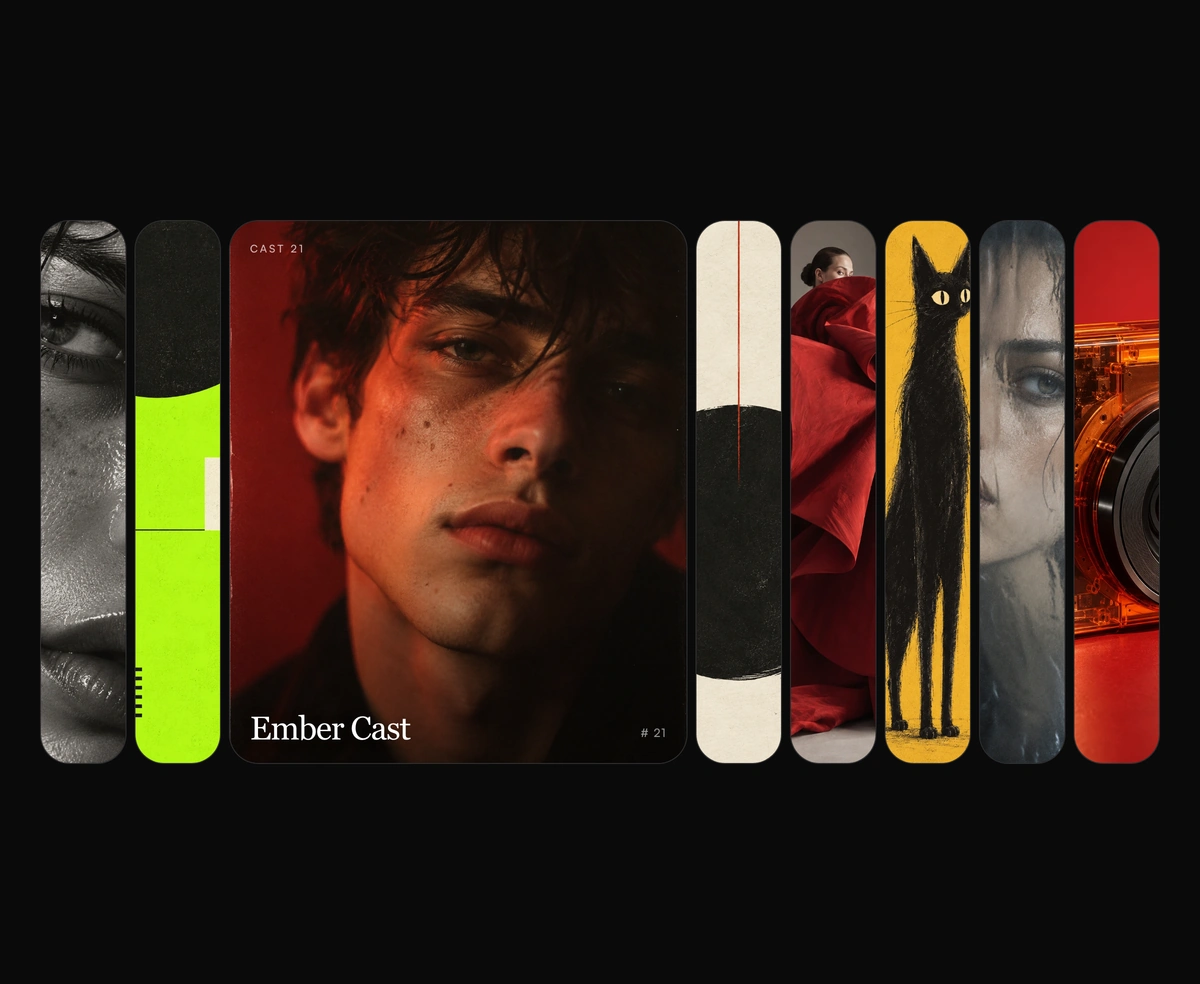
Hover a tall editorial strip and it opens wide, the rest of the row holding as tight vertical slivers of the same image.
Expanding Cards is a React and Tailwind CSS expanding image gallery, in Next.js or any React app, with no dependencies. Tall rounded frames sit in a row with one open, and hovering, focusing, or tapping another widens it while the rest collapse into slim vertical slivers of their images. The row is a single tab stop with a roving tabindex, so arrow keys move both the open frame and focus, and reduced motion swaps instantly. Each item needs src, alt, and title, and expandedFlex and collapsedFlex set the proportions. Keep titles short, since closed frames are only slivers wide.
Run the following command
pnpm dlx wensity@latest add expanding-cards
npx wensity@latest add expanding-cards
yarn dlx wensity@latest add expanding-cards
bunx wensity@latest add expanding-cards
Import ExpandingCards from @/components/wensity/expanding-cards and render it anywhere in your React or Next.js app. The source lands in your own repo, so every prop, class and animation below is yours to edit.
import { ExpandingCards } from "@/components/wensity/expanding-cards";export default function Example() {return <ExpandingCards defaultActiveIndex={2} />;}
| Prop | Type | Default | Description |
|---|---|---|---|
items | ExpandingCardItem[] | - | Frames in the row. Each needs src, alt, and title. |
defaultActiveIndex | number | 2 | Frame that stays open until another is hovered or focused. |
expandedFlex | number | 5.4 | Flex grow of the open frame. |
collapsedFlex | number | 1 | Flex grow of every closed frame. |
A ceramic and graphite split-flap device that ripples each flap into your message.
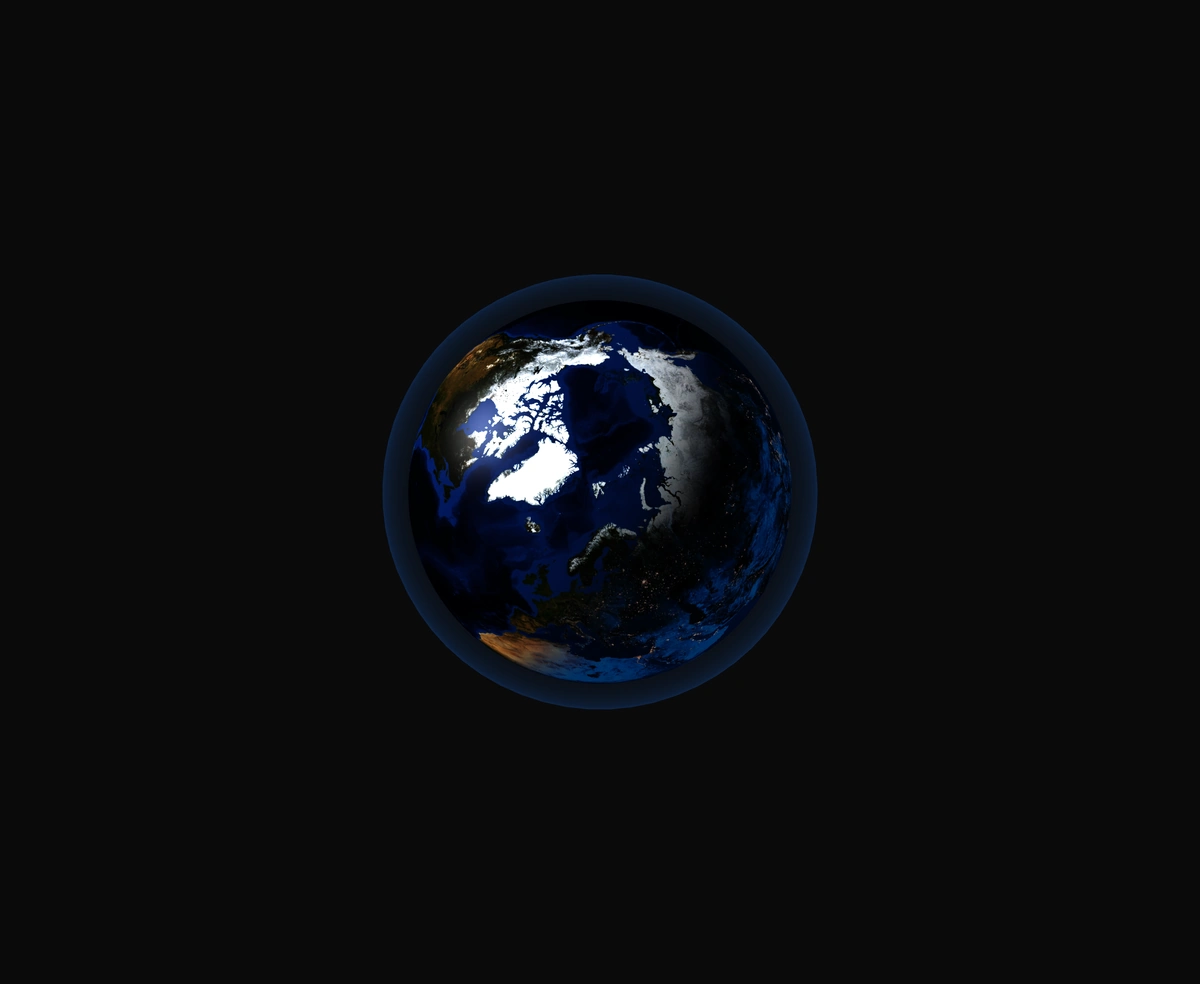
A 3D Earth lit day and night from the real sun position, wrapped in a soft atmosphere, with smooth drag-to-orbit controls.
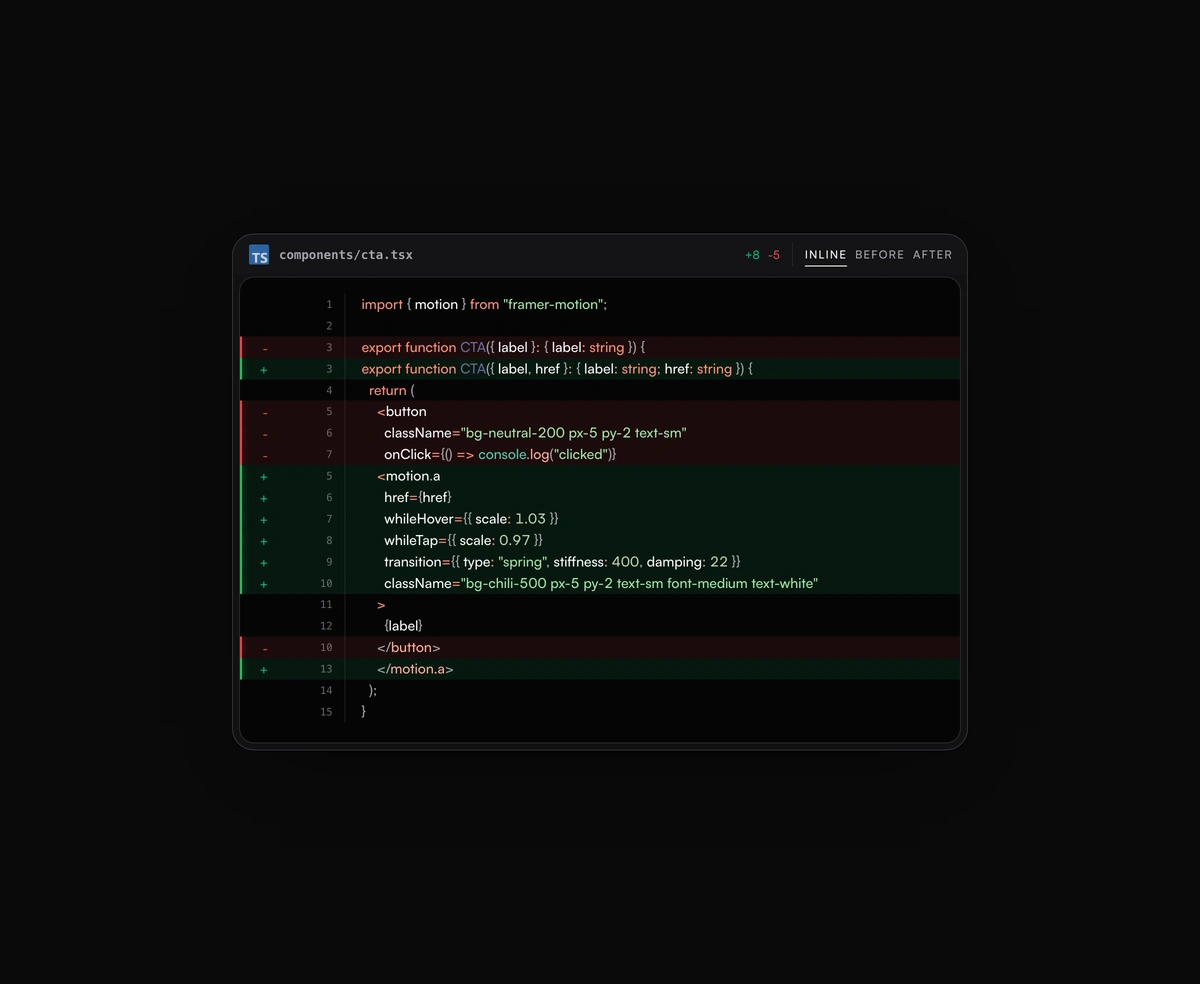
Inline or toggled code diffs rendered inside the same polished code block frame, flipping between before and after.
A terminal UI with self-typing commands, CRT phosphor glow and scanlines, streaming output that never re-renders a line.