
Multi-Select Tag Input
A tag input where pills pop in as you add them and slide out on remove, closing the gap without snapping the layout.
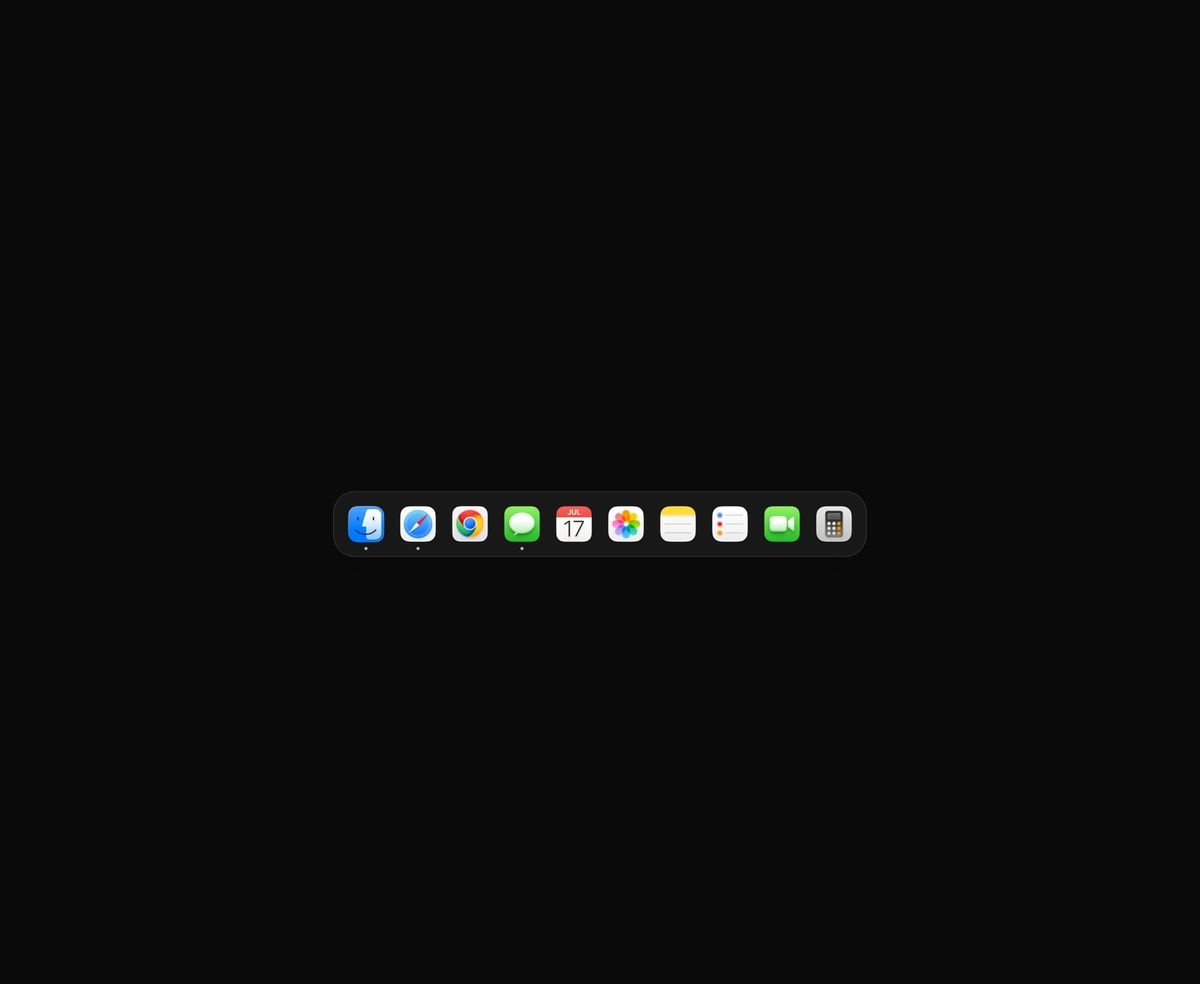
A magnetic dock where icons inflate near the cursor and push their siblings aside.
macOS Floating Dock is a React and Tailwind CSS dock navigation bar, in Next.js or any React app, where icons swell toward the cursor and push their neighbors aside like the macOS Dock. One motion value tracks the pointer and each icon derives its width from its distance on a smooth falloff, so React never re-renders while you move. Labels float above hovered icons, indicator dots mark running apps, and items become links or labelled buttons. Touch input and reduced motion keep icons at rest size. Internal links are plain anchors, so pass Next.js Link as linkComponent.
Run the following command
pnpm dlx wensity@latest add macos-floating-dock
npx wensity@latest add macos-floating-dock
yarn dlx wensity@latest add macos-floating-dock
bunx wensity@latest add macos-floating-dock
Import MacosFloatingDock from @/components/wensity/macos-floating-dock and render it anywhere in your React or Next.js app. The source lands in your own repo, so every prop, class and animation below is yours to edit.
import { MacOSFloatingDock } from "@/components/wensity/macos-floating-dock";const MAC_DOCK_ASSET_BASE ="https://assets.wensity.com/components/macOS%20Floating%20Dock/";function macDockIcon(file: string) {return (<imgsrc={`${MAC_DOCK_ASSET_BASE}${file}`}alt=""draggable={false}className="h-full w-full rounded-[22%] object-cover"/>);}export default function Example() {return (<MacOSFloatingDockitems={[{ id: "finder", label: "Finder", icon: macDockIcon("Finder.webp"), indicator: true },{ id: "safari", label: "Safari", icon: macDockIcon("Safari.webp"), indicator: true },{ id: "chrome", label: "Chrome", icon: macDockIcon("Chrome.webp") },{ id: "imessage", label: "Messages", icon: macDockIcon("iMessage.webp") },{ id: "calendar", label: "Calendar", icon: macDockIcon("Calendar.webp") },{ id: "bin", label: "Bin", icon: macDockIcon("Bin.webp") },]}/>);}
| Prop | Type | Default | Description |
|---|---|---|---|
items | MacDockItem[] | - | Dock icons with id, label, icon node, and optional indicator. |
baseSize | number | 44 | Resting icon size in pixels. |
maxSize | number | 72 | Maximum size when the cursor is directly over an icon. |
influence | number | 130 | Influence radius in pixels. Beyond this, icons return to baseSize. |
pad | number | 10 | Padding around the dock in pixels. |
gap | number | 8 | Gap between icons in pixels. |
linkComponent | React.ElementType | "a" | Component for internal hrefs. Pass Next.js Link or your router's link for client-side navigation. |
A tag input where pills pop in as you add them and slide out on remove, closing the gap without snapping the layout.

One angled GPU sweep that travels across any placeholder geometry you wrap, never a separate shimmer stuttering per row.

A dual-layer orbit glow that soft-spins around the edge of any button or link you wrap it around, at zero layout cost.
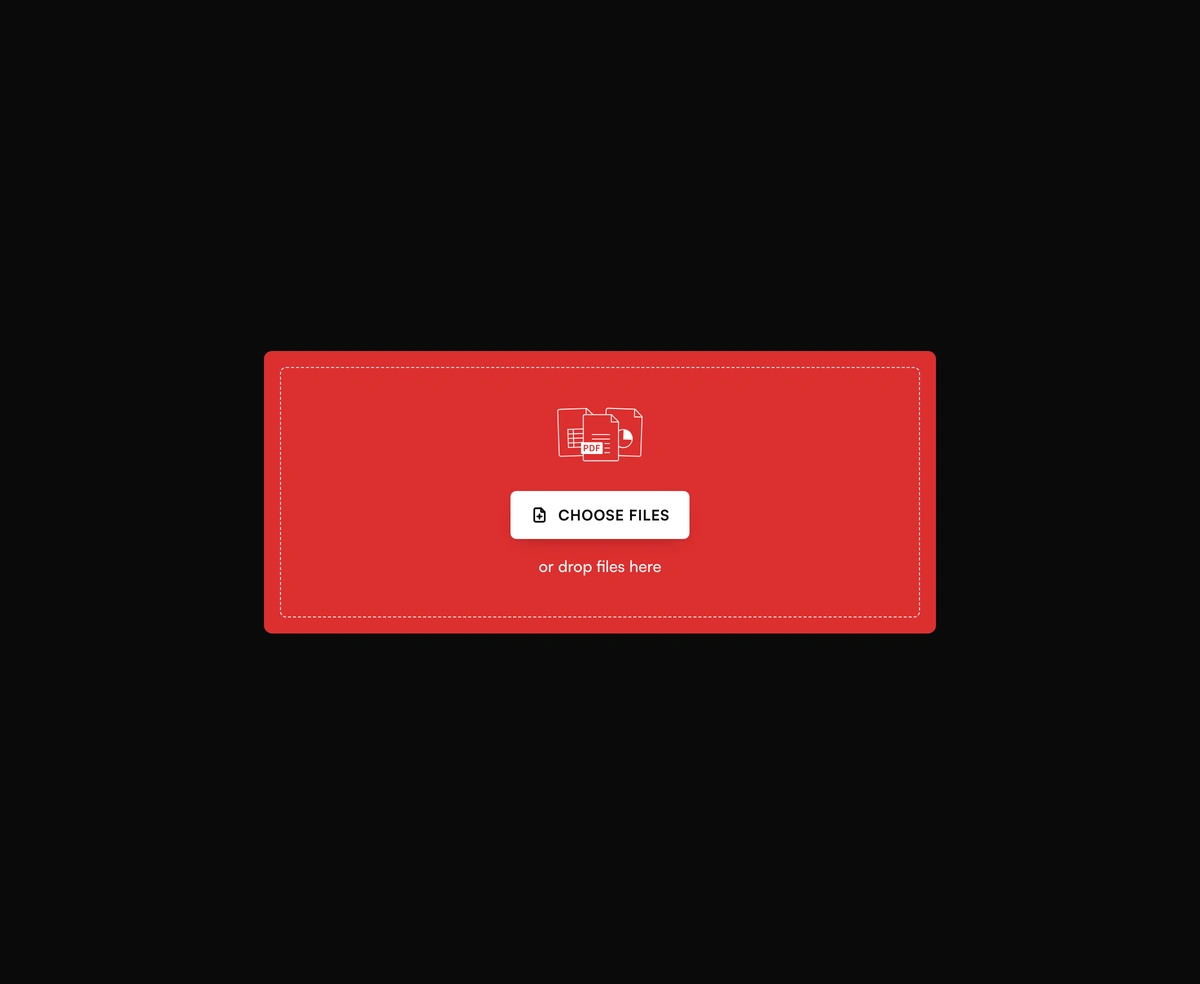
A bold red dropzone for any file, with gallery tiles and progress after upload.
Featured in React navbar components.