 Black Friday is here 🔥 Get
macOS Floating Dock
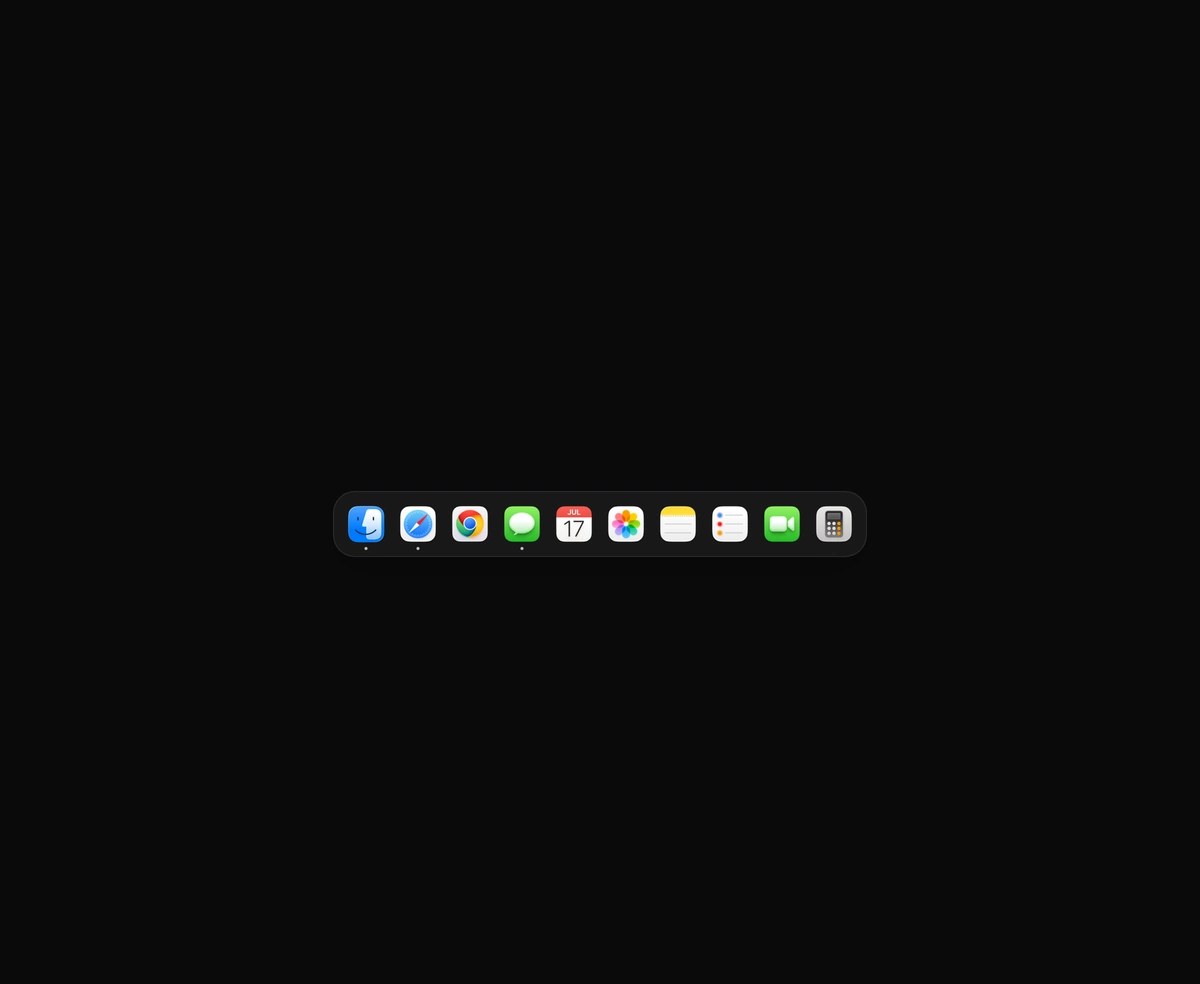
A magnetic dock where icons inflate near the cursor and push their siblings aside.
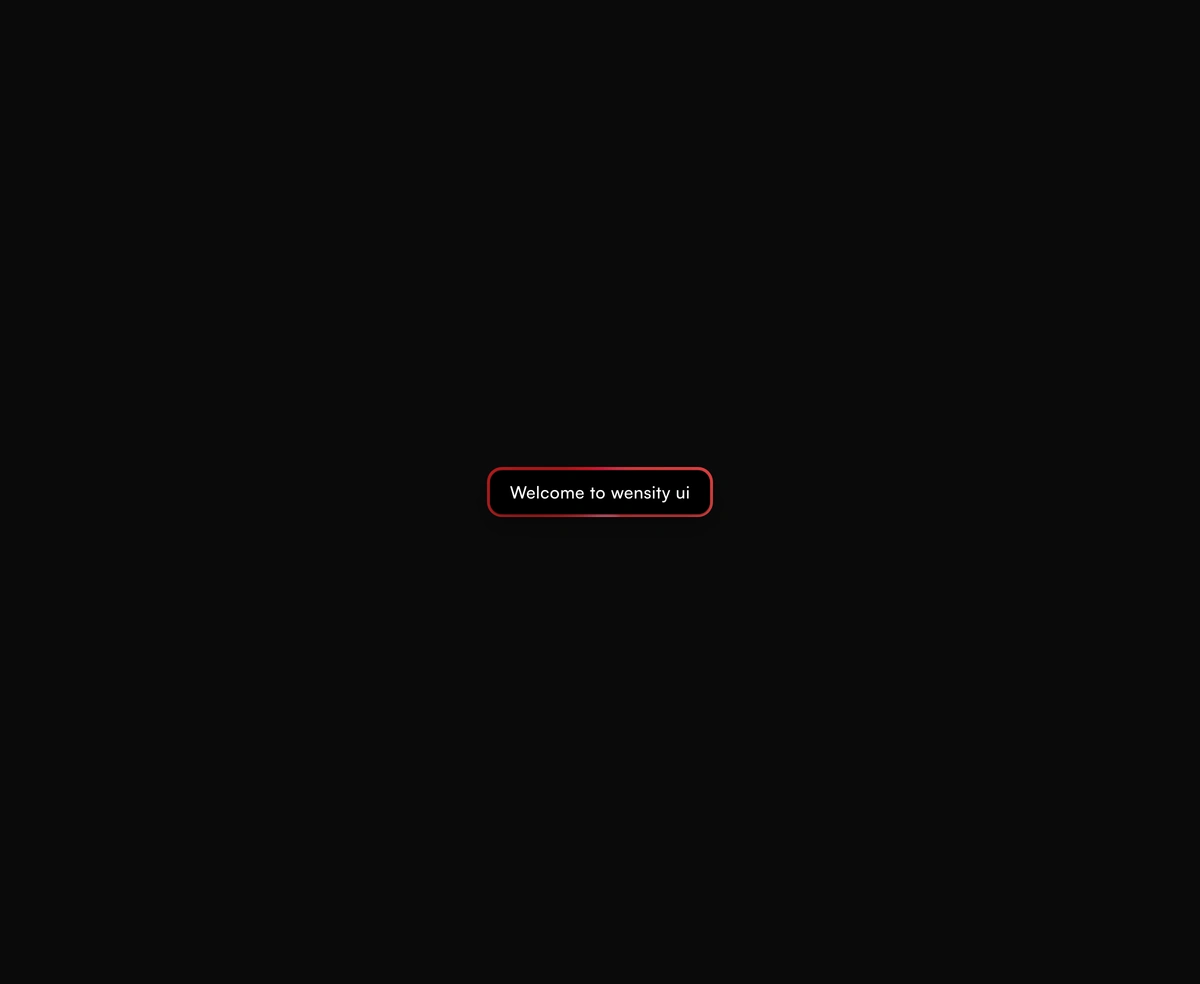
A dual-layer orbit glow that soft-spins around the edge of any button or link you wrap it around, at zero layout cost.
Cool Button is a React and Tailwind CSS animated button with a glowing orbit ring, in Next.js or any React app, with no dependencies. Two blurred red conic gradients spin in opposite directions behind the edge, and the ring grows three pixels on hover without moving the surrounding layout. It renders a link by default or a real button with as button, keeps a 44 pixel touch target, stops spinning for reduced motion, and injects its own keyframes once, so no global CSS is needed. As a link it opens in a new tab unless you pass target.
Run the following command
pnpm dlx wensity@latest add cool-button
npx wensity@latest add cool-button
yarn dlx wensity@latest add cool-button
bunx wensity@latest add cool-button
Import CoolButton from @/components/wensity/cool-button and render it anywhere in your React or Next.js app. The source lands in your own repo, so every prop, class and animation below is yours to edit.
"use client";import { CoolButton } from "@/components/wensity/cool-button";export default function Example() {return (<CoolButton as="button">Welcome to wensity ui</CoolButton>);}
| Prop | Type | Default | Description |
|---|---|---|---|
as | "a" | "button" | "a" | Render as an anchor or button. |
A magnetic dock where icons inflate near the cursor and push their siblings aside.
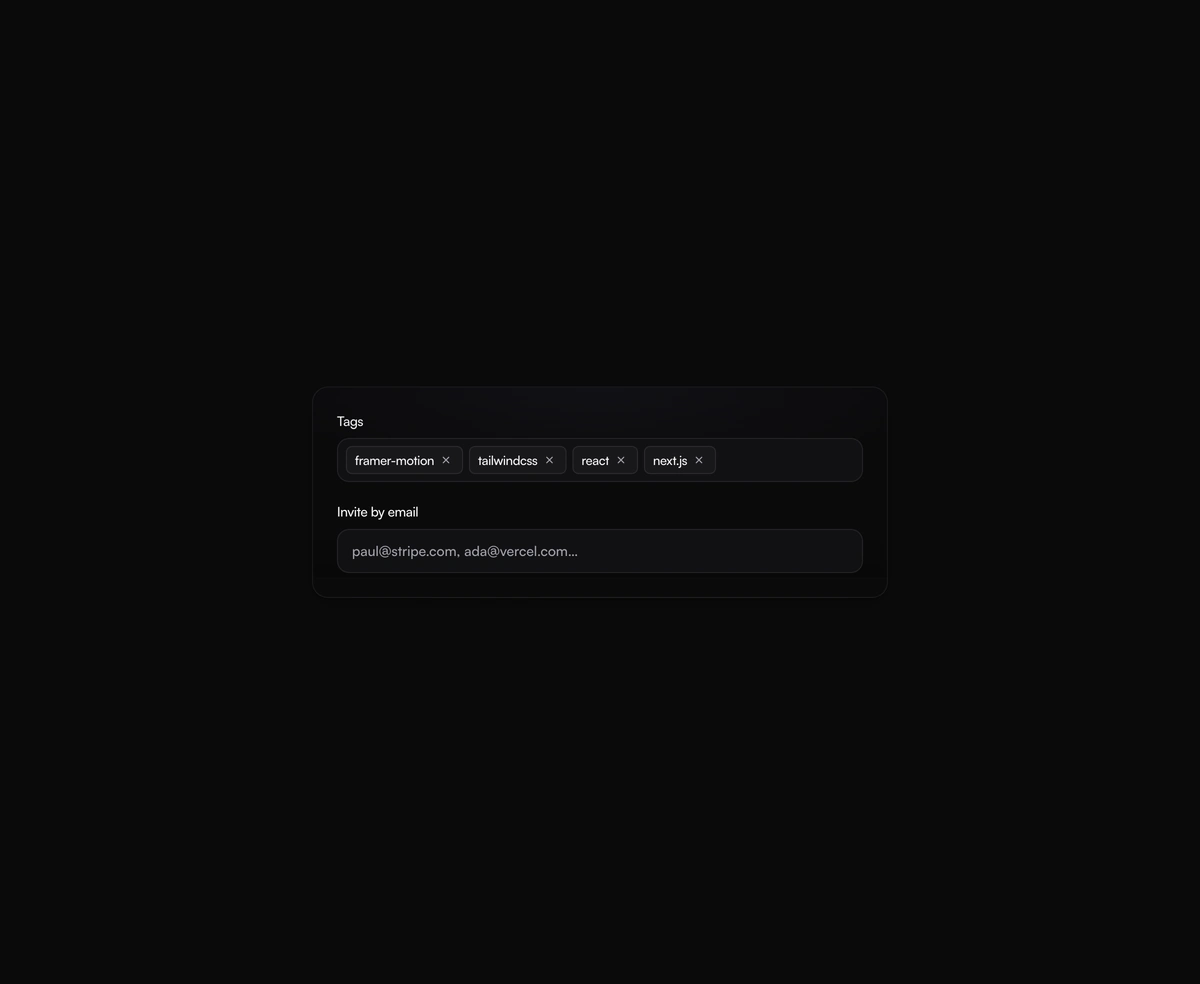
A tag input where pills pop in as you add them and slide out on remove, closing the gap without snapping the layout.
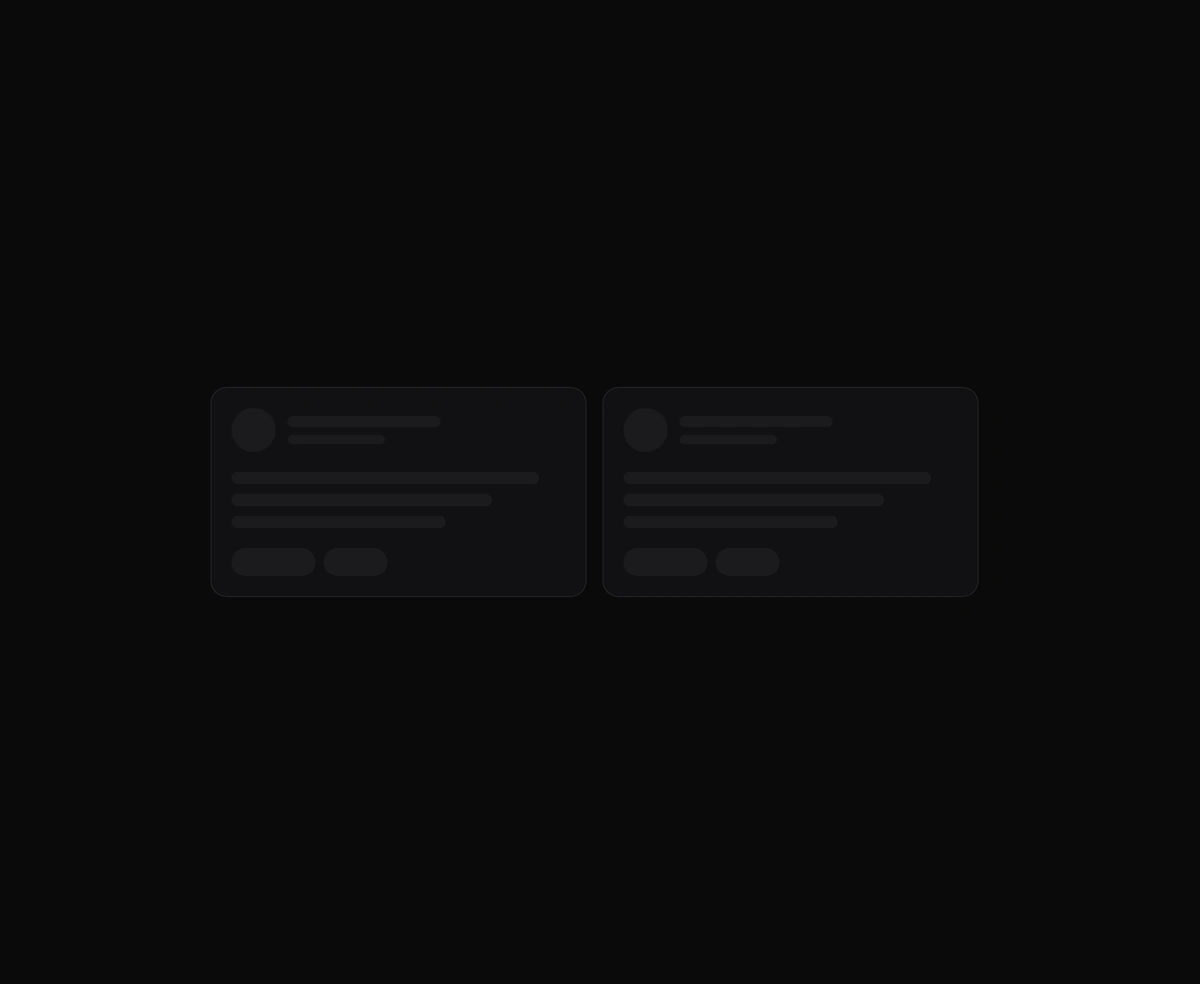
One angled GPU sweep that travels across any placeholder geometry you wrap, never a separate shimmer stuttering per row.
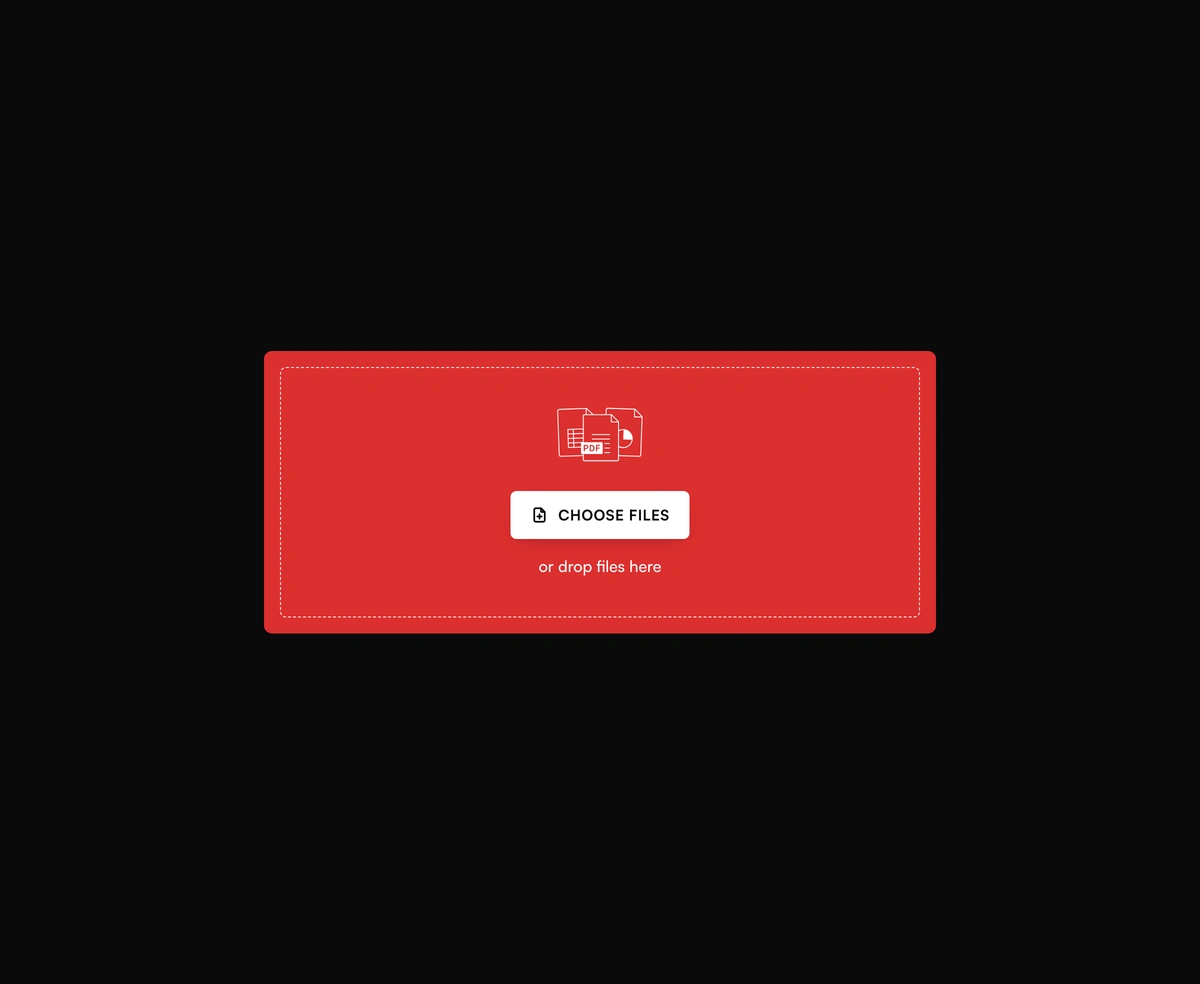
A bold red dropzone for any file, with gallery tiles and progress after upload.