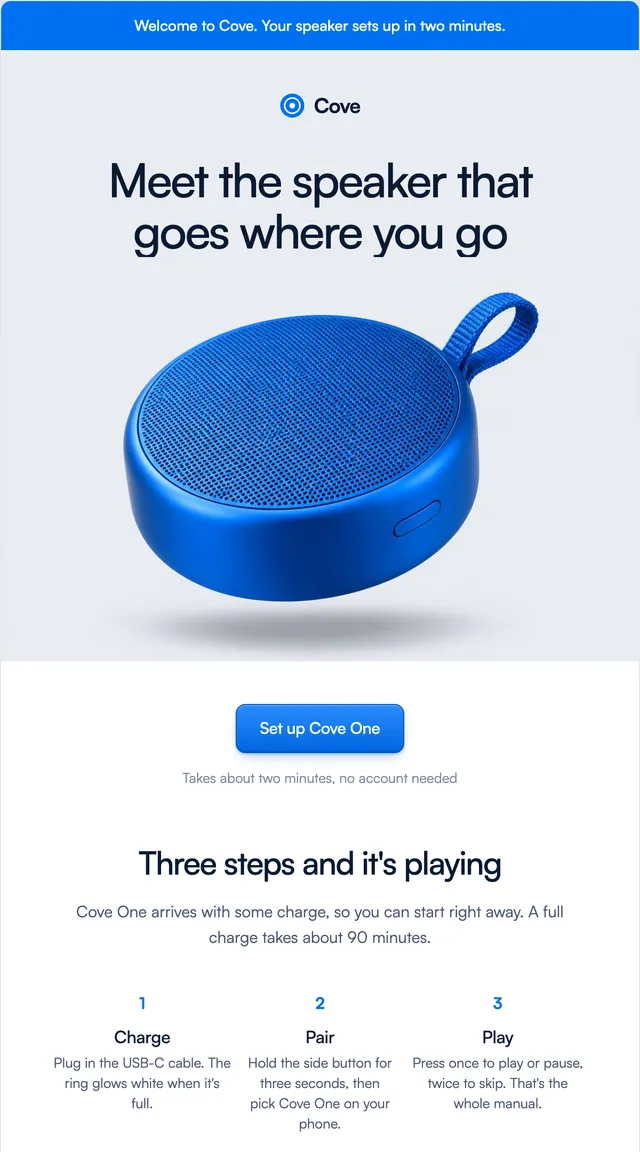
Black Friday is here 🔥 Get

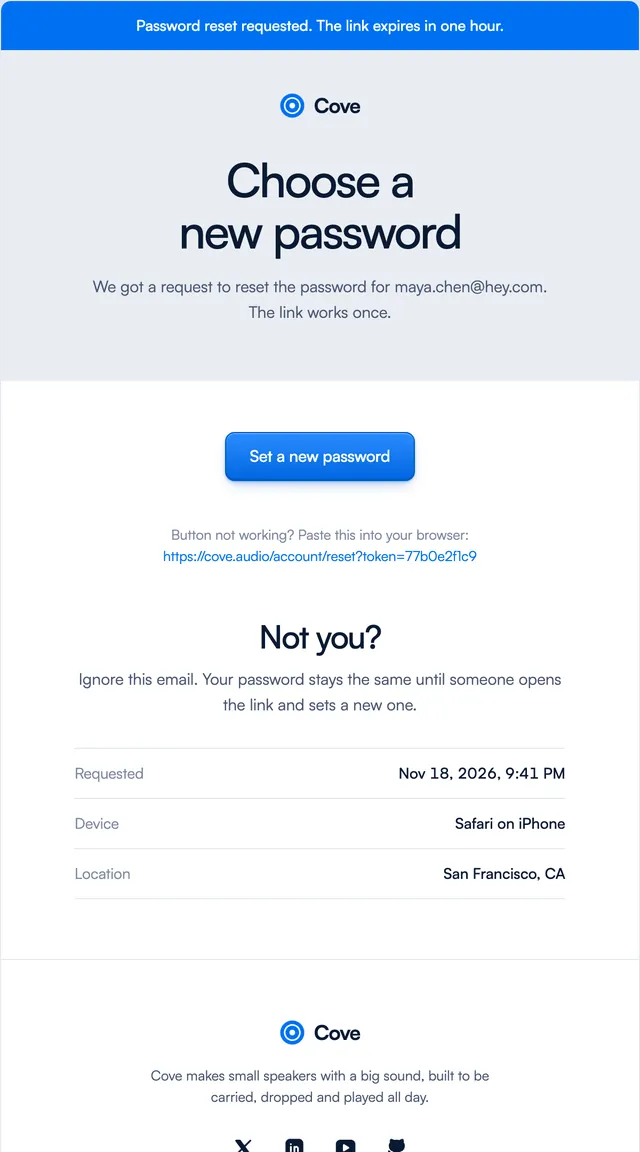
Password reset
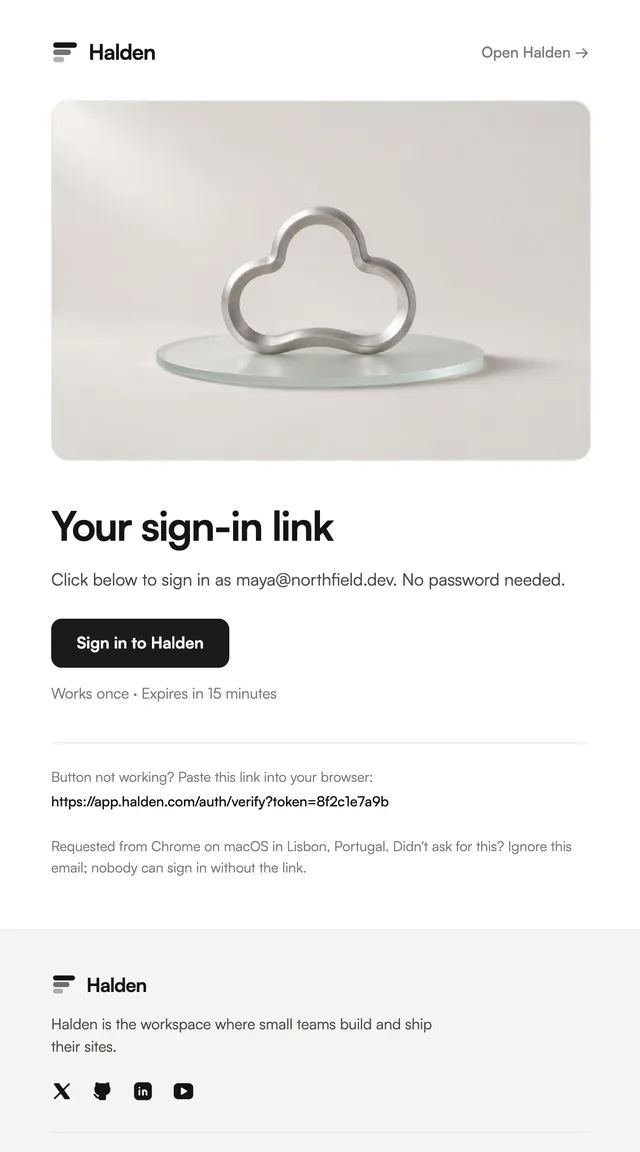
7 stylesA reset link with the time, device and place of the request.
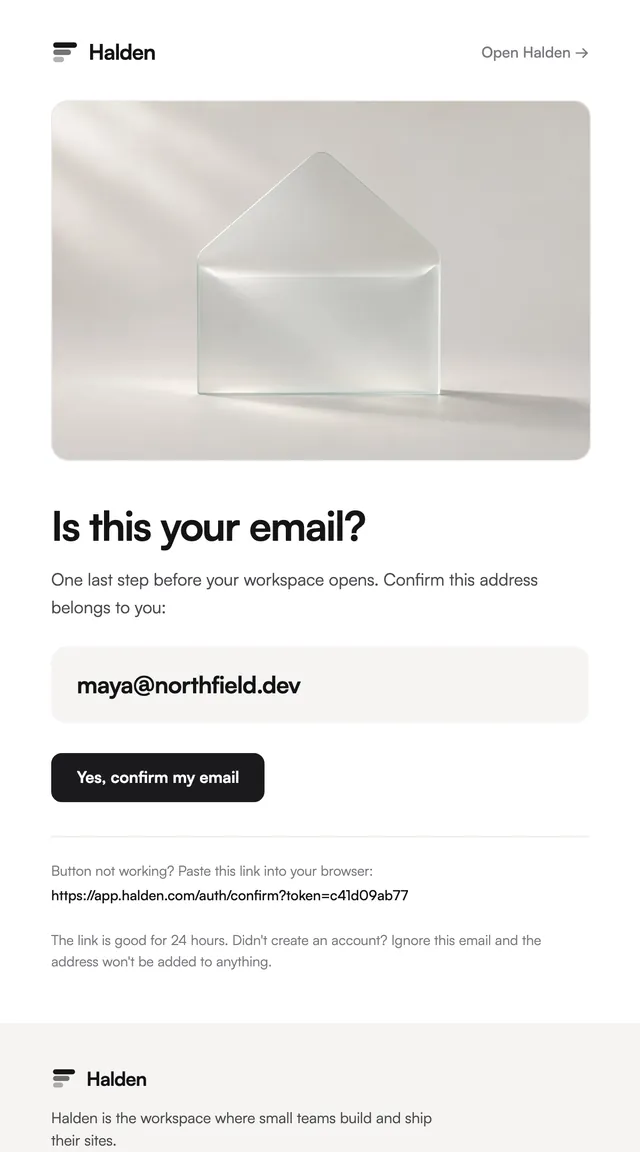
Confirm-your-address emails for sign-up, in seven styles. The address is the hero, the button answers the question.
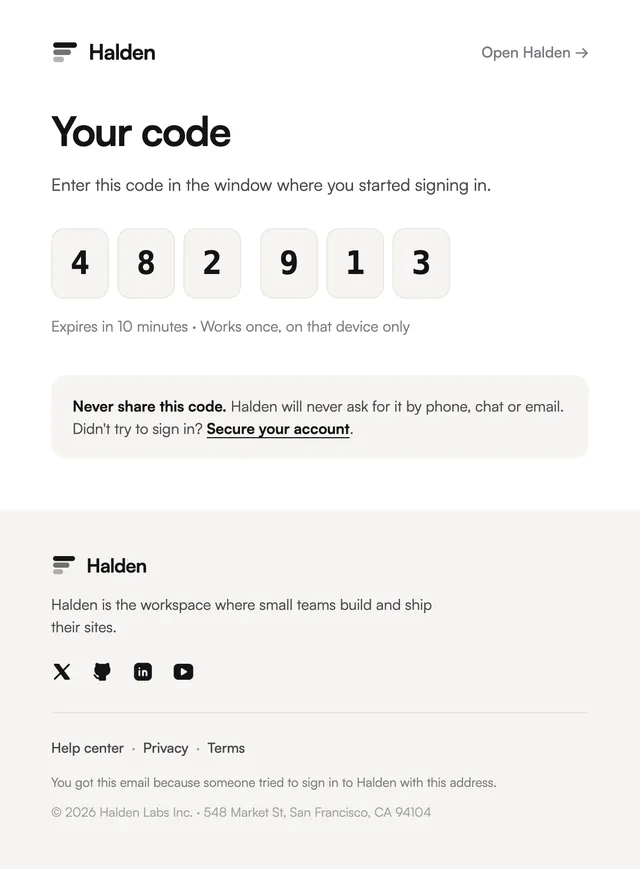
A verification email has one job: get a new user to confirm the address they typed. Each template here sets that address large so a typo is easy to spot, puts one confirm button under it, and spells the link out below for clients that block buttons. The Prism style also shows a six-digit code for the tab that is still open, and the Issue style is the double opt-in a newsletter needs. Pass the email and the confirm URL as props; the link lifetime is in the copy, so change it to match what your auth library issues.
These 7 templates are part of the 65 React Email templates that come with Wensity Pro. Each one is a single file built from React Email components, with a kit for your brand, and installs with the Wensity CLI or the MCP server.
Run the following command
pnpm dlx wensity@latest emails add vellum/verify-email
npx wensity@latest emails add vellum/verify-email
yarn dlx wensity@latest emails add vellum/verify-email
bunx wensity@latest emails add vellum/verify-email
The email lands in emails/vellum/ next to the style's kit.tsx, where you set your brand, colours and links once. It needs Wensity Pro and npx wensity@latest login.
Render the email to HTML with render() from React Email, then send it with Resend, Nodemailer, AWS SES or any provider. The data that changes per send is a typed prop.
import { render } from "react-email";import Email from "@/emails/vellum/verify-email";const html = await render(<Email {...props} />);

Parth
Founder, Wensity
Still have a question?
Ask about plans, licensing, or templates and you will hear back from me directly.
Email hey@wensity.com