Black Friday is here 🔥 Get

Shipping confirmation
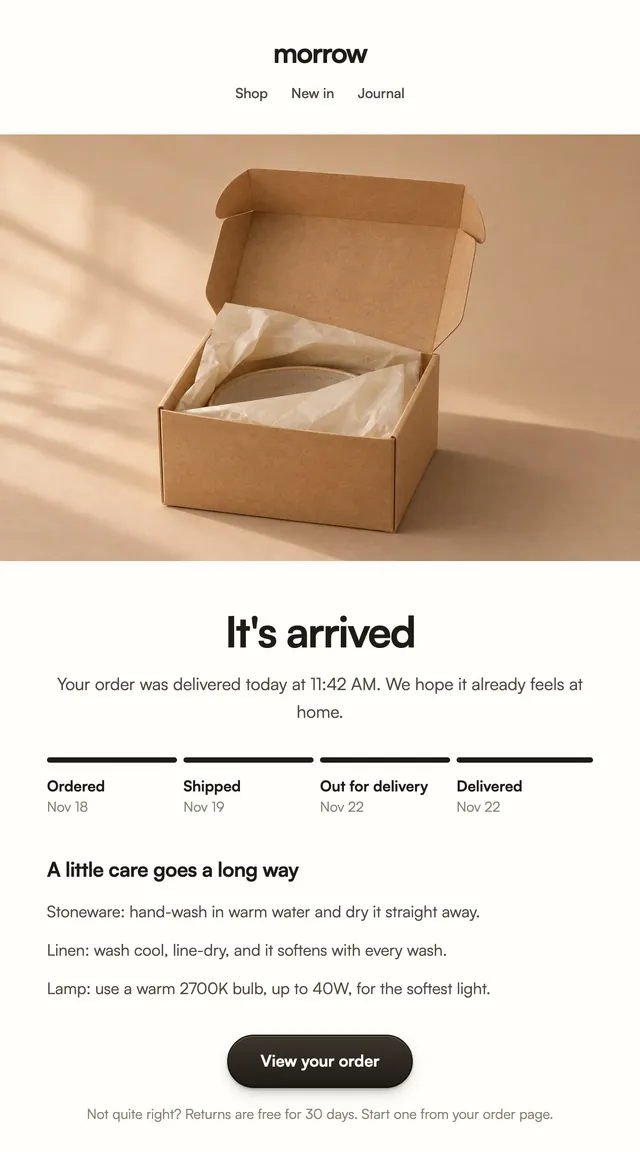
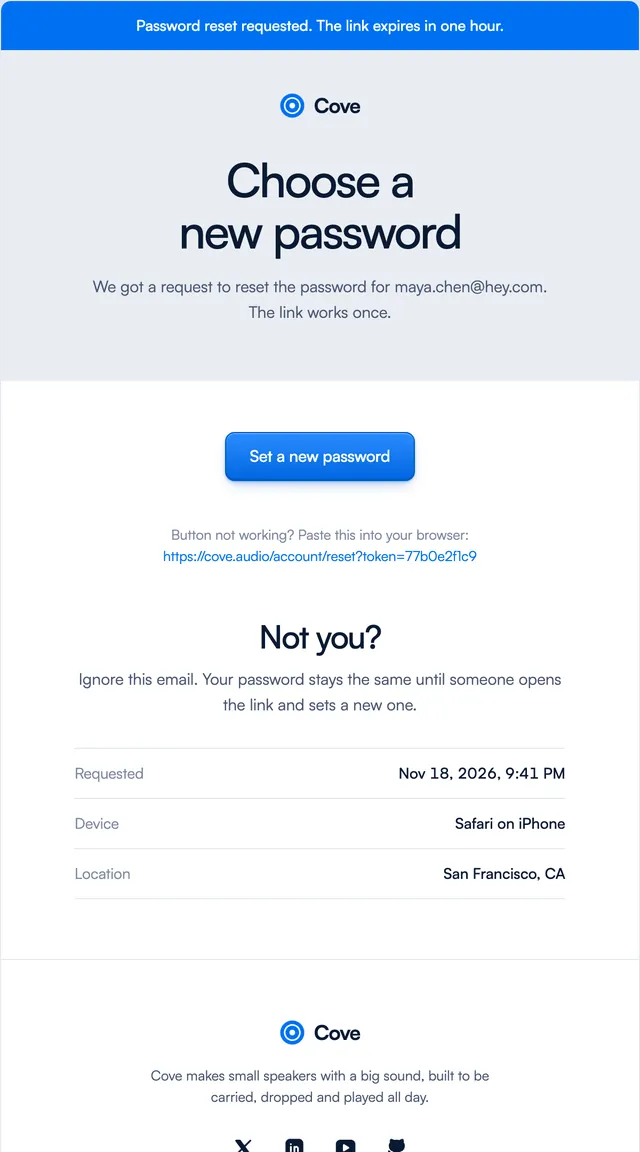
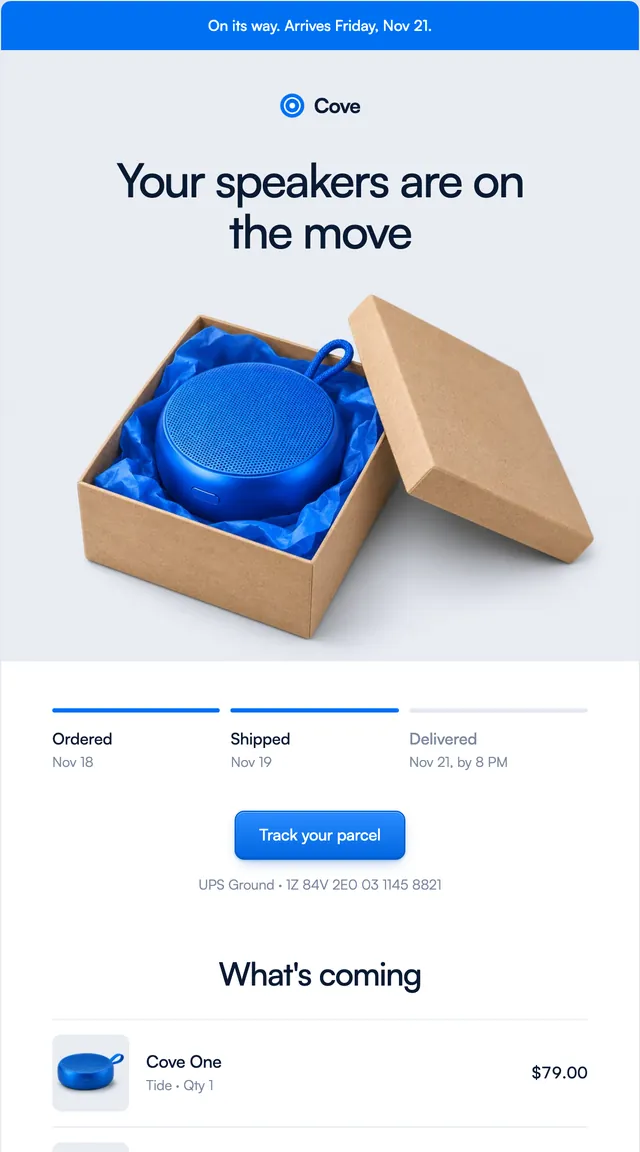
2 stylesShipped emails with delivery progress and a tracking link.
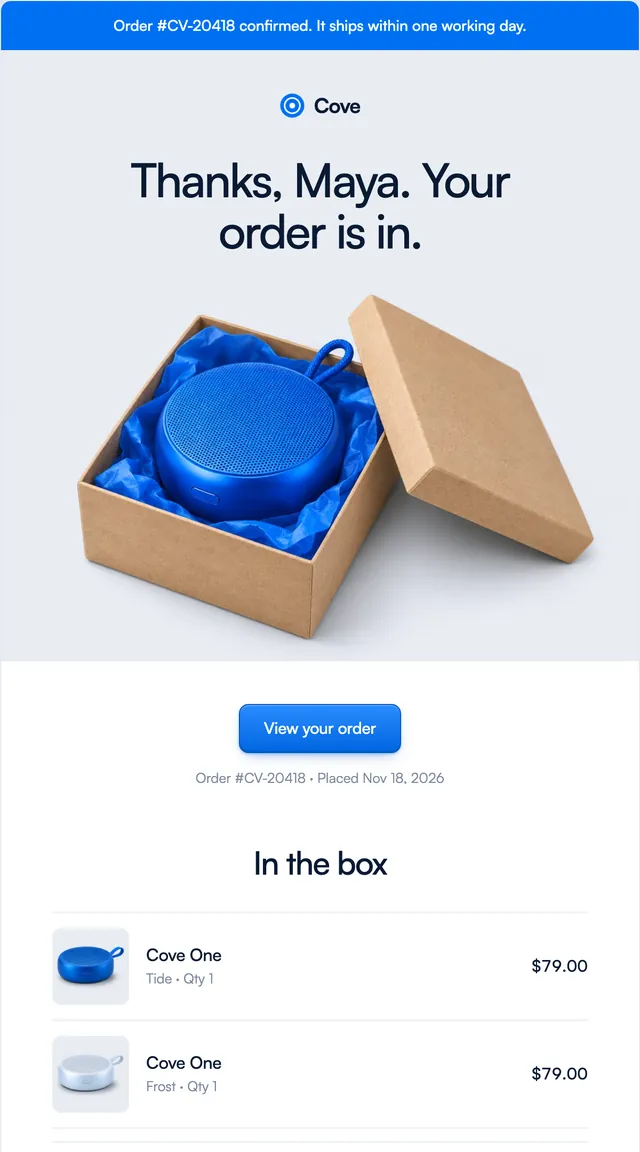
Order confirmations in two store styles: what is in the box, what it cost and when it arrives.
An order confirmation is the store email people open twice, once now and once when they wonder where the parcel is. Both templates thank the buyer by name and then show the order in full: each item with its photo, variant and price, the subtotal, shipping, tax and total, and the address and delivery window side by side. Parcel adds a shipping and returns strip above the footer; Harbor puts the box on a stage. Items, totals and addresses are props.
These 2 templates are part of the 65 React Email templates that come with Wensity Pro. Each one is a single file built from React Email components, with a kit for your brand, and installs with the Wensity CLI or the MCP server.
Run the following command
pnpm dlx wensity@latest emails add parcel/order-confirmed
npx wensity@latest emails add parcel/order-confirmed
yarn dlx wensity@latest emails add parcel/order-confirmed
bunx wensity@latest emails add parcel/order-confirmed
The email lands in emails/parcel/ next to the style's kit.tsx, where you set your brand, colours and links once. It needs Wensity Pro and npx wensity@latest login.
Render the email to HTML with render() from React Email, then send it with Resend, Nodemailer, AWS SES or any provider. The data that changes per send is a typed prop.
import { render } from "react-email";import Email from "@/emails/parcel/order-confirmed";const html = await render(<Email {...props} />);

Parth
Founder, Wensity
Still have a question?
Ask about plans, licensing, or templates and you will hear back from me directly.
Email hey@wensity.com