Black Friday is here 🔥 Get

Welcome
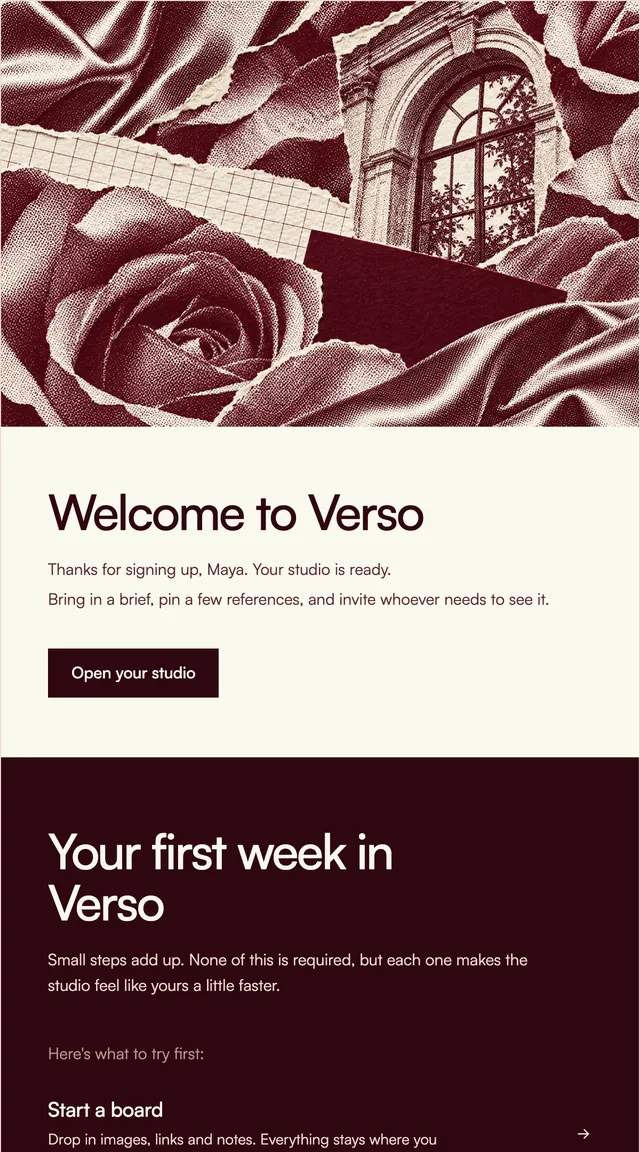
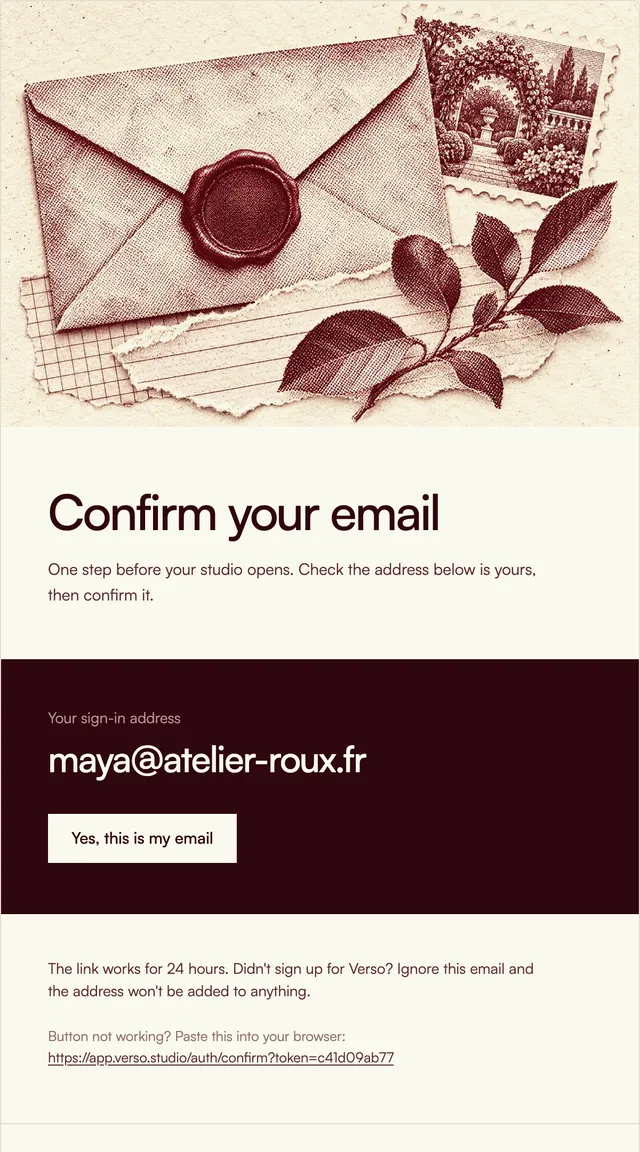
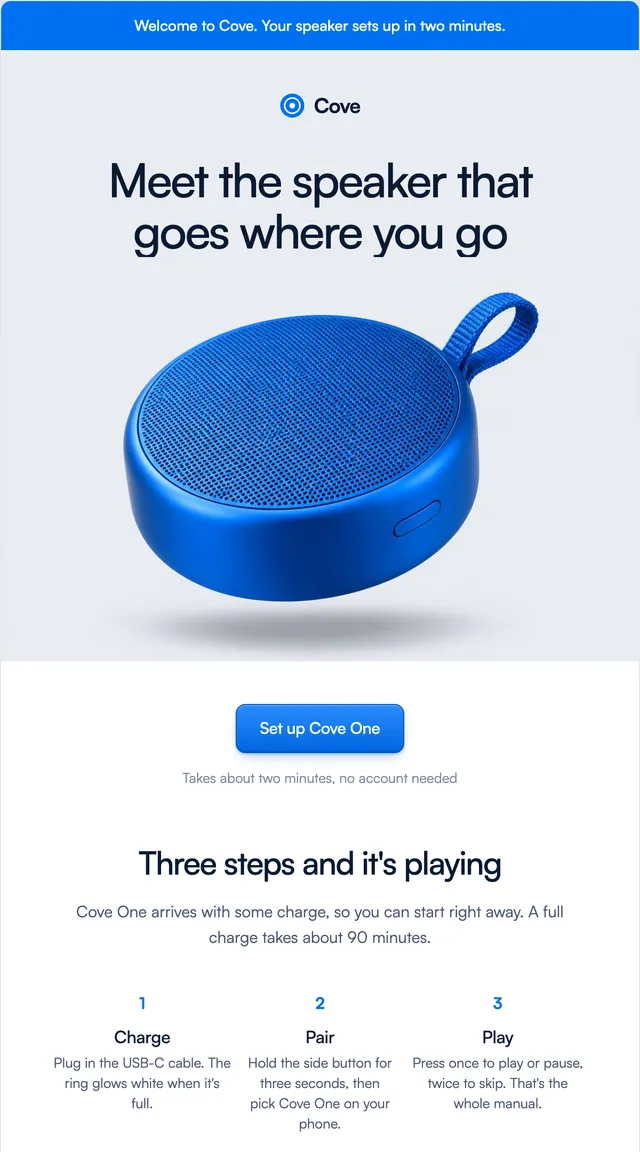
7 stylesA short hello, one clear next step and a few first things to try.
Two emails for a payments product: a payout on its way, and the month in numbers.
Money emails need to be exact and calm. The payout email sets the amount large, then when it arrives, which bank and the payout ID, and lists the payments it came from with fees as their own line. The monthly statement shows three figures on cards, the biggest payments of the month, and a button for the PDF an accountant will ask for. Every amount, date and line is a prop.
This template is part of the 65 React Email templates that come with Wensity Pro. Each one is a single file built from React Email components, with a kit for your brand, and installs with the Wensity CLI or the MCP server.
Run the following command
pnpm dlx wensity@latest emails add prism/payout-sent
npx wensity@latest emails add prism/payout-sent
yarn dlx wensity@latest emails add prism/payout-sent
bunx wensity@latest emails add prism/payout-sent
The email lands in emails/prism/ next to the style's kit.tsx, where you set your brand, colours and links once. It needs Wensity Pro and npx wensity@latest login.
Render the email to HTML with render() from React Email, then send it with Resend, Nodemailer, AWS SES or any provider. The data that changes per send is a typed prop.
import { render } from "react-email";import Email from "@/emails/prism/payout-sent";const html = await render(<Email {...props} />);