Black Friday is here 🔥 Get

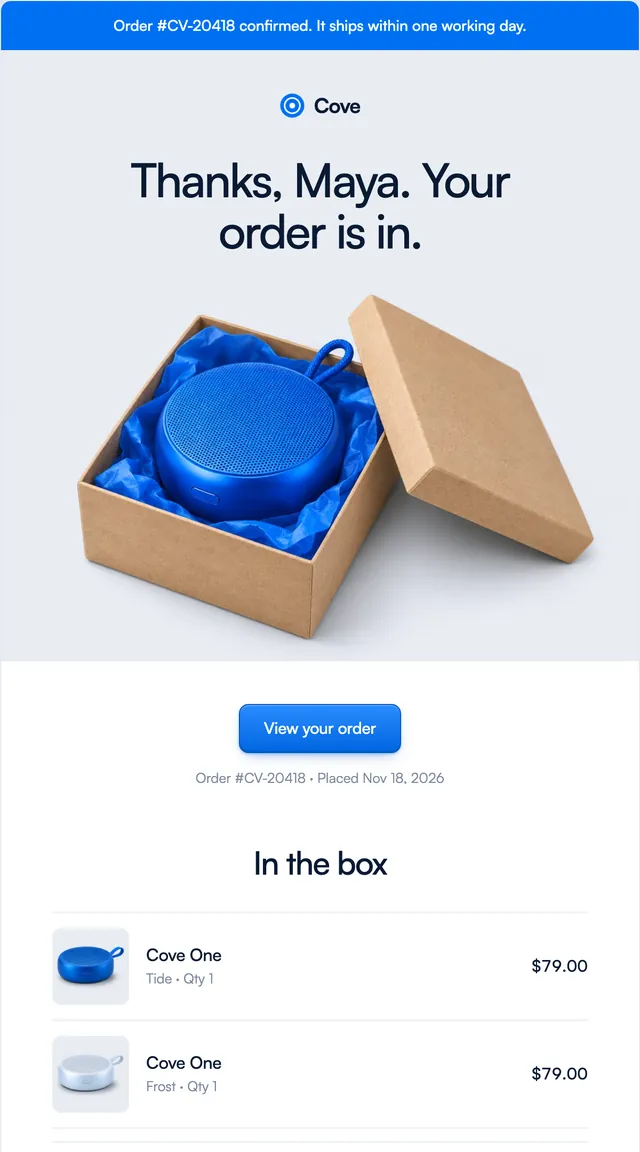
Order confirmation
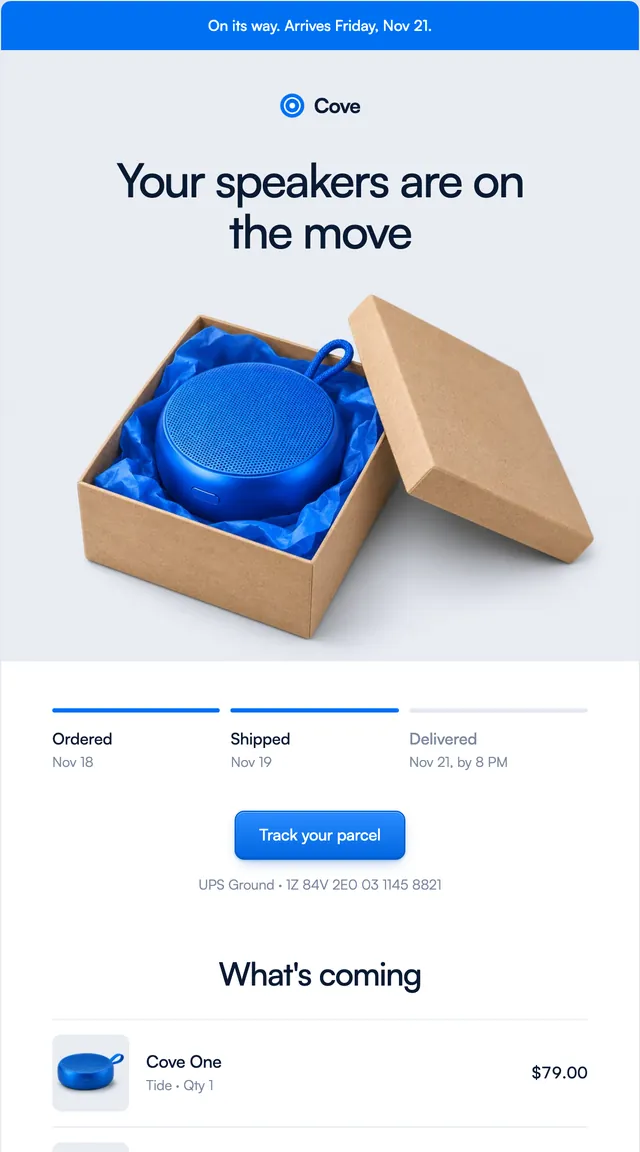
2 stylesWhat is in the box, what it cost and when it arrives.
Digest emails in two styles: the week's numbers with a bar chart, a Monday plan, and a week in review.
A digest earns its place by being skimmable. The Ledger digest opens with three numbers, then a bar chart of the week built from table cells, so it renders in every client with no images. The Grove pair are planner emails: a Monday plan with today's three tasks and the rest of the week as quiet rows, and a week in review with big figures, a bar per day and what carries over. The numbers, days and tasks are all props.
These 3 templates are part of the 65 React Email templates that come with Wensity Pro. Each one is a single file built from React Email components, with a kit for your brand, and installs with the Wensity CLI or the MCP server.
Run the following command
pnpm dlx wensity@latest emails add grove/week-in-review
npx wensity@latest emails add grove/week-in-review
yarn dlx wensity@latest emails add grove/week-in-review
bunx wensity@latest emails add grove/week-in-review
The email lands in emails/grove/ next to the style's kit.tsx, where you set your brand, colours and links once. It needs Wensity Pro and npx wensity@latest login.
Render the email to HTML with render() from React Email, then send it with Resend, Nodemailer, AWS SES or any provider. The data that changes per send is a typed prop.
import { render } from "react-email";import Email from "@/emails/grove/week-in-review";const html = await render(<Email {...props} />);