
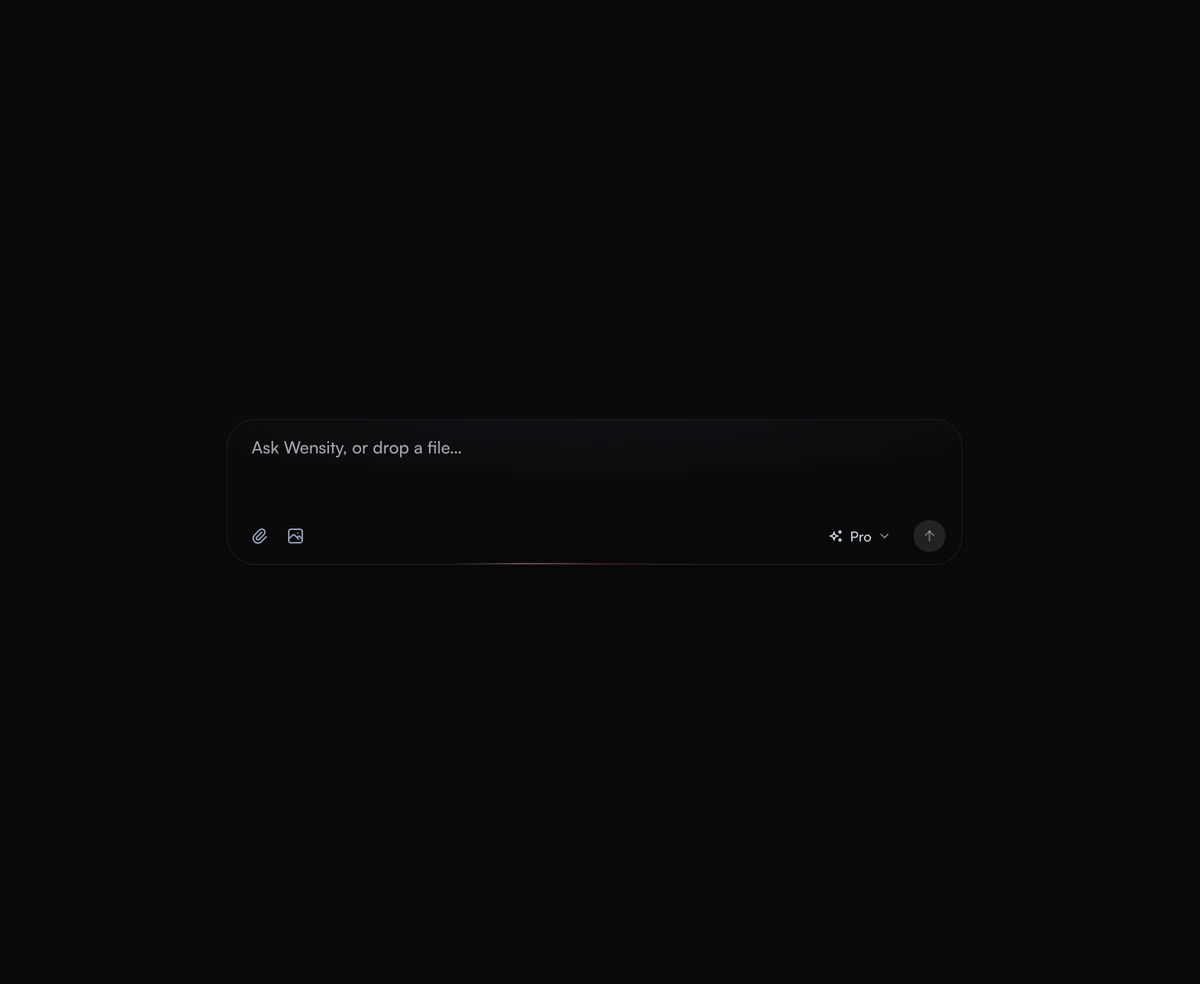
AI Prompt Input
An expanding prompt area with a glowing drop zone that breathes open to meet you as you type a thought or drag a file.
An AI button for React that runs your async action, with an animated sparkle, a shimmering loading label, stop and done.
AI Button is a React and Tailwind CSS button for AI actions such as Generate or Summarize, with loading, stop and done states, in Next.js or any React app. Return a promise from onClick and it runs every state itself: the label shimmers and the sparkle icon turns, then a check draws in or Try again appears. Clicking mid run aborts the signal it hands you, so pass that signal to fetch. Screen readers hear each state, and reduced motion holds everything still. A shortcut listens on the whole window, so give each button its own letter.
Run the following command
pnpm dlx wensity@latest add ai-button
npx wensity@latest add ai-button
yarn dlx wensity@latest add ai-button
bunx wensity@latest add ai-button
Import AiButton from @/components/wensity/ai-button and render it anywhere in your React or Next.js app. The source lands in your own repo, so every prop, class and animation below is yours to edit.
"use client";import { AiButton } from "@/components/wensity/ai-button";export default function Example() {return (<AiButtonvariant="gradient"loadingLabel={["Thinking", "Writing"]}onClick={async (_, { signal }) => {const res = await fetch("/api/summarize", { method: "POST", signal });if (!res.ok) throw new Error("Failed");}}>Summarize</AiButton>);}
| Prop | Type | Default | Description |
|---|---|---|---|
onClick | (event, { signal }) => void | Promise<unknown> | - | Runs the action. Return a promise and the button shows loading, done and error by itself. Clicking while it runs aborts signal. |
children | ReactNode | "Generate" | The label. |
variant | "solid" | "gradient" | "ember" | "mesh" | "soft" | "solid" | A graphite key (white in dark mode), deep indigo with a fine grain, chili red falling into deep ember, violet and blue light that drifts while hovered or working, or a quiet surface with one hairline. |
loadingLabel | string | string[] | "Generating" | Shown while loading. Several labels take turns. |
doneLabel | string | "Done" | Shown with the check once the action resolves. |
errorLabel | string | "Try again" | Shown when the action rejects. |
status | "idle" | "loading" | "done" | "error" | - | Controls the state from outside instead of the returned promise. |
onStop | () => void | - | Called when the user stops a running action. Also makes a controlled loading state stoppable. |
shortcut | string | - | A letter that presses the button with Cmd or Ctrl held, shown beside the label. |
iconOnly | boolean | false | Only the sparkle, in a square key. The label becomes its accessible name. |
size | "sm" | "md" | "lg" | "md" | Height and text size. |
resetAfter | number | 1800 | Milliseconds the done and error states stay before the button is ready again. |
An expanding prompt area with a glowing drop zone that breathes open to meet you as you type a thought or drag a file.
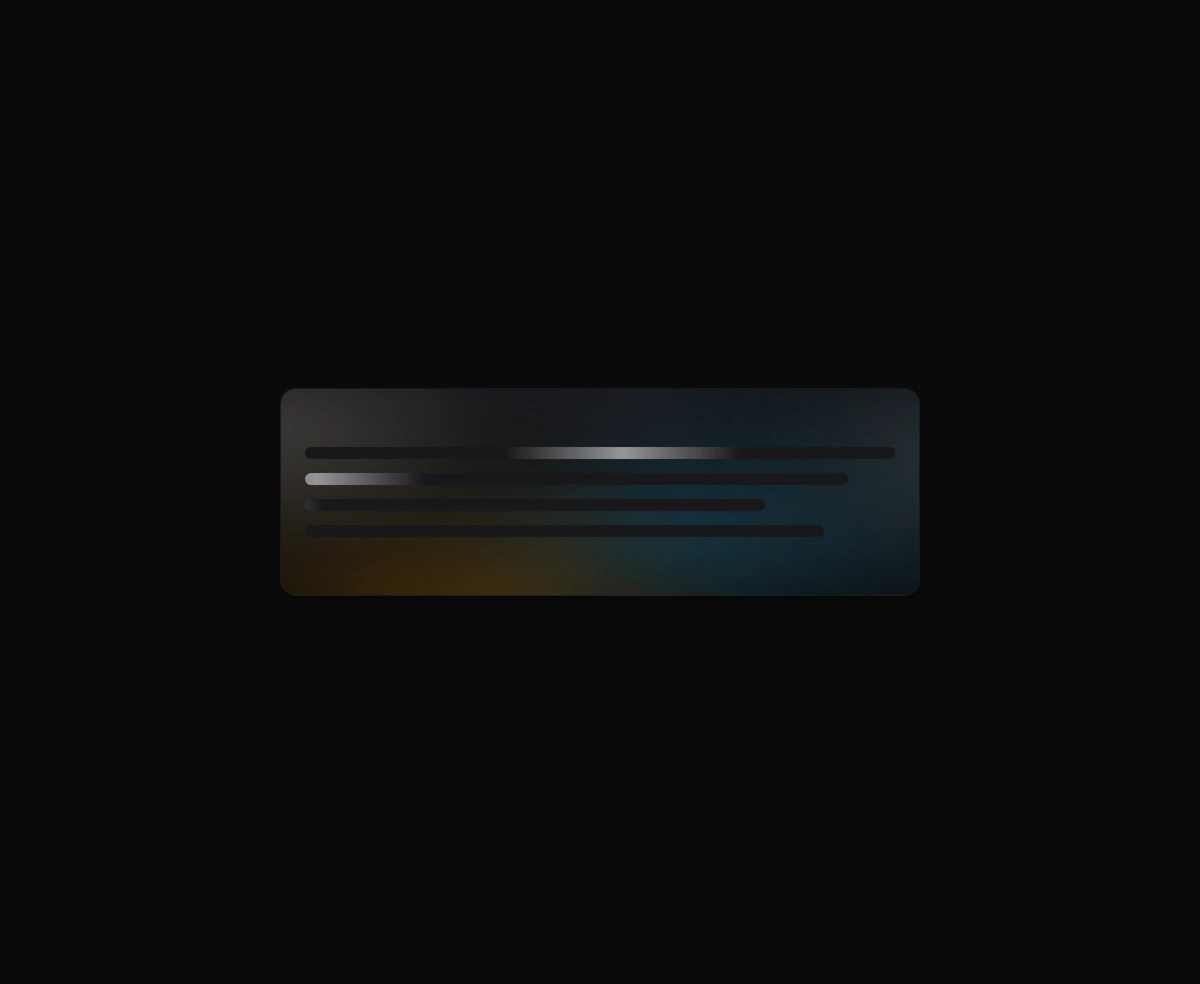
An organic loading state instead of a spinner, with a slow aurora that breathes in the space where your content will land.
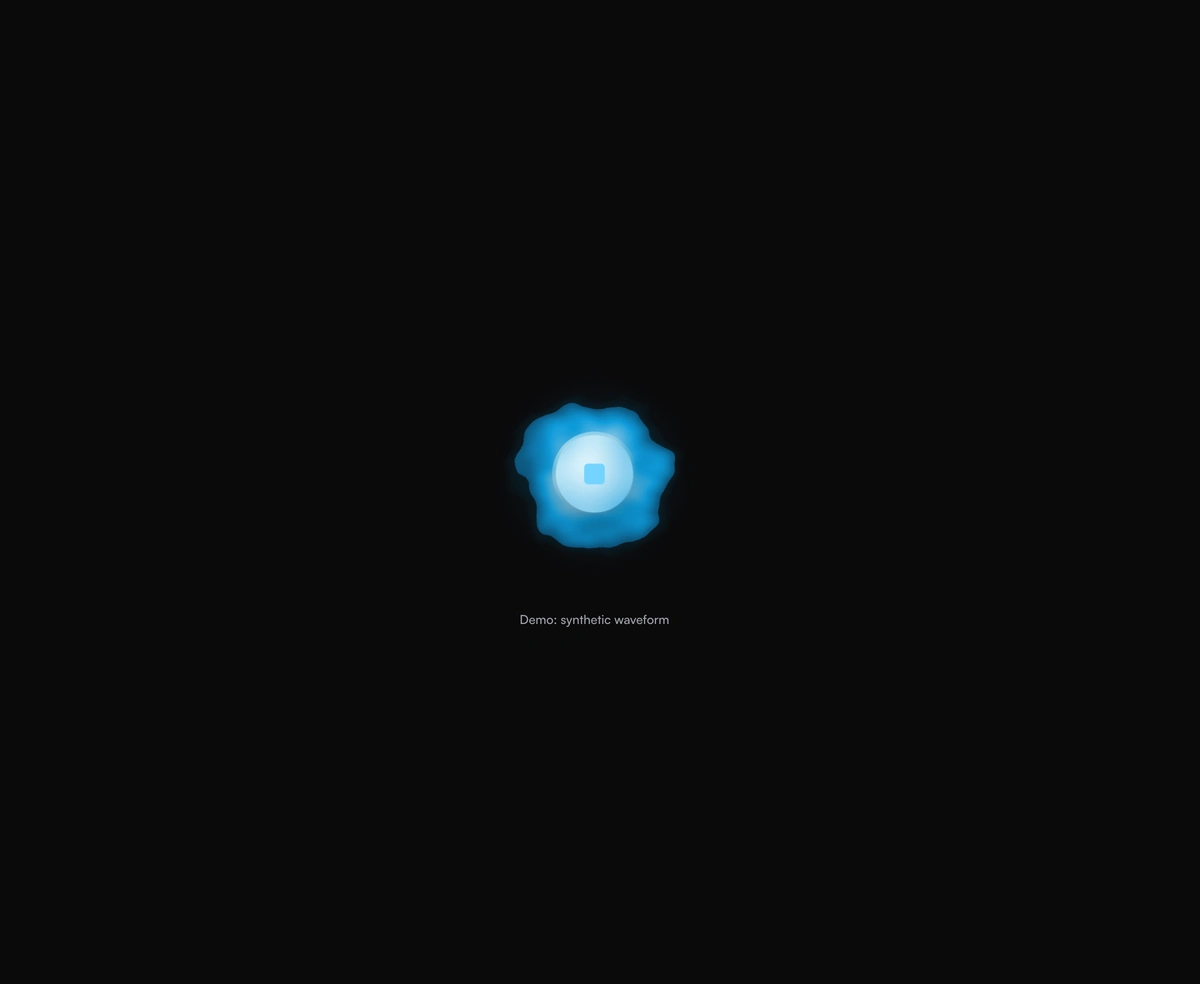
A breathing voice orb that swells with speech and settles between turns, never jittery and always organic to look at.

An AI model selector dropdown that scales out from its trigger and glides the selection pill to whichever model you pick.
Featured in React AI chat UI components.