 Halloween only 🎃 Get
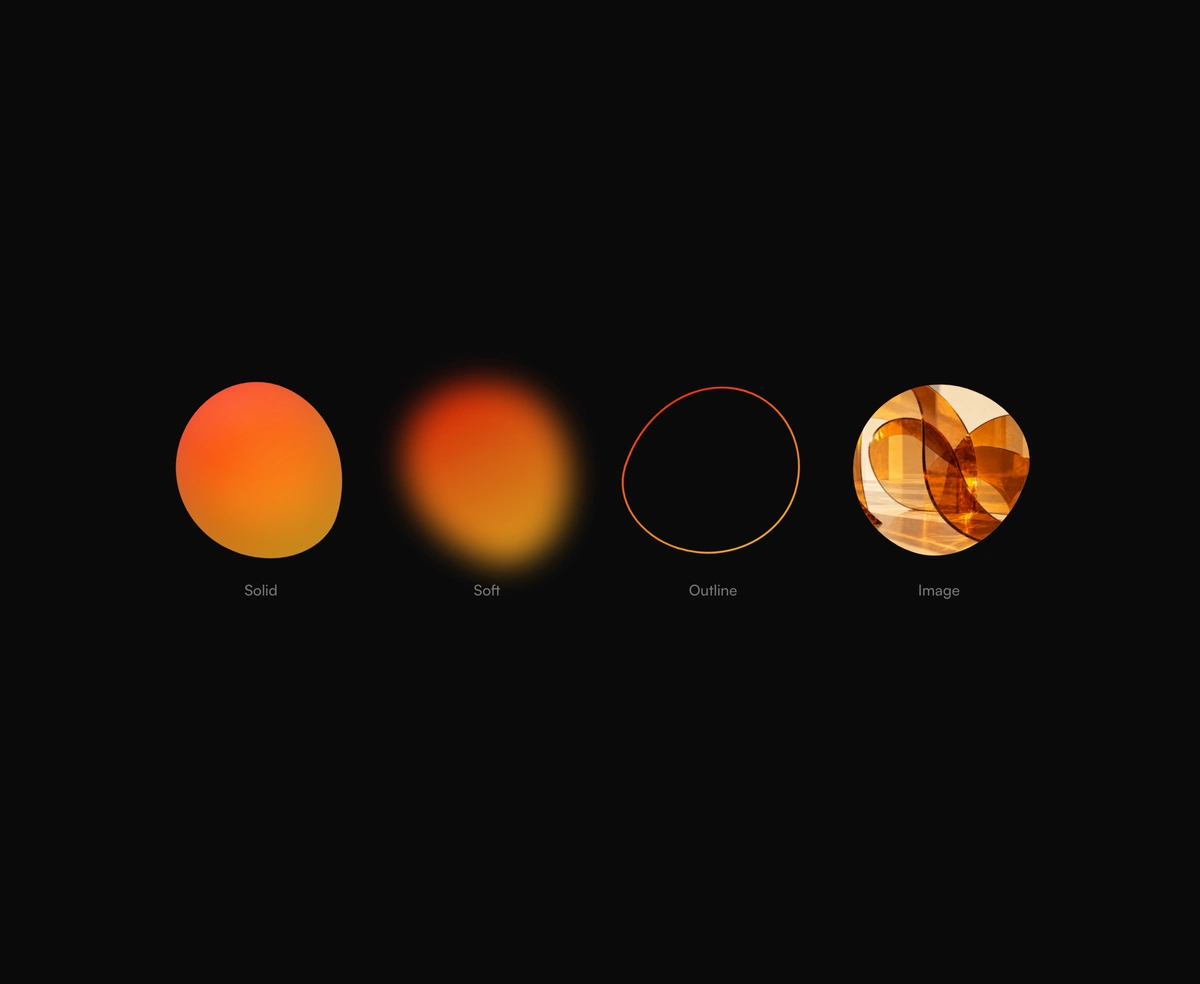
Blob Animation
Blob animation in CSS: a morphing gradient blob, soft glow, outline, or image mask.
Lava lamp background for React heroes: soft gradient shapes that drift and melt.
Morphing Shape Background is a React and Tailwind CSS lava lamp background for hero sections, in Next.js or any React app, with no dependencies. Soft gradient shapes drift and melt behind your content under heavy blur, so it reads as a slow, blurred gradient background rather than distinct shapes. Each shape is a div whose border radius and rotation run on keyframes, with no SVG path morphing, and a grain overlay removes color banding. Pass your own shape set or keep the chili, sky, and amber palette, and render hero content above it as children. Reduced motion stops the drift.
Run the following command
pnpm dlx wensity@latest add morphing-shape-background
npx wensity@latest add morphing-shape-background
yarn dlx wensity@latest add morphing-shape-background
bunx wensity@latest add morphing-shape-background
Import MorphingShapeBackground from @/components/wensity/morphing-shape-background and render it anywhere in your React or Next.js app. The source lands in your own repo, so every prop, class and animation below is yours to edit.
"use client";import { MorphingShapeBackground } from "@/components/wensity/morphing-shape-background";export function MorphingShapeBackgroundDemo() {return (<MorphingShapeBackground grain className="min-h-[600px] rounded-3xl"><div className="flex h-[600px] items-center justify-center"><h1 className="font-heading text-6xl font-extrabold tracking-tight text-white">Ship faster.</h1></div></MorphingShapeBackground>);}
| Prop | Type | Default | Description |
|---|---|---|---|
blobs | MorphingShapeBlob[] | - | Custom shape set. Falls back to a chili / sky / amber palette. |
grain | boolean | true | Add an inline grain overlay on top to kill color banding. |
children | React.ReactNode | - | Optional foreground content rendered above the shapes and grain. |
Blob animation in CSS: a morphing gradient blob, soft glow, outline, or image mask.
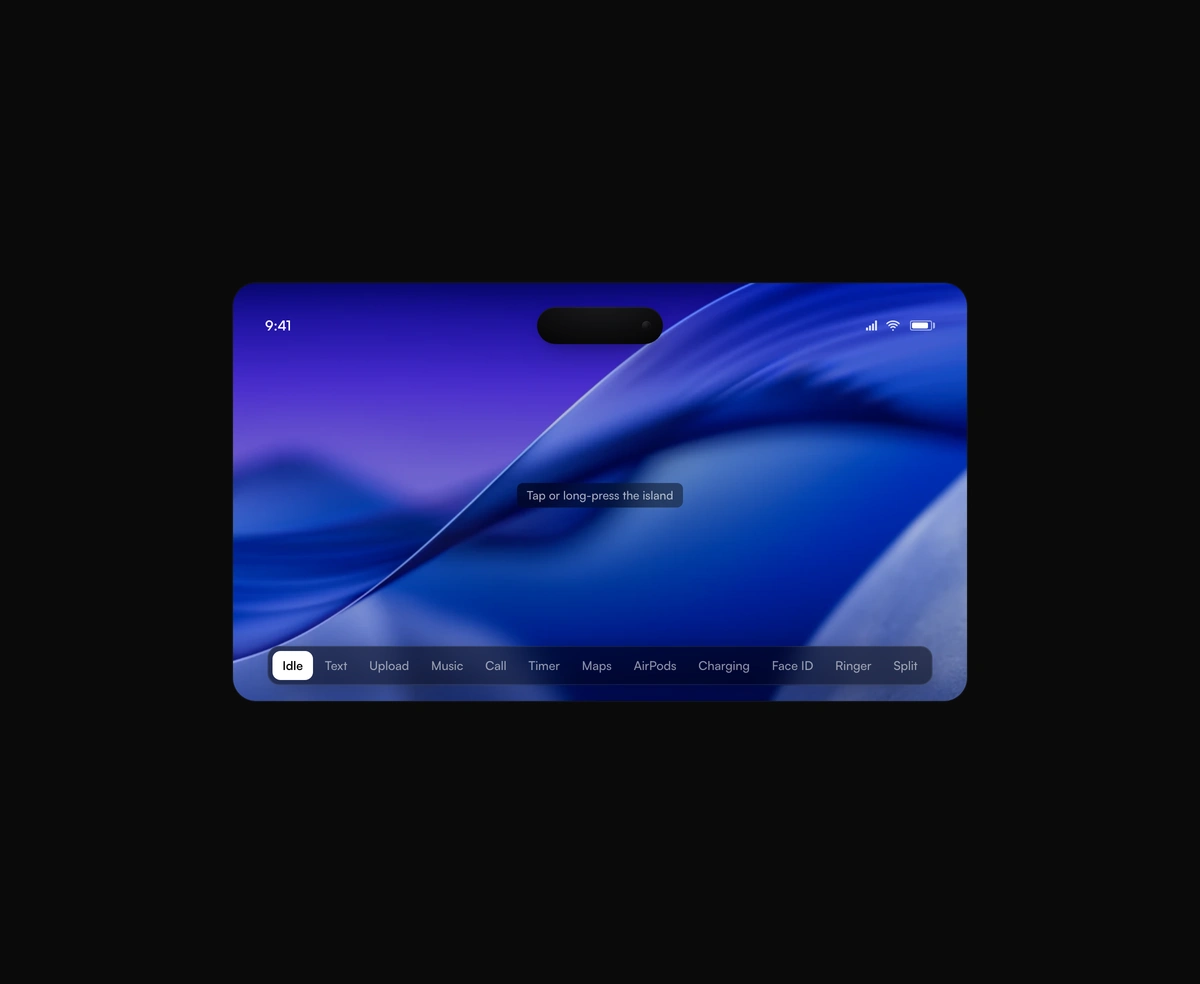
A pixel-faithful Apple Dynamic Island that morphs, splits, and breathes while it hosts live activities inside your app.
A seamless, GPU-only logo strip that never stutters or snaps at the loop point.
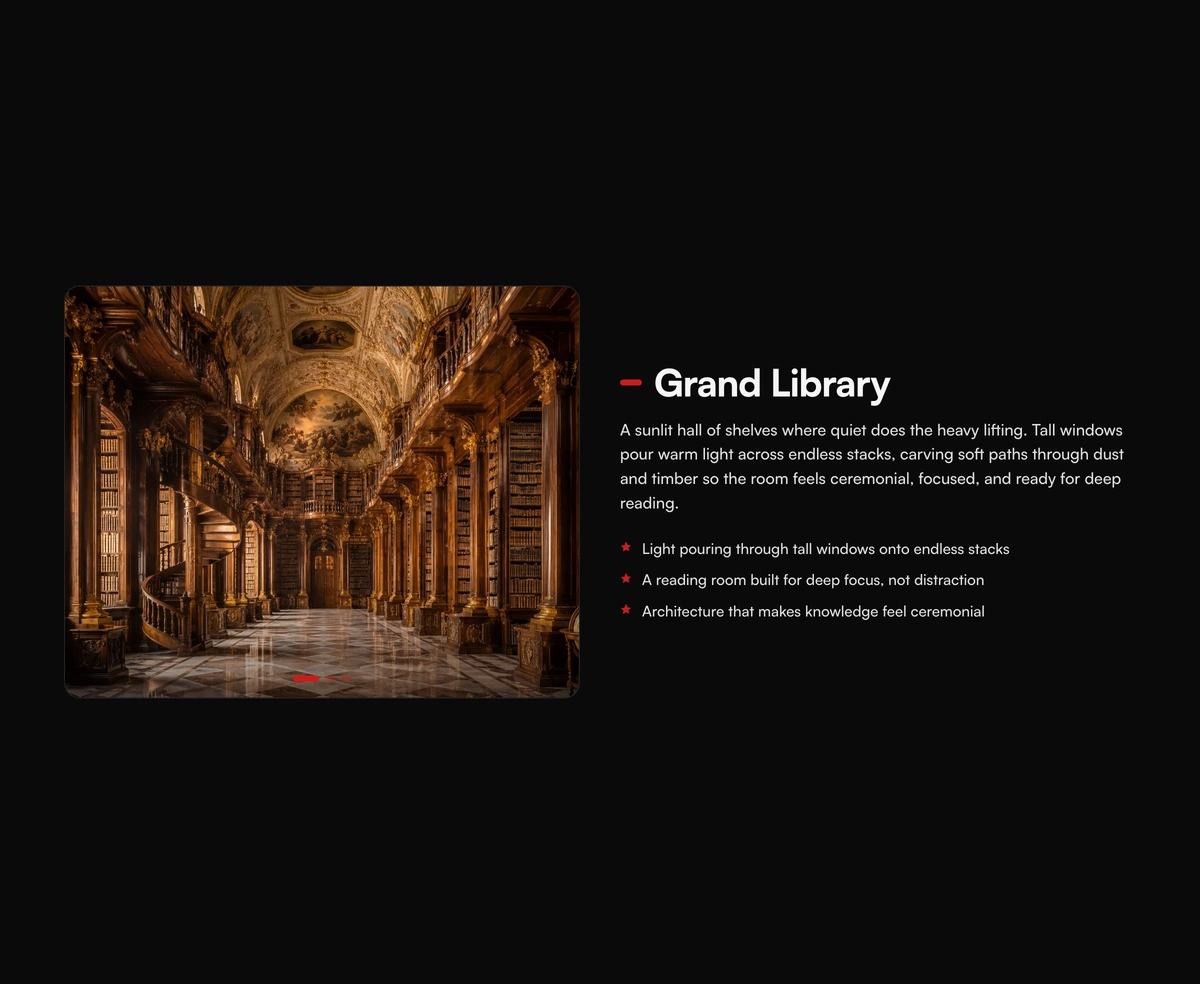
A pinned cinematic section that morphs in lock-step with scroll, staying perfectly in sync whichever way you travel.
Featured in React animated backgrounds.