Pricing Sections
Interactive pricing sections with usage sliders, plan comparisons, billing switches, live receipts, and honest totals.
Every pricing section here is included with Wensity Pro.
How to choose a pricing section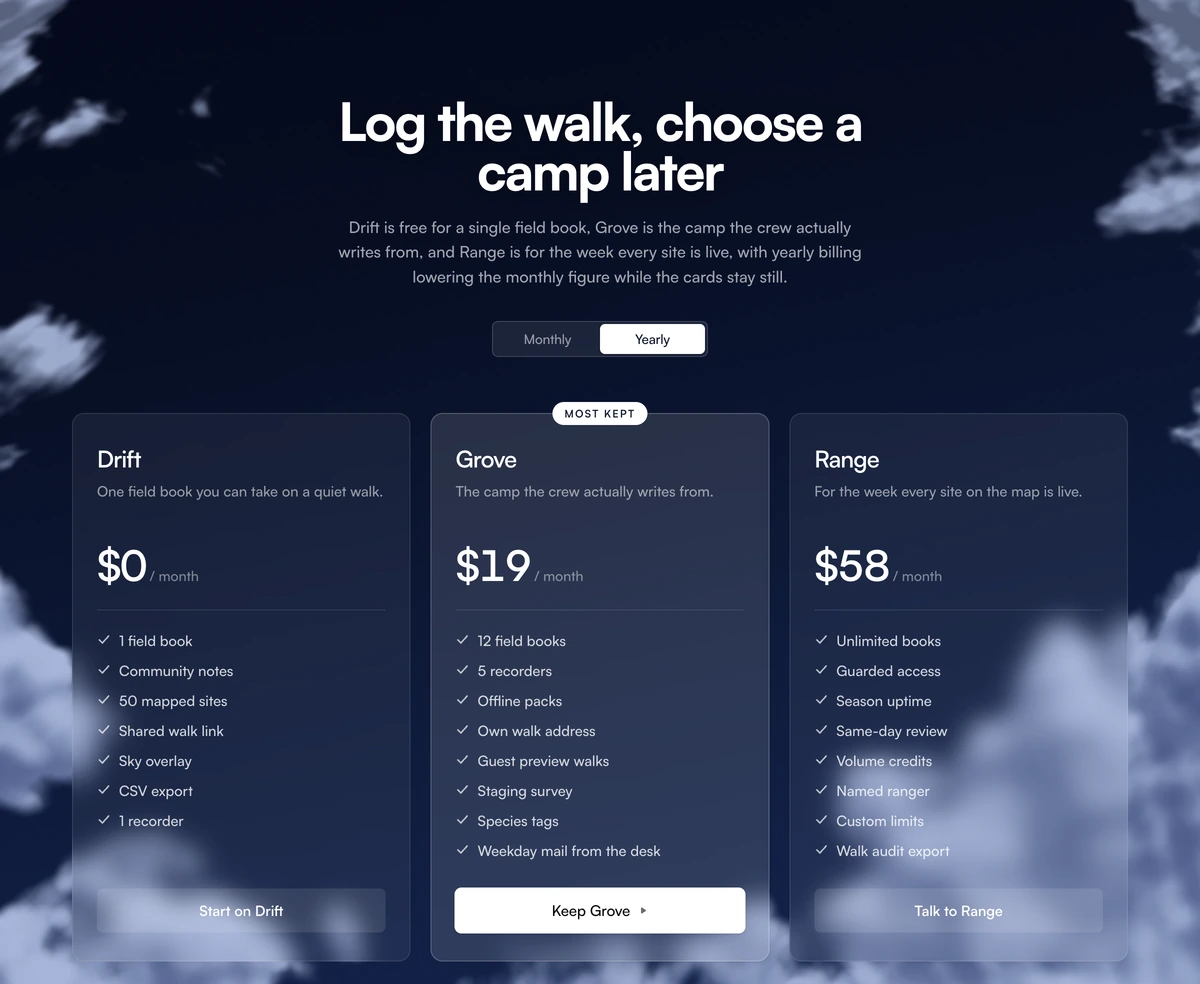
Which pricing section should I use?
Start from the buyer
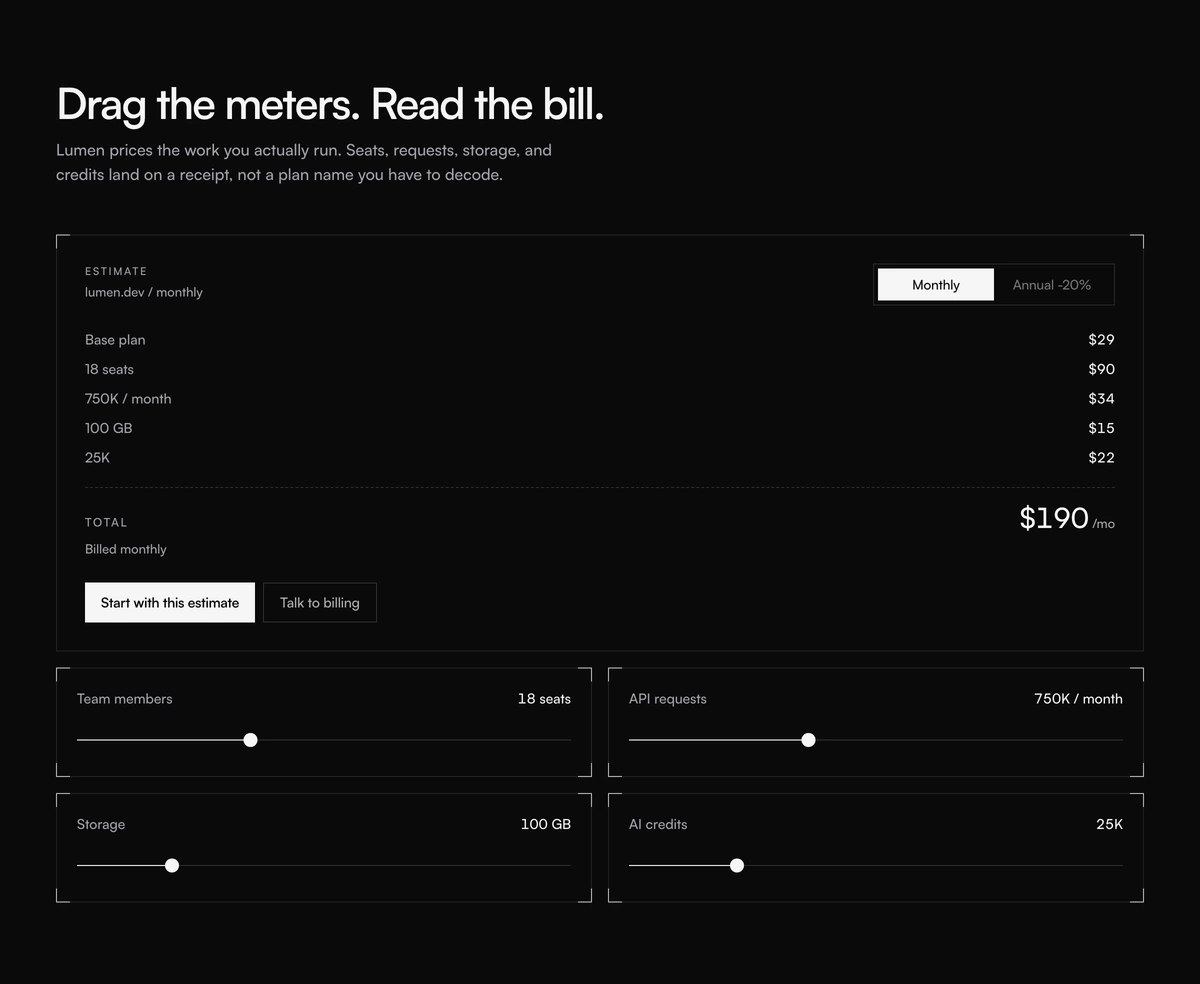
- Pricing Section With Usage Receipt
- Price is metered. Four sliders feed a receipt. Monthly and annual reprint the total. Skip a three card grid.
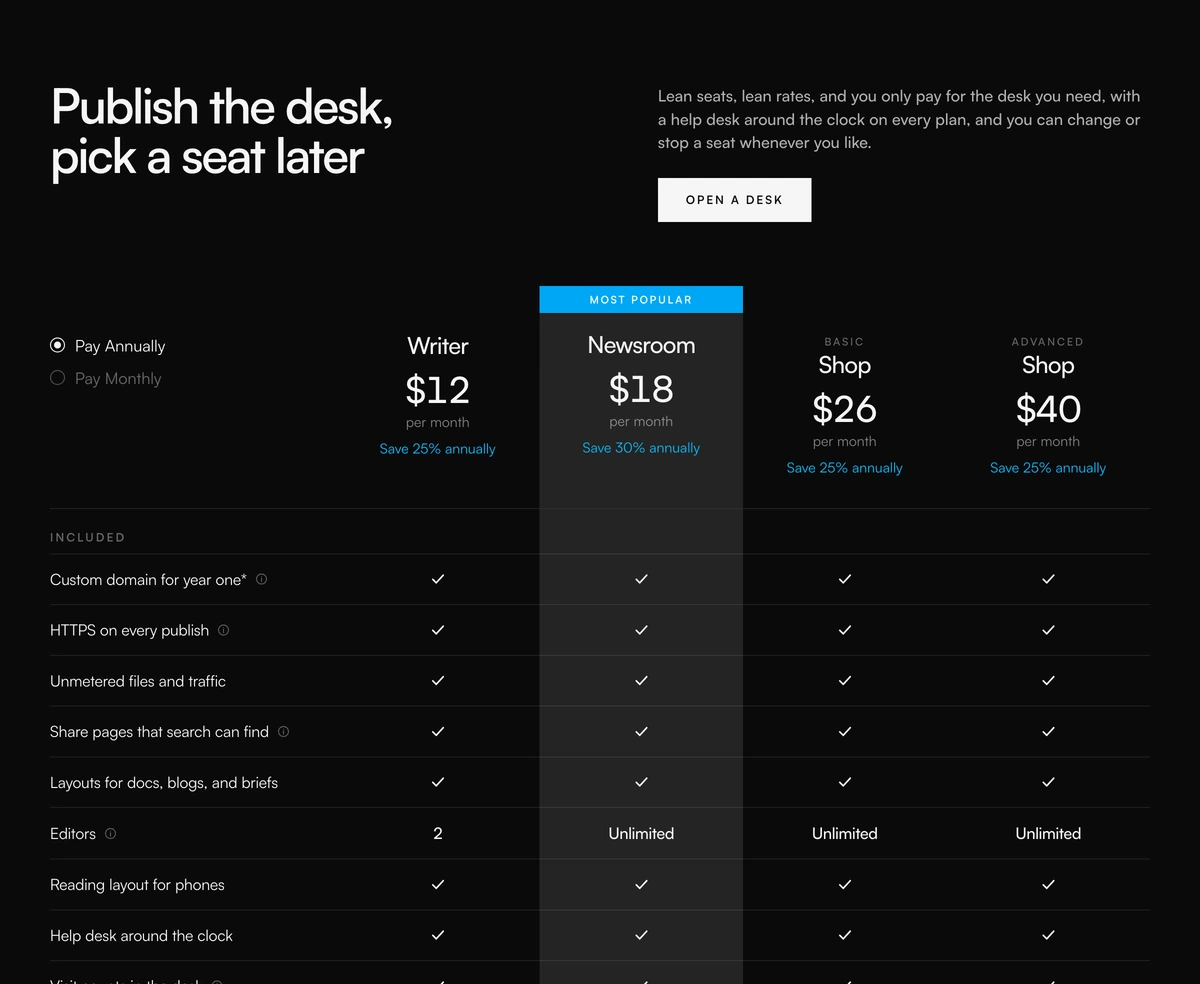
- Pricing Section With Comparison Table
- Four named plans share one feature list. Radios switch annual and monthly. Checks and empty cells do the comparison.
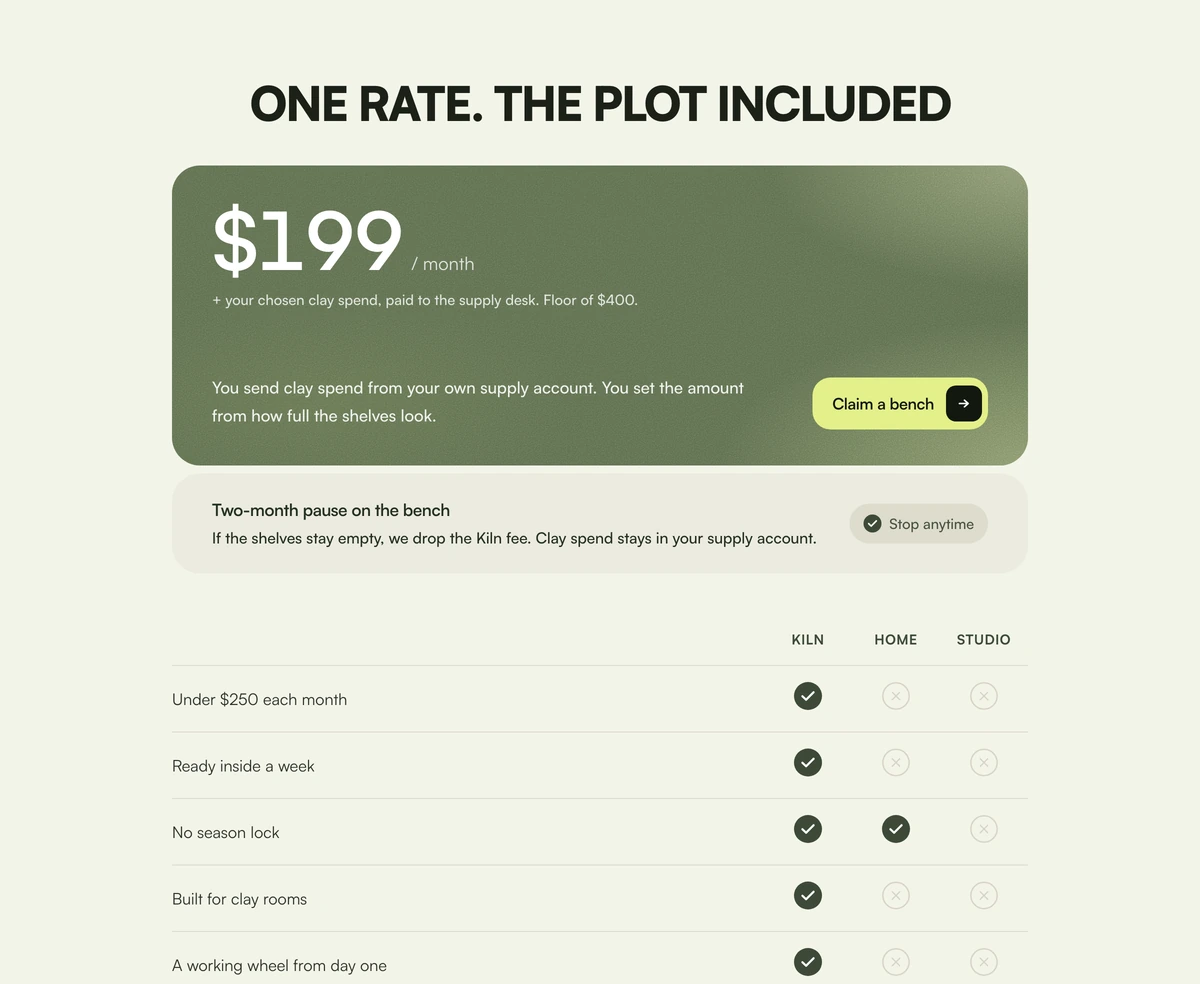
- Pricing Section With Included Price
- One moss card holds the monthly figure. A pause footer and a Kiln versus home versus studio table close the case.
Name the package
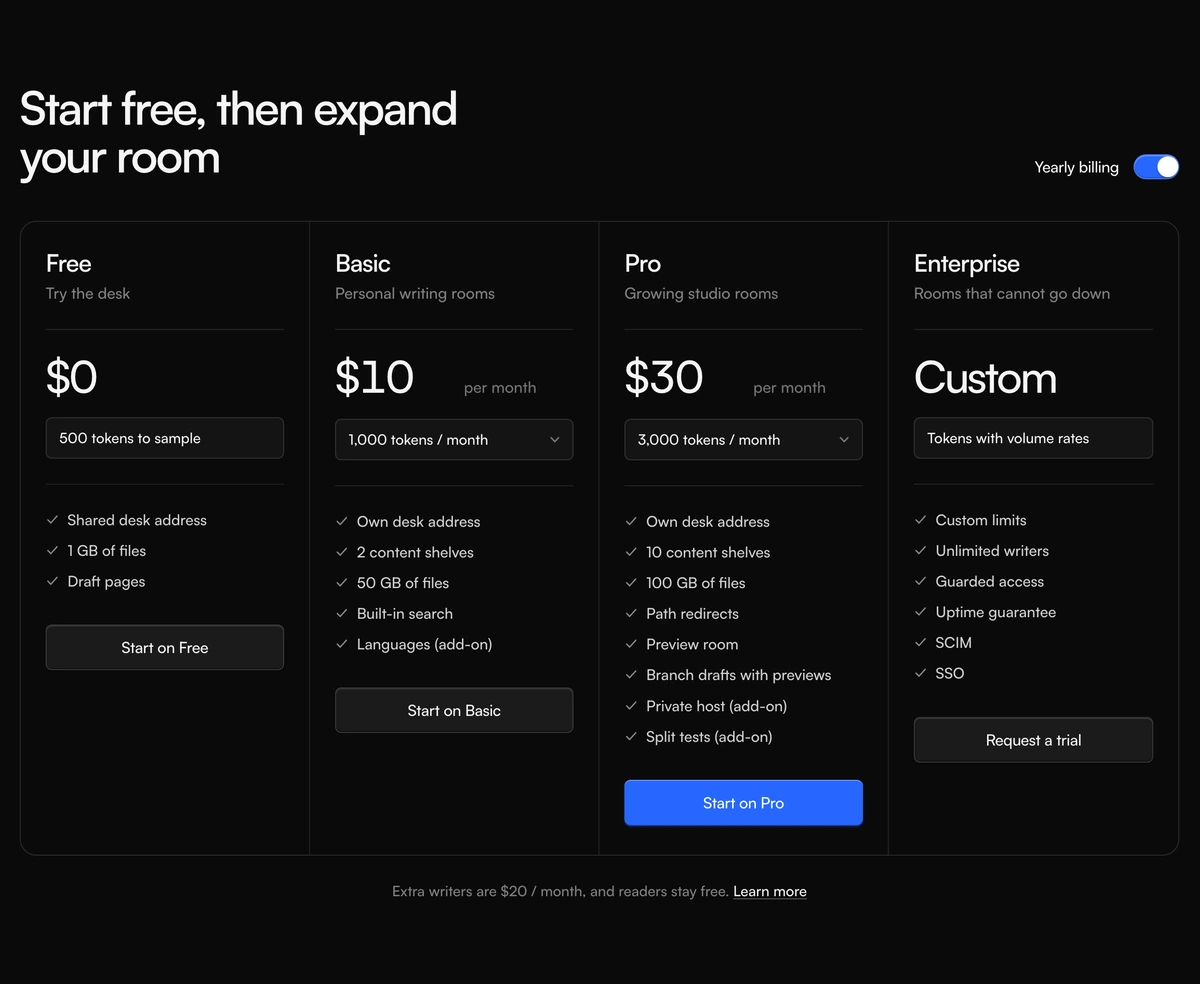
- Pricing Section With Credit Plan Columns
- Four seats share one frame. A yearly switch and credit menus reprint the monthly figure. Pro is the only accent action.
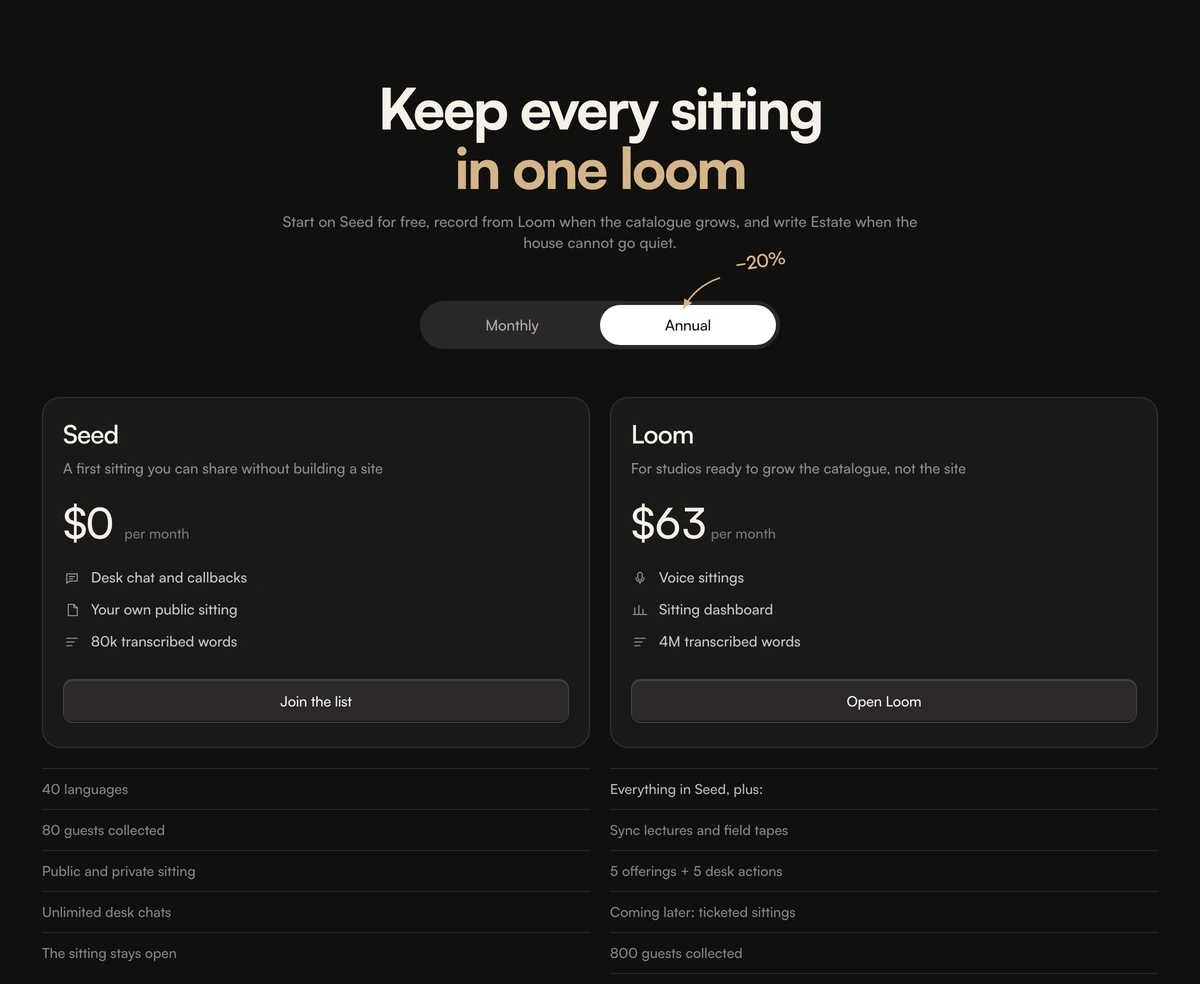
- Pricing Section With Nested Feature Lists
- Four serif cards hold three highlights. The rest of the plan sits in a nested list under the card. Annual glides on a pill.
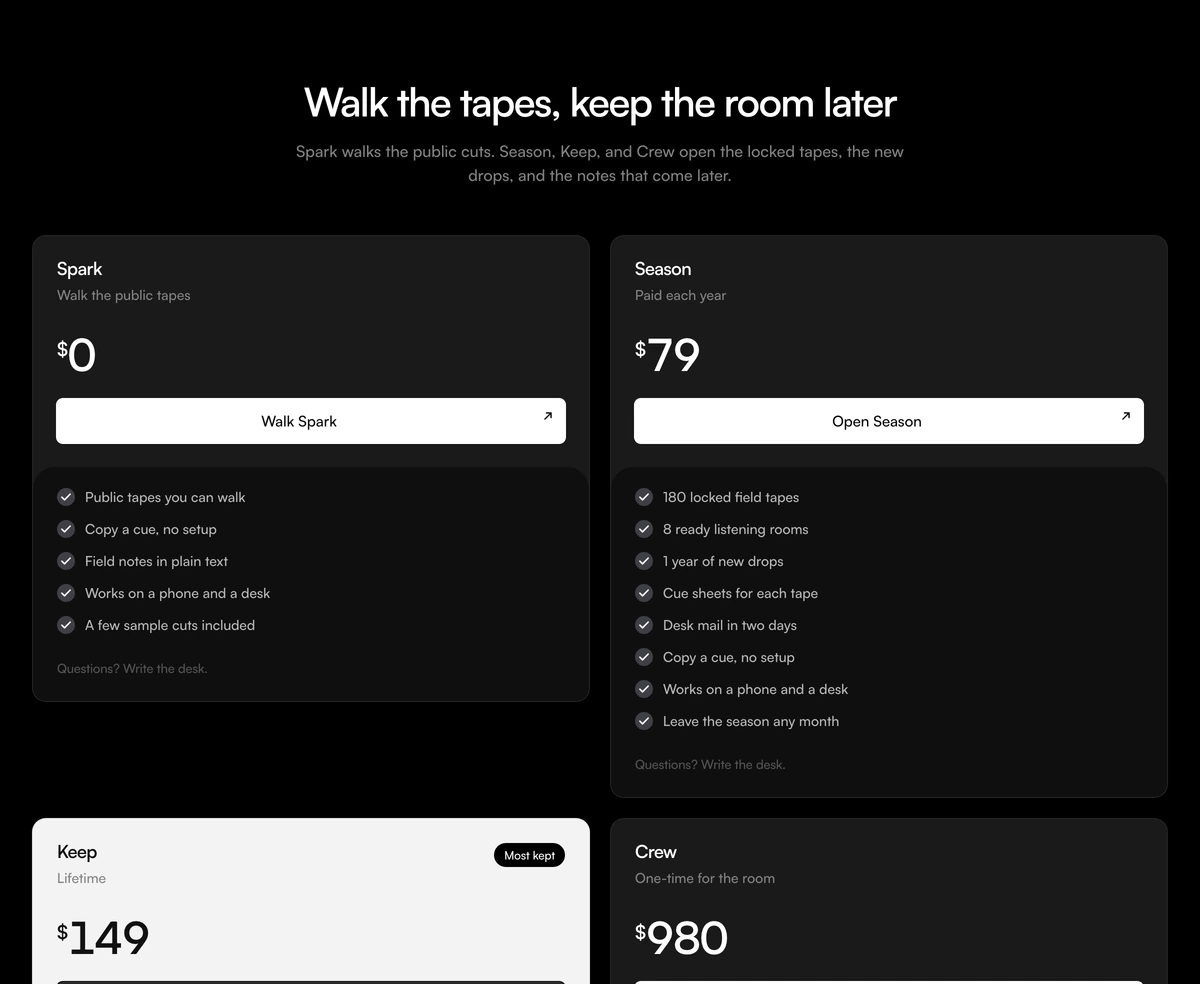
- Pricing Section With Lifetime Highlight
- Four access cards that follow light and dark. Keep inverts against the others. Live prices and a plus rule mark what stacks on.
Put it on a sky
- Pricing Section With Animated Clouds
- Three glass cards sit on a drifting cloud field. Yearly and monthly share a pill. Use when pricing is a landing, not a matrix.
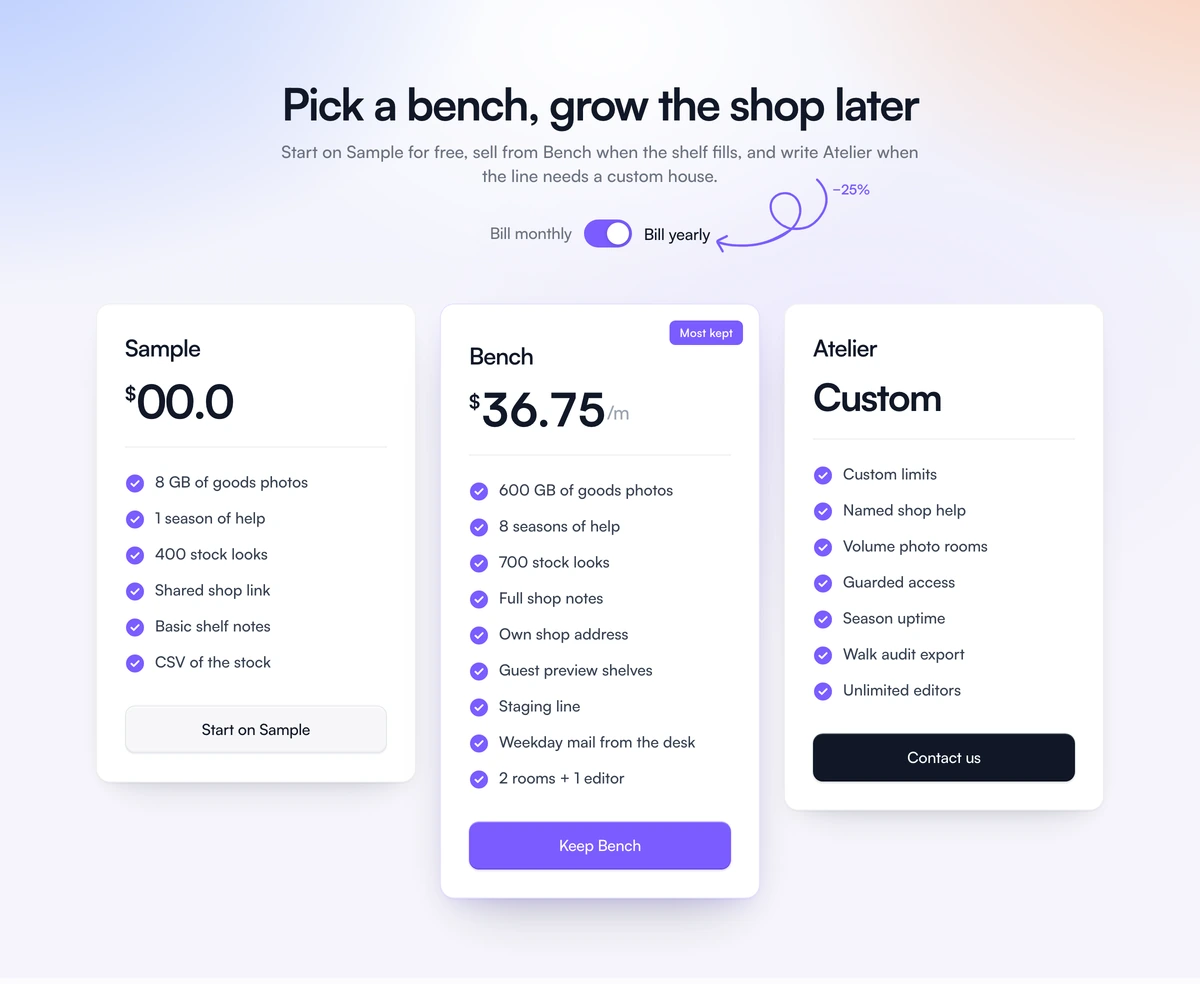
- Pricing Section With Soft Gradient
- Three white cards sit on a blue to peach wash. Yearly is a switch with a handwritten save scribble. Professional is the taller seat.