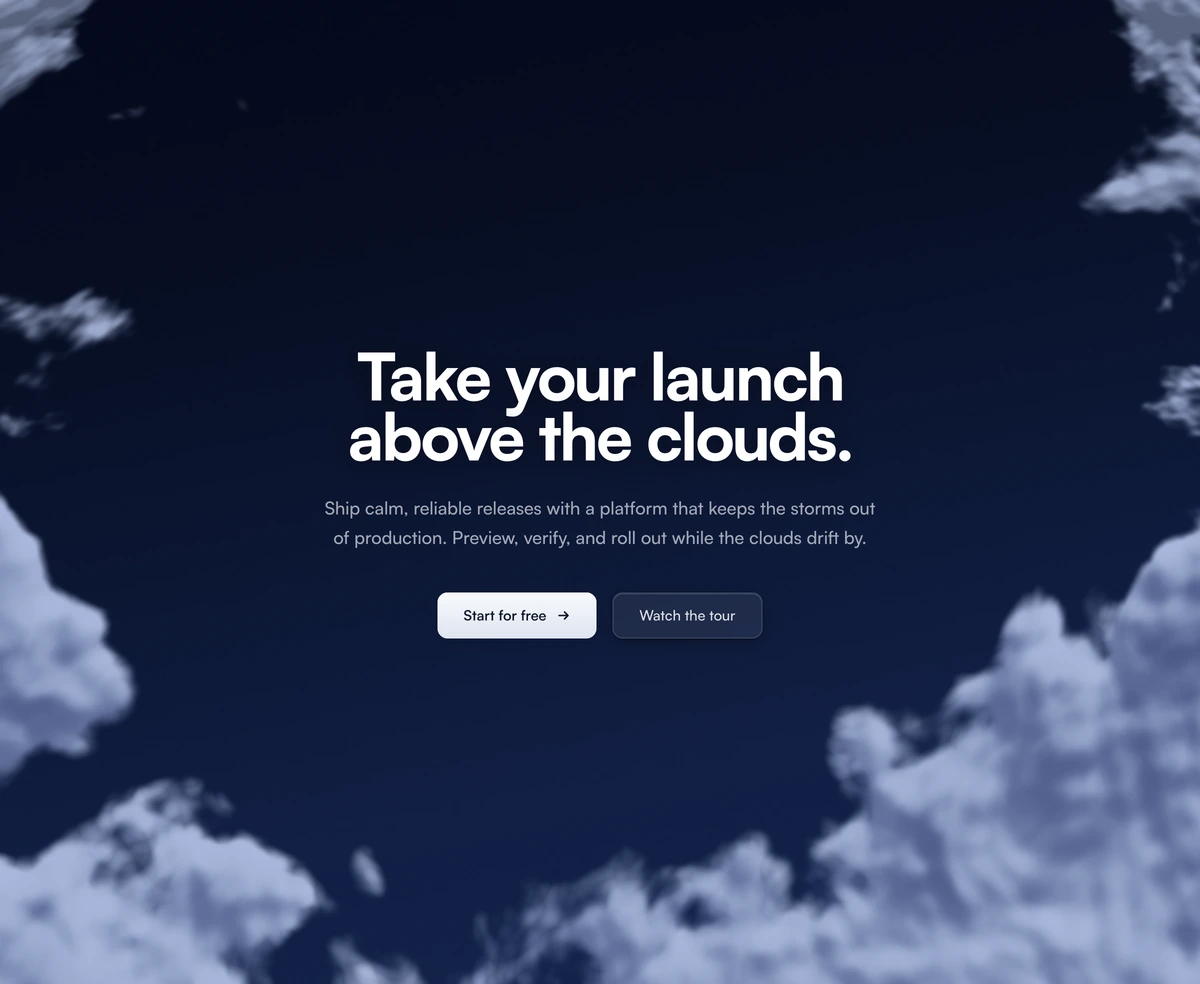
React Pricing Cards over Animated WebGL Clouds
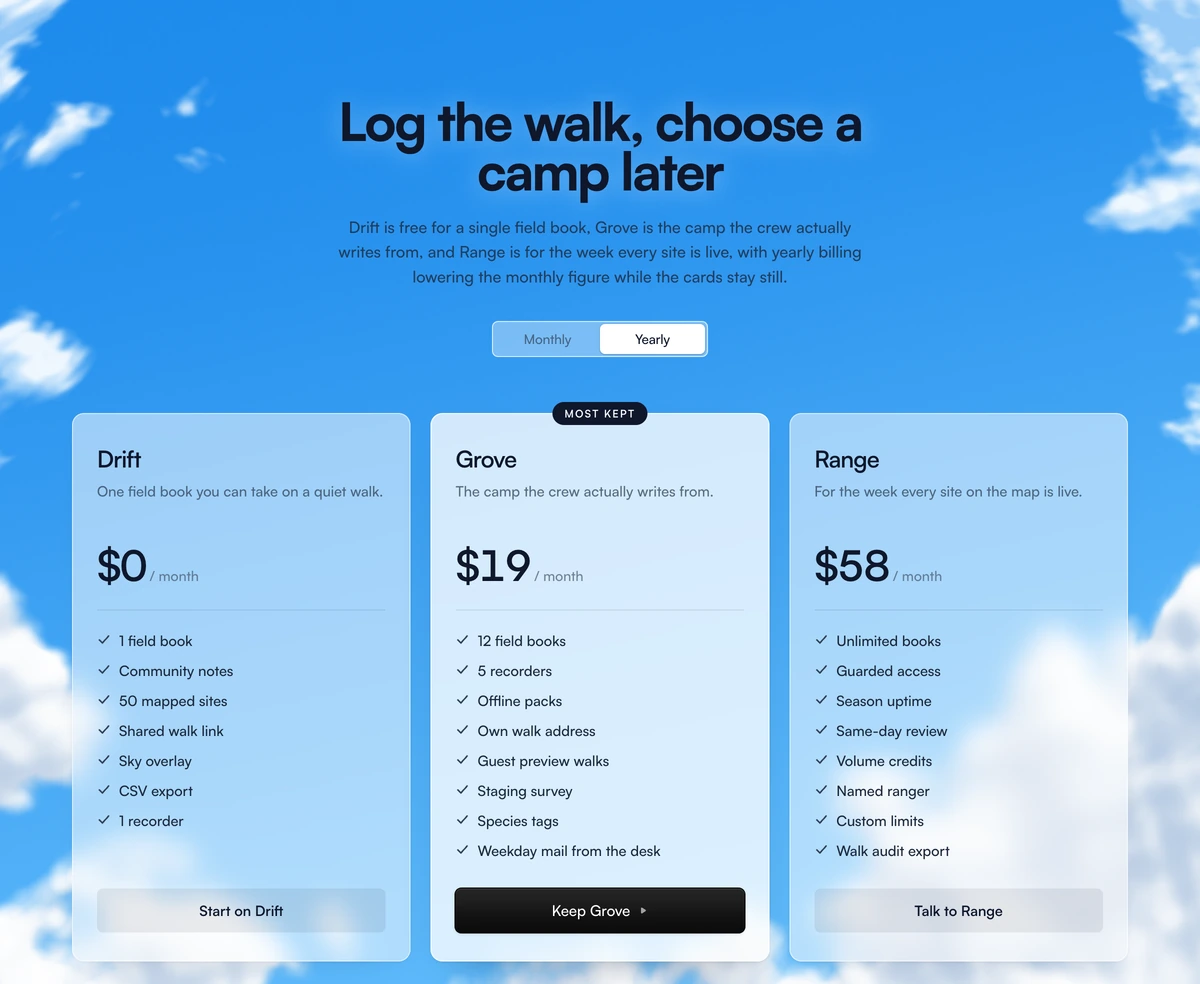
ProThree pricing cards made of frosted glass, floating over a sky where soft clouds drift by. By day the sky is deep blue with white clouds, by night navy with moonlit grey ones. One card is brighter with a badge and a black button, and a segmented switch above them changes the prices between monthly and yearly.
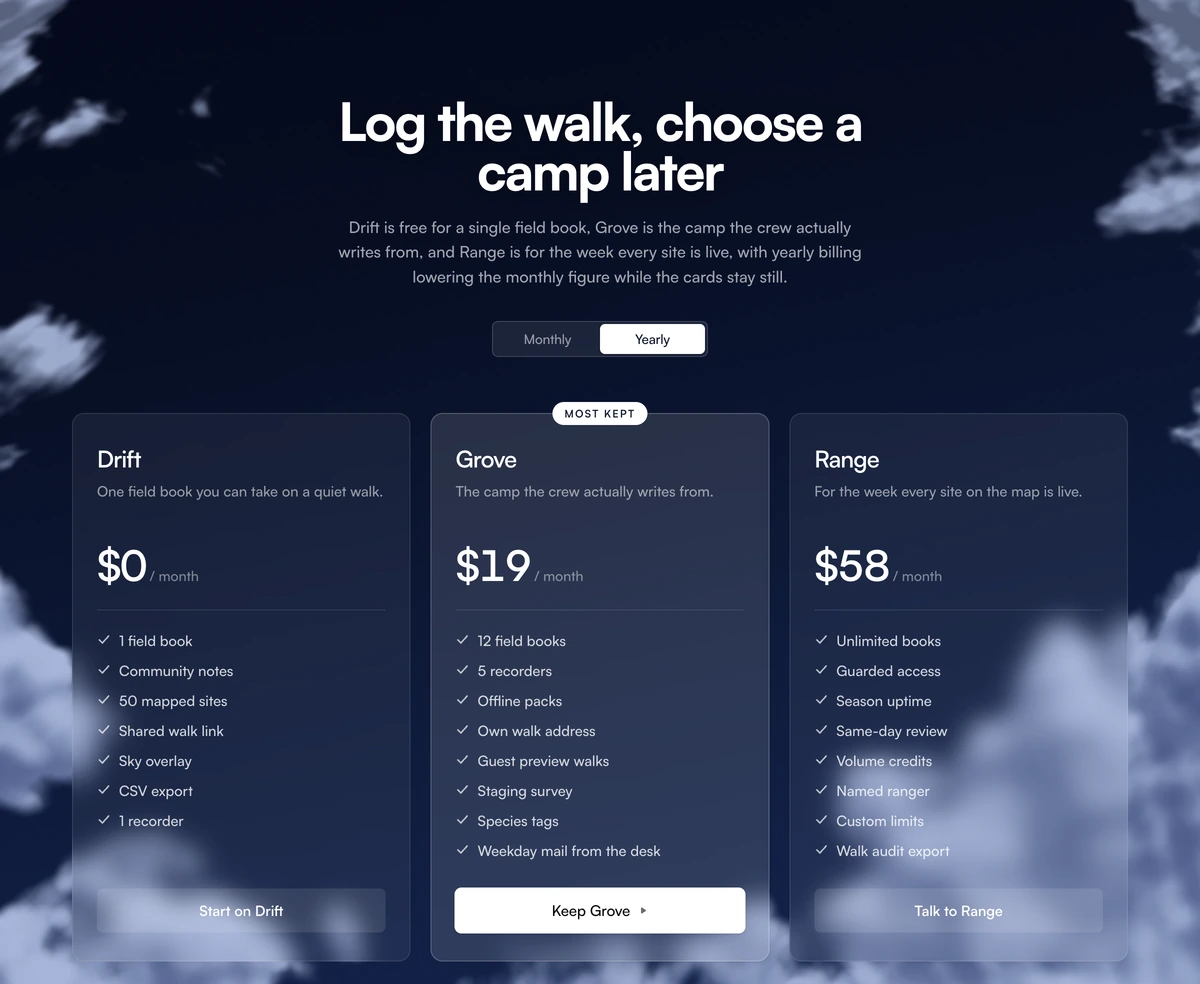
A pricing page with weather
Pricing Section with Animated Clouds is a React and Tailwind CSS pricing section that places three glassmorphism pricing cards over an animated cloud background drawn in raw WebGL, with a billing switch and a highlighted plan. It runs in Next.js or any React app and follows your theme through next-themes.
Pricing pages are usually the plainest page on a site, which is a missed chance on a product with a calm, friendly brand. A slowly moving sky behind glass cards makes the page feel considered without changing how pricing is read: three columns, one recommendation, one switch.
It shares its cloud shader with the clouds hero, so the two can bookend a site, and like the hero it uses no 3D library.
Layers of the cloud pricing section
Written yearly prices
Each plan stores a monthly and a yearly monthly figure side by side. The block does not compute a discount, so you control the exact number shown in each mode.
Cloud shader
Cumulus banks rising from the bottom corners and wisps along the top, drawn on a full screen WebGL quad and lit per lobe from the upper right. Deep blue in light mode and navy at night, with the scheme read from next-themes and the html class.
Glass cards
Three translucent cards with backdrop blur. The highlighted one is brighter and carries a badge.
Billing switch
A segmented radiogroup for Monthly and Yearly with a sliding pill, instant under reduced motion. Each plan has a monthly and a yearly monthly price.
Buttons
The highlighted plan gets a black button with an animated arrow; the others get a plain button.
Entrance
Cards fade in with Framer Motion, skipped for visitors who prefer reduced motion.
When clouds suit your pricing
Use it when
- Friendly consumer or prosumer products with three plans.
- You also use the clouds hero and want the site to feel continuous.
- Your app already uses next-themes.
- A pricing page that should feel calm rather than salesy.
Skip it when
- You want the yearly price computed from a percentage. Here every plan needs both figures written out.
- Enterprise buyers who expect a dense comparison.
- More than three plans.
- The section has to look identical in a screenshot tool or an email, where a live canvas will not run.
- You cannot add next-themes.
Plans, badge and sky speed
plans takes an id, name, tagline, monthly and yearlyMonthly prices, a features list, a cta, and optional highlighted and badge fields. The default badge text on the highlighted plan is sample copy, so set your own, such as Most popular, or leave it out.
speed slows or speeds the clouds; 0.5 is a good value behind dense text. Install next-themes with the block if your app does not already have it.
Keep feature lists short, three to five lines per card. The glass is translucent and long lists over moving clouds become harder to scan than the same list on a solid card.
npx wensity@latest add pricing-section-with-animated-clouds --type block
import { AnimatedCloudPricing } from "@/components/wensity/blocks/pricing-section-with-animated-clouds";export function Pricing() {return (<AnimatedCloudPricingheadline="Simple plans for every journal"speed={0.6}plans={[{ id: "free", name: "Free", tagline: "One notebook", monthly: 0, yearlyMonthly: 0, features: ["Sync on 2 devices"], cta: { label: "Start free", href: "/signup" } },{ id: "plus", name: "Plus", tagline: "For daily writers", monthly: 6, yearlyMonthly: 4, features: ["Unlimited notebooks", "Photo entries"], cta: { label: "Get Plus", href: "/signup?plan=plus" }, highlighted: true, badge: "Most popular" },{ id: "family", name: "Family", tagline: "Up to 5 people", monthly: 12, yearlyMonthly: 9, features: ["Shared notebooks"], cta: { label: "Get Family", href: "/signup?plan=family" } },]}/>);}
Props
| Prop | Type | Default | Description |
|---|---|---|---|
plans | { id; name; tagline; monthly; yearlyMonthly; features; cta; highlighted?; badge? }[] | - | Three plans. highlighted brightens one card and gives it the black button. |
plans[].badge | string | - | Small label on a card, typically on the highlighted plan. |
speed | number | 1 | Cloud drift multiplier. |
headline / subtext | string | - | Heading and paragraph above the cards. |
Performance and motion
Reduced motion
The shader pauses and the card entrance is skipped for visitors who ask for reduced motion.
Light on the GPU
The canvas renders at 0.6x of its CSS size at 30 frames per second, stops once the section leaves the viewport, and holds still while the page scrolls, so scrolling past the glass cards stays smooth. A CSS gradient in the same sky colours paints first and stays if WebGL is unavailable.
Glass legibility
Backdrop blur keeps text readable as clouds pass; avoid lowering card opacity further.
Dependencies
framer-motion and next-themes, plus raw WebGL. No Three.js.
Sky colours are fixed
Unlike the clouds hero, this section exposes no palette props. The day and night colours live in the component, so recolouring the sky means editing those values.
Layout
Cards sit in a single column on phones and three across from 768px, inside a container up to 1120px wide.
Block details
- Category
- Pricing Sections
- Renders
- WebGL canvas. Compiles a shader before the first frame
- Theme
- Follows the site theme in light and dark
- Dependencies
clsxframer-motionnext-themestailwind-merge- Source
- 783 lines, 26 KB in one file
- Install
wensity add pricing-section-with-animated-clouds --type block- Tags
- light, dark, pricing, clouds, webgl, saas
- Last updated