Gradient Stripes
ProA brand gradient sliced into glowing stripes that rise toward the pointer.
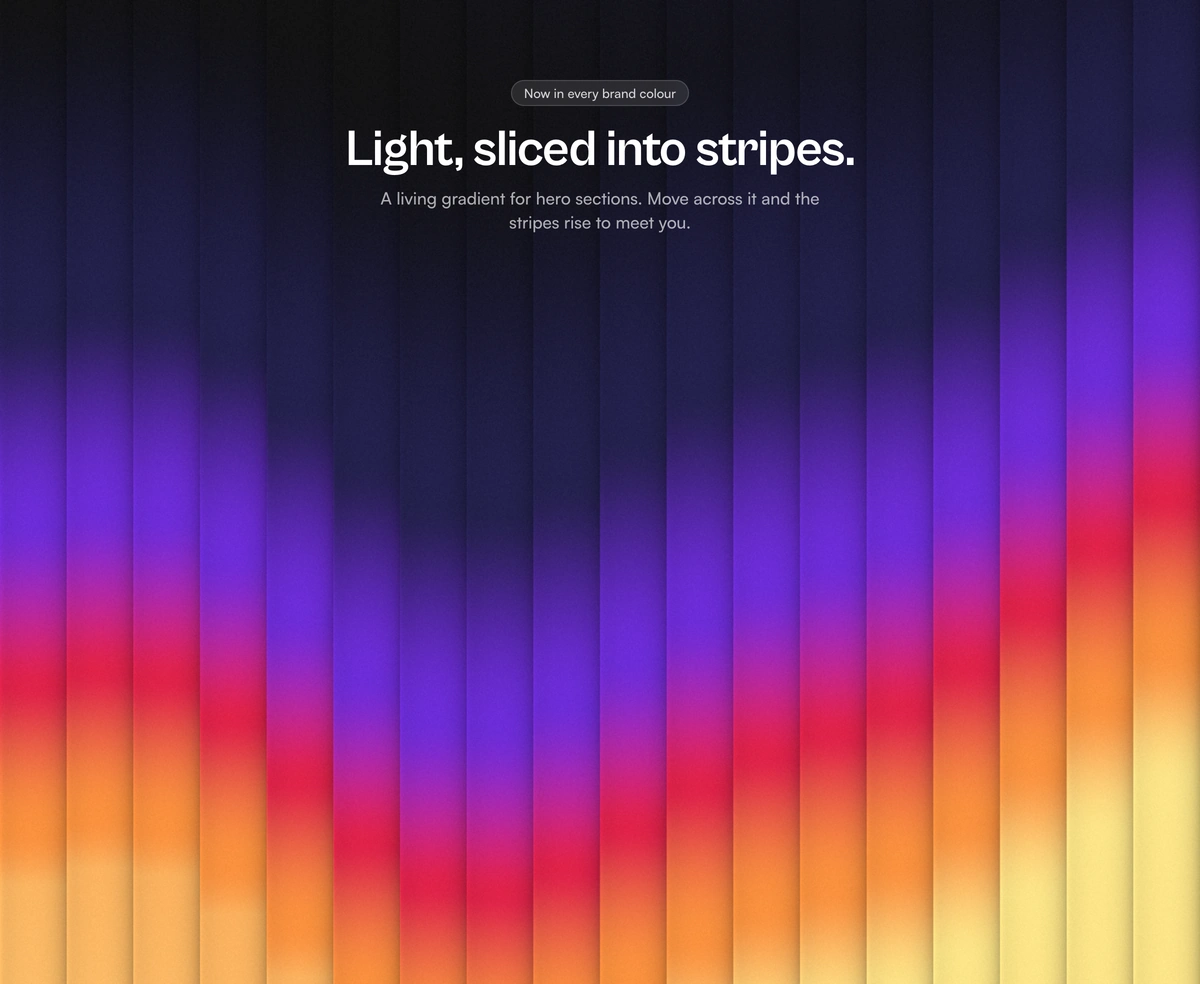
Overview
Gradient Stripes is a React and Tailwind CSS WebGL background for hero sections, in Next.js or any React app, with no dependencies. A brand gradient glows up from the bottom like a horizon and is sliced into stripes that each slide their slice on a slow traveling wave, and stripes rise toward the pointer. Pass two to six colors, tune angle, gap, grain, and pull, and fade the edges so hero copy can sit on top. It stops off screen, and reduced motion freezes it on one frame. Set background to your page color so gaps blend in.
Installation
Run the following command
pnpm dlx wensity@latest add gradient-blind-backdrop
Usage
Import GradientBlindBackdrop from @/components/wensity/gradient-blind-backdrop and render it anywhere in your React or Next.js app. The source lands in your own repo, so every prop, class and animation below is yours to edit.
import { GradientBlindBackdrop } from "@/components/wensity/gradient-blind-backdrop";export default function Hero() {return (<GradientBlindBackdropclassName="h-[560px] w-full"colors={["#0a0a0b", "#1e1b4b", "#6d28d9", "#e11d48", "#fb923c", "#fde68a"]}background="#0a0a0b"stripes={18}><div className="flex h-full flex-col items-center pt-20 text-center text-white"><h1 className="text-5xl font-semibold tracking-tight">Light, sliced into stripes.</h1></div></GradientBlindBackdrop>);}
Props
| Prop | Type | Default | Description |
|---|---|---|---|
colors | string[] | Sunrise | Gradient stops from the top of the frame to the glowing bottom, 2 to 6 hex colours. Start with the page colour so the stripes melt into it. |
background | string | "#0a0a0b" | Page colour behind the stripes. Gaps and the edge fade blend into it, so a light value makes a light-mode backdrop. |
stripes | number | 18 | Number of stripes across the width. Narrow screens show fewer so none drops below 26px. |
angle | number | 0 | Stripe angle in degrees. 0 stands them upright. |
wave | number | 0.35 | How far the travelling wave slides each stripe, 0 to 1. |
frequency | number | 1 | Wave crests across the frame. |
speed | number | 1 | Motion speed. 0 holds the field still until the pointer moves. |
depth | number | 0.55 | Rounded shading across each stripe, 0 keeps them flat. |
gap | number | 0 | Space between stripes in CSS pixels, filled with the background. |
grain | number | 0.35 | Film grain, 0 to 1. |
mask | "none" | "bottom" | "top" | "radial" | "edges" | "none" | Fades the stripes into the background so content can sit on top. |
pull | number | 0.6 | How strongly the stripes rise toward the pointer. 0 turns it off. |
dpr | number | - | Render scale. Defaults to the device ratio, capped at 2. |
paused | boolean | false | Freeze on the current frame. |
children | ReactNode | - | Content layered above the stripes, such as hero copy. |
Featured in React hero section components and React 3D components.