Dynamic Island Toast
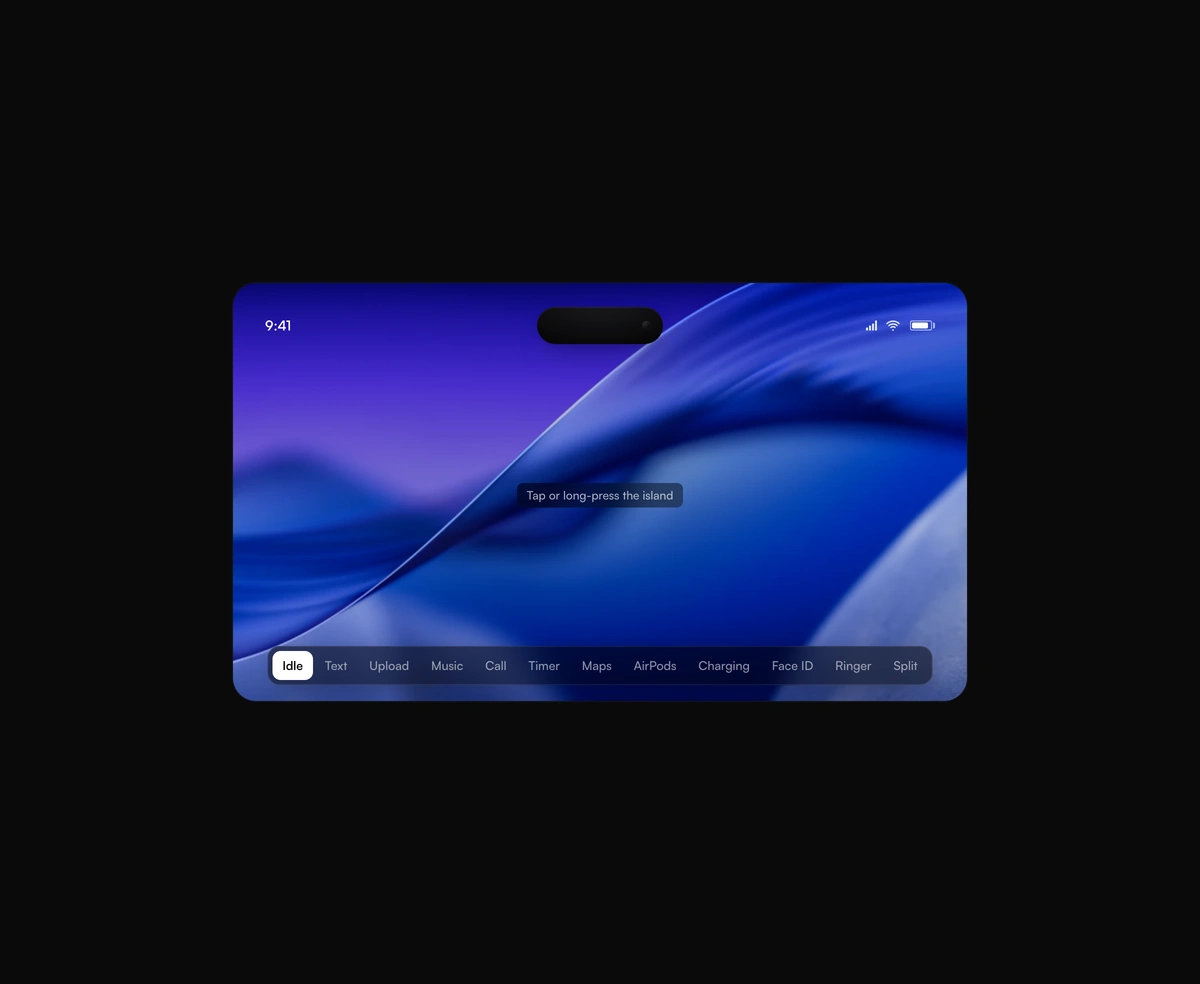
A pixel-faithful Apple Dynamic Island that morphs, splits, and breathes while it hosts live activities inside your app.
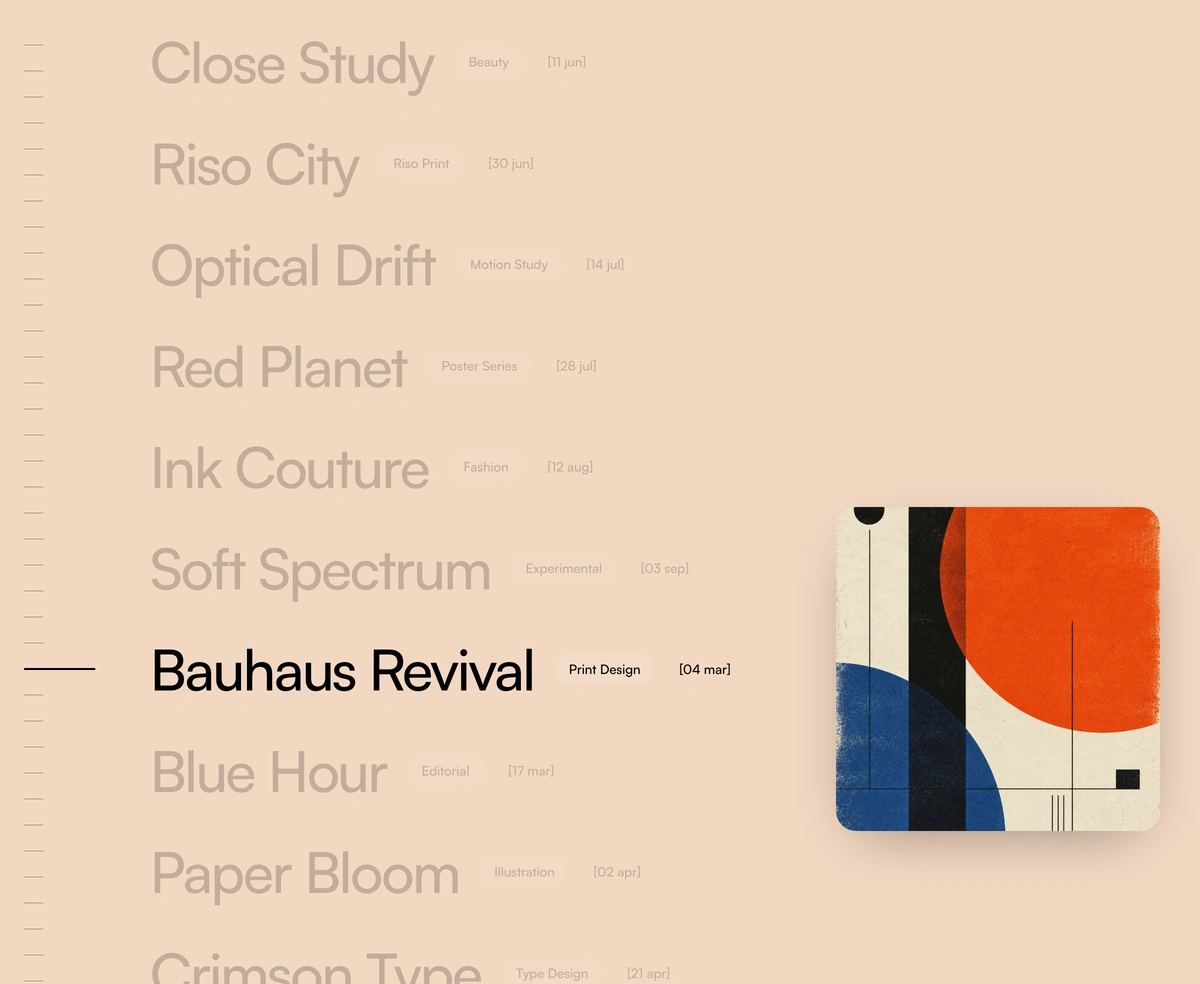
An endless project list that repaints the whole stage in the active row's color, with a preview card you can drag.
Color Archive Scroll is a React and Tailwind CSS project list for studio and portfolio sites, in Next.js or any React app, animated with Framer Motion and GSAP. Rows glide past a fixed anchor line, and the whole stage fades to that project's color while a draggable preview card follows. It can wrap endlessly, show a ruler that jumps on click, play a tick per row, and step with arrow and page keys. Wheel and touch inside the stage move the list, not the page, so leave room around it to scroll past.
Run the following command
pnpm dlx wensity@latest add color-archive-scroll
npx wensity@latest add color-archive-scroll
yarn dlx wensity@latest add color-archive-scroll
bunx wensity@latest add color-archive-scroll
Import ColorArchiveScroll from @/components/wensity/color-archive-scroll and render it anywhere in your React or Next.js app. The source lands in your own repo, so every prop, class and animation below is yours to edit.
"use client";import { ColorArchiveScroll } from "@/components/wensity/color-archive-scroll";const projects = [{id: "bauhaus-revival",name: "Bauhaus Revival",badge: "Print Design",date: "04 mar",bgColor: "#f2d8c2",image: "/work/bauhaus.webp",},{id: "blue-hour",name: "Blue Hour",badge: "Editorial",date: "17 mar",bgColor: "#b9c6e6",image: "/work/blue-hour.webp",},];export default function Example() {return (<main className="h-screen w-full"><ColorArchiveScrollprojects={projects}previewSize="lg"scrollThreshold={90}enableSoundinfiniteScroll/></main>);}
| Prop | Type | Default | Description |
|---|---|---|---|
projects | ColorArchiveProject[] | Twelve Wensity art-direction projects | Rows in the archive. Each needs id, name, badge, bgColor, and image. |
showPreview | boolean | true | Render the floating, draggable preview card. |
previewSize | "sm" | "md" | "lg" | "lg" | Preview card edge length: 320, 440, or 560 pixels. These are ceilings — the card is sized as a share of the stage and only clamps on very wide displays. |
enableSound | boolean | false | Tick whenever the active row changes. The sound is a hosted 45ms file fetched once per tab, so there is nothing to install. Browsers keep audio silent until the reader's first click, tap or key press anywhere on the page — a wheel event does not count as one — so a scroll on a freshly loaded page stays quiet until any interaction arms it. |
tickSrc | string | Hosted Wensity tick | Sound played on a row change. Point it at your own file to replace the tick; it is fetched and decoded once per URL and shared by every instance on the page. |
infiniteScroll | boolean | true | Wrap the list end to end. Turn it off to clamp at the first and last row. |
scrollThreshold | number | 90 | Pixels of wheel or touch travel that advance one row. Lower is a faster list. |
showRuler | boolean | true | Show the anchored ruler down the left edge. One dash per project, stretching toward the cursor, click to jump. Hidden below the md breakpoint, where the row would have to give up too much width. |
activeAnchor | number | 0.68 | Where the active row sits, as a fraction of stage height. The preview card follows it. |
rowLeading | number | 1.9 | Row leading as a multiple of the type size — the one number that sets how much air the list has. Tightening it is what makes these lists feel cramped. |
activeIndex | number | - | Controlled active row. Pass it to drive the list yourself. |
defaultActiveIndex | number | 0 | Uncontrolled starting row. |
onActiveChange | (index: number, project: ColorArchiveProject) => void | - | Fires whenever the active row changes. |
className | string | - | Classes for the stage. Height belongs here: the stage fills its container and floors at 520px. |
label | string | "Project archive" | Accessible name for the stage. |
A pixel-faithful Apple Dynamic Island that morphs, splits, and breathes while it hosts live activities inside your app.
A seamless, GPU-only logo strip that never stutters or snaps at the loop point.
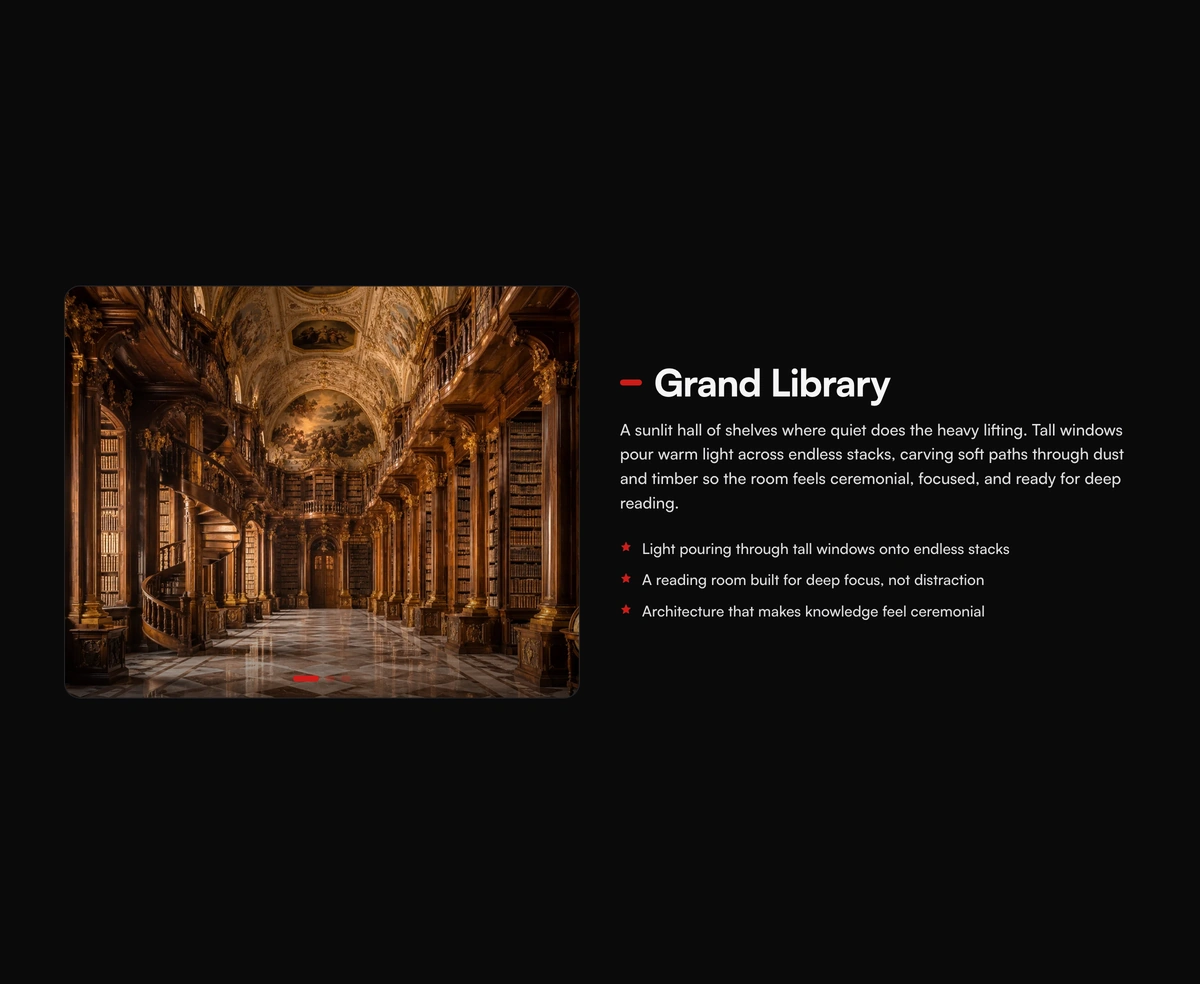
A pinned cinematic section that morphs in lock-step with scroll, staying perfectly in sync whichever way you travel.
Lava lamp background for React heroes: soft gradient shapes that drift and melt.